







Your Computer Needs Maintenance Like Your Body Needs Sleep
People treat computers like they’re immortal. Once it turns on, connects to Wi-Fi, and opens a browser, that’s it job done forever. No cleaning. No checkups. No rest. Then one day it becomes slow, loud, hot, and unstable, and everyone asks the same question: “Why is my computer suddenly like this?”
The answer is simple: you neglected it.
Just like the human body, a computer needs regular maintenance to stay healthy. Ignore it long enough, and performance collapses. Not all at once slowly, quietly, and painfully.
Let’s start with physical maintenance, the most ignored part.
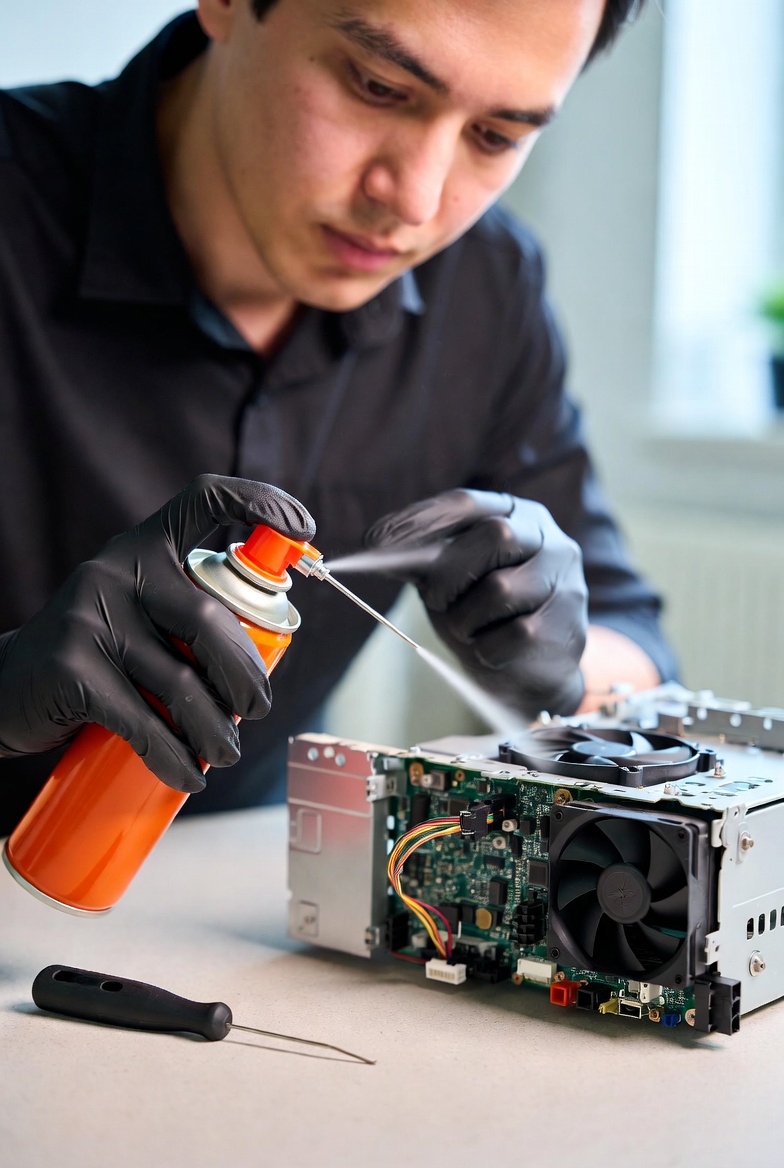
Inside your computer is dust. Lots of it. Dust builds up on fans, heat sinks, and vents, blocking airflow. When airflow is restricted, heat rises. When heat rises, the CPU and GPU protect themselves by slowing down. This is called thermal throttling, and it can make a powerful computer feel weak. Many people think their PC is outdated when, in reality, it’s just overheating.
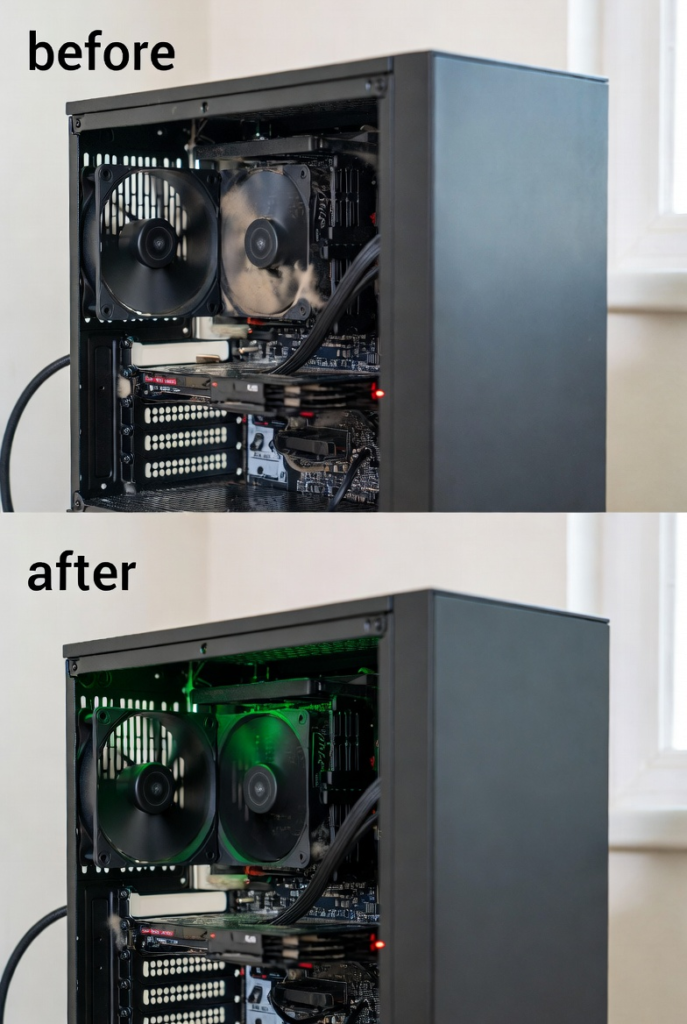
Cleaning dust once or twice a year can dramatically improve performance and extend hardware lifespan. Yet most computers are never cleaned until they fail.
Now let’s talk about software clutter.
Every installed program leaves something behind files, services, background processes. Over time, unused software accumulates. Startup programs multiply. System resources are wasted before you even open your first app. This is why a computer feels fast when new and sluggish later. It’s not age it’s clutter.
Then there’s updates, which people either ignore completely or fear irrationally.
Updates are not just about new features. They fix bugs, improve performance, and patch security holes. Skipping updates leads to instability, compatibility issues, and vulnerabilities. On the other hand, installing updates without maintenance can also cause problems if your system is already cluttered. Balance matters.
Another critical part of maintenance is storage management.
Operating systems need free space to function properly. Temporary files, update caches, and system logs grow over time. When your system drive gets too full, everything slows down. File access takes longer. Programs hesitate. The computer feels heavy. Keeping at least 20–25% free space on your main drive is not optional it’s survival.
Let’s not forget restarts.
Many people never restart their computers. They close the lid, put it to sleep, and keep going for weeks. Background processes pile up. Memory leaks grow. System stability decreases. Restarting clears temporary memory, resets processes, and gives the system a clean state. It’s not a fix for everything, but it’s basic care.
Security maintenance is just as important.
Malware, adware, and unwanted extensions quietly drain resources. Even if they don’t steal data, they slow systems down. Regular scans, safe browsing habits, and avoiding sketchy downloads protect both performance and privacy.
Drivers are another forgotten element.
Outdated drivers cause crashes, poor performance, and hardware issues. Updated drivers ensure smooth communication between hardware and software. Ignoring them leads to bugs that people mistake for “bad hardware.”
Now let’s address the mindset problem.
People are willing to service their phones, vehicles, and even coffee machines but not their computers. Yet computers are used daily, sometimes nonstop. Expecting them to perform perfectly without maintenance is unrealistic.
The good news? Computer maintenance is not complicated.
Basic habits make a massive difference:
- Clean dust regularly
- Uninstall unused programs
- Limit startup apps
- Keep software updated
- Maintain free storage space
- Restart regularly
- Use antivirus protection
Most “dead” computers are just neglected. With proper care, systems last longer, perform better, and feel smoother even with older hardware.
Your computer doesn’t need replacement every few years.
It needs rest, cleaning, and discipline.
Just like you.
