Why Your Computer Gets Slower Every Year (And It’s Not Aging, It’s Abuse)
Every year, without fail, people say the same thing:
“My computer is old.”
“My laptop is outdated.”
“It was fast before, now it’s trash.”
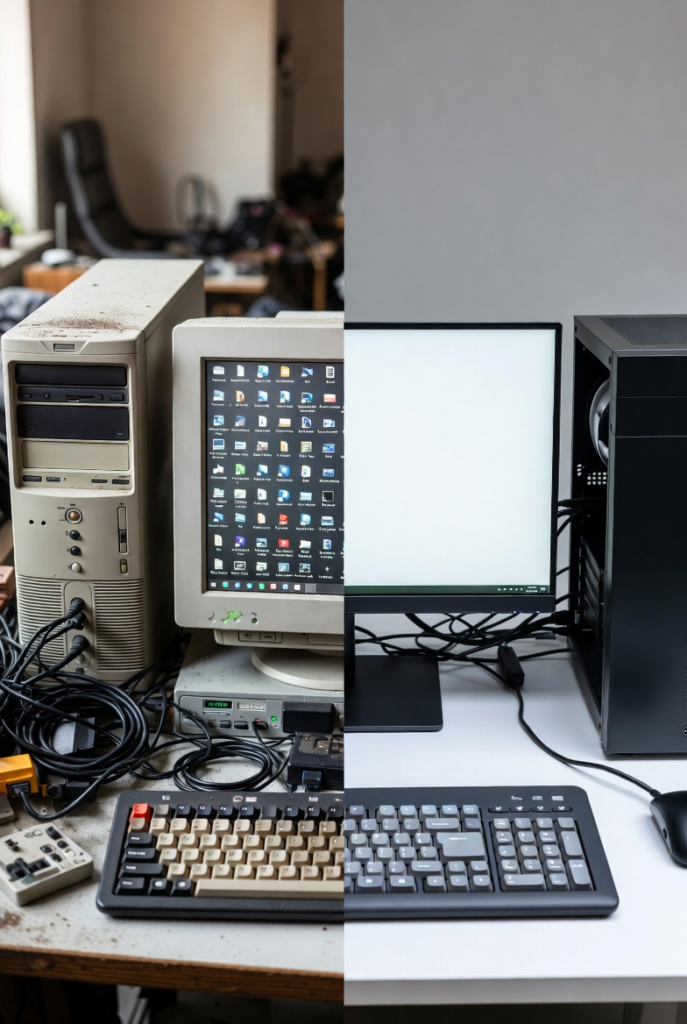
But here’s the uncomfortable truth: your computer didn’t suddenly become slow you slowly abused it.
Computers don’t age like humans. They don’t wake up one day and decide to stop working. What actually happens is a slow buildup of digital clutter, bad habits, and unnecessary stress that quietly kills performance over time.
Let’s start with the biggest culprit: software bloat.
When you first buy a computer, it feels amazing. Everything opens instantly. Boot times are short. Even basic specs feel powerful. That’s because the system is clean. Over time, you install apps “just to try,” programs you never uninstall, browser extensions you forget exist, and background services that quietly run every time you start your PC. Each one may seem harmless alone, but together they form a digital traffic jam.
Next comes startup overload.
Many applications secretly add themselves to startup. Messaging apps, game launchers, updaters, cloud sync tools all waking up the moment your computer turns on. Instead of starting fresh, your PC begins every day already exhausted. This is why boot times increase year after year, even when hardware stays the same.
Then there’s storage slowdown.
If your system drive is almost full, your computer struggles. Operating systems need free space to create temporary files, manage updates, and function properly. When storage is nearly maxed out, everything slows down file access, app loading, even simple clicks. This is especially painful on older hard drives, but SSDs also suffer when pushed too far.
Another silent killer is background processes.
Many programs don’t fully close when you exit them. They continue running in the background, using RAM and CPU resources. Over time, these hidden processes stack up. You don’t see them, but your computer feels them. This is why a fresh restart often makes a PC feel faster it clears the mess you didn’t know existed.
Updates are another misunderstood factor.
Operating system updates aren’t evil, but they get heavier over time. New features, security layers, and compatibility support increase system requirements. Hardware that once handled everything smoothly now struggles to keep up. This doesn’t mean updates are bad it means hardware eventually reaches its comfort limit.
User habits play a huge role too.
Downloading cracked software, ignoring malware warnings, skipping maintenance, and never restarting your PC all contribute to long-term slowdown. Malware doesn’t always announce itself. Some just sit quietly, using resources, tracking activity, and slowing things down without obvious signs.
Let’s talk about dust and heat, because yes physical neglect matters.
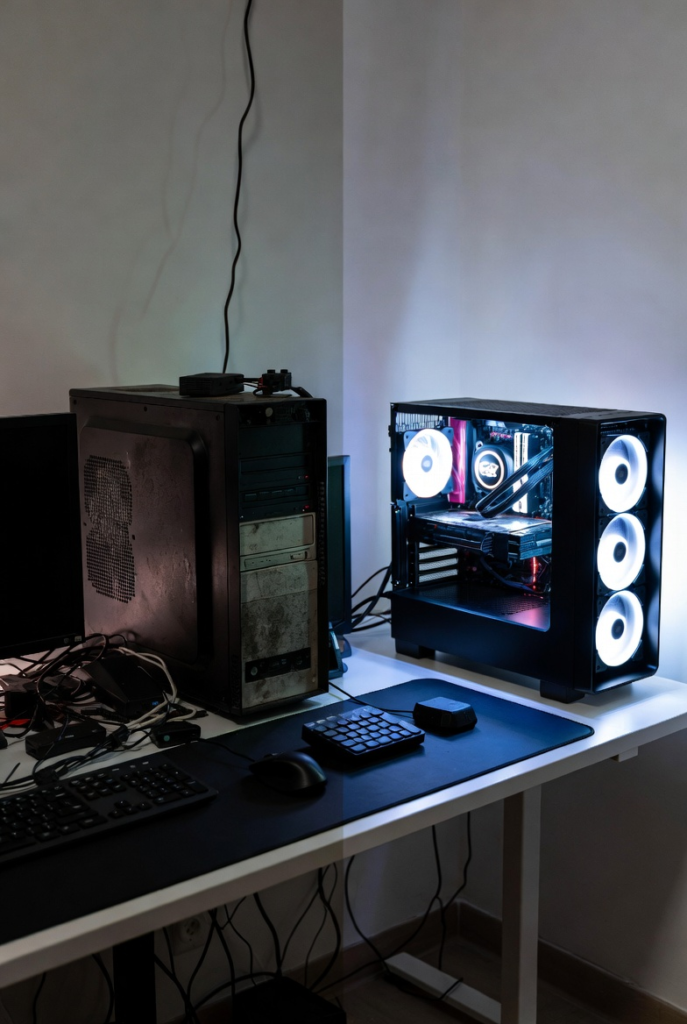
Dust buildup restricts airflow, causing components to overheat. When CPUs get too hot, they automatically slow down to protect themselves. This is called thermal throttling, and it can make even powerful computers feel weak. Most people blame software, but the real problem is that their PC hasn’t been cleaned since the day it was bought.
There’s also the myth that more powerful hardware is immune.
It’s not. High-end systems degrade too if abused. The difference is they take longer to show symptoms. Eventually, even the strongest hardware gets buried under poor software habits and neglect.
So what’s the solution?
Not panic. Not replacement. Maintenance.
Cleaning startup programs, uninstalling unused apps, keeping storage space free, updating drivers properly, restarting regularly, and cleaning dust physically can restore performance dramatically. Many “slow” computers don’t need replacement they need discipline.
Your computer isn’t aging.
It’s suffocating.
And the good news?
You’re the one who can fix it.