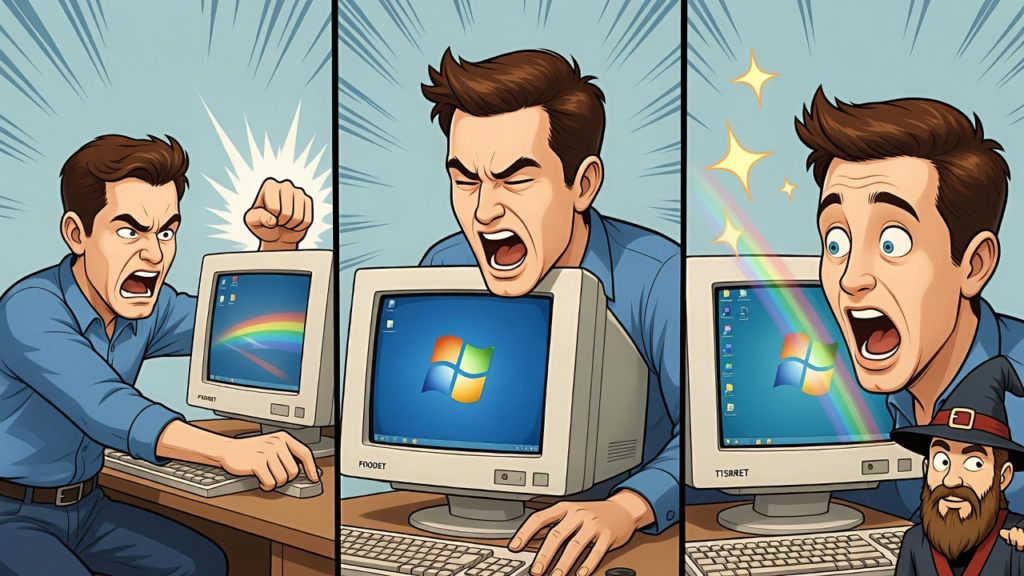
Why Turning Your Computer Off and On Actually Fixes Everything (IT’s Biggest Secret!)
If you have ever called a tech support person for help, there is a very high chance you heard this magical sentence:
“Have you tried turning it off and on again?”
At first, this advice can sound a little insulting. After all, you might be dealing with a serious problem. Your screen is frozen, your software is not responding, your internet seems to be moving slower than a turtle on vacation, and the solution you receive is simply to restart the computer.
But surprisingly, this simple trick works more often than people expect. In fact, restarting your computer has become one of the most famous and effective troubleshooting steps in the entire world of technology.
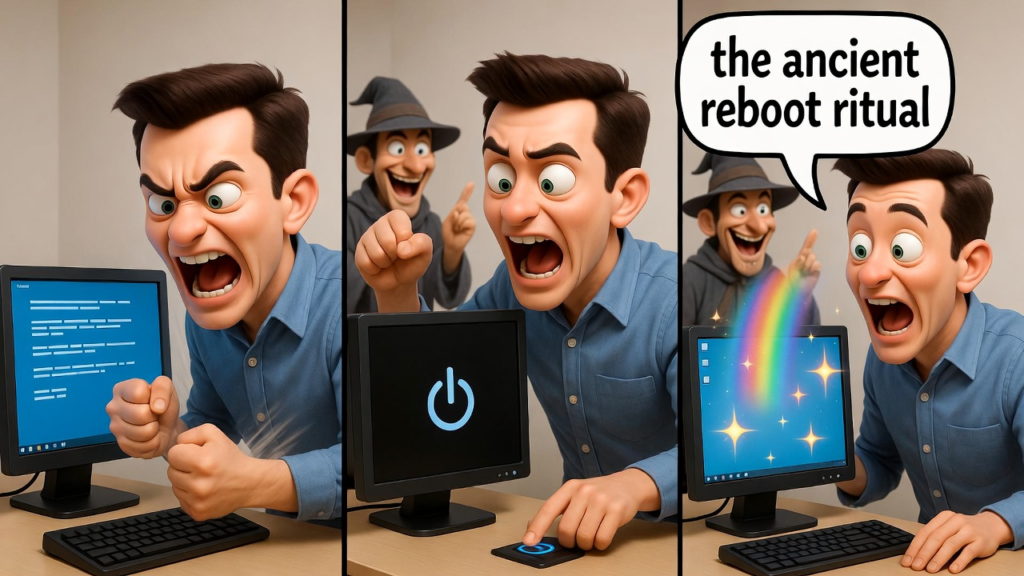
Let’s talk about why this simple action feels like a secret superpower.
Computers Get Confused Too
Even though computers are incredibly powerful machines, they are not perfect. When you use your computer throughout the day, it runs many programs, background services, and processes all at the same time.
Imagine juggling twenty balls at once. Eventually, one of them is going to fall.
Sometimes programs do not close properly. Temporary files pile up. Memory gets overloaded. Small software errors begin to stack up. Over time, your computer can become overwhelmed by all the instructions it is trying to handle.
When this happens, you start seeing the classic symptoms.
Slow performance
Programs freezing
Error messages
Internet acting strangely
Fans spinning loudly like a jet engine
Your computer is basically saying, “I need a break.”
Restarting Clears the Chaos
Restarting your computer is like giving your device a fresh start. When you shut down or restart your system, several helpful things happen.
First, all running programs close. This clears any programs that may have crashed or become stuck.
Second, the system memory resets. Your RAM, which stores temporary information for running programs, gets cleared. This removes leftover data that could be slowing things down.
Third, your operating system reloads important system files. If something temporarily malfunctioned, restarting gives the computer a chance to reload everything correctly.
Think of it like cleaning your desk. When your workspace is messy, it is hard to focus. Once everything is cleared and organized again, work becomes easier.
Your computer feels the same way.
The Hidden IT Superpower
For many IT professionals, restarting is the first step in solving problems. Not because they are lazy, but because it works surprisingly often.
In fact, a large number of computer issues are temporary glitches. These glitches disappear once the system resets itself.
Many technicians joke that restarting fixes about 50 percent of all computer problems. Some might even argue the number is higher.
That is why you will often see technicians calmly ask users to restart before trying more complicated solutions.
It saves time, effort, and sometimes a lot of stress.
Why People Forget to Restart
Ironically, many users avoid restarting their computers for long periods of time. Some people leave their laptops running for days or even weeks.
There are many reasons for this.
They have too many tabs open
They are afraid of losing their work
They do not want to wait for the computer to boot again
Or they simply forget
But leaving a computer running nonstop can slowly build up those small errors and memory issues that cause problems later.
Sometimes the best solution really is the simplest one.
The Legendary Restart Button
The restart button may seem basic, but it is one of the most powerful tools in computing. It gives your system a clean slate and removes many temporary problems that build up during everyday use.
So the next time your computer freezes or starts behaving strangely, remember the golden rule of technology.
Before you panic, before you search for complicated solutions, and before you call tech support…
Try turning it off and on again.
Your computer might just thank you for it.