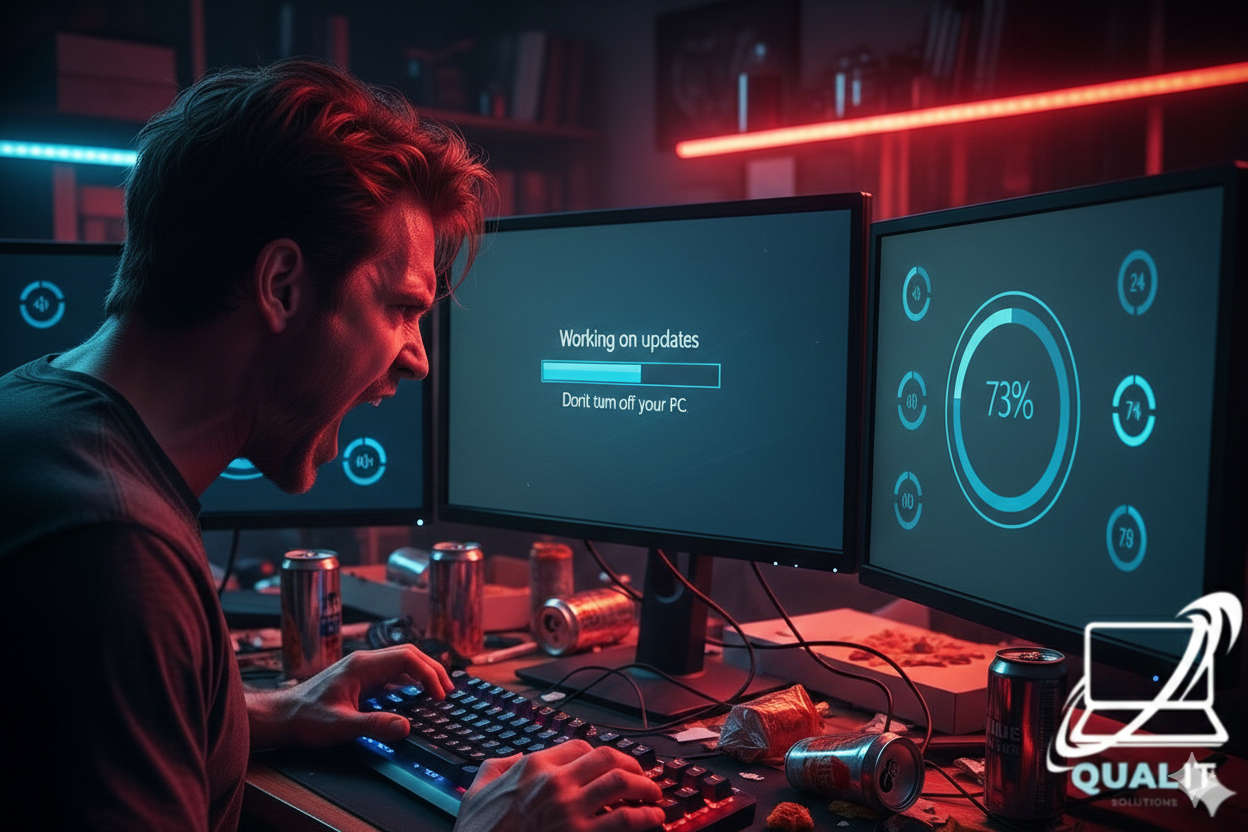
Why Every Gamer Should Fear Windows Updates (And How to Survive Them)

Windows updates. The very words can make a gamer break into a cold sweat. One minute you’re cruising through your favorite game, dominating your opponents, and the next… BAM. Your PC decides it needs a “critical update” and restarts in the middle of your epic clutch. Congratulations your kill streak is gone, and your PC is smug.
In 2026, Windows updates are more relentless than ever. They sneak up, install overnight, and sometimes come with performance changes you didn’t ask for. But don’t worry with a little foresight, you can survive the chaos.
Step 1: Recognize the Signs of Impending Doom
- Random notifications: “Update available. Restart required.”
- Background processes suddenly sucking up CPU like a vacuum cleaner.
- Mysterious slowdowns or temporary freezes during gaming sessions.
If you see these, your PC is politely warning you that it plans to interrupt your life — and you’d better act fast.
Step 2: Schedule Updates, Don’t Let Them Schedule You
Windows has a sneaky habit of installing updates whenever it feels like it. The trick? Take control.
- Go to Settings → Windows Update → Advanced options and choose “Active hours”.
- Set hours when you actually game as “active.”
- Bonus: Your PC will still update at night when you’re sleeping, so you won’t get mid-game surprises.
Tip: Don’t ignore update notifications forever. Your PC will eventually force you, often at the worst possible moment.
Step 3: Backup Your Data Like a Pro
Even minor updates can go wrong. Nothing ruins a gaming session faster than losing saves or progress.
- Use an external drive or cloud storage.
- Regularly back up your important files, especially game saves.
- Optional: Create a system restore point before big updates it’s like a safety net for your sanity.
Step 4: Keep Drivers Updated Separately
Some updates bring compatibility issues with GPU drivers or gaming software. Stay ahead by updating drivers manually.
- Nvidia, AMD, and Intel have free tools to keep your graphics card in top shape.
- Check game forums if a new Windows update is causing stuttering or crashes sometimes rolling back a driver is faster than waiting for a patch.
Step 5: Patience is a Virtue (Even When It Hurts)
Let’s be real: updates take time. A “fast update” can still feel like an eternity when you’re itching to play.
- Make snacks, grab water, or stretch don’t try to rush it.
- Resist the temptation to uninstall everything or panic. Your PC will eventually finish, probably with more features you didn’t ask for.
Windows updates are like that friend who shows up uninvited, eats your snacks, and then leaves a little mess behind. They interrupt your plans, slow your PC occasionally, and make you question your life choices. But they also keep your system secure, stable, and ready for the next big game.
The key? Schedule updates, back up your data, and stay calm. Survive a few “unexpected restarts,” and you’ll emerge stronger, smarter, and maybe even a little wiser all while keeping your kill streaks mostly intact and better luck next time If you updated your windows GG.