







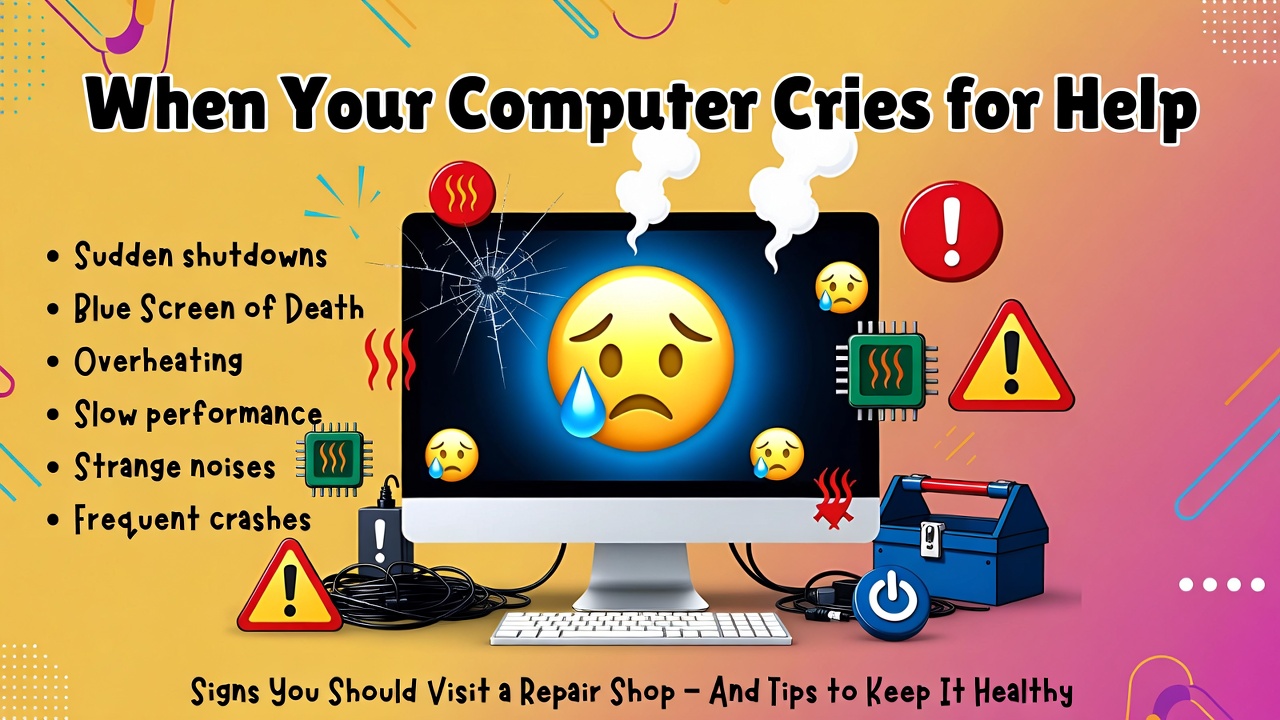
When Your Computer Cries for Help: Signs You Should Visit a Repair Shop (and Tips to Keep It Healthy)
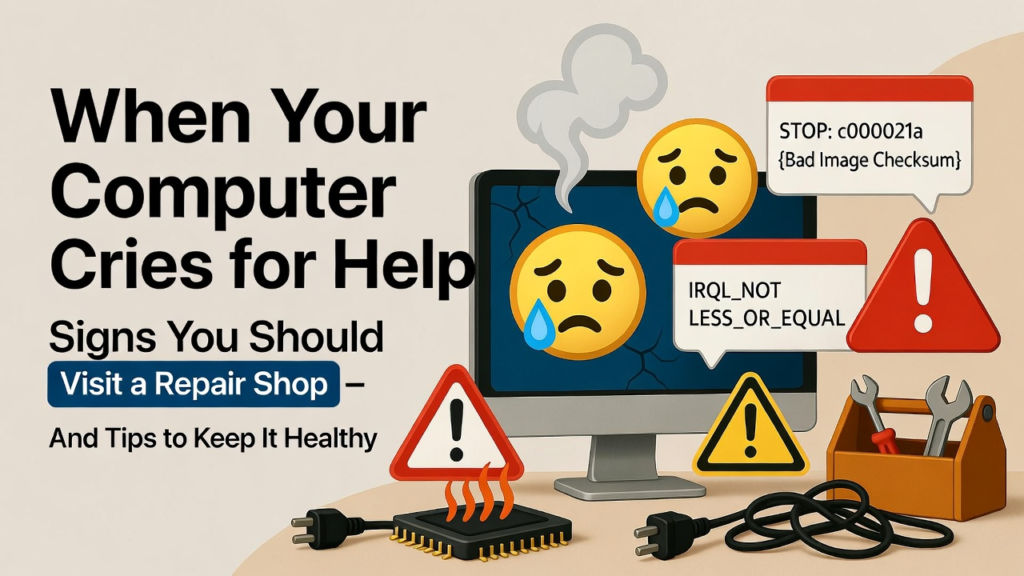
In today’s digital world, computers have become an essential part of our daily lives. Whether you are a student finishing assignment, a professional working remotely, or someone simply browsing the internet, your computer plays an important role. But like any machine, computers can develop problems over time. Many people try to fix these problems themselves, sometimes making things worse. Knowing when to visit a professional repair shop can save you time, money, and frustration.
At the same time, understanding a few simple maintenance tips can help prevent many common computer issues before they start. Let’s explore some of the clear signs that your computer needs professional help and some easy tricks to keep it running smoothly.
Signs Your Computer Needs Professional Repair
One of the most obvious signs that your computer needs attention is when it suddenly becomes extremely slow. If opening programs takes forever or your system freezes frequently, there may be deeper issues such as failing hardware, malware infection, or insufficient memory. While basic troubleshooting like restarting your computer might help temporarily, persistent slowness usually requires professional diagnosis.
Another warning sign is frequent crashes or the dreaded blue screen error. These errors often indicate serious system problems related to drivers, hardware components, or corrupted system files. If these crashes keep happening, it’s best to bring your computer to a repair shop before the problem causes permanent damage.
Overheating is another issue that many people ignore. If your computer feels unusually hot or the fan constantly makes loud noises, it could mean that dust has built up inside or that the cooling system is failing. Overheating can damage internal components such as the processor or motherboard if not addressed quickly.
You should also seek professional help if your laptop is not charging properly or if the battery drains very quickly. These symptoms may indicate a damaged battery, charging port issues, or internal electrical problems that require technical expertise to fix.
Lastly, virus or malware infections are common problems that many users face. If your computer suddenly displays strange pop-up ads, installs unknown programs, or behaves unpredictably, it may be infected with malicious software. Professional technicians can safely remove these threats and secure your system to prevent future infections.
Simple Tips and Tricks to Avoid Costly Repairs
While professional repair services are sometimes necessary, there are several simple practices that can help keep your computer healthy and reduce the chances of major problems.
One of the easiest things you can do is keep your computer clean. Dust can accumulate inside your device and block airflow, causing overheating. Regularly cleaning your keyboard, vents, and surrounding workspace can help maintain proper ventilation.
Installing reliable antivirus software is another important step. Viruses and malware can slow down your computer, steal personal data, and damage your operating system. Keeping your antivirus updated ensures that your system stays protected against new threats.
You should also make it a habit to update your operating system and software regularly. Updates often include important security patches and performance improvements that keep your computer running efficiently.
Another helpful tip is to avoid installing unknown or pirated software. These programs often contain hidden malware that can harm your computer. Always download software from trusted sources to keep your system safe.
Backing up your important files is also essential. Hardware failures or system crashes can happen unexpectedly, and losing valuable data can be devastating. Using external drives or cloud storage ensures that your files remain safe even if your computer experiences problems.
Finally, if you use a laptop frequently, consider using a cooling pad. This simple accessory helps maintain proper airflow and prevents overheating, especially during long hours of use.
Computers are powerful tools, but they require proper care and attention. Recognizing the warning signs of serious problems can help you decide when it’s time to seek professional repair services. At the same time, practicing simple maintenance habits can greatly extend the life of your device.
By understanding both when to visit a repair shop and how to take care of your computer, you can avoid costly repairs and keep your technology running smoothly for years to come. After all, a well-maintained computer is not only more reliable it also makes your digital life much easier and more enjoyable.
