







What Should You Look for in a Laptop? A Simple Buyer Guide
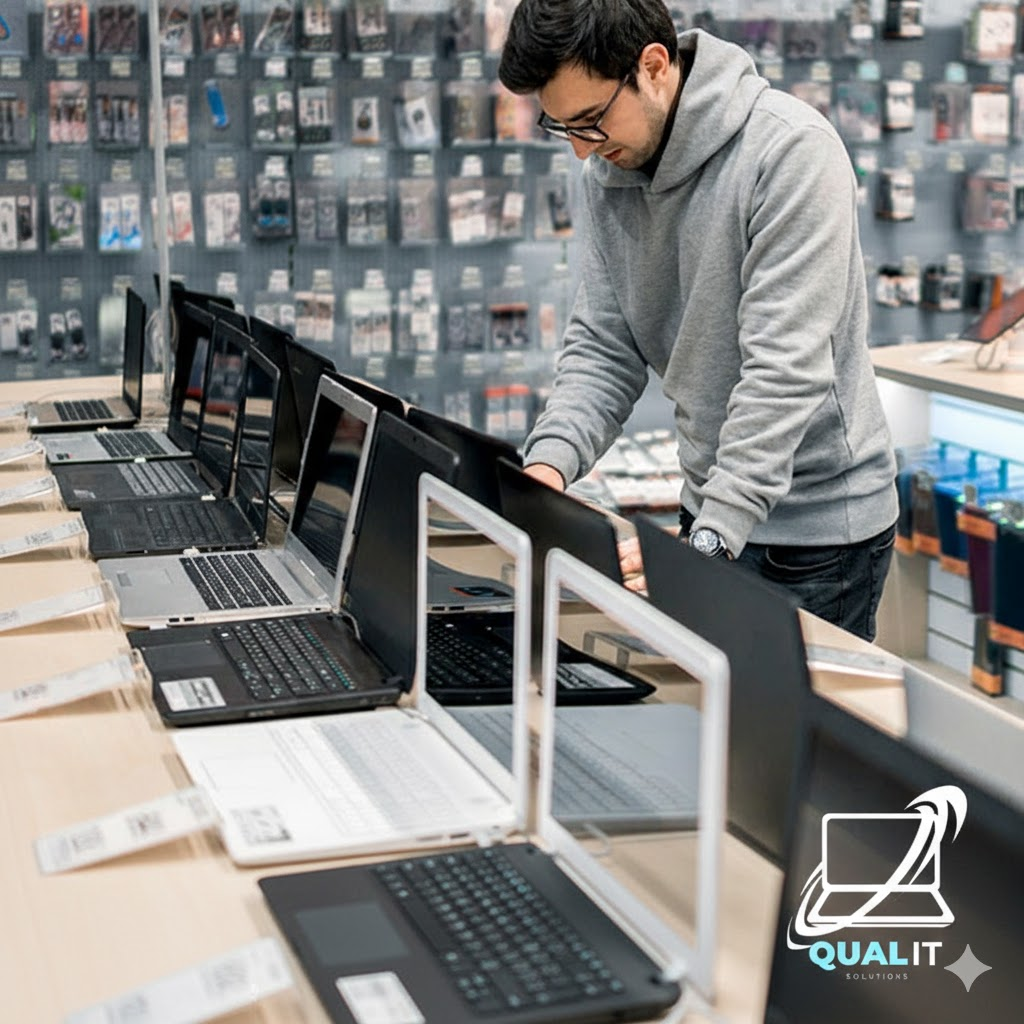
Buying a laptop feels like a big commitment because it is! It’s your office, your cinema, and your connection to the world. But you don’t need to be a computer scientist to make a smart choice
Before You Add to Cart, Here are The Non-Negotiable to Look For in 2026
1. The “16GB Rule” (Memory)
In previous years, we told people 8GB of RAM was “enough.” In 2026, that is no longer true. With modern websites and AI tools, 16GB is the new minimum for a smooth experience.
- The Help: Look for 16GB RAM so your laptop doesn’t start lagging the moment you open more than five tabs.
2. Don’t Just Look at “i5” or “i7” (Processor)
Brands love to brag about being an “Intel Core i7,” but a 5-year-old i7 is slower than a brand-new i5.
- The Help: Always check the Generation. Look for Intel Core Ultra or AMD Ryzen 7000/8000 series or higher. If you’re looking at Apple, anything with an M2, M3, or M4 chip is a winner.
3. The “SSD Only” Zone (Storage)
If you see a laptop that mentions an “HDD” (Hard Disk Drive), run away! HDDs are old, mechanical, and slow.
- The Help: Ensure it has an SSD (Solid State Drive). Aim for at least 512GB of space. This ensures your laptop turns on in seconds, not minutes.
4. The Screen You’ll Stare At (Display)
You’re going to be looking at this screen for hours. Don’t settle for “HD” (which is actually low resolution).
- The Help: Look for Full HD (1920 x 1080) or OLED if you can afford it. Also, check the “Nits” (brightness)—aim for 300 nits or higher so you can actually see the screen if you’re sitting near a window.
5. Battery Reality Check
Manufacturers always lie about battery life (they test it with the screen turned off!).
- The Help: If a box says “15 hours,” expect about 8–10 hours in real life. If you travel a lot, look for laptops that support USB-C Charging, so you can use the same charger for your phone and your laptop.
Which Buyer Are You?
| Goal | Processor | RAM | Storage |
| Student / Office | Core Ultra 5 / Ryzen 5 | 16GB | 512GB SSD |
| Creative / Editor | Core Ultra 7 / M3 Pro | 32GB | 1TB SSD |
| Casual / Netflix | i3 / Ryzen 3 | 8GB-16GB | 256GB SSD |
Confused by all the specs? Choosing the right model can be overwhelming. If you want a second opinion before you swipe your card, Message Qual-IT Solutions! We can help you compare two models or even help you set up your new laptop so it’s ready to go the moment you unbox it.
