







The Restart Button: The Simplest Fix Most People Forget
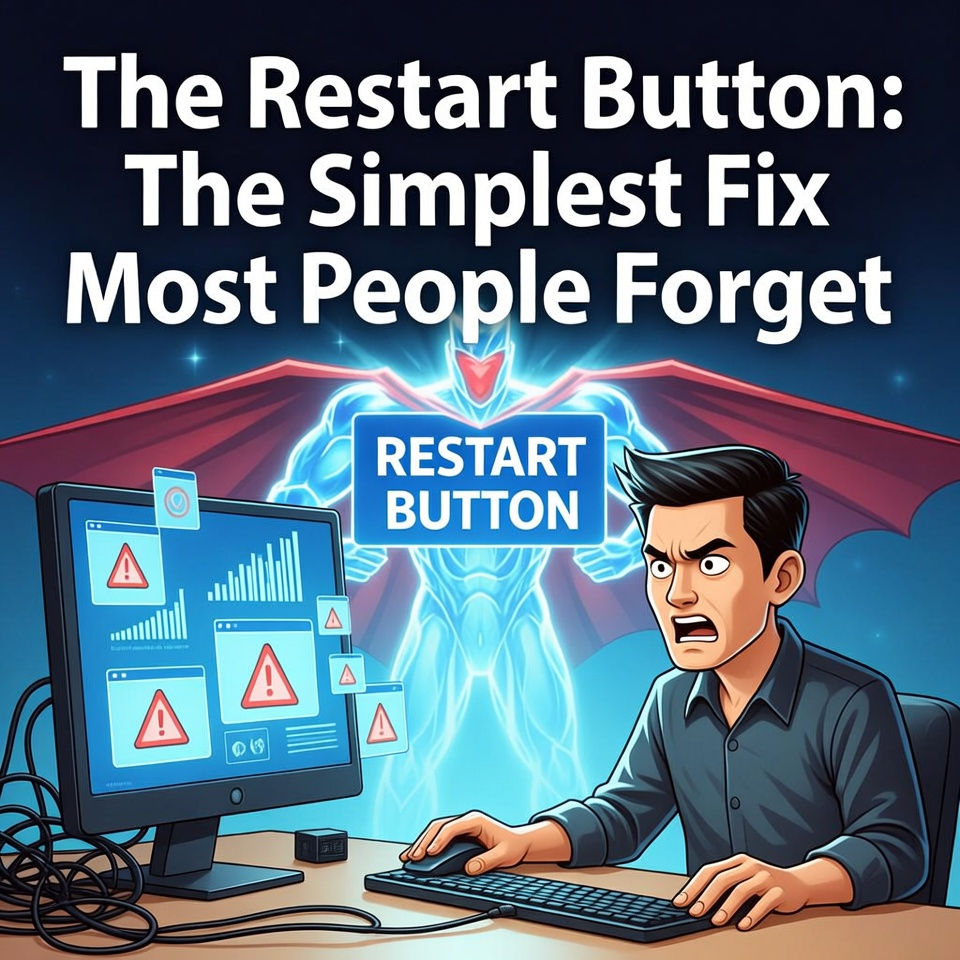
Many computer problems like freezing programs, slow performance, or internet glitches can often be solved simply by restarting the computer. Restarting clears memory, resets background processes, and gives the system a fresh start.
When computers stop working properly, most people immediately assume something serious is wrong.
Maybe the hardware has failed.
Maybe the system has been infected with a virus.
Maybe the computer is simply too old.
But experienced technicians often start with something much simpler.
They restart the computer.
While this may sound like basic advice, restarting a system can solve a surprising number of technical problems.
In fact, it is often the first troubleshooting step used by IT professionals around the world.
The Frozen Computer Moment
Imagine you are working on your computer when suddenly everything stops responding.
Your mouse still moves, but clicking does nothing.
Applications refuse to close.
Your keyboard commands are ignored.
You try opening another program, but nothing happens.
At this point, frustration quickly begins to build.
You begin to wonder if your computer is completely broken.
But sometimes the solution is surprisingly simple.
Restarting the system.
Why Restarting Works
Computers constantly run dozens or even hundreds of processes at the same time.
Programs open, background services run, and the operating system manages everything simultaneously.
Over time, some processes may stop functioning properly.
Memory can become overloaded.
Temporary system errors can occur.
Restarting the computer clears these temporary problems.
When the system restarts, the operating system reloads all essential services from the beginning.
This fresh start often removes small glitches that cause freezing or slow performance.
Memory and Background Processes
One important reason restarting helps is memory management.
Programs use RAM (Random Access Memory) while they are running.
Sometimes programs fail to release memory properly after they close.
When too many programs leave behind memory fragments, the system can slow down or behave strangely.
Restarting the computer clears RAM completely, giving the system a clean environment to work with again.
A Habit Technicians Use Daily
Many technicians follow a simple rule when diagnosing computer problems.
Before performing complex repairs, they restart the system.
This step often reveals whether the issue is temporary or something more serious.
If the problem disappears after a restart, it was likely caused by a minor system glitch.
If the problem continues, deeper troubleshooting may be required.
Either way, restarting provides valuable information about the situation.
Restarting a computer resets system processes, clears memory, and removes temporary errors that may cause slow performance or freezing. Because of its simplicity and effectiveness, restarting remains one of the first troubleshooting steps technicians recommend when a computer begins behaving unexpectedly.
