







The One Mistake That Slowly Destroys Your Laptop Keyboard
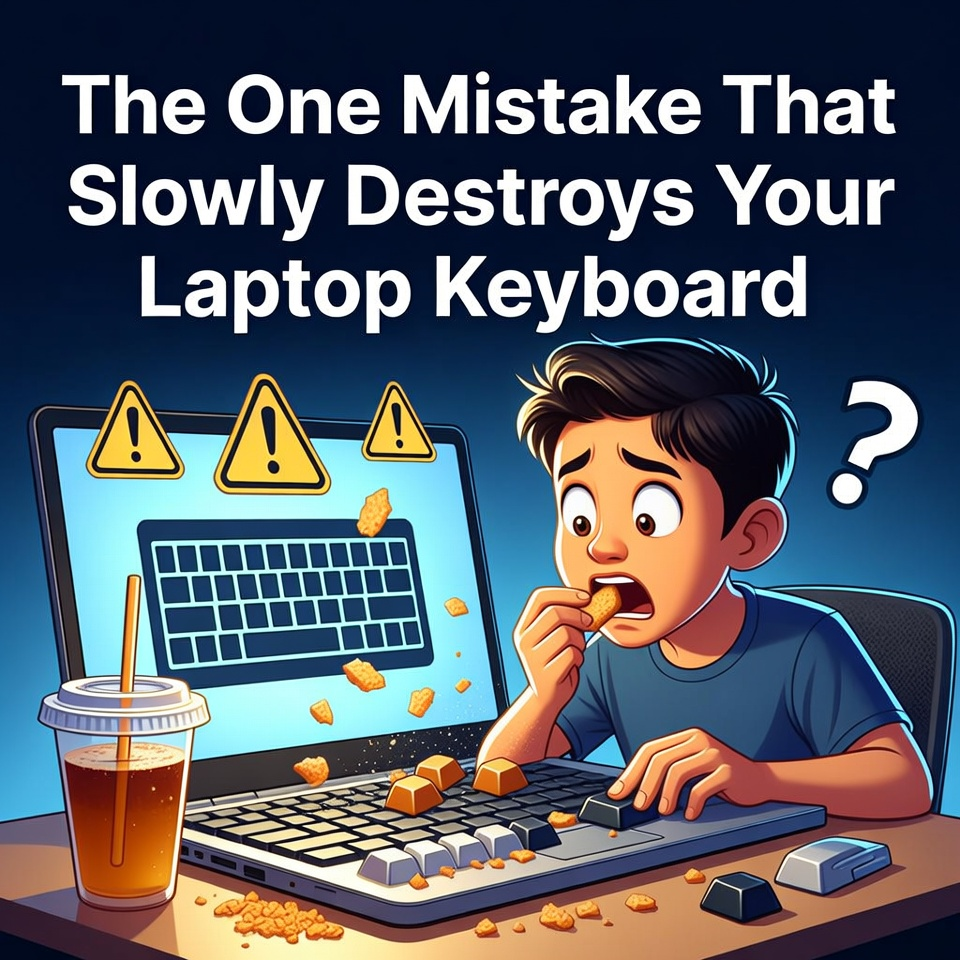
Eating and drinking near your laptop may seem harmless, but crumbs, dust, and liquid spills can slowly damage the keyboard and internal components. Over time, this habit can lead to stuck keys, malfunctioning buttons, or even permanent hardware damage.
Laptops have become essential tools in daily life.
Students use them for assignments and research. Professionals rely on them for work and communication. Many people even use laptops for entertainment, gaming, and watching videos.
Because laptops are so convenient and portable, they often travel everywhere with us.
From classrooms to coffee shops.
From offices to living rooms.
And sometimes even to the dining table.
While this flexibility is one of the laptop’s greatest advantages, it also introduces a common habit that technicians frequently warn about.
Eating and drinking near your laptop.
At first, it might seem completely harmless.
But over time, this simple habit can cause serious problems.
The Sticky Key Problem
Imagine working on an important document when suddenly one of your keyboard keys stops responding.
You press it again.
Nothing happens.
Then you try another key.
It works, but it feels strange almost sticky.
Soon, several keys begin to behave the same way.
Typing becomes difficult, and mistakes appear more frequently.
This is one of the most common laptop problems technicians encounter.
And in many cases, the cause is surprisingly simple.
Food crumbs.
How Small Particles Cause Big Problems
Laptop keyboards contain many small mechanical components beneath each key.
When crumbs or dust fall between the keys, they can become trapped inside these mechanisms.
Over time, these particles prevent the keys from moving smoothly.
As a result, keys may feel sticky, slow, or completely unresponsive.
Even small crumbs from snacks like chips, biscuits, or bread can cause problems if they accumulate inside the keyboard.
Technicians often need to partially disassemble the laptop to remove debris and restore normal function.
Liquids: The Biggest Threat
While crumbs are a common issue, liquids are far more dangerous.
Spilling drinks such as coffee, soda, or juice on a laptop keyboard can cause immediate damage.
Liquid can seep through the keyboard and reach the internal circuitry of the laptop.
This can lead to short circuits, corrosion, and permanent hardware failure.
Sometimes the laptop may shut down immediately after a spill.
In other cases, damage appears slowly over time as internal components begin to fail.
Technicians often recommend shutting down the laptop immediately and disconnecting the power if a spill occurs.
Why Prevention Is Easier Than Repair
Laptop keyboard repairs can sometimes be expensive.
In many modern laptops, the keyboard is integrated with other components such as the top case or palm rest.
This means replacing the keyboard may require replacing an entire section of the laptop.
Fortunately, preventing these problems is much easier than fixing them.
Simple habits can make a big difference.
Avoid eating directly above your laptop keyboard.
Keep drinks at a safe distance from your device.
Regularly clean your keyboard to remove dust and debris.
These small precautions can extend the life of your laptop significantly.
The Technician’s Advice
Technicians see many preventable laptop problems every day.
One of the most common causes is contamination from food, dust, or liquid spills.
While laptops are designed to be durable, they are not designed to handle crumbs and drinks inside their internal components.
Treating your laptop like a delicate electronic device instead of a dining table accessory can help avoid costly repairs.
Eating and drinking near a laptop can introduce crumbs and liquids that damage keyboard mechanisms and internal components. Over time, these particles may cause sticky keys, malfunctioning buttons, or permanent hardware issues. By keeping food and drinks away from laptops and performing regular cleaning, users can protect their devices and avoid expensive repairs.
