The Most Expensive Computer Repair Mistakes People Make (And How to Avoid Them)
Computers are an important part of everyday life. People use them for work, school, gaming, communication, and entertainment. Because of this, when a computer starts having problems, many users panic and try to fix the issue immediately. Unfortunately, some people make mistakes during this process that can lead to even more expensive repairs. Instead of solving the problem, these mistakes can cause further damage to the system.
Understanding the most common computer repair mistakes can help users avoid unnecessary costs and keep their computers running smoothly. Here are some of the most expensive computer repair mistakes people make and how to avoid them.
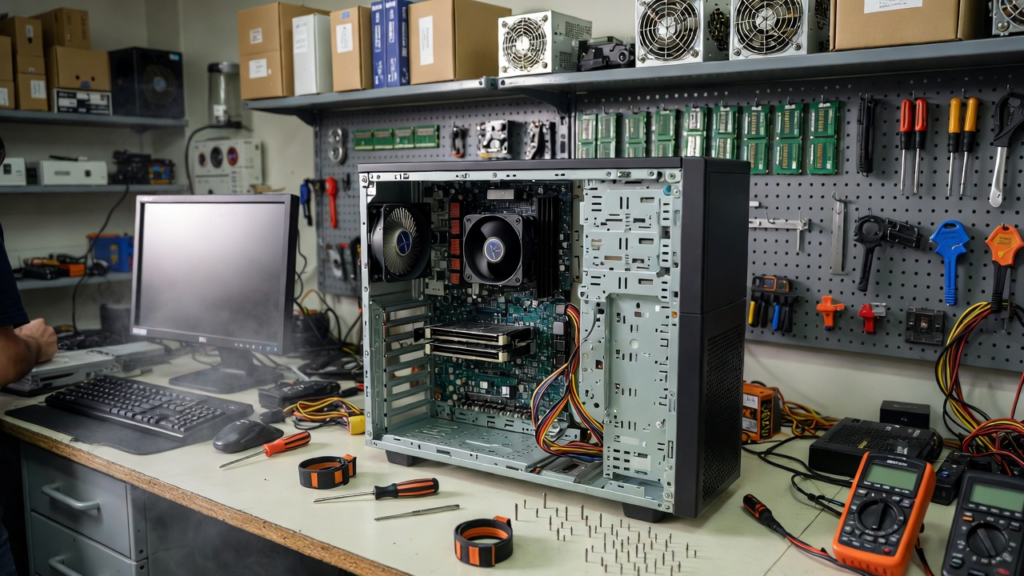
One of the biggest mistakes people make is ignoring regular maintenance. Just like any machine, computers need regular care. Dust can build up inside the system over time, especially around fans and cooling systems. When dust blocks airflow, the computer may overheat. Overheating can damage important components such as the processor, graphics card, or motherboard. To avoid this problem, it is important to clean the computer regularly and make sure the cooling system works properly.
Another common mistake is installing the wrong drivers or software. Drivers allow the operating system to communicate with hardware devices such as graphics cards, printers, and network adapters. Installing the wrong driver can cause system crashes, poor performance, or hardware malfunction. Some users download drivers from unreliable websites, which can even introduce malware into the system. The safest way to avoid this mistake is to download drivers directly from the official website of the hardware manufacturer.
A third expensive mistake is replacing parts without properly diagnosing the problem. Some users assume that if a computer is slow or not turning on, a major component must be broken. They may replace expensive parts like the motherboard or processor without checking other possible causes. In reality, the problem may be something simple such as a loose cable, a faulty power supply, or a failing storage drive. Proper diagnosis should always be done before replacing any hardware.
Another mistake is ignoring warning signs from the computer. Computers often give early signs when something is wrong. These signs may include unusual noises, random shutdowns, overheating, or frequent system crashes. Ignoring these warnings can lead to more serious damage. For example, a failing hard drive may start making clicking sounds before it completely stops working. If the problem is addressed early, data can be backed up and the drive can be replaced before total failure occurs.
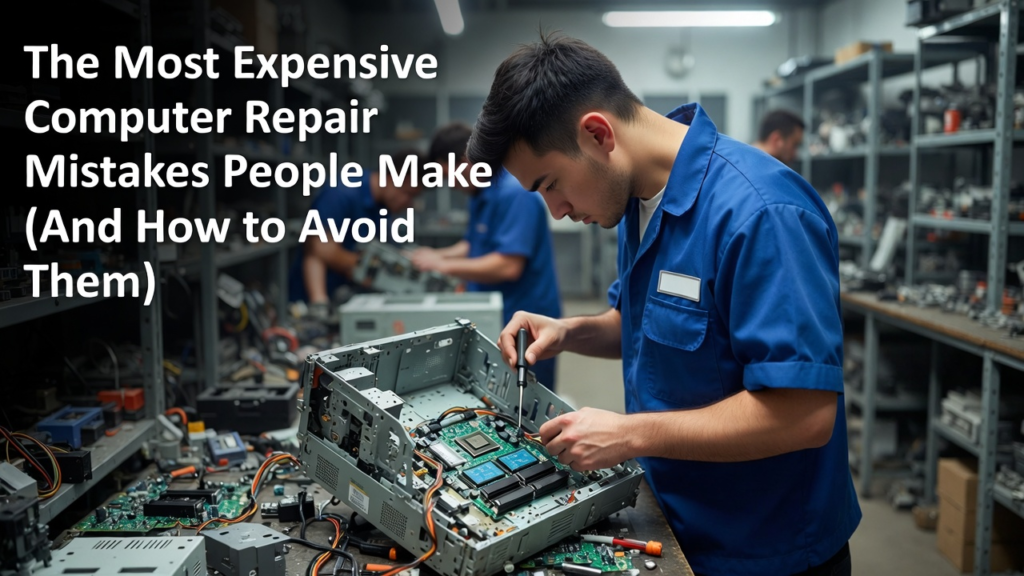
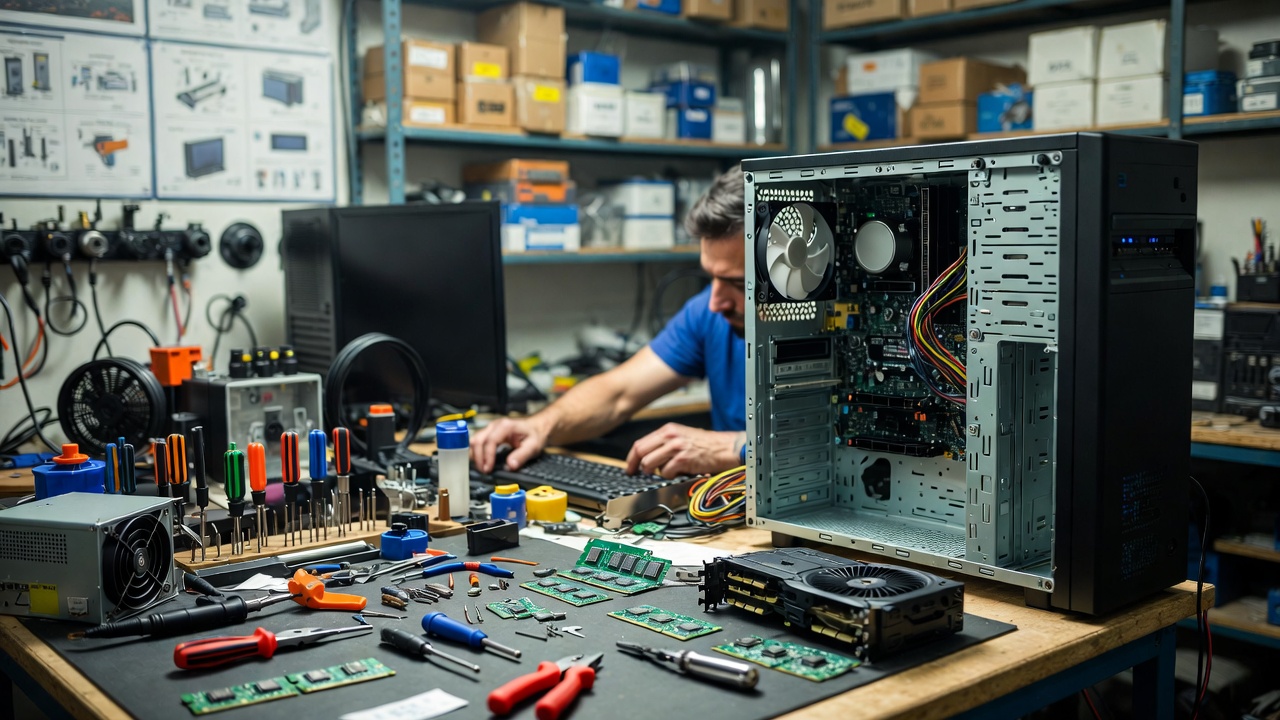
Many users also make the mistake of trying complicated repairs without proper knowledge. While learning basic computer repair is useful, some tasks require technical skills and experience. Attempting to repair delicate components without the right tools can damage the hardware. For example, incorrectly installing a processor or applying too much pressure on internal parts can permanently damage the motherboard. In situations like these, it is often safer to consult a professional technician.
Another costly mistake is neglecting data backup. Many people only realize the importance of backups after they lose important files. Hardware failure, malware attacks, or accidental deletion can result in the loss of valuable data. Creating regular backups using external drives or cloud storage can protect important information in case something goes wrong.
Finally, some users make the mistake of buying cheap or low-quality replacement parts. While it may seem like a good way to save money, low-quality components may fail quickly or cause compatibility issues. Investing in reliable parts from trusted brands can prevent future problems and ensure better system stability.
In conclusion, computer repair mistakes can sometimes cost more than the original problem itself. Ignoring maintenance, installing incorrect drivers, replacing parts without proper diagnosis, and neglecting data backup are some of the most common errors users make. By understanding these mistakes and learning how to avoid them, users can protect their computers, save money, and extend the life of their devices. Proper care and careful troubleshooting are the keys to keeping a computer working efficiently for many years.