







The Most Common Computer Mistakes Beginners Make (And Why Everyone Pretends They Never Did)
No one is born knowing how to use a computer. At some point in life, everyone has stared at a screen thinking, “What did I just click?” The problem is not making mistakes that part is normal. The real problem is repeating the same computer mistakes over and over, then blaming the computer like it personally betrayed you.
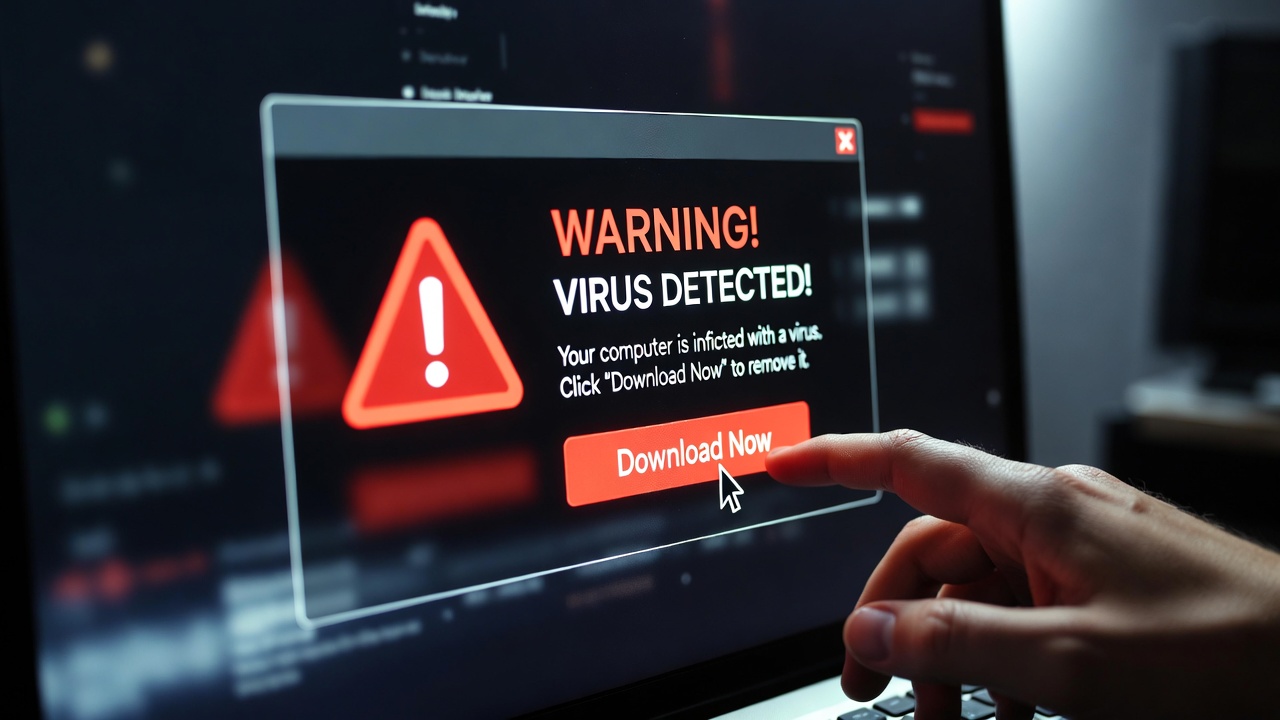
Let’s start with one of the most common beginner mistakes of all time: clicking random pop-ups.
You know the ones.
“WARNING! Your computer is infected!”
The message looks urgent. The colors are red. Your heart rate spikes. And before logic kicks in, you click it. Congratulations you didn’t fix a virus, you downloaded one. Real system warnings don’t appear as screaming pop-ups in your browser. If you didn’t search for it, it probably shouldn’t be trusted.
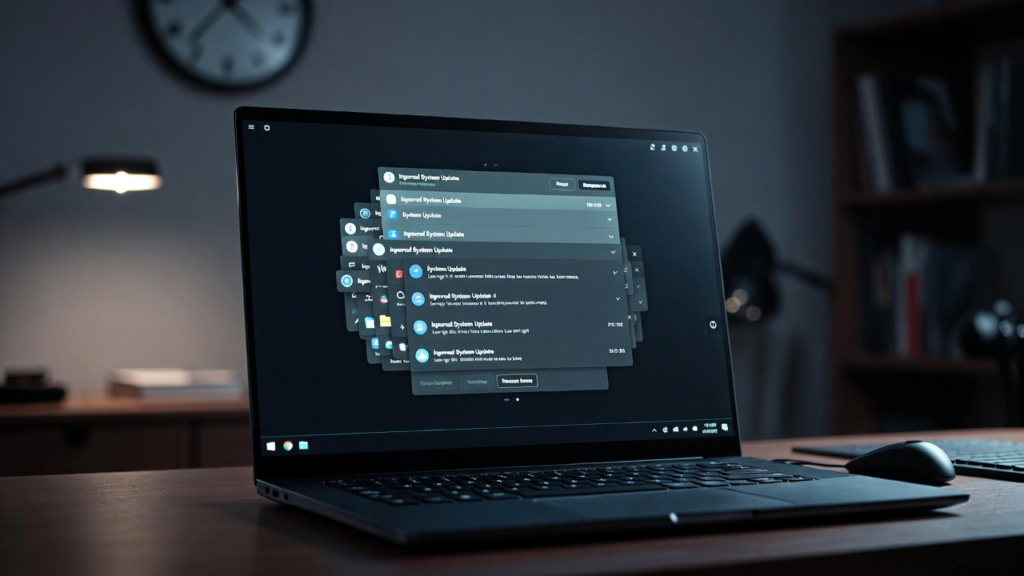
Another classic mistake is ignoring updates.
Beginners often think updates exist just to slow things down or interrupt their work at the worst possible time. In reality, updates fix bugs, patch security holes, and improve performance. Skipping them doesn’t make your PC faster it makes it unstable and vulnerable. Then, weeks later, when something breaks, the same people say, “It just stopped working.” No, it didn’t “just stop.” You ignored it long enough.
Next is the legendary mistake of using the same weak password everywhere.
Email? Same password.
Social media? Same password.
Online shopping? Same password.
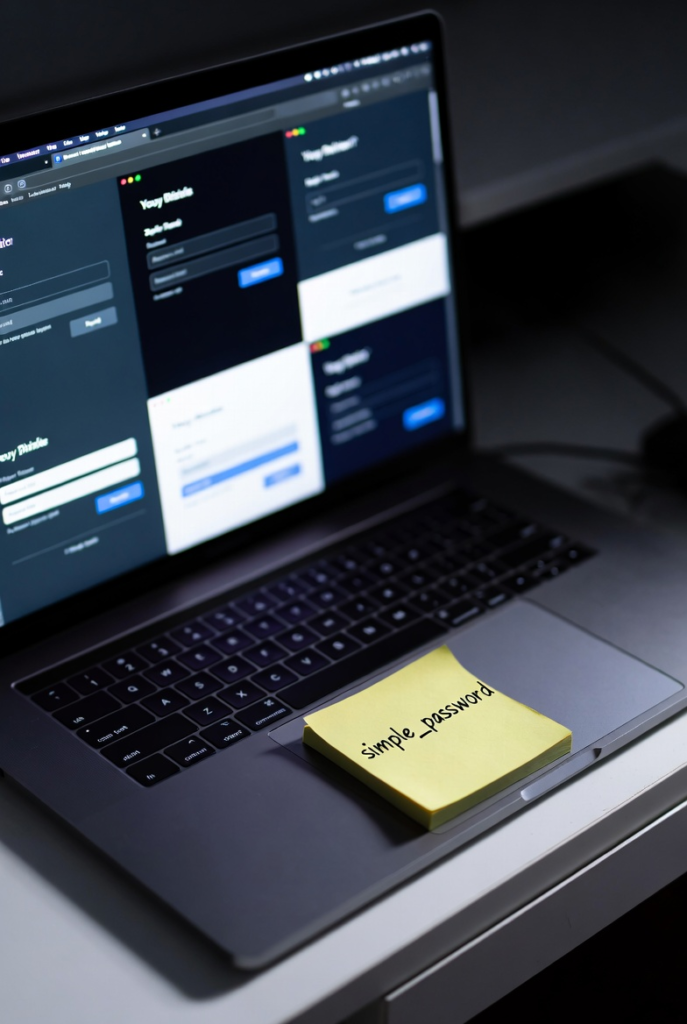
This is how one small breach turns into a full digital disaster. Once one account is compromised, the rest fall like dominoes. Password managers exist for a reason, but beginners often avoid them because they seem “too technical.” Ironically, they’re simpler than resetting ten hacked accounts.
Another painful mistake is not backing up files.
Many beginners believe backups are optional until the day their hard drive fails, their laptop gets stolen, or they accidentally delete something important. That’s when panic sets in. Backups don’t prevent accidents; they prevent heartbreak. If your files exist in only one place, they are living dangerously.

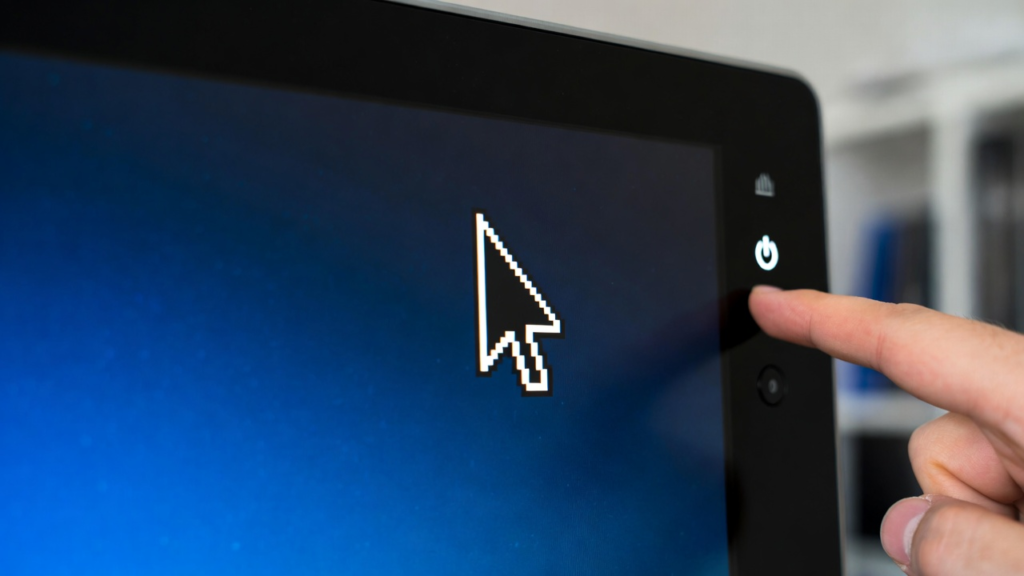
Then there’s force shutting down the computer every time it freezes.
Yes, sometimes it’s necessary. But doing it constantly is risky. Force shutdowns can corrupt files and damage the operating system over time. Many freezes resolve themselves if you wait a few seconds. But beginners panic. The moment the mouse stops moving, they hold the power button like it’s a self-destruct switch.
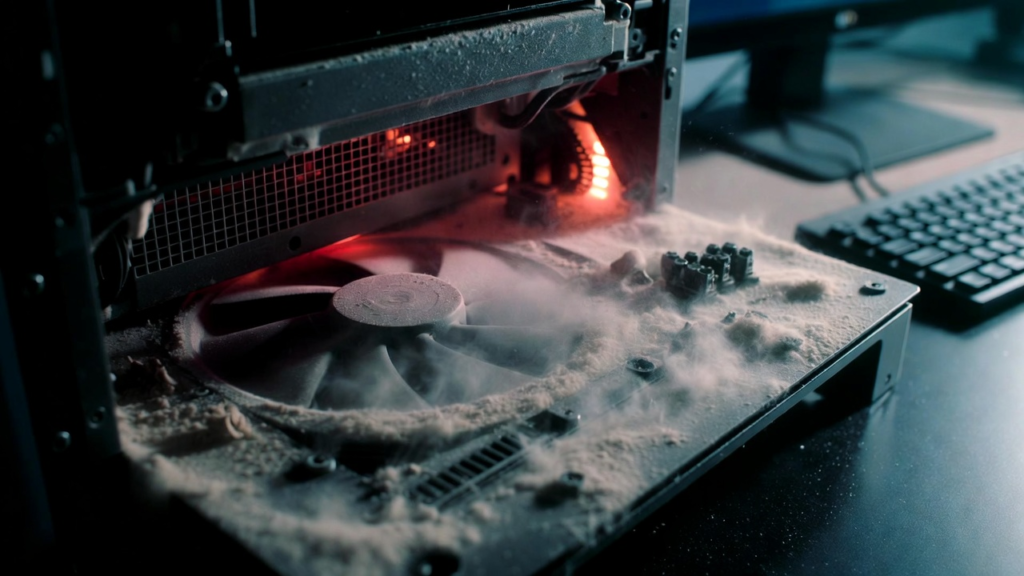
Another underrated mistake is poor physical care.
Dust buildup, blocked vents, and laptops used on beds or pillows are silent killers. Dust causes heat. Heat causes throttling. Throttling causes lag. Lag causes frustration. Suddenly, your “slow PC” just needed cleaning.
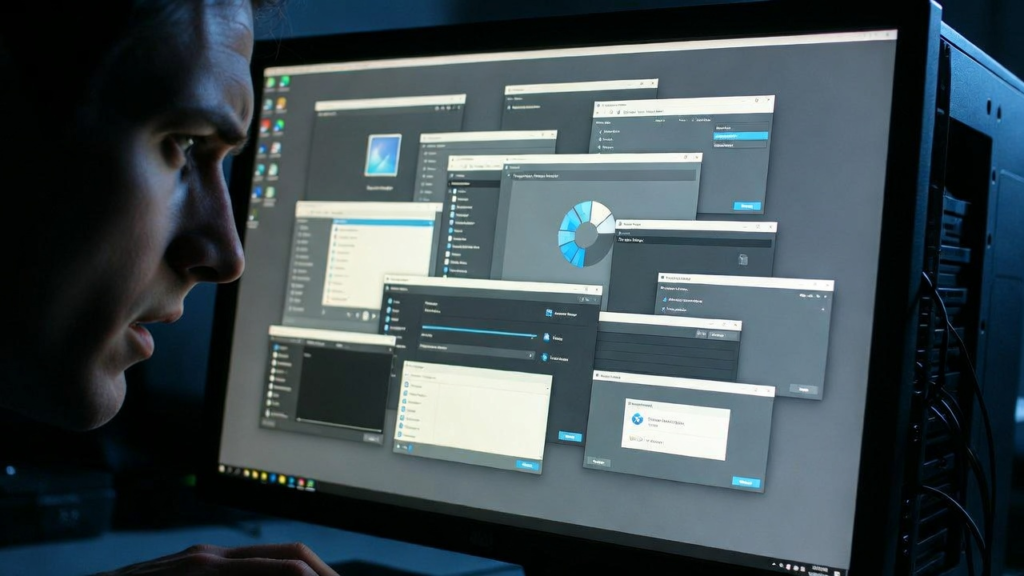
Beginners also tend to install too many unnecessary programs.
Free software bundles, random tools, trial apps these quietly run in the background and slow everything down. Over time, your PC becomes crowded with things you don’t even remember installing.
So why do beginners keep making these mistakes?
Because computers feel intimidating. Fear leads to rushed decisions. Rushed decisions lead to clicks. And clicks lead to problems.
Here’s the truth most people don’t want to hear: most computer problems are user-made. Not hardware. Not bad luck. Just habits.
The good news? These mistakes are easy to fix once you’re aware of them. Slow down. Read before clicking. Update regularly. Back up files. Treat your computer like a tool not a mystery box.
Your computer isn’t broken. It’s just following your instructions. And unfortunately, it’s very good at obeying bad ones.
