







“The Best Free Software for Every Computer User”
In today’s digital world, high-quality software doesn’t always have to come with a hefty price tag. Whether you’re a student, professional, or casual user, there are plenty of free alternatives to popular paid programs that can meet your needs. From photo editing to office work, and media playback, here are the top 10 free software every computer user should know about.
1. LibreOffice (Alternative to Microsoft Office)
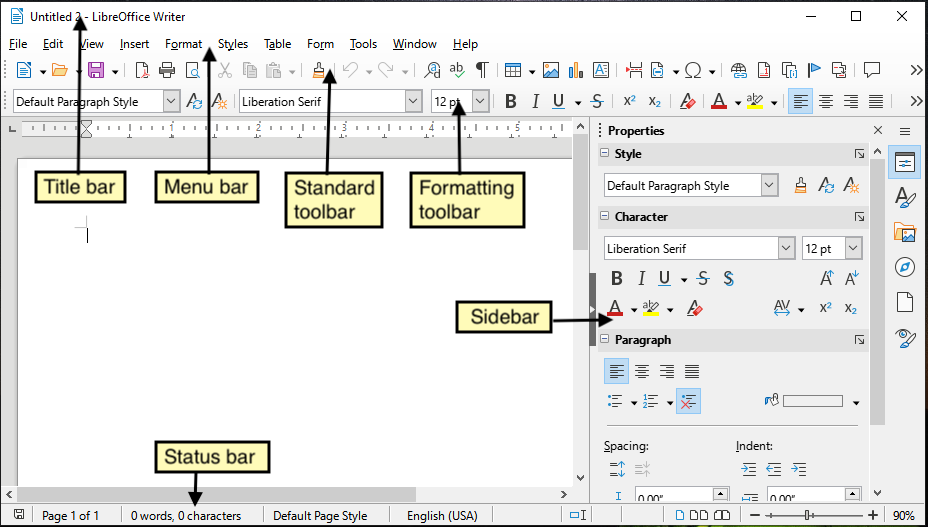
If you’re looking for a free alternative to Microsoft Office, LibreOffice is the way to go. It’s a robust office suite that includes all the tools you need, from word processing to spreadsheets and presentations.
Key Features:
- Word Processor (Writer)
- Spreadsheet (Calc)
- Presentation Software (Impress)
- Cross-platform compatibility (Windows, macOS, Linux)
Best For: Students, home users, and small businesses who need an office suite without the price tag.
2. GIMP (Alternative to Photoshop)
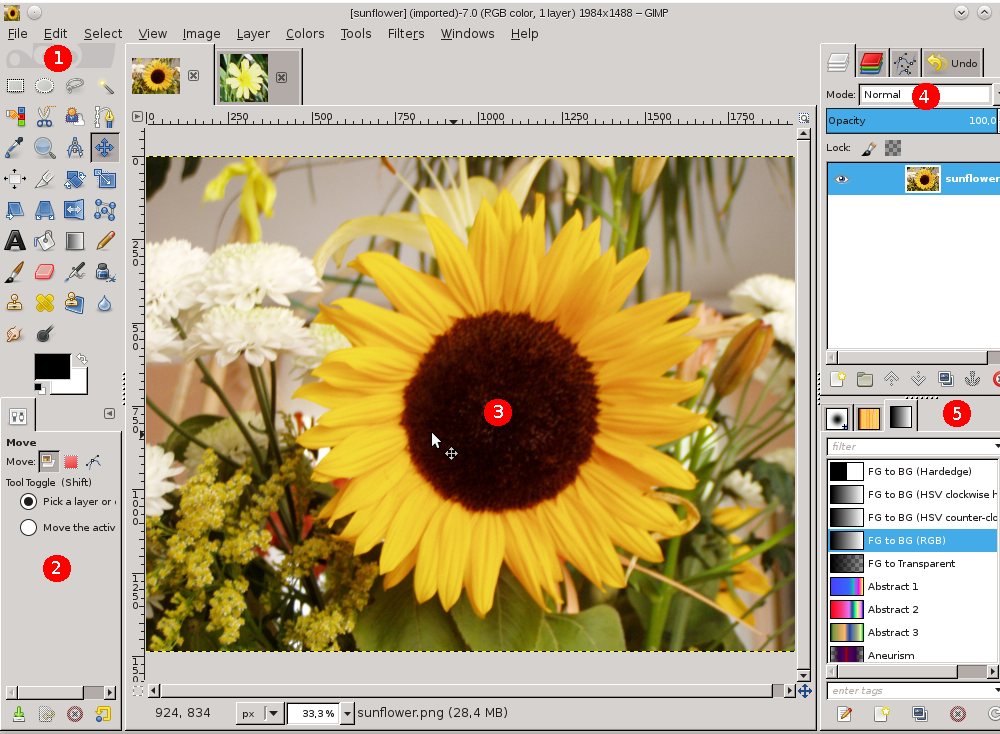
For anyone who wants to edit images professionally but doesn’t have the budget for Adobe Photoshop, GIMP (GNU Image Manipulation Program) is an excellent free alternative. It’s packed with features for photo manipulation, graphic design, and even digital painting.
Key Features:
- Advanced photo editing and manipulation
- Support for layers, masks, and various file formats
- Tons of plugins and customization options
Best For: Graphic designers, photographers, and artists who want high-quality image editing for free.
3. Blender (Alternative to Maya/3ds Max)
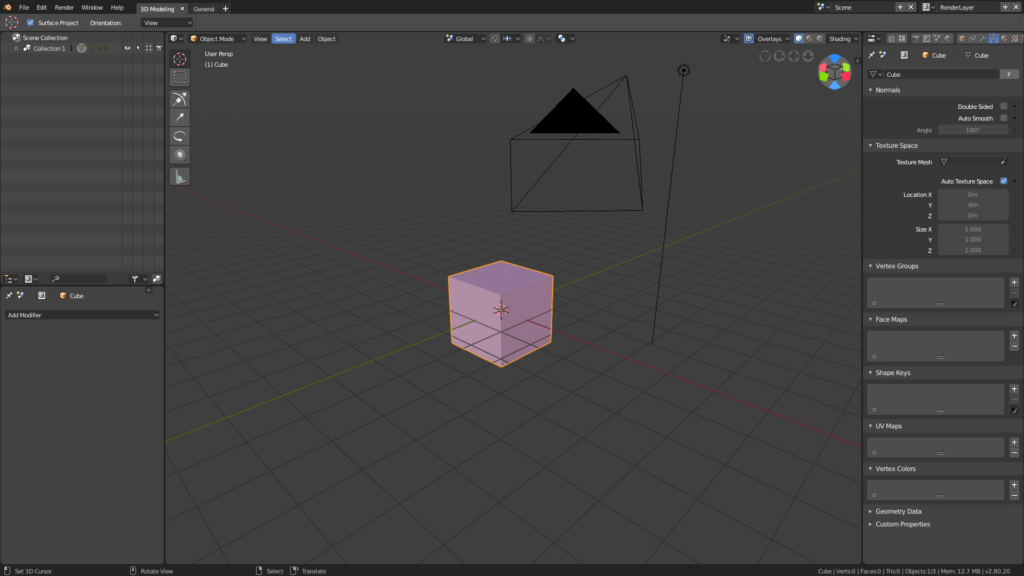
Blender is an open-source powerhouse for 3D modeling, animation, and rendering. Whether you’re into game design, animation, or visual effects, Blender offers a full suite of tools that will make you feel like a professional without spending a penny.
Key Features:
- 3D modeling, sculpting, and animation tools
- Advanced rendering with real-time preview
- Video editing, compositing, and visual effects
Best For: Aspiring 3D artists, animators, and game designers who need a complete, free software solution.
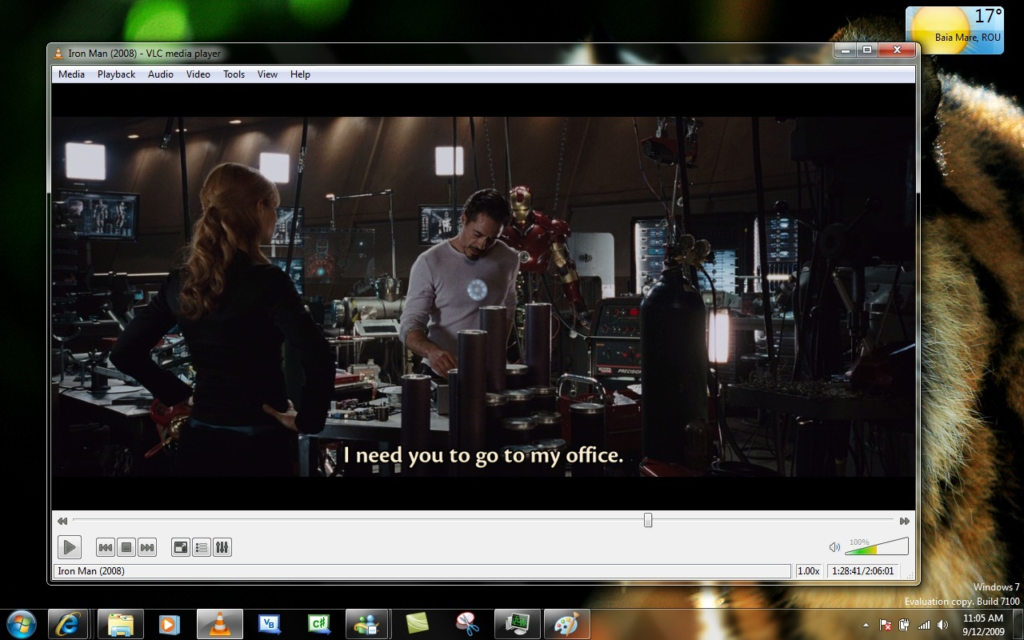
4. VLC Media Player (Alternative to Windows Media Player)
When it comes to media players, VLC is one of the most popular options, and for good reason. It supports a wide range of audio and video formats and is known for its stability, speed, and versatility.
Key Features:
- Plays nearly all audio and video formats
- Streaming and media conversion capabilities
- Lightweight and easy to use
Best For: Media enthusiasts who want a reliable and flexible media player.
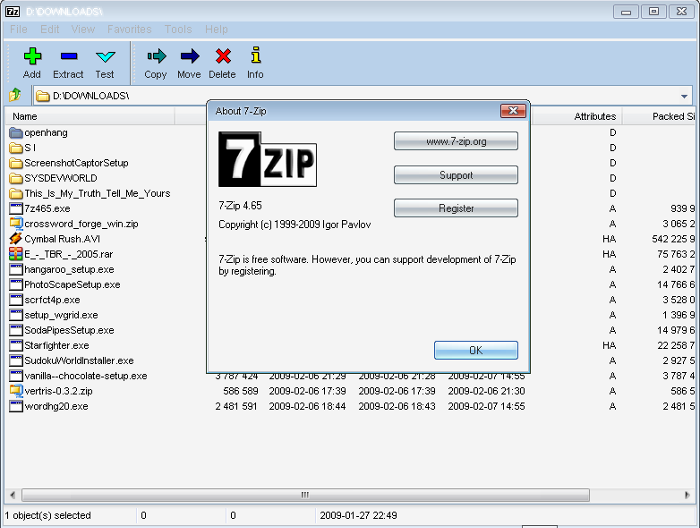
5. 7-Zip (Alternative to WinRAR/WinZip)
If you need to compress or extract files, 7-Zip is the go-to tool for handling compressed files in various formats. It’s an open-source file archiver with excellent compression rates and full compatibility with many formats, including ZIP, TAR, and 7z.
Key Features:
- High compression ratio
- Supports various formats (7z, ZIP, RAR, TAR, etc.)
- Lightweight and easy to use
Best For: Anyone who frequently deals with file compression and extraction.
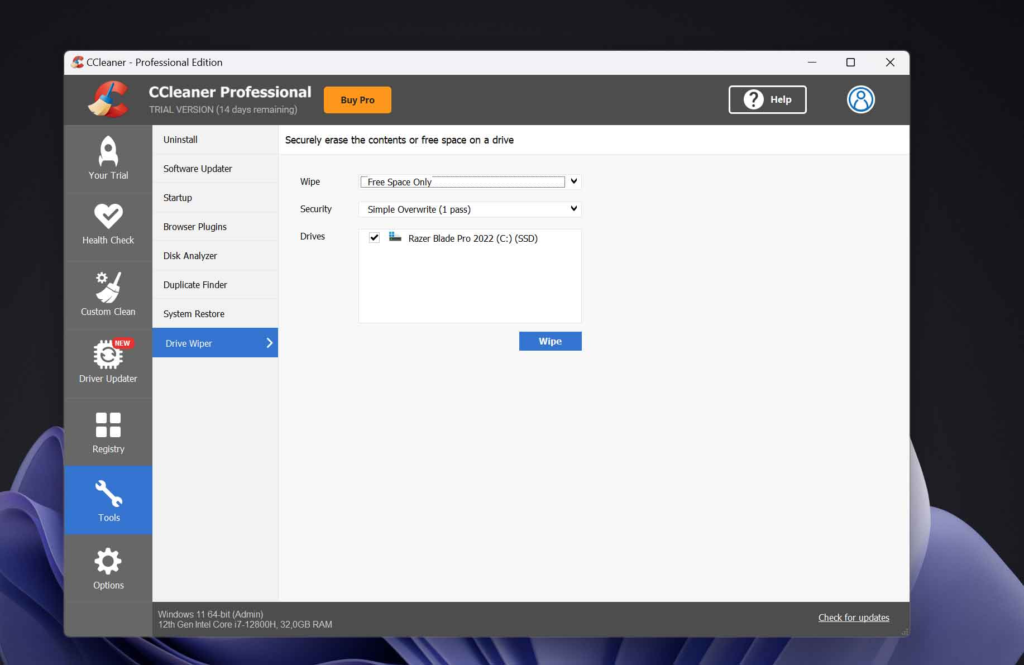
6. CCleaner (Alternative to Paid Cleaning Tools)
CCleaner is a great tool for cleaning up your computer by removing junk files, clearing your browser cache, and fixing broken registry entries. It helps speed up your system, especially if you haven’t cleaned your computer in a while.
Key Features:
- Clean up temporary files, browser history, and cookies
- Registry cleaner to fix broken or unused entries
- Optimizes startup programs
Best For: Users looking to improve their computer’s performance and keep their system running smoothly.
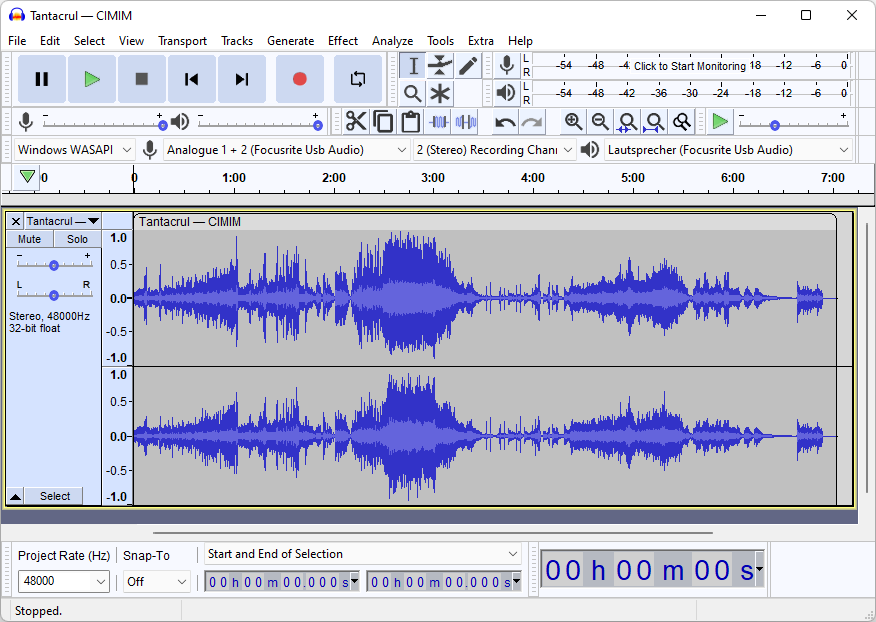
7. Audacity (Alternative to Adobe Audition)
Audacity is one of the best free audio editing software options available. Whether you’re a podcaster, musician, or audio engineer, Audacity lets you record, edit, and produce high-quality audio without any cost.
Key Features:
- Multi-track audio editing
- Support for various audio formats
- Noise reduction and other effects
Best For: Podcasters, musicians, and anyone involved in audio recording or editing.
8. Google Chrome (Alternative to Internet Explorer)
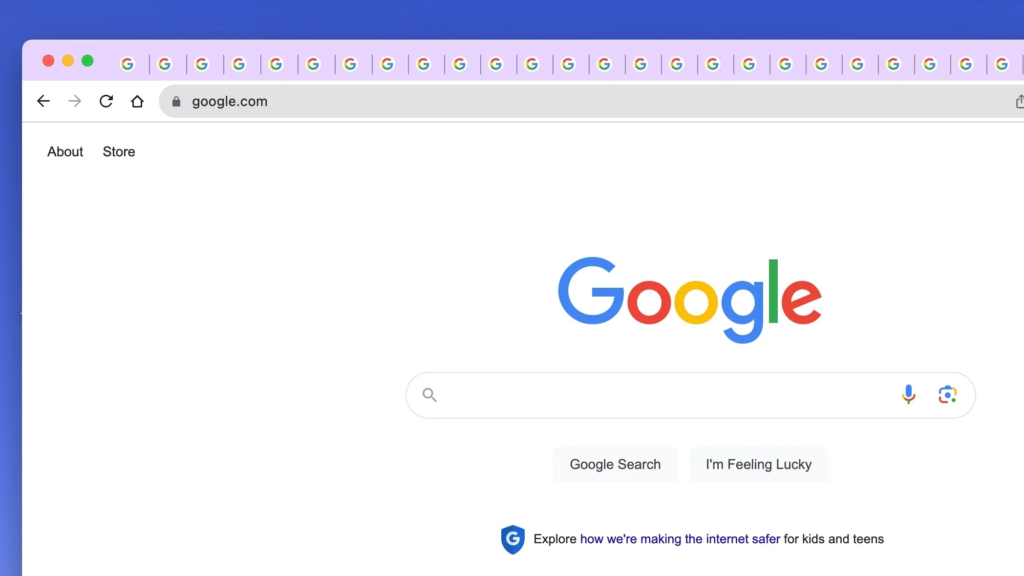
Google Chrome is one of the most popular web browsers available, known for its speed, security, and extension support. Whether you’re browsing for work, school, or leisure, Chrome offers a seamless experience.
Key Features:
- Fast and reliable browsing
- Syncing with Google account across devices
- Extensive extension library for added functionality
Best For: Anyone who needs a reliable and customizable browser.
9. Notepad++ (Alternative to Notepad)
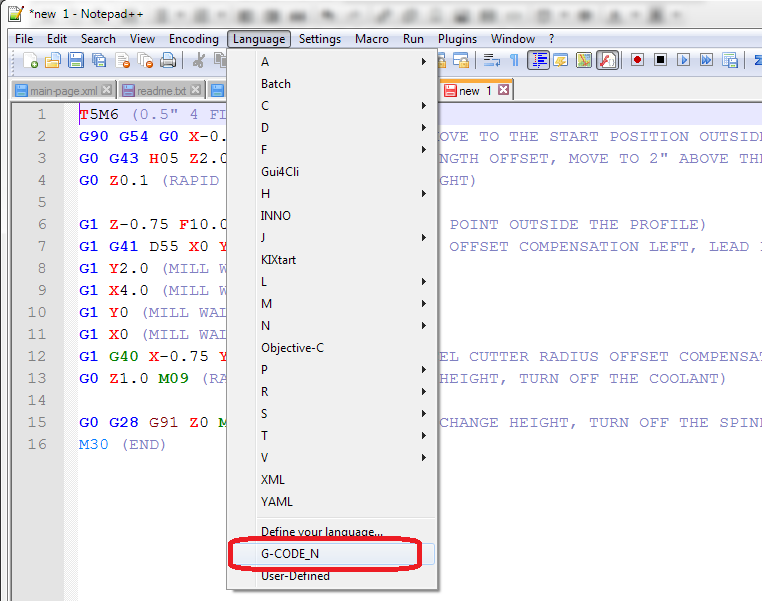
For anyone who needs more than the basic Notepad app in Windows, Notepad++ is a must-have. It’s a powerful text editor with features like syntax highlighting, multiple tab support, and extended language features for coding and text editing.
Key Features:
- Syntax highlighting for programming languages
- Multiple document tabs
- Lightweight and fast performance
Best For: Programmers, web developers, and users who frequently work with text files or code.
10. Thunderbird (Alternative to Microsoft Outlook)
If you prefer a free, customizable email client over web-based options like Gmail, Thunderbird is a great choice. Developed by Mozilla, it’s open-source and offers a wide range of features for managing emails, calendars, and tasks.
Key Features:
- Multiple email account support
- Advanced filtering and organization tools
- Integrated calendar and task management
Best For: Users who prefer a desktop-based email client with lots of customization options.
There’s no need to break the bank when it comes to software for your computer. These 10 free programs offer powerful functionality that rivals their paid counterparts. Whether you’re editing images, listening to music, or managing emails, these free tools are the best way to get the job done without spending a dime.
