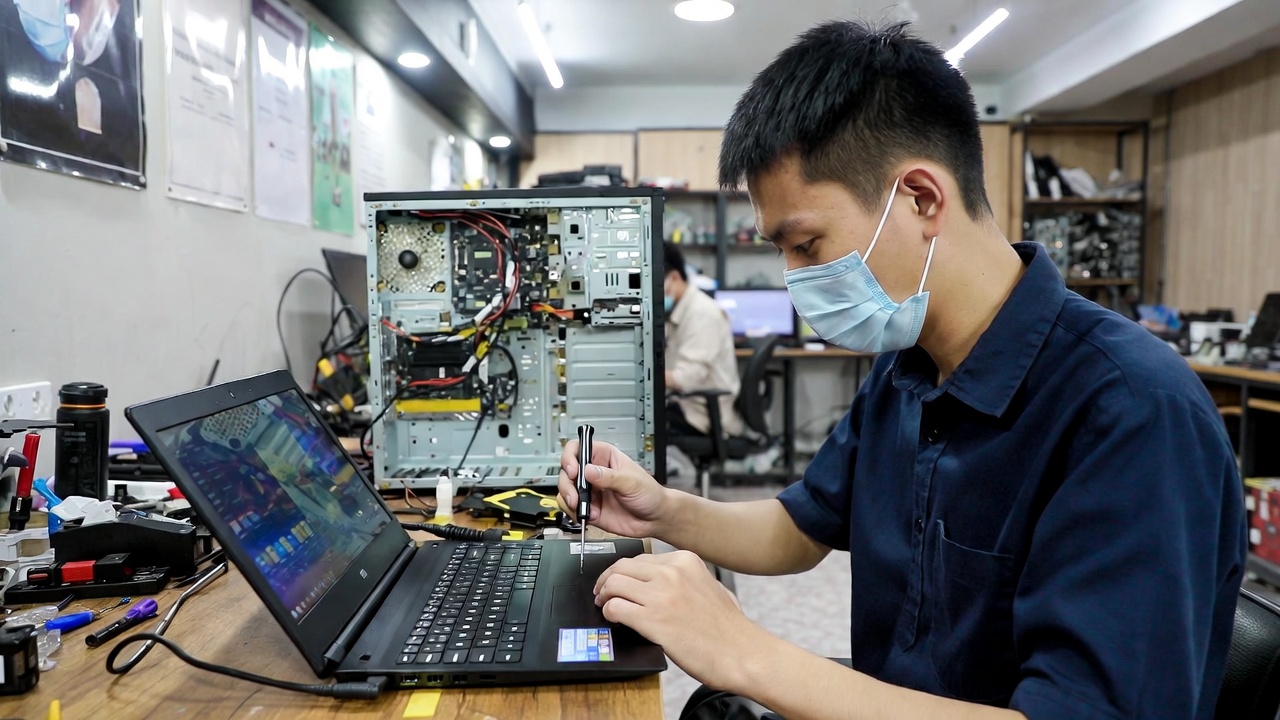
Tech Troubles? Here’s Why Visiting a Computer Repair Shop Can Save Your Device
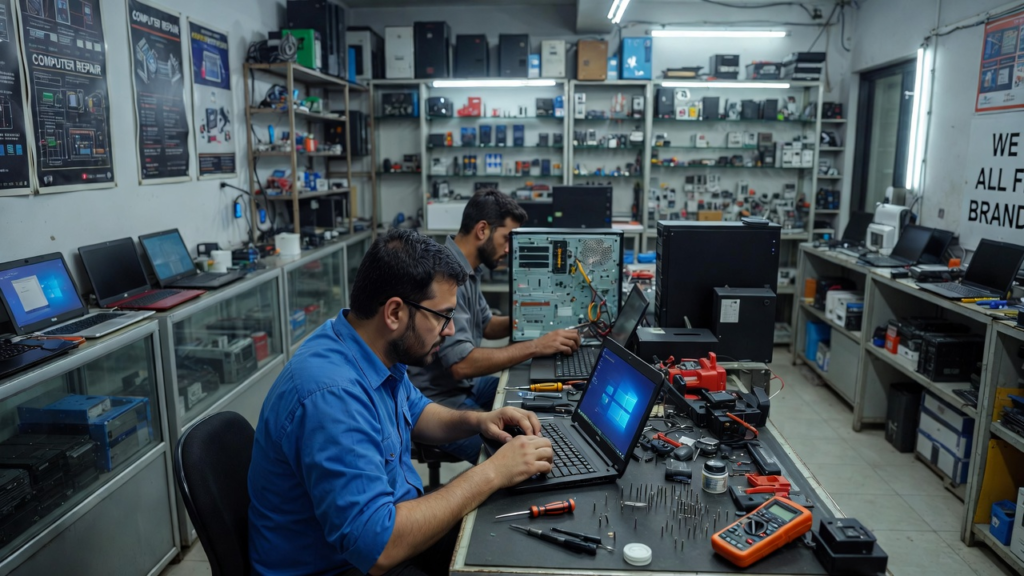
Computers have become one of the most important tools in modern life. Students rely on them for research and assignments, businesses use them to manage operations, and many people depend on them for communication, entertainment, and online services. However, computers are not perfect machines. Over time, they can develop technical problems that affect their performance. When these problems occur, many users attempt to fix them on their own without proper knowledge. While some minor issues can be solved with simple troubleshooting, there are times when visiting a professional computer repair shop is the best decision.
Understanding the benefits of professional repair services and learning some useful computer care tips can help you protect your device and extend its lifespan.
Why You Should Go to a Computer Repair Shop
One of the main reasons to visit a repair shop is professional expertise. Computer technicians have the knowledge and experience needed to diagnose problems accurately. What may seem like a simple issue could actually be caused by a deeper hardware or software problem. Technicians use specialized tools and diagnostic software to identify the root cause of the issue and provide the correct solution.
Another advantage of going to a repair shop is proper hardware handling. Many computer components such as the motherboard, processor, and power supply are sensitive and delicate. Attempting to repair these parts without proper training can lead to further damage. Professional technicians understand how to safely remove, repair, or replace components without harming the rest of the system.
Repair shops can also help with data recovery. Sometimes computers stop working unexpectedly, leaving users worried about losing important files such as documents, photos, or business records. Professional technicians often have tools that allow them to recover data even from damaged or failing storage devices. This service can be extremely valuable, especially if the lost data is important.
In addition, visiting a repair shop can save you time and frustration. Troubleshooting computer problems can take hours, especially if you are unsure what the real issue is. A trained technician can often diagnose and fix the problem much faster, allowing you to get back to your work or studies without unnecessary delays.
Helpful Computer Tips and Tricks for Everyday Users
Although repair shops are useful when problems occur, there are many simple things users can do to prevent issues in the first place. Practicing good computer habits can reduce the chances of serious problems and keep your device running smoothly.
One important tip is to restart your computer regularly. Many people leave their computers running for long periods without restarting them. Restarting allows the system to refresh memory, close unnecessary processes, and apply important updates.
Another helpful trick is managing your storage space. When a computer’s storage drive becomes nearly full, it can slow down significantly. Deleting unnecessary files, uninstalling unused programs, and organizing your storage can improve system performance.
Keeping your computer protected from power problems is also important. Sudden power outages or electrical surges can damage internal components. Using a surge protector or an uninterruptible power supply (UPS) can help protect your device from electrical damage.
You should also avoid downloading files from suspicious websites. Unsafe downloads may contain malware that can harm your computer or compromise your personal information. Always make sure that files come from trusted and secure sources.
Lastly, pay attention to your computer’s physical environment. Avoid placing your laptop on soft surfaces like beds or pillows for long periods because this can block ventilation and cause overheating. Instead, use your computer on a hard, flat surface where air can circulate properly.
Computers are valuable tools that require proper care and responsible use. When serious problems arise, visiting a professional computer repair shop can provide safe and reliable solutions. At the same time, practicing simple maintenance habits can prevent many common issues before they occur.
By combining professional repair services with smart computer usage, you can ensure that your device remains efficient, reliable, and ready to support your daily tasks. Taking care of your computer today can save you from costly repairs and unnecessary stress in the future.