







Small But Powerful: Is a Mini PC Enough for Your Needs?
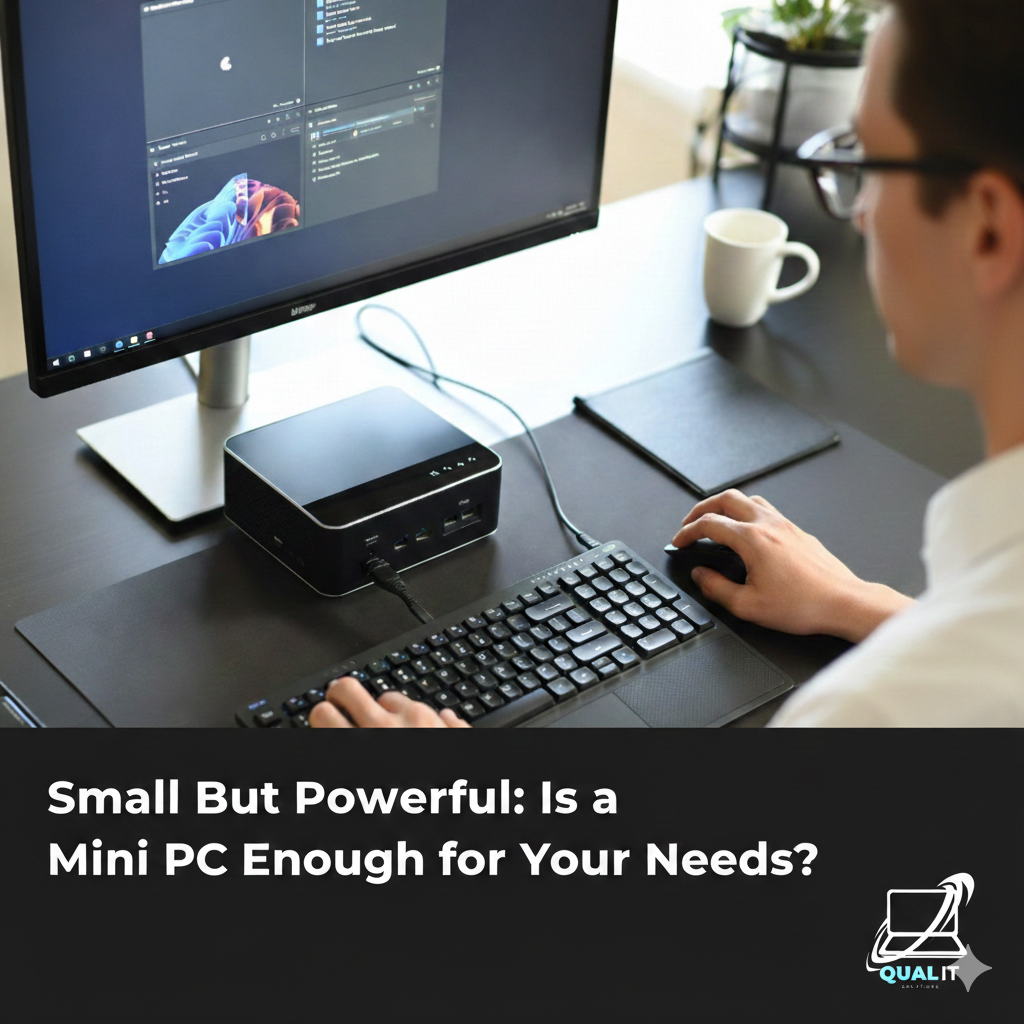
A mini PC is a compact desktop computer that is perfect for everyday tasks like work, school, browsing, and entertainment while saving space and electricity, but it has limits in gaming performance, upgrades, and heavy professional workloads, making it ideal for casual users but not for high end computing needs.
What Is a Mini PC?
A mini PC is a small desktop computer designed to deliver the core functions of a traditional PC in a compact form. Instead of a large tower case, it comes in a tiny box that can sit on a desk or even attach behind a monitor. It still includes important components like a processor, memory, storage, and ports for accessories. Popular models such as the Intel NUC helped show that small computers can still be powerful enough for daily use.
What Can a Mini PC Do?
Mini PCs are built for everyday computing tasks and can handle many common activities smoothly.
Work and School
Mini PCs are highly reliable for academic and office tasks, making them a practical choice for students, teachers, and professionals who need a dependable computer for daily responsibilities. They can smoothly handle typing documents, creating reports, building presentations, attending virtual meetings, participating in online classes, browsing research materials, and managing emails without slowing down. Because they consume less power and take up little space, they are perfect for study areas, home offices, and classrooms where efficiency and organization matter. For remote workers and students who spend long hours in front of a screen, a mini PC provides enough performance to stay productive without the noise and heat of a large desktop.
Entertainment
Mini PCs are highly reliable for academic and office tasks, making them a practical choice for students, teachers, and professionals who need a dependable computer for daily responsibilities. They can smoothly handle typing documents, creating reports, building presentations, attending virtual meetings, participating in online classes, browsing research materials, and managing emails without slowing down. Because they consume less power and take up little space, they are perfect for study areas, home offices, and classrooms where efficiency and organization matter. For remote workers and students who spend long hours in front of a screen, a mini PC provides enough performance to stay productive without the noise and heat of a large desktop.
Light Creative Tasks
While mini PCs are not designed for heavy professional production, higher spec models can still support basic creative work. Beginners and hobbyists can use them for photo editing, simple graphic design, digital drawing, and light video editing projects. This makes them useful for content creators who work on smaller files or social media content rather than large cinematic productions. For students studying multimedia or casual creators exploring their skills, a mini PC offers a budget friendly starting point.
Business Use
Many businesses use mini PCs for front desk systems, point of sale machines, digital kiosks, and office workstations because they are efficient, reliable, and easy to maintain. Their compact size helps save workspace in busy offices, while their low energy consumption reduces electricity costs over time. Companies that require multiple computers in a limited space often choose mini PCs to keep their setup clean and organized.
What Are the Limits of a Mini PC?
Heavy Gaming and Advanced Software
Mini PCs are generally not suitable for modern high end gaming, 3D modeling, or advanced video production because they lack powerful dedicated graphics cards and large cooling systems.
Limited Upgrades
Most mini PCs allow upgrades only for RAM and storage, meaning you cannot significantly boost performance later by replacing major components.
Limited Upgrades
Most mini PCs allow upgrades only for RAM and storage, meaning you cannot significantly boost performance later by replacing major components.
Fewer Ports and Expansion Options
Compared to full desktop towers, mini PCs may have fewer USB ports and no space for additional internal hardware.
Summary
A mini PC is an excellent solution for users who need a compact, energy efficient, and reliable computer for everyday activities such as studying, office work, browsing, and entertainment. It is especially beneficial for people with limited space or those who prefer a clean and quiet setup. However, users who require maximum performance for gaming, professional editing, or intensive workloads should consider a traditional desktop instead. Ultimately, a mini PC proves that small computers can be powerful enough for most daily needs, as long as you understand its strengths and limitations before choosing one.
