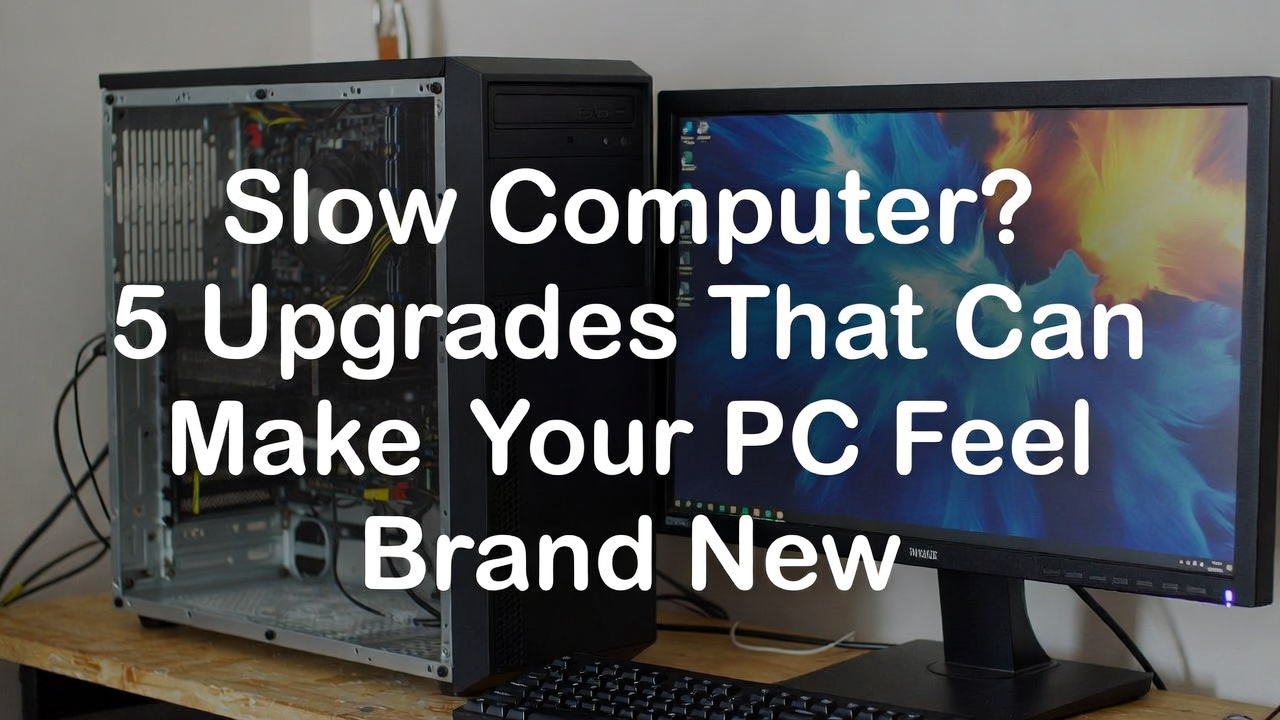
Slow Computer? 5 Upgrades That Can Make Your PC Feel Brand New
Have you ever turned on your computer and felt like it was moving slower than a turtle? Programs take forever to open, the system freezes, and even simple tasks like browsing the internet feel frustrating. Many people think this means their computer is already too old and needs to be replaced. However, the truth is that a slow computer does not always mean you need a new one. In many cases, a few simple upgrades can make your PC feel fast and responsive again.
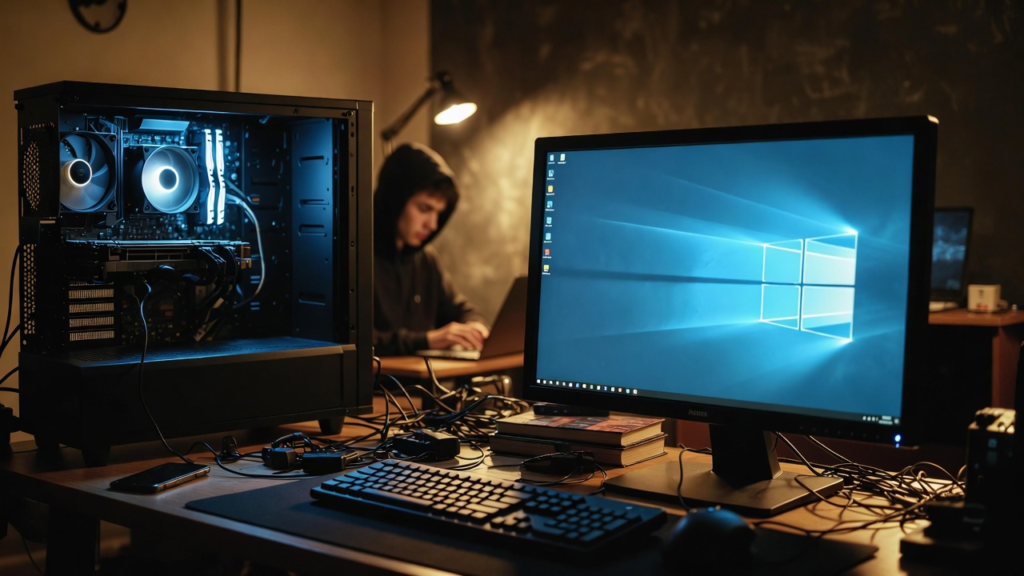
Computer performance depends on several hardware components working together. When one of these parts becomes outdated or overloaded, the entire system may slow down. Fortunately, most desktop computers and even some laptops allow hardware upgrades that can greatly improve speed and performance. Here are five upgrades that can make your computer feel brand new again.
The first and most effective upgrade is installing a Solid State Drive (SSD). Older computers usually use a Hard Disk Drive (HDD) for storage. While HDDs can store large amounts of data, they are slower because they rely on spinning mechanical parts. An SSD is much faster because it stores data electronically with no moving parts. This means files load faster, programs open quickly, and the operating system boots up in seconds instead of minutes. Many computer technicians say that installing an SSD is the single best upgrade you can do for an old computer.
The second upgrade is adding more RAM (Random Access Memory). RAM allows your computer to run multiple programs at the same time. If your computer has limited RAM, it may slow down when you open several browser tabs or run multiple applications. For example, upgrading from 4GB to 8GB or even 16GB of RAM can make multitasking much smoother. Users who edit photos, videos, or use heavy software will especially benefit from having more RAM.
The third upgrade is updating the graphics card (GPU). The graphics card is responsible for processing images and videos. If you play games, edit videos, or use design software, a better GPU can significantly improve performance. Newer graphics cards allow smoother gameplay, faster video rendering, and better overall visual performance. For casual users, this upgrade may not be necessary, but for gamers and content creators, it can make a huge difference.
The fourth upgrade is upgrading the processor (CPU) if your motherboard supports it. The CPU is the brain of the computer and handles most of the processing tasks. A faster processor can improve system responsiveness and reduce lag when running demanding programs. However, CPU upgrades are usually more complex and sometimes require checking compatibility with the motherboard.
The fifth upgrade is improving cooling and cleaning the system. Over time, dust can build up inside the computer, blocking airflow and causing the system to overheat. When a computer overheats, it automatically slows down to protect its components. Cleaning the fans, replacing thermal paste, or installing better cooling fans can help maintain proper temperature and improve performance.
Another advantage of upgrading your computer is saving money. Buying a brand-new computer can be expensive, but upgrading a few parts usually costs much less. For example, installing an SSD and additional RAM may cost only a small amount compared to purchasing a new system. Yet the improvement in speed can be very noticeable.
Upgrading also helps extend the life of your computer. Instead of throwing away a device that still works, upgrades allow it to remain useful for several more years. This reduces electronic waste and makes better use of existing technology.
In conclusion, a slow computer does not always mean it is time to replace it. With simple upgrades like installing an SSD, adding more RAM, improving the graphics card, upgrading the processor, or cleaning the system, your computer can become faster and more efficient. Before deciding to buy a new PC, consider upgrading first you might be surprised at how powerful your old computer can become