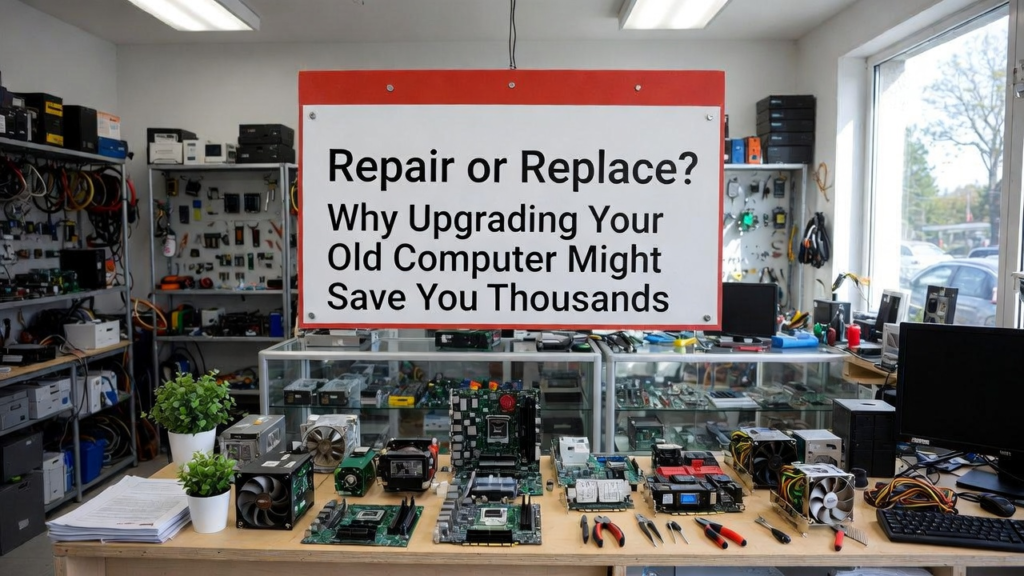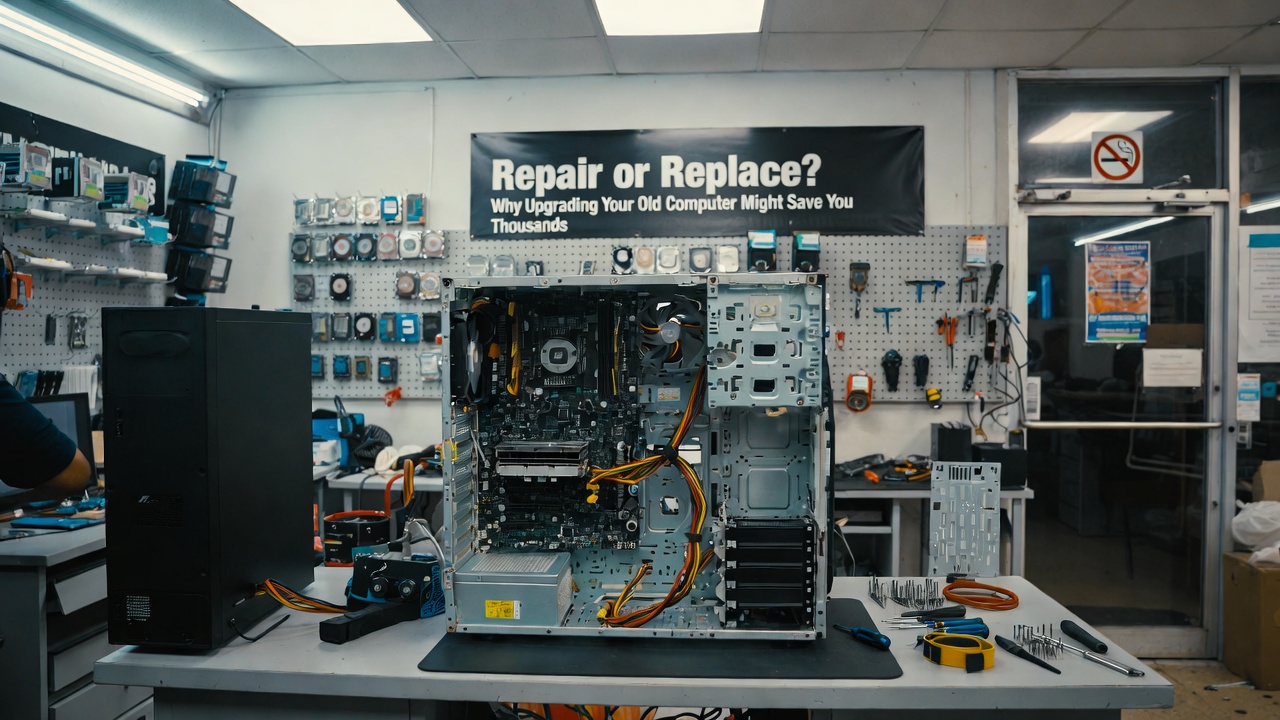
Repair or Replace? Why Upgrading Your Old Computer Might Save You Thousands
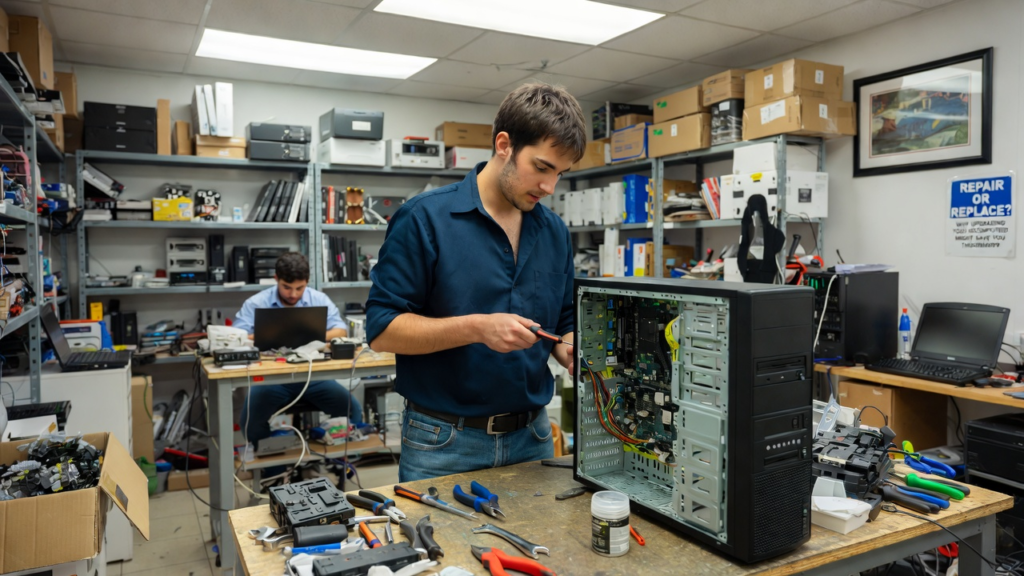
Many people believe that when a computer becomes slow or starts having problems, the only solution is to buy a new one. Stores often advertise the newest laptops and desktops with faster processors, better graphics, and modern designs. Because of this, many users quickly decide to replace their old computers. However, what most people do not realize is that repairing and upgrading an old computer can often save a lot of money while still giving excellent performance.
Computers, like many machines, are built with parts that can be replaced. When a computer becomes slow, the problem is usually caused by one or two components that are outdated or failing. Instead of replacing the entire system, upgrading these parts can significantly improve the computer’s performance.
One of the most common upgrades is installing a Solid State Drive (SSD). Many older computers still use traditional hard disk drives (HDD). These drives are slower because they rely on spinning disks to read and write data. An SSD, on the other hand, has no moving parts and can access data much faster. Upgrading from an HDD to an SSD can make a computer start up in seconds and open programs almost instantly. Many users say it feels like they bought a brand-new computer after installing an SSD.
Another useful upgrade is adding more RAM (Random Access Memory). RAM helps the computer run multiple programs at the same time. If a computer has very little RAM, it may become slow when many applications are open. Increasing the RAM allows the system to handle tasks more smoothly, especially when using modern software, browsing with many tabs, or running productivity programs.
In some cases, upgrading the graphics card (GPU) can also improve performance. This is especially helpful for users who play games, edit videos, or use graphic design software. A better GPU allows the computer to process images and graphics faster, resulting in smoother performance.
Another advantage of upgrading is cost efficiency. Buying a new computer can cost a large amount of money. In contrast, upgrading parts such as an SSD or RAM is usually much cheaper. For example, installing an SSD and additional RAM may cost only a small fraction of the price of a brand-new computer while delivering a noticeable performance improvement.
Repairing and upgrading computers also reduces electronic waste. Many old computers are thrown away even though they can still function properly with a few upgrades. By repairing and upgrading devices, users can extend the life of their machines and reduce the number of electronics that end up in landfills. This makes upgrading not only a smart financial choice but also a more environmentally friendly one.
However, there are situations where replacing a computer is the better option. If the motherboard or processor is very outdated, or if repair costs are too high, buying a new system may be more practical. Technology continues to evolve, and sometimes a system may simply be too old to keep up with modern software requirements.
Despite this, many computers that seem outdated still have plenty of life left in them. With the right repairs and upgrades, an old computer can continue to perform efficiently for several more years. Instead of immediately replacing a slow computer, users should consider evaluating the hardware first.
In conclusion, repairing and upgrading a computer is often a smarter and more economical decision than replacing it immediately. Simple upgrades like installing an SSD, increasing RAM, or improving the graphics card can greatly enhance performance. By choosing to upgrade instead of replace, users can save money, extend the life of their devices, and reduce electronic waste. Before throwing away an old computer, it may be worth giving it a second chance through repair and upgrades.