







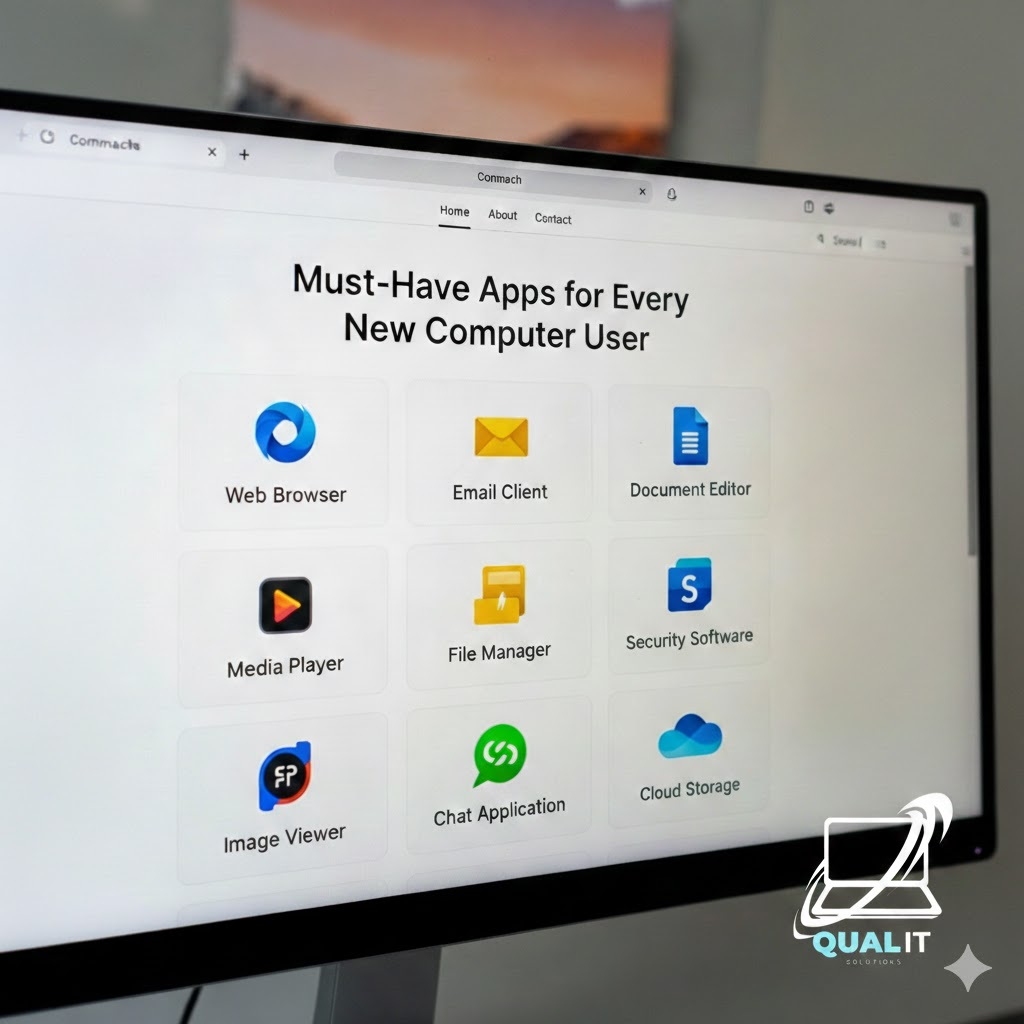
Must-Have Apps for Every New Computer User
New computer? Install these essentials first a web browser, security software, productivity tools, media player, file compression tool, communication apps, and cloud storage. These apps cover everything you need for daily use, safety, and productivity.
Getting a new computer or laptop is exciting, but without the right apps, you won’t unlock its full potential. Whether you’re a student, worker, or casual user, installing essential software will make your device safer, faster, and more useful. Here are the must-have apps every new computer user should install first.
1. Web Browser — Your Gateway to the Internet
A reliable browser is essential for browsing, downloads, school, and entertainment. Popular choices include Google Chrome for speed and extensions, Mozilla Firefox for privacy, and Microsoft Edge which is optimized for Windows. Installing a good browser ensures smoother and safer internet use.
2. Security Software — Protect Your Computer
New computers are vulnerable to viruses and malware if unprotected. Built-in tools like Windows Security already provide solid protection for most users. For additional features, free options like Avast Antivirus can help. Keeping your antivirus updated is key to staying safe online.
3. Productivity Tools — For School & Work
Productivity apps allow you to create documents, spreadsheets, and presentations. Microsoft Office remains the standard for students and professionals, while LibreOffice is a powerful free alternative. These tools are essential for assignments, reports, and everyday tasks.
4. Media Player — For Videos & Music
Your default player may not support all file formats. VLC Media Player is a must-have because it can play almost any video or audio file without extra downloads. It’s simple, lightweight, and reliable.
5. File Compression Tool — Manage Downloads
Many files come in compressed formats like ZIP or RAR. Tools such as WinRAR or the free 7-Zip help you extract and organize these files easily.
6. Communication Apps — Stay Connected
For online classes, meetings, or gaming with friends, communication apps are essential. Popular choices include Zoom, Discord, and Skype.
7. Cloud Storage — Backup Your Files
Cloud storage protects your important files from accidental loss. Services like Google Drive, Dropbox, and OneDrive let you access files anywhere and keep backups safely online.
Summary
A new computer becomes truly useful after installing essential apps. These programs improve security, productivity, entertainment, and communication, giving you everything needed for daily use. Start with these basics, then customize your setup based on your needs.
