







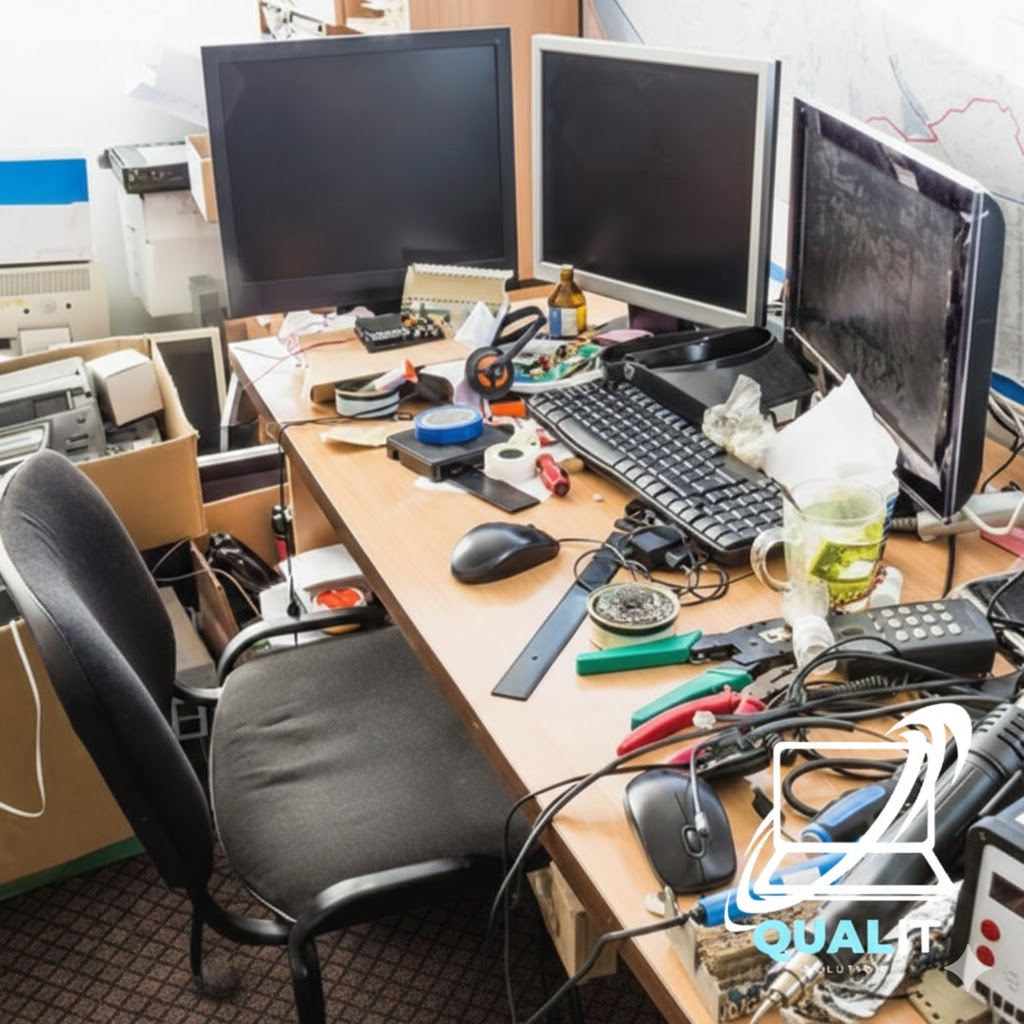
Is Your Messy Desk Killing Your Productivity? (And How to Fix It)
We’ve all seen those “perfect” desk setups on Instagram—clean, wireless, and organized. Then we look down at our own desk: a tangled web of chargers, extension cords, and dusty cables.
A messy workspace doesn’t just look bad; it causes “visual clutter” that makes it harder to focus and can even cause your PC to overheat. At Qual-IT Solutions, we believe a clean setup leads to a clear mind. Here’s how to tame the cable beast.
1. The “One Cable” Rule
The biggest mess usually comes from having five different chargers for five different devices.
Quick Fixes:
- Switch to a Docking Station: If you use a laptop, one “USB-C Hub” can connect your monitor, mouse, keyboard, and charger using just a single cable into your laptop.
- Label Your Plugs: Use bread ties or tape to label which cord belongs to which device. You’ll thank yourself the next time you need to unplug the router and not the computer!
2. Get the Wires Off the Floor
Cables on the floor are “dust magnets.” Dust gets into your PC’s power supply and fans, leading to hardware failure over time.
Quick Fixes:
- Use Cable Sleeves: Bundle your hanging wires into a “sleeve” or “snake” so they look like one neat tube instead of ten messy strings.
- The Under-Desk Tray: Mount a simple wire basket under your desk to hold your power strip and “bricks.” This keeps everything off the floor and away from your feet.
3. Peripheral Wireless Upgrades
Sometimes the best way to manage a cable is to get rid of it entirely.
Quick Fixes:
- Wireless Mouse & Keyboard: Modern wireless peripherals have zero “lag” and immediately remove two of the most annoying cords from your desk surface.
- Bluetooth Audio: Switching to Bluetooth speakers or headphones clears up your desk space and gives you more room to move.
Want a “Pro” Setup Without the Work?
Dreaming of a clean, professional office setup but don’t have the time to crawl under your desk? Let the experts handle it!
At Qual-IT Solutions, we offer Home Office & Entertainment Setup Services. We don’t just plug things in we manage your cables, optimize your monitor height for better posture, and ensure your Wi-Fi signal is perfect at your desk.
