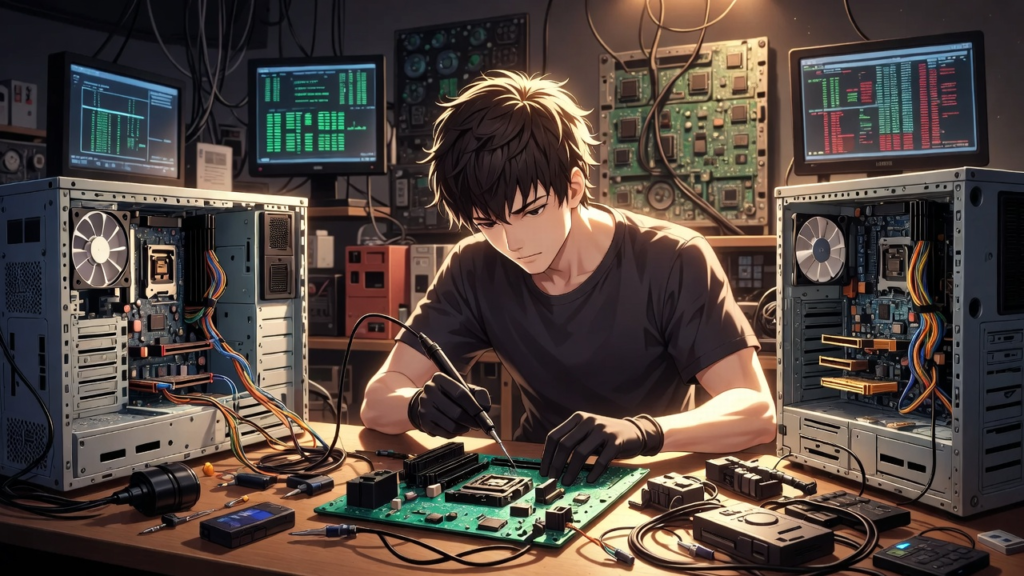
Inside the Life of a Computer Technician: What Really Happens During a PC Repair

To many people, computer technicians look like magicians. You bring them a laptop that refuses to turn on, makes strange noises, and moves slower than a turtle on vacation. A few hours later, they hand it back to you and suddenly everything works again. But what actually happens behind the scenes during a computer repair? Spoiler alert: it’s not magic although sometimes it definitely feels like it.
The first step of any repair is listening to the customer’s story. And believe it or not, this is often the most entertaining part of the job. Customers may say things like, “It just stopped working by itself,” or “I didn’t do anything, it just exploded with errors.” Sometimes the technician hears the classic line: “My friend tried to fix it.” That sentence alone can send chills down any technician’s spine.
Once the story is heard, the technician begins the investigation phase. Think of it like being a detective, but instead of solving crimes, you’re solving computer mysteries. The technician checks the obvious things first. Is the computer plugged in? Is the power supply working? You might be surprised how many “broken” computers are simply unplugged or connected to a dead power outlet.
Next comes the open-heart surgery stage. The technician carefully opens the computer case to inspect the internal components. Inside, they often find something unexpected like enough dust to build a small desert. Dust buildup is one of the most common reasons computers overheat and slow down. Sometimes the inside of a PC looks like it hasn’t been cleaned since dinosaurs were roaming the earth.
After the visual inspection, the technician moves to diagnostic testing. This is where special tools and software come into play. These programs test important components such as memory, storage drives, and processors. It’s like giving the computer a full medical check-up. If a part is failing, the diagnostic tools will usually reveal the problem.
Sometimes the issue is caused by software problems. This might include viruses, corrupted files, or drivers that decided to stop cooperating with the system. In these situations, technicians may remove malware, update drivers, repair system files, or reinstall the operating system. It may sound simple, but finding the exact problem can take time and patience.
When the problem is hardware-related, the technician may begin testing individual components. A failing power supply, faulty RAM, or dying storage drive can all cause major problems. To confirm the issue, technicians sometimes swap components with working parts to see if the computer behaves normally again. This process helps pinpoint the exact cause of the failure.
One important step that many people don’t see is data protection. Before making major changes, technicians often back up important files. After all, the computer can be replaced—but family photos, important documents, and school projects cannot.
Once the problem is finally identified, the technician performs the repair. This might involve replacing hardware, cleaning the system, or fixing software issues. After the repair, the computer is tested again to make sure everything runs smoothly. A good technician never returns a computer without making sure the problem is fully solved.
At the end of the process, the customer receives their computer back often surprised at how fast and smooth it runs again. Meanwhile, the technician moves on to the next mystery computer waiting on the repair desk.
Being a computer technician is a mix of detective work, engineering, and sometimes even comedy. Every broken computer comes with a story, and every repair is a new puzzle to solve. So, the next time your computer suddenly stops working, remember somewhere out there, a technician is ready to play detective and bring your PC back to life.