







How to Set Up a Multi-Monitor Workspace for Maximum Productivity (and Finally Stop Alt-Tabbing Like a Maniac)
Tired of endlessly flipping through tabs and windows like some kind of digital acrobat? It’s time to upgrade your workspace and embrace the multi-monitor life. With more screens, you can say goodbye to the endless Alt+Tab dance and hello to a new world of productivity. Setting up a multi-monitor workspace doesn’t just make you look like a boss; it makes you work like one too. Here’s how to level up your work game with multiple monitors and yes, you’ll feel like a superhero.
1. Choose the Right Monitors (and Avoid the “I Just Grabbed Whatever’s on Sale” Setup)
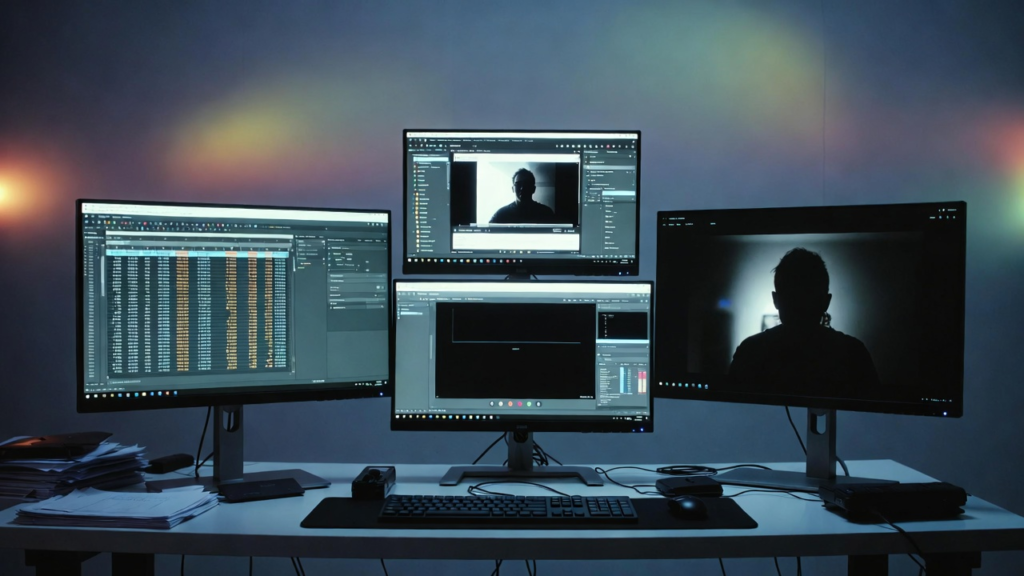
You wouldn’t wear mismatched socks to work (unless you’re a trendsetter), so don’t settle for mismatched monitors either. While bigger is better, don’t go full “gamer mode” with a massive screen unless you plan to launch rockets from your desk.
- Size: 24-32 inches is the sweet spot big enough to be productive but not so big that you need a second mortgage to buy it.
- Resolution: Don’t be that person still rocking 720p. Get yourself some 1080p (Full HD) at the minimum, or flex with 1440p or 4K if you’re feeling fancy.
- Matching Monitors: For a clean, professional look (or to keep your OCD in check), use monitors of the same brand and size. But hey, if you’re a rebel and like variety, do your thing!
2. Does Your Computer Have What It Takes?
Before you get too excited about your dream multi-monitor setup, let’s make sure your computer isn’t going to throw in the towel at the sight of extra screens. Check how many video output ports your PC has (HDMI, DisplayPort, USB-C we’re living in the future now). Most desktops and laptops can handle at least two monitors but make sure to double-check that your computer isn’t stuck in the past.
- Ports: If your computer only has one output, it might be time to get an adapter. But, if you’re using an old laptop, it might be better to just sit back, relax, and rethink that whole “multi-monitor dream.”
3. Positioning Your Monitors: Tetris or Art?
Now that you’ve got the screens, how do you set them up? Here’s where the magic happens and no, we don’t mean the chaotic “stacked monitors” look. Think ergonomics, not “I’m an abstract artist”.
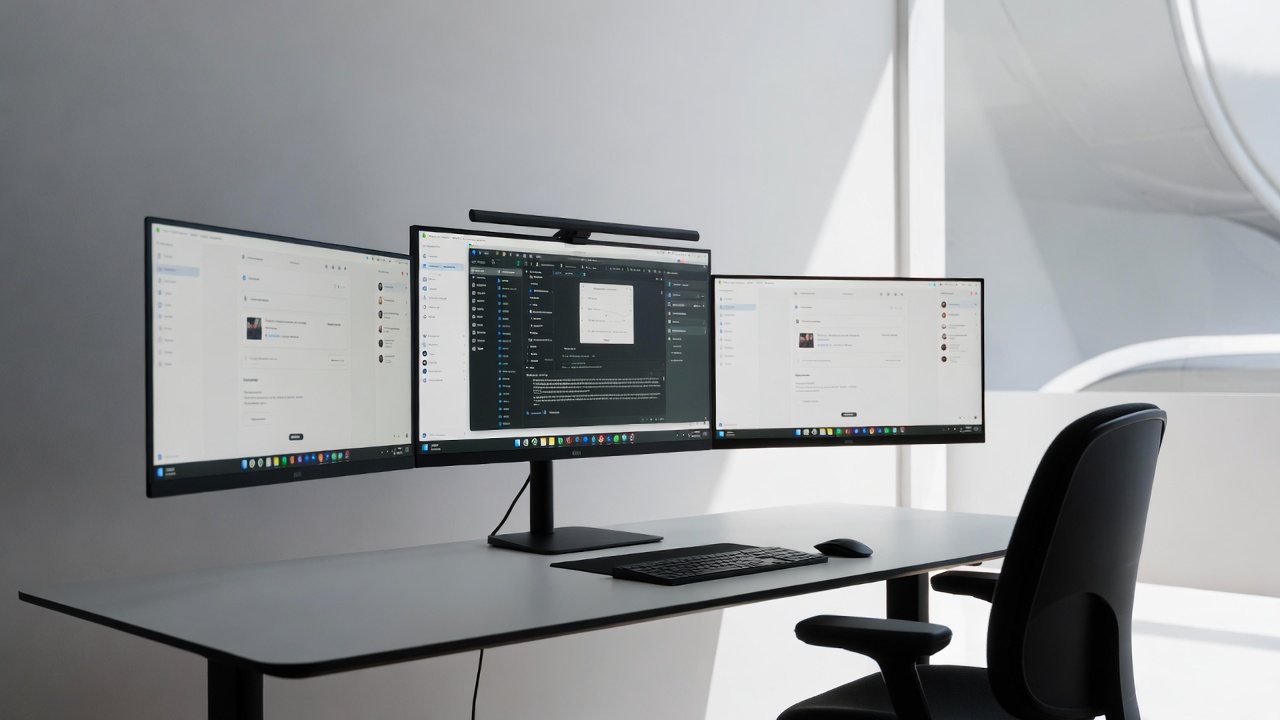
- The Side-by-Side Setup: Keep your primary monitor in front, and place the secondary screens at a 30-degree angle. That way, it feels like you’re driving a spaceship minus the rockets.
- The U-Shape Setup: If you’re really feeling fancy, arrange the monitors in a U shape. You’ll feel like a commander in a futuristic control room (with none of the responsibilities, just the cool factor).
4. Cable Management: No One Likes a Spaghetti Disaster
You finally have the setup of your dreams but now you’re tripping over cables like you’re in an action movie scene. Keep things tidy with cable management. Cable clips and raceways are your best friends here.
- Pro Tip: Get some cable ties and color-coded labels so you can easily tell which cable is which this way, when the monitor decides to stop working (because it’s rebellious like that), you can quickly identify the culprit.
5. Adjust Your Settings (For Maximum Awesome)
You’ve got your monitors set up, but it’s time for some tweaks. Adjust the brightness, resolution, and orientation so your eyes don’t feel like they’re being grilled on a rotisserie.
- Display Settings: In your PC’s display settings, align the monitors so the cursor can smoothly move between them without acting like it’s stuck in quicksand. And make sure your primary monitor is set to the “main” one, or prepare to get lost in monitor limbo.
6. Be the Ultimate Multi-Tasking Legend
Here comes the fun part: actually, using the setup! With all that screen space, you can finally open multiple programs at once without feeling like a digital magician juggling windows. Watch YouTube on one screen, have your work on another, and keep your social media open for “just one more” scroll. You’re basically the multitasking superhero now!
Bonus Tip: Impress Your Friends
Not only will you be more productive, but you’ll also have mad tech cred. Your friends will walk into your office, see your multi-monitor setup, and think you’re either a hacker, a tech wizard, or a top-tier productivity machine. Trust me, they’ll be jealous and they should be!
Setting up a multi-monitor workspace is the ultimate life hack for anyone looking to maximize their productivity. With multiple screens, you’ll stop wasting time switching between windows and start accomplishing more than ever. Plus, you’ll look like a boss while doing it. Get ready to crush your to-do list, all while impressing your coworkers with your next-level setup! 😎
