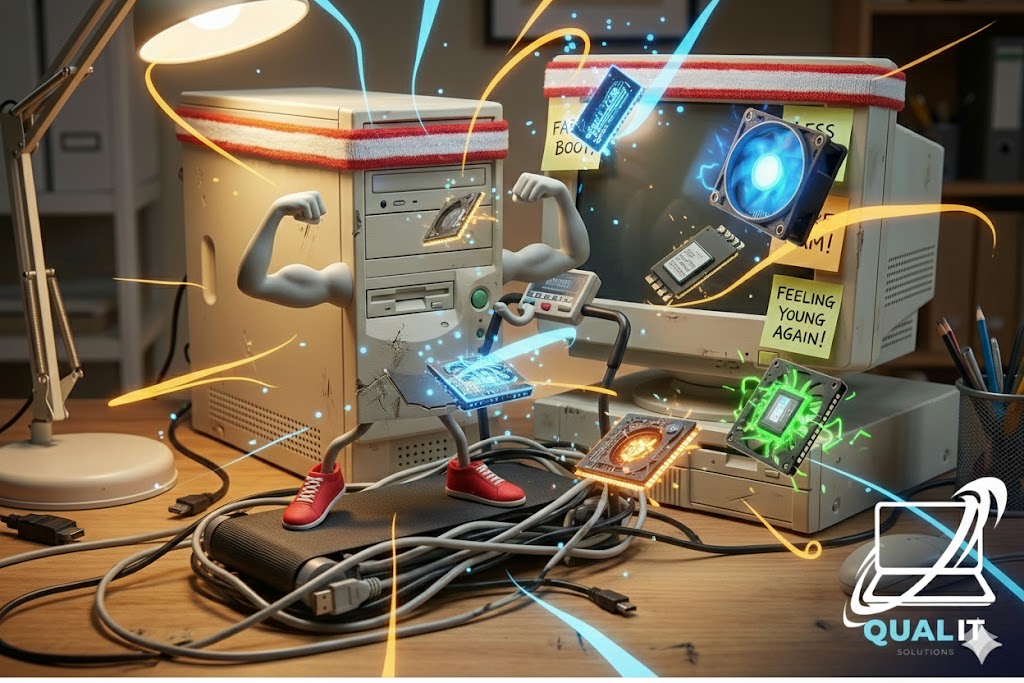
How to Make Your Old PC Feel Young Again (Without a Time Machine)
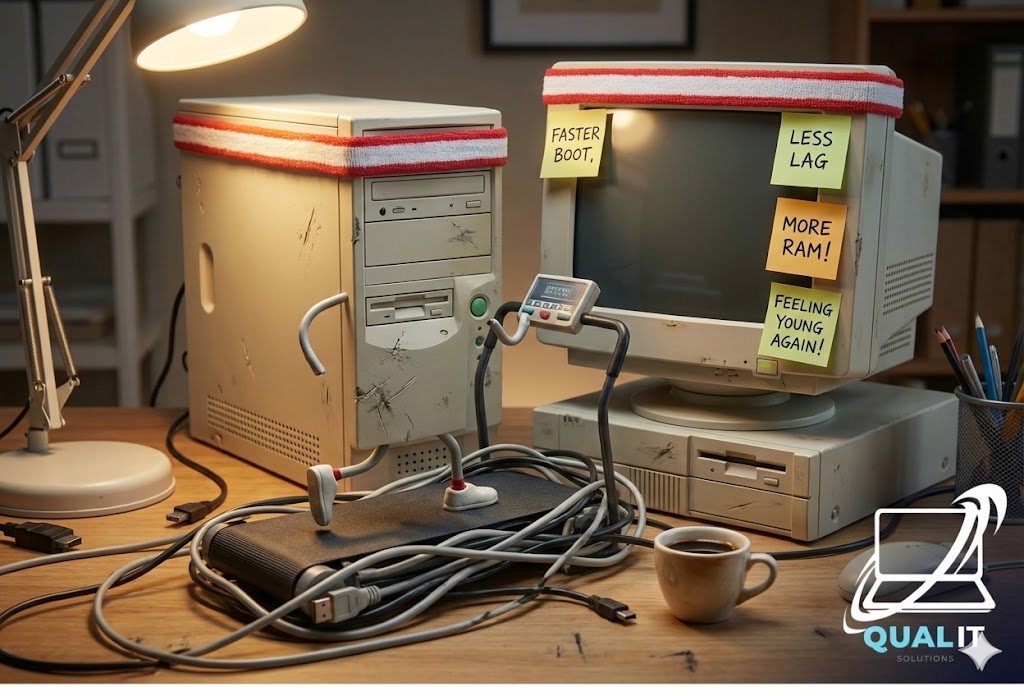
So, your PC isn’t what it used to be. Maybe it struggles to open Chrome without wheezing. Maybe games that ran flawlessly in 2020 now look like a slideshow. Fear not in 2026, even an “old” PC can feel spry again with a few smart tweaks and upgrades. Think of it as giving your rig a second youth without surgery or a huge budget.
Step 1: Clean the Dust (It’s Alive and It’s Lazy)
Your PC collects dust like a teenager collects excuses. And all that dust? It’s slowing your components down and making your fans sound like a jet engine.
- Open it up, grab a can of compressed air, and clean everything.
- Pay attention to CPU, GPU, and vents.
- Bonus: you’ll feel like a PC doctor performing a life-saving operation.
Step 2: Upgrade Storage (SSD Is Your Fountain of Youth)
If your old rig still has a mechanical hard drive, switching to an SSD is like giving it Red Bull. Boot times shrink, load times vanish, and suddenly your PC feels decades younger.
- Pro Tip: NVMe SSDs are faster, but even a standard SATA SSD works wonders.
- Transfer your OS if possible nothing like seeing Windows boot in seconds instead of minutes.
Step 3: RAM Give Your PC Some Extra Brainpower
Older PCs often choke when multitasking. More RAM = fewer tantrums.
- 16GB is the sweet spot for 2026 gaming and productivity.
- Make sure it’s compatible with your motherboard nothing worse than buying memory your PC can’t use.
Step 4: Update Drivers and Software
Old drivers are like bad habits: they slow everything down.
- Update GPU, motherboard, and peripheral drivers.
- Keep your OS clean: uninstall unused programs and disable unnecessary startup apps.
Step 5: Lightweight Gaming Mode
Not every old PC can run AAA titles at max settings. That’s okay.
- Lower graphics settings or try older game versions.
- Streamline your workflow and prioritize performance over eye candy.
- Pro Tip: Mods that improve performance can be a game-changer.
Step 6: Accessorize Wisely
Sometimes, it’s not the PC but how you interact with it.
- Mechanical keyboards and better mice improve responsiveness.
- Better cooling pads or extra case fans prevent overheating and prolong life.
Step 7: Know When to Let Go
Even after upgrades, some rigs are just… tired.
- If games stutter, boot times drag, and fans scream like banshees, it may be time to invest in a new build.
- But until then, your old PC can still serve you well especially after following these tips.
Step 8: Know When to Let Go
Even after upgrades, some rigs are just… tired.
- If games stutter, boot times drag, and fans scream like banshees, it may be time to invest in a new build.
- But until then, your old PC can still serve you well especially after following these tips.
Giving your old PC a second wind doesn’t require a time machine or an organ donation. With dust removal, SSD’s, RAM upgrades, and some software housekeeping, your rig can handle daily tasks, casual gaming, and even streaming without embarrassing itself. Think of it as a budget-friendly spa day except for your PC, not you.