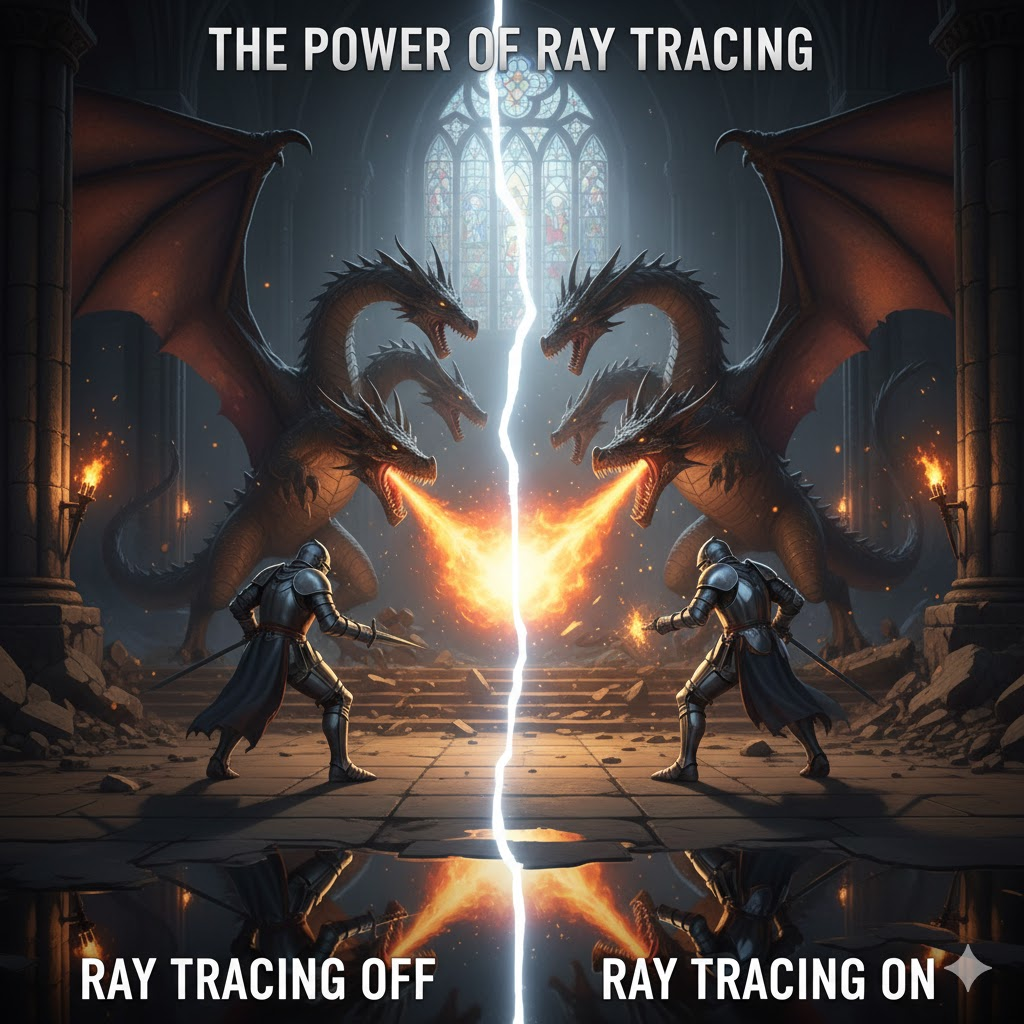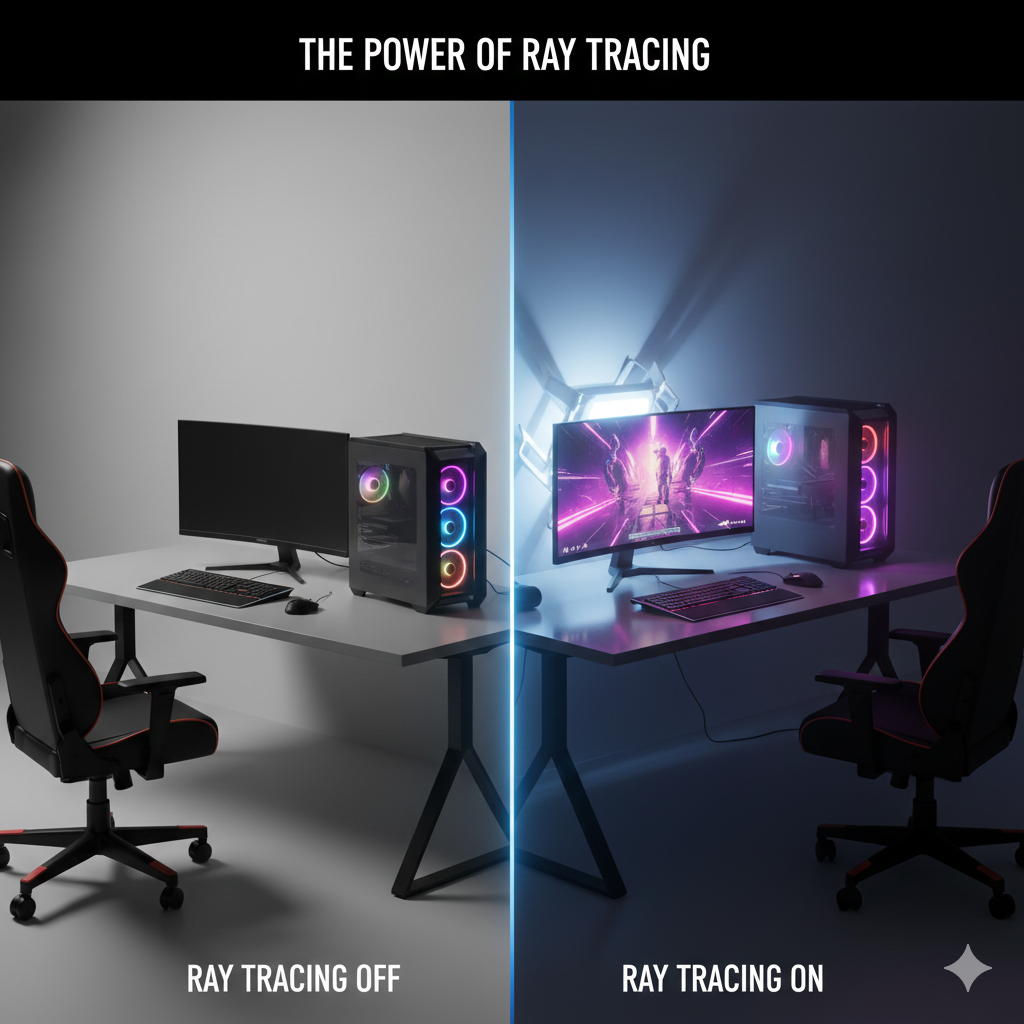
How Ray Tracing is Redefining Realism in Video Games and How It Affects Your Computer’s Performance.
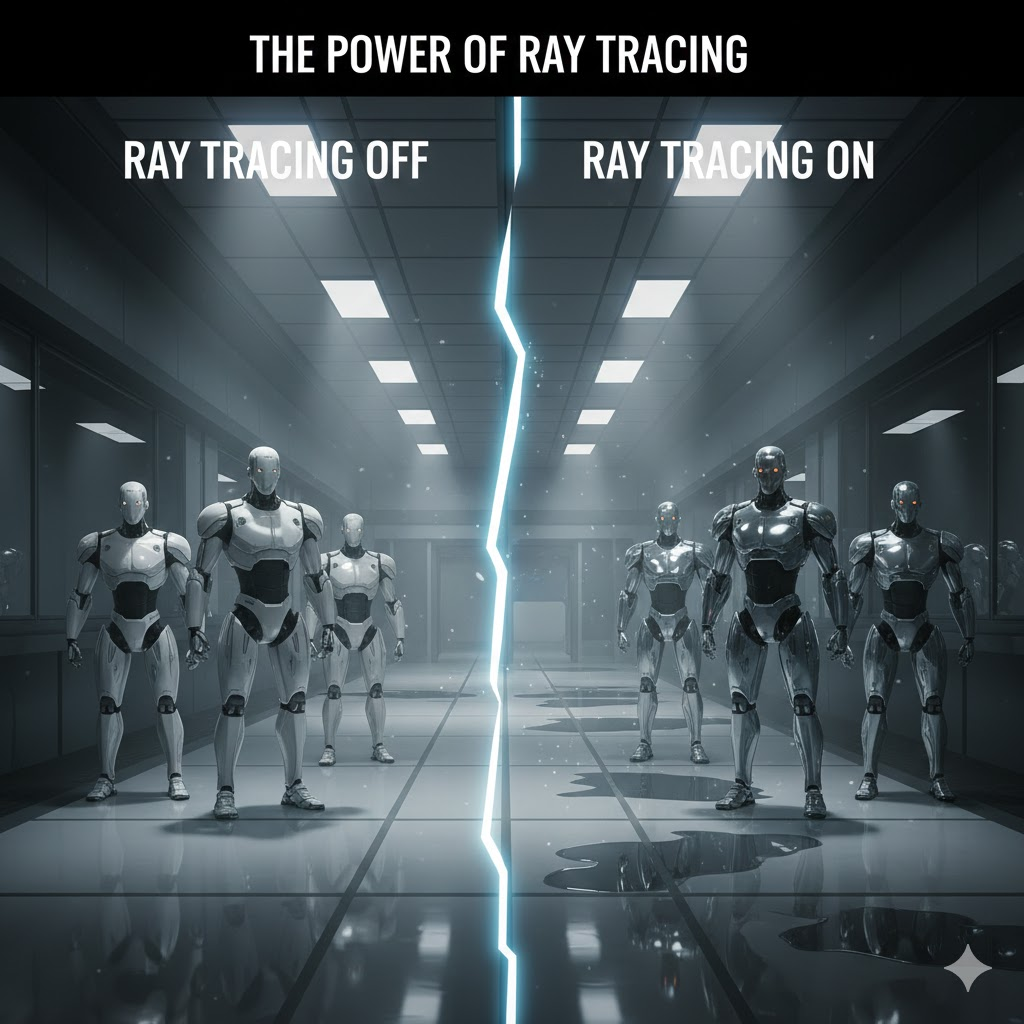
While ray tracing offers breathtaking visuals, it also comes with a performance cost. Because it simulates real-world lighting and reflections in real-time, it requires significantly more computational power than traditional rendering methods. Let’s break down how ray tracing impacts gaming performance and your computer’s hardware:
1. Increased Demands on the GPU
Ray tracing requires a powerful GPU to render the intricate lighting and reflections. Modern GPUs from NVIDIA (with RTX technology) and AMD (with RDNA 2 architecture) are designed to handle ray tracing workloads, but even these high-end graphics cards can experience frame rate drops when ray tracing is enabled at high settings.
- NVIDIA’s RTX series (such as the RTX 3060, RTX 3080, RTX 3090) and AMD’s Radeon RX 6000 series are built with dedicated hardware (Tensor Cores) to accelerate ray tracing tasks.
- Without hardware acceleration, ray tracing can be incredibly demanding and may cause stuttering or lag, especially in more graphically intensive games.
2. Performance Hits:
When ray tracing is turned on, you’re essentially asking your GPU to render each frame with significantly more detail. This results in lower frame rates and potentially higher input lag, especially at higher resolutions (such as 4K).
- Higher resolution = greater performance hit: Ray tracing at 4K resolution requires much more GPU power than at 1080p. Games that run smoothly without ray tracing may struggle to maintain stable frame rates when ray tracing is enabled at higher resolutions.
3. Impact on Frame Rates:
For many players, frame rate consistency is a priority typically, the higher the frame rate, the smoother the gameplay. Enabling ray tracing can significantly reduce frame rates. For instance, a game running at 60 FPS without ray tracing may drop to 40 FPS or lower with ray tracing enabled.
- DLSS (Deep Learning Super Sampling): To mitigate this, NVIDIA’s DLSS (featured in RTX GPUs) can upscale lower-resolution images to higher resolutions, allowing players to enjoy the benefits of ray tracing without the heavy performance toll. DLSS helps boost FPS by rendering at a lower resolution and then using AI to upscale the image to higher resolutions with minimal loss in visual quality.
4. The CPU’s Role:
While ray tracing primarily relies on the GPU, the CPU still plays a role in managing game logic, physics, and rendering tasks. As ray tracing requires more GPU power, the CPU may have to work harder to maintain smooth gameplay. In some cases, the CPU can become a bottleneck if it isn’t powerful enough to keep up with the increased GPU workload.
What Hardware Do You Need for Ray Tracing?
If you want to take full advantage of ray tracing, you’ll need the right hardware. Here’s what you should be looking for:
- A powerful GPU: Look for NVIDIA RTX series (RTX 20, 30, or 40) or AMD RDNA 2-based cards (such as the RX 6800, RX 6900 XT) for optimal ray tracing performance. These cards are specifically designed to handle the intensive demands of ray tracing.
- A fast CPU: Pair your GPU with a high-performance CPU to avoid bottlenecks. CPUs like the Intel Core i7/i9 or AMD Ryzen 7/9 are great choices for gaming with ray tracing enabled.
- Adequate RAM: Ray tracing can use a lot of system memory, so make sure your system has at least 16GB of RAM for smooth multitasking and gameplay.
- Solid storage: SSD storage ensures faster load times and smoother gameplay, which is essential for modern games that use ray tracing.