How Preventive Maintenance Can Save Your Computer from Expensive Repairs
Many people only think about computer repair when something goes wrong. When the computer becomes slow, starts overheating, or suddenly stops working, that is usually the time people begin to worry about fixing it. However, just like vehicles and other machines, computers also need regular maintenance to keep them running smoothly. Preventive maintenance helps detect small issues early before they become serious and expensive problems.
Preventive maintenance simply means taking care of a computer regularly so that it continues to perform efficiently. Instead of waiting for a system failure, users perform simple checks and maintenance tasks to keep their computers in good condition. This approach not only improves performance but also extends the life of the computer.
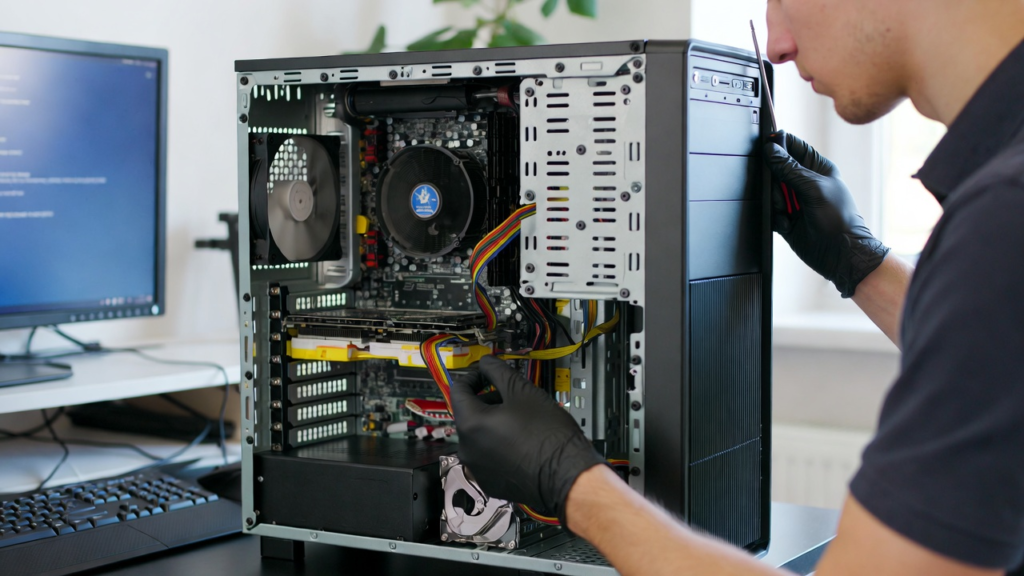
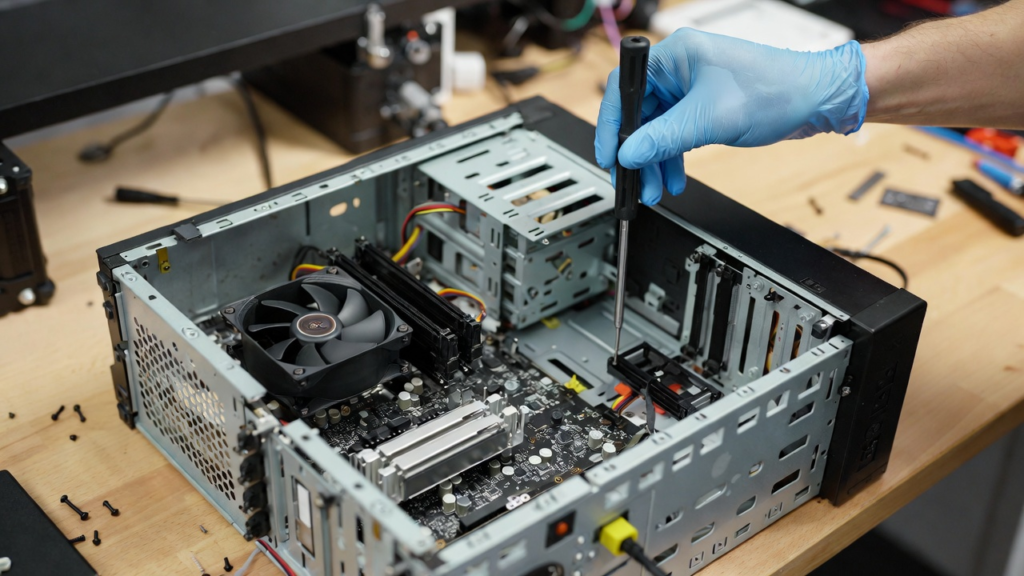
One important part of preventive maintenance is cleaning the computer hardware. Over time, dust and dirt can accumulate inside the computer case. Dust often collects around cooling fans, vents, and heat sinks. When airflow becomes blocked, the system may overheat. Overheating can damage sensitive components such as the processor, graphics card, and motherboard. Cleaning the computer periodically helps maintain proper airflow and keeps the system at a safe temperature.
Another key aspect of preventive maintenance is keeping software and operating systems updated. Software updates often include important security patches and performance improvements. When a system runs outdated software, it becomes more vulnerable to security threats such as viruses and malware. Updates also fix bugs that may cause programs to crash or behave unexpectedly. By regularly updating the operating system and installed applications, users can maintain system stability and security.
Preventive maintenance also involves monitoring system performance. Users should pay attention to unusual signs such as slow performance, unusual noises, or unexpected shutdowns. These symptoms may indicate that something is wrong with the computer. Detecting problems early allows users to address them before they become more serious. For example, if a hard drive begins to fail, early detection allows the user to back up important files before data is lost.
Another useful maintenance practice is managing storage space. When a storage drive becomes nearly full, the computer may slow down significantly. Temporary files, old downloads, and unused programs can occupy large amounts of storage. Regularly deleting unnecessary files and uninstalling unused applications can improve system performance and free up valuable space.
Proper cooling and ventilation are also essential for maintaining computer health. Computers generate heat while running, especially during heavy tasks such as gaming or video editing. If the system does not have adequate cooling, components may become damaged over time. Users should ensure that computer vents are not blocked and that the system is placed in a well-ventilated area.
Preventive maintenance also includes protecting the computer from electrical problems. Power surges and sudden outages can damage internal components. Using surge protectors or uninterruptible power supplies (UPS) can help protect computers from electrical damage. This small investment can prevent costly repairs in the future.
Another important maintenance habit is regularly backing up important data. Even with proper maintenance, hardware failure can still occur unexpectedly. Backups ensure that valuable files are safe even if the computer experiences a serious problem. External drives or cloud storage services are commonly used for backup purposes.
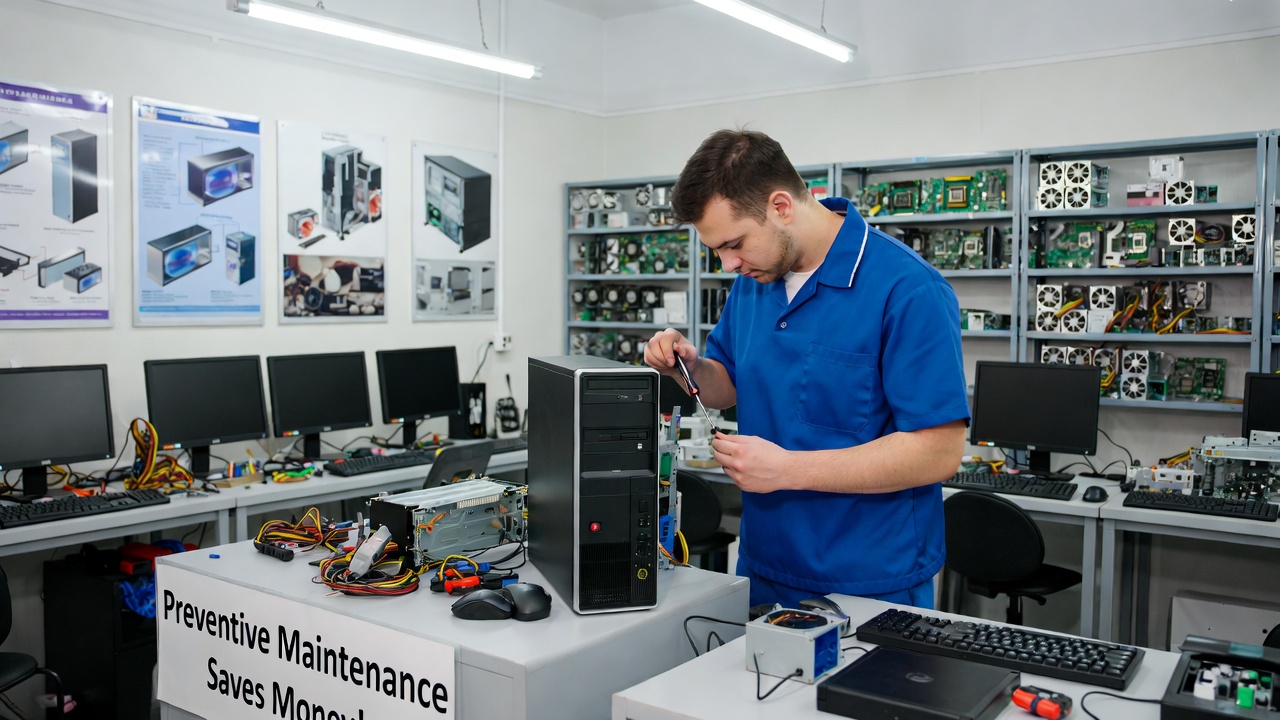
Preventive maintenance may seem simple, but it can make a significant difference in the long-term performance and reliability of a computer. Many major computer failures begin as small issues that were ignored for too long. By taking care of the system regularly, users can prevent these issues from developing into costly repairs.
In conclusion, preventive maintenance is one of the most effective ways to protect a computer from expensive repairs. Regular cleaning, software updates, performance monitoring, proper cooling, and data backups all contribute to a healthier system. By practicing these simple maintenance habits, users can extend the life of their computers and ensure that their devices continue to operate efficiently for many years.