Funny Computer Myths People Still Believe (For Some Reason)

Computers are everywhere. We use them for work, school, gaming, shopping, and procrastinating. You’d think that after all these years, people would fully understand how computers work. Surprisingly, that is not the case at all. In fact, many users still believe funny computer myths, develop questionable habits, and make beginner mistakes they swear they “never did before.”
Let’s start with computer myths the kind that refuse to disappear no matter how advanced technology becomes.
One of the most popular myths is, “Close all your apps or your computer will explode.” While it’s good to avoid opening unnecessary programs, modern operating systems already know how to manage background apps. Constantly closing and reopening them can actually make things worse. Your computer isn’t dramatic. It won’t faint just because Chrome is still open.
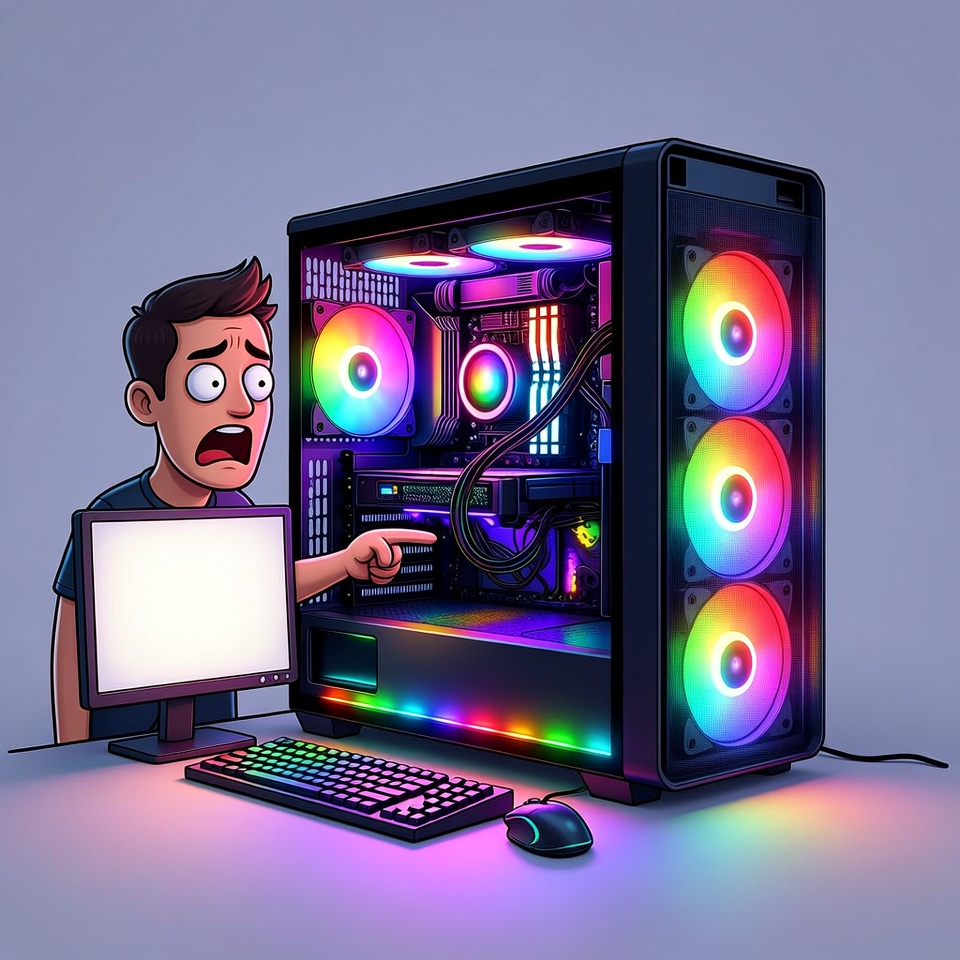
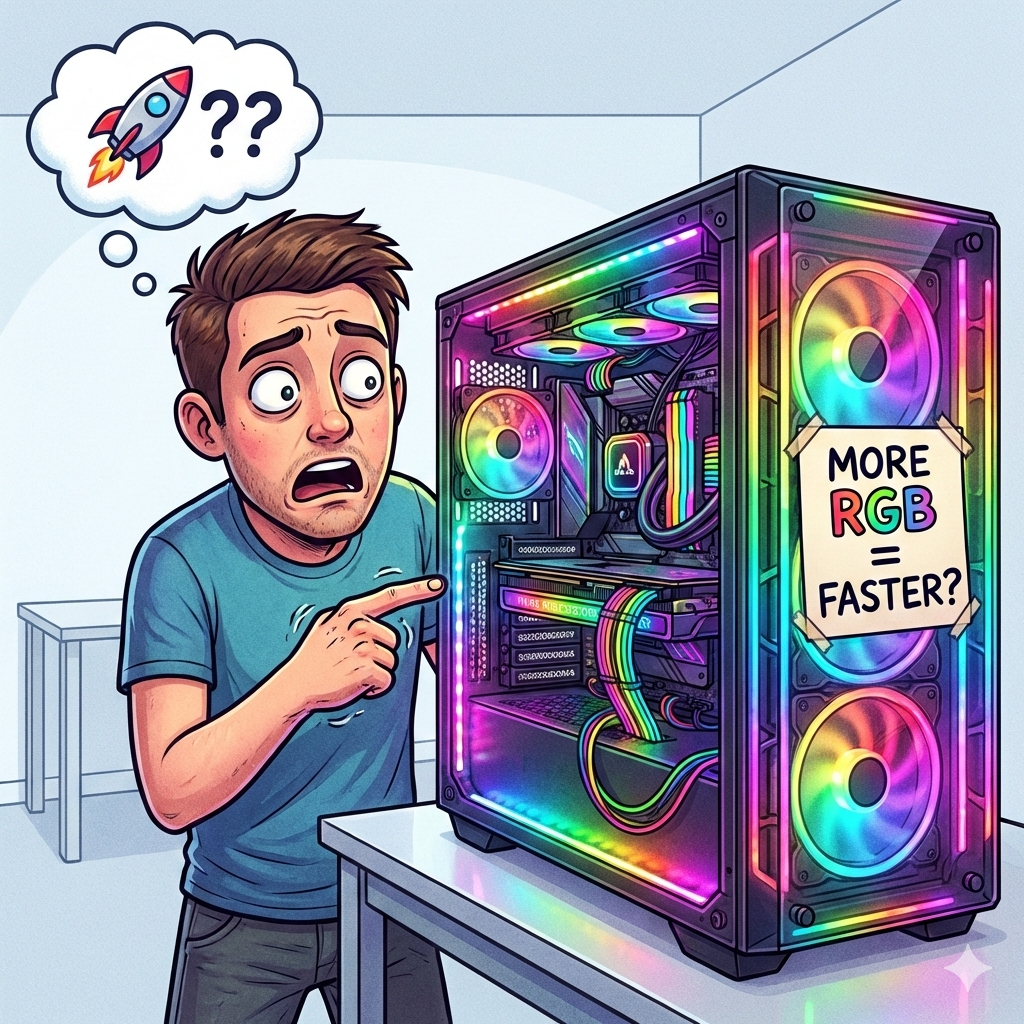
Another classic myth is “More RGB lights make your PC faster.”
RGB lights make your setup look amazing, but they don’t magically add performance. They won’t increase FPS, improve internet speed, or make your computer smarter. They only boost confidence and sometimes that’s enough to make people believe their PC runs better.
Then there’s the fear-based myth: “Hackers are watching you through your webcam.”
Yes, hacking exists. No, hackers are not spending their free time watching random people stare at their screens at 3 a.m. Hackers usually target weak passwords, phishing links, and outdated systems not everyday users eating snacks in front of a laptop.
Now let’s talk about bad computer habits, especially the habit of never shutting down your PC.
Many people proudly say, “I never turn off my computer.” While computers are built to stay on for long periods, that doesn’t mean they should. Over time, background processes pile up, memory gets cluttered, and performance slowly drops. This is why a computer that was once fast suddenly feels “old” for no reason.
Another issue is updates. Many updates require a restart. When you never shut down your PC, those updates just wait forever. Bugs stay unfixed, security holes remain open, and your computer silently suffers.
Heat is another problem. Continuous operation means continuous heat. While fans and cooling systems help, long-term heat exposure shortens the lifespan of components especially in laptops. And yes, your electric bill also notices when your PC never sleeps.
Sleep mode helps, but it’s not the same as shutting down. Think of it as resting with your eyes closed but your brain still working.
Finally, let’s talk about beginner mistakes the kind everyone makes but few admit.
One of the biggest mistakes is clicking random pop-ups that scream, “Your computer is infected!” Panic clicking almost always leads to malware, not protection. If you didn’t search for it, you probably shouldn’t download it.
Another common mistake is ignoring updates. Updates aren’t there to annoy you. They fix problems, improve performance, and protect your system. Skipping them makes your computer weaker, not faster.
Using the same weak password everywhere is another mistake. Once one account is compromised, everything else follows. This is how one bad decision turns into multiple problems.
Then there’s not backing up files. Many people only learn about backups after losing important data. Hard drives fail, accidents happen, and laptops get stolen. Backups turn disasters into mild inconveniences.
And of course, force shutting down the computer every time it freezes. Sometimes it’s necessary, but doing it constantly can damage files. Many freezes fix themselves if you just wait a bit.
The truth is simple:
Most computer problems aren’t caused by broken hardware. They’re caused by myths, habits, and mistakes we repeat without realizing it.
Computers are not magical. They are not emotional. They do exactly what we tell them to do even when what we tell them is wrong.