








Many computer problems like freezing programs, slow performance, or internet glitches can often be solved simply by restarting the computer. Restarting clears memory, resets background processes, and gives the system a fresh start. When computers stop working properly, most people immediately assume something serious is wrong. Maybe the hardware has failed. Maybe the system has […]

We’ve all seen those “perfect” desk setups on Instagram—clean, wireless, and organized. Then we look down at our own desk: a tangled web of chargers, extension cords, and dusty cables. A messy workspace doesn’t just look bad; it causes “visual clutter” that makes it harder to focus and can even cause your PC to overheat. […]

We use our computers for everything—banking, private messages, and work documents. But how do you know if a stranger has “backdoor” access to your digital life? Most hackers don’t leave a message; they stay hidden to steal as much data as possible. At Qual-IT Solutions, we believe your privacy is a priority. If you notice […]

No one is born knowing how to use a computer. At some point in life, everyone has stared at a screen thinking, “What did I just click?” The problem is not making mistakes that part is normal. The real problem is repeating the same computer mistakes over and over, then blaming the computer like it […]
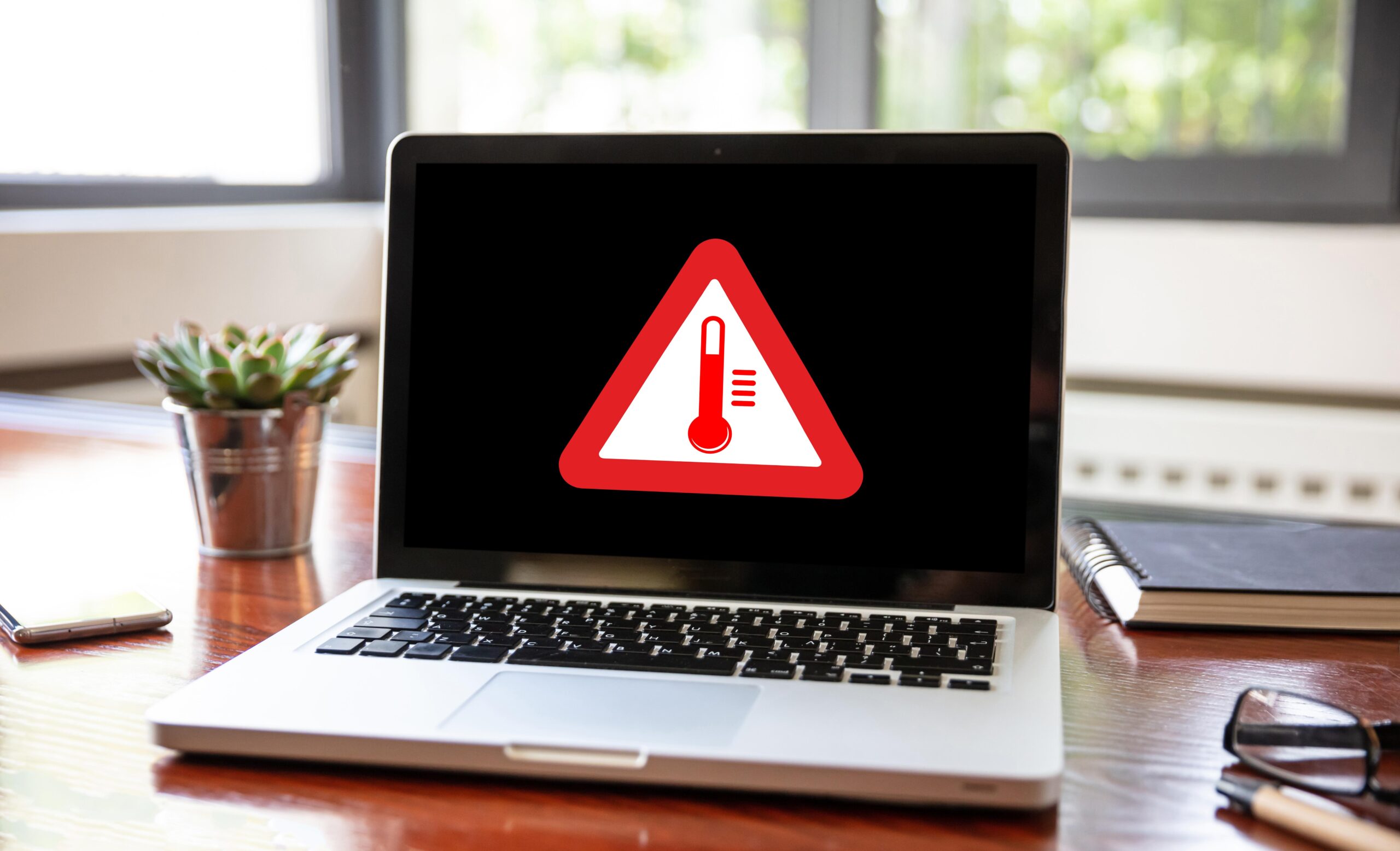
There are two kinds of people in this world: those who shut down their computers properly, and those who proudly say, “I haven’t turned mine off in weeks.” If you belong to the second group, congratulations you’re not alone. Modern computers are powerful enough to stay on for a long time, which makes people think […]
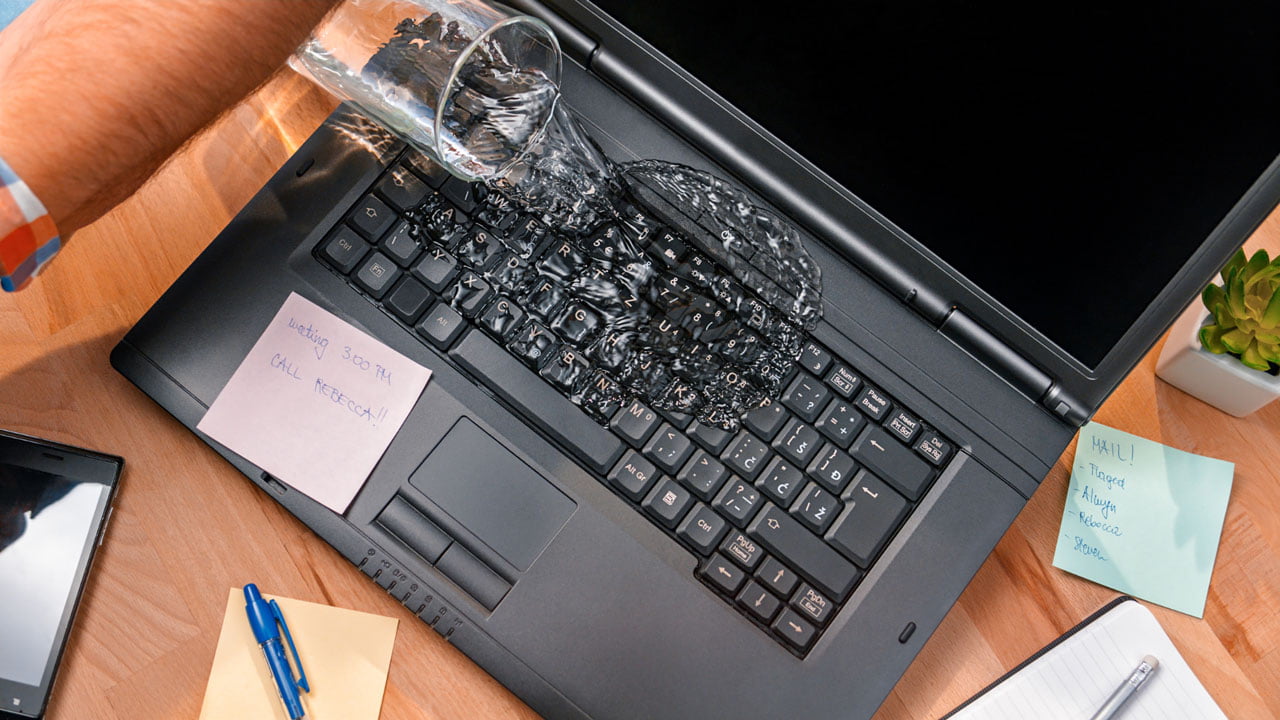
It’s the nightmare scenario: a slip of the hand, a tipped-over coffee, and suddenly your expensive laptop is soaking wet. Most people panic and reach for a bowl of rice, but that might actually be making things worse. At Qual-IT Solutions, we’ve seen hundreds of liquid-damaged devices. If you act fast and follow these steps, […]
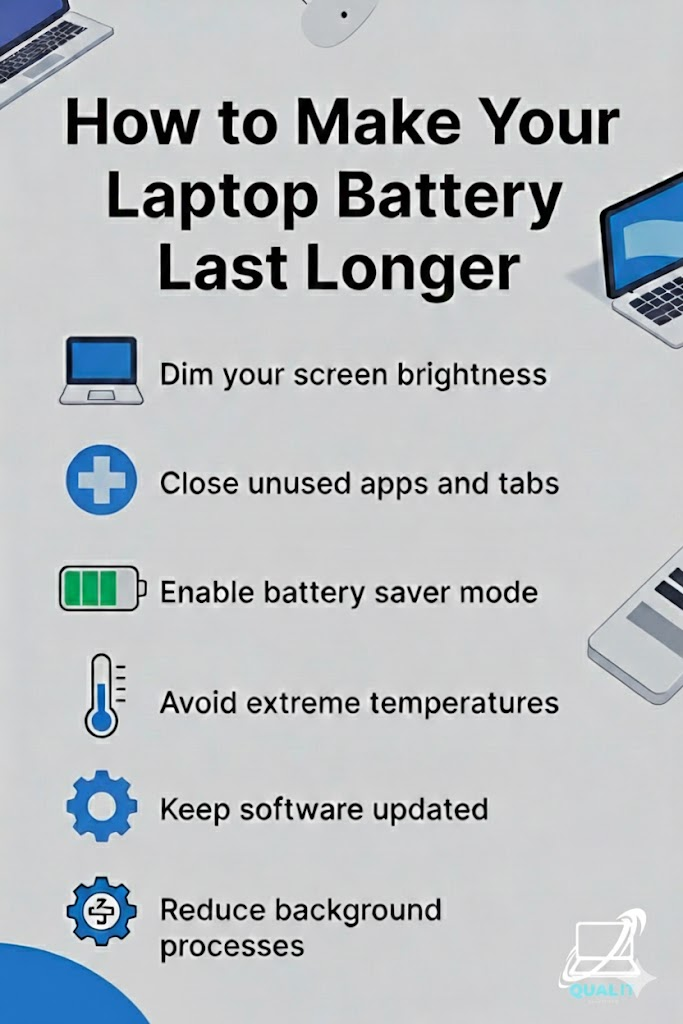
Lower brightness, close unused apps and tabs, enable battery saver mode, avoid extreme temperatures, keep software updated, and reduce background processes to maximize battery life and protect long-term performance. Laptop battery life is crucial for productivity, especially for students, remote workers, and travelers who depend on their devices throughout the day, and while batteries naturally […]