







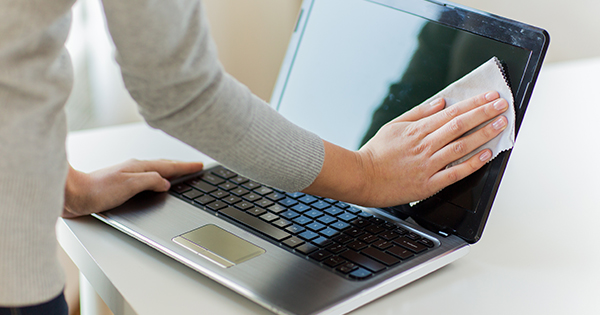
When your laptop fans start sounding like a jet engine, your first instinct is to grab a can of compressed air. But before you spray away, you need to know that your laptop’s cooling system is tied to its most sensitive electronics. One wrong move doesn’t just move the dust—it can kill the hardware. The […]
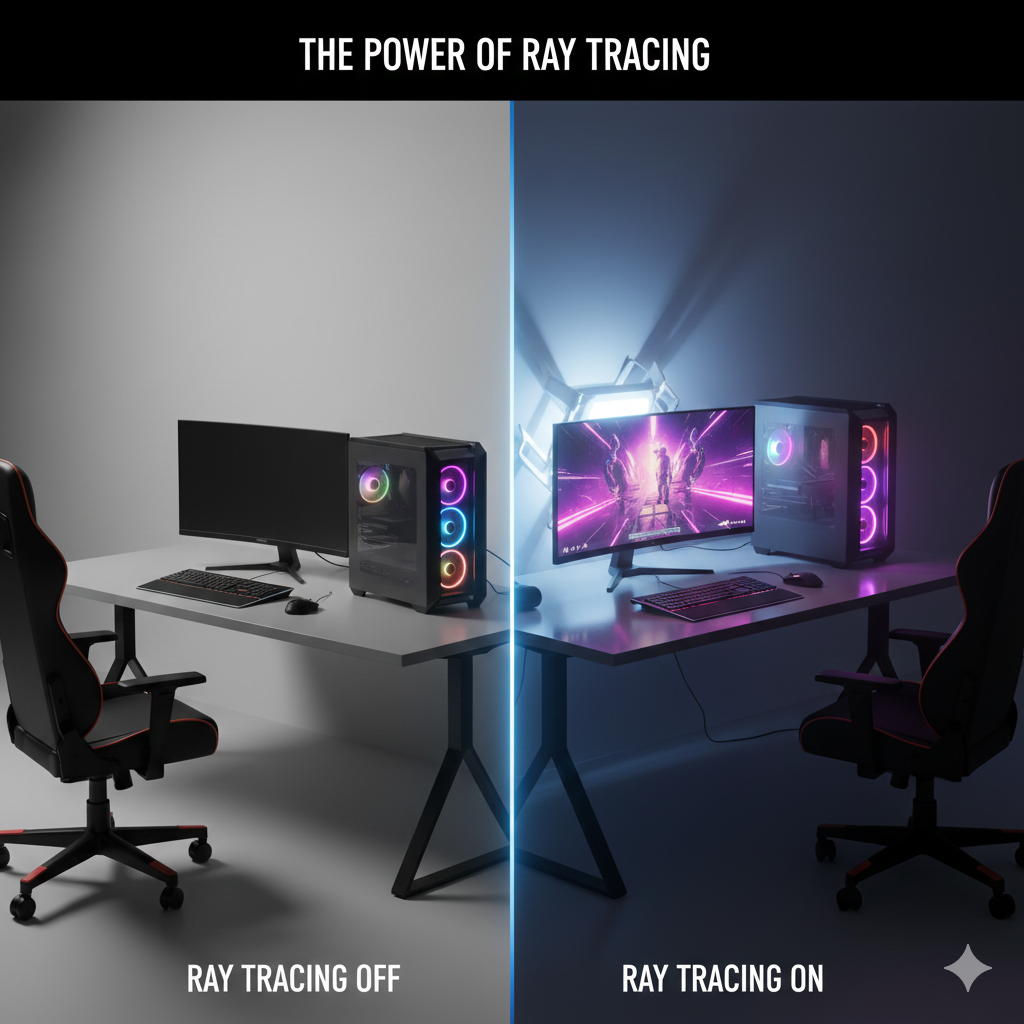
How Ray Tracing is Redefining Realism in Video Games and How It Affects Your Computer’s Performance.
While ray tracing offers breathtaking visuals, it also comes with a performance cost. Because it simulates real-world lighting and reflections in real-time, it requires significantly more computational power than traditional rendering methods. Let’s break down how ray tracing impacts gaming performance and your computer’s hardware: 1. Increased Demands on the GPU Ray tracing requires a […]

8GB is good for basic tasks, 16GB is ideal for most users, 32GB is best for heavy multitasking and gaming, and 64GB is for professional or extreme workloads. Choosing the right amount of RAM is important because it determines how smoothly your computer can run programs, switch between apps, and handle multitasking without slowing down, […]
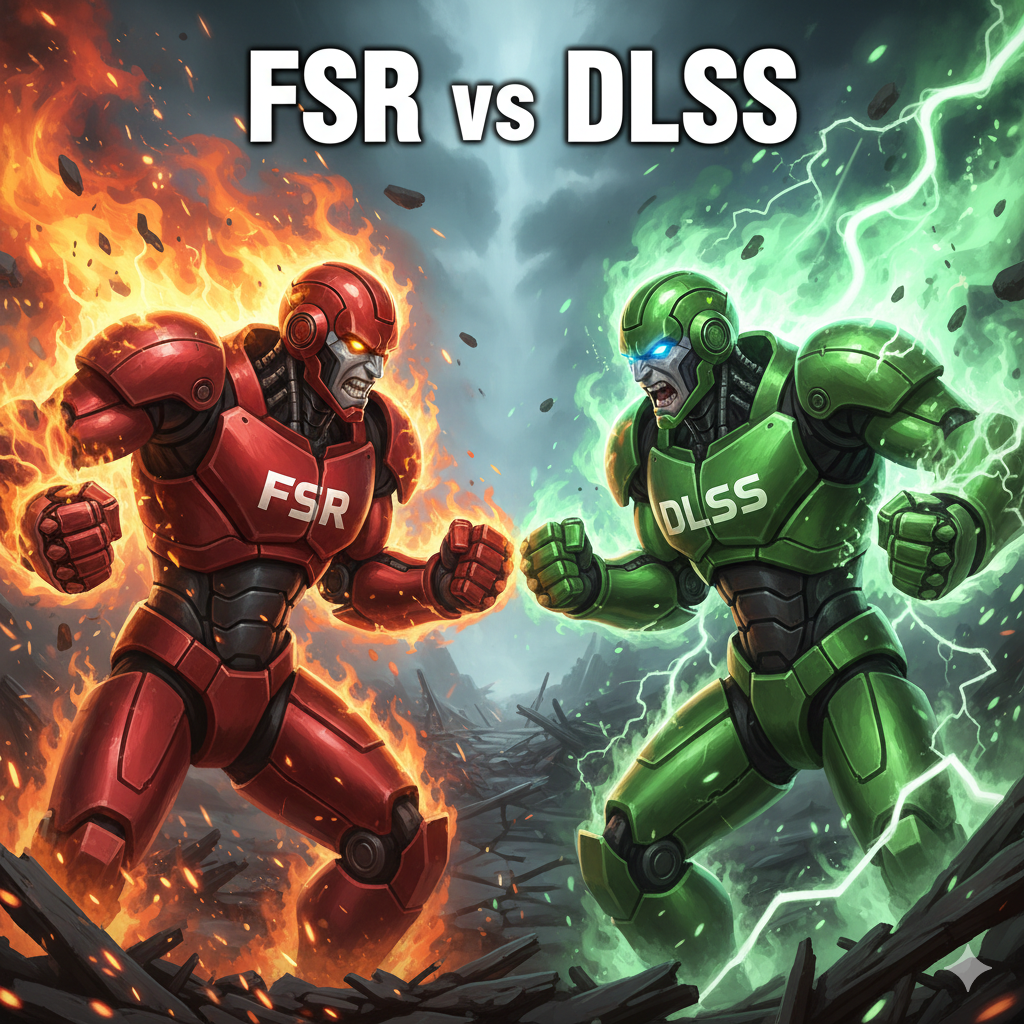
When it comes to gaming, achieving a smooth, visually stunning experience is crucial. However, this often requires a trade-off: performance vs. image quality. To bridge the gap, upscaling technologies like FSR (FidelityFX Super Resolution) and DLSS (Deep Learning Super Sampling) have emerged. Both aim to boost frame rates by rendering games at lower resolutions and […]
We’ve all been there: that heart sinking moment when you realize you just deleted a critical work report or a precious family photo and then-out of habit-emptied the Trash bin. But don’t panic! In the world of tech, “deleted” doesn’t always mean “gone forever”. At Qual-it Solutions, we’ve helped many user recover their digital lives […]
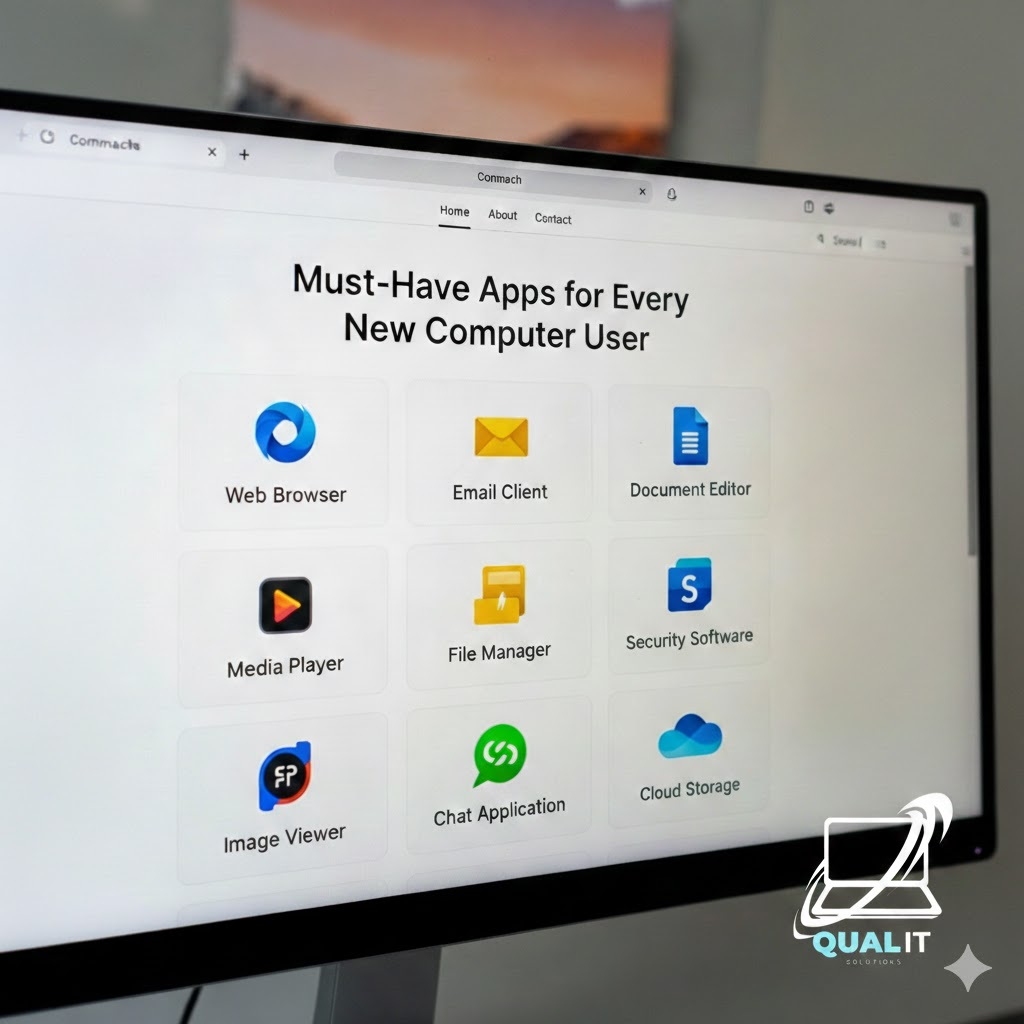
New computer? Install these essentials first a web browser, security software, productivity tools, media player, file compression tool, communication apps, and cloud storage. These apps cover everything you need for daily use, safety, and productivity. Getting a new computer or laptop is exciting, but without the right apps, you won’t unlock its full potential. Whether […]
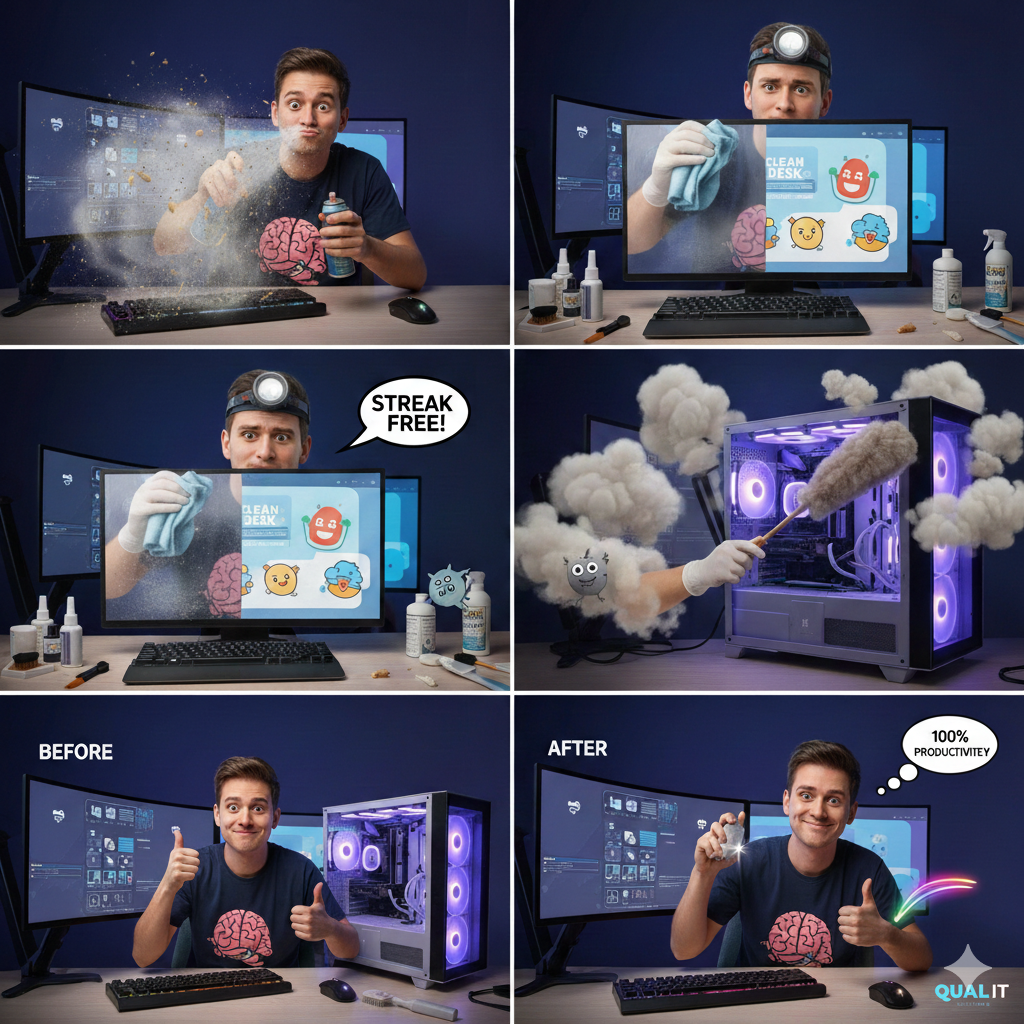
Let’s face it: we all love our computers, but we also know how quickly they can become the dumping ground for every snack, drink, and stray pet hair in our lives. Whether you’re a gamer, a student, or someone who spends a little too much time typing “funny cat videos” into YouTube, one thing’s for […]
Windows updates. The very words can make a gamer break into a cold sweat. One minute you’re cruising through your favorite game, dominating your opponents, and the next… BAM. Your PC decides it needs a “critical update” and restarts in the middle of your epic clutch. Congratulations your kill streak is gone, and your PC […]
Lower your game settings, update drivers, close background apps, enable game modes, and keep your PC cool. These simple tweaks can dramatically boost FPS and reduce lag without buying new hardware. How to Optimize Games for Better Performance Gaming on PC doesn’t always require expensive upgrades. With the right tweaks, you can significantly improve performance, […]
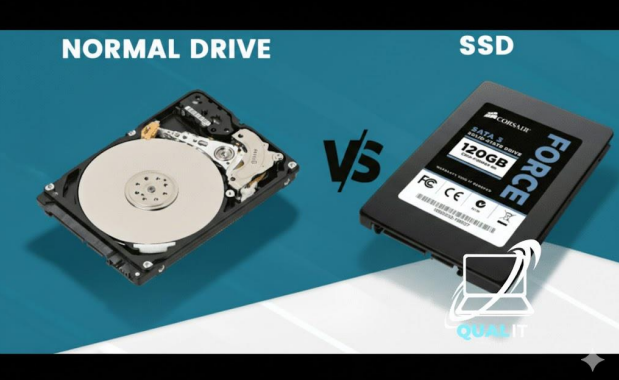
SSDs are much faster, quieter, and more durable, making them ideal for gaming, everyday computing, and laptops. HDDs are cheaper and offer larger storage capacities, making them better for backups and mass file storage. If you want speed, choose SSD. If you want maximum space for the lowest price, choose HDD. Many users benefit most […]