








In today’s connected world, your computer is constantly at risk from viruses and malware. One wrong click or downloading a suspicious file can put your personal data, finances, and privacy in jeopardy. But don’t panic with the right tools and practices, you can significantly reduce the chances of falling victim to malicious software. Here’s a […]
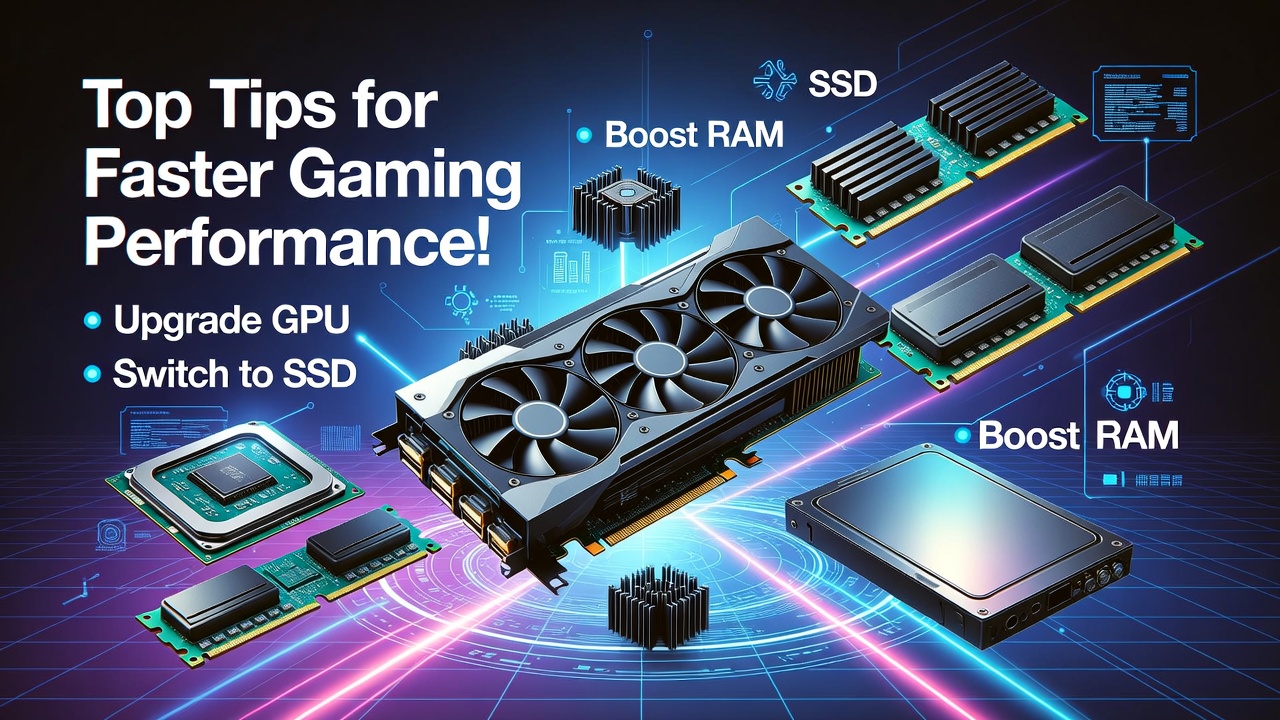
Every gamer dreams of seamless gameplay, smooth frame rates, and epic graphics. But if your computer is struggling to keep up with the latest titles, don’t worry – optimizing your system for gaming doesn’t have to be rocket science. With a few key adjustments, your PC can go from laggy and sluggish to fast and […]
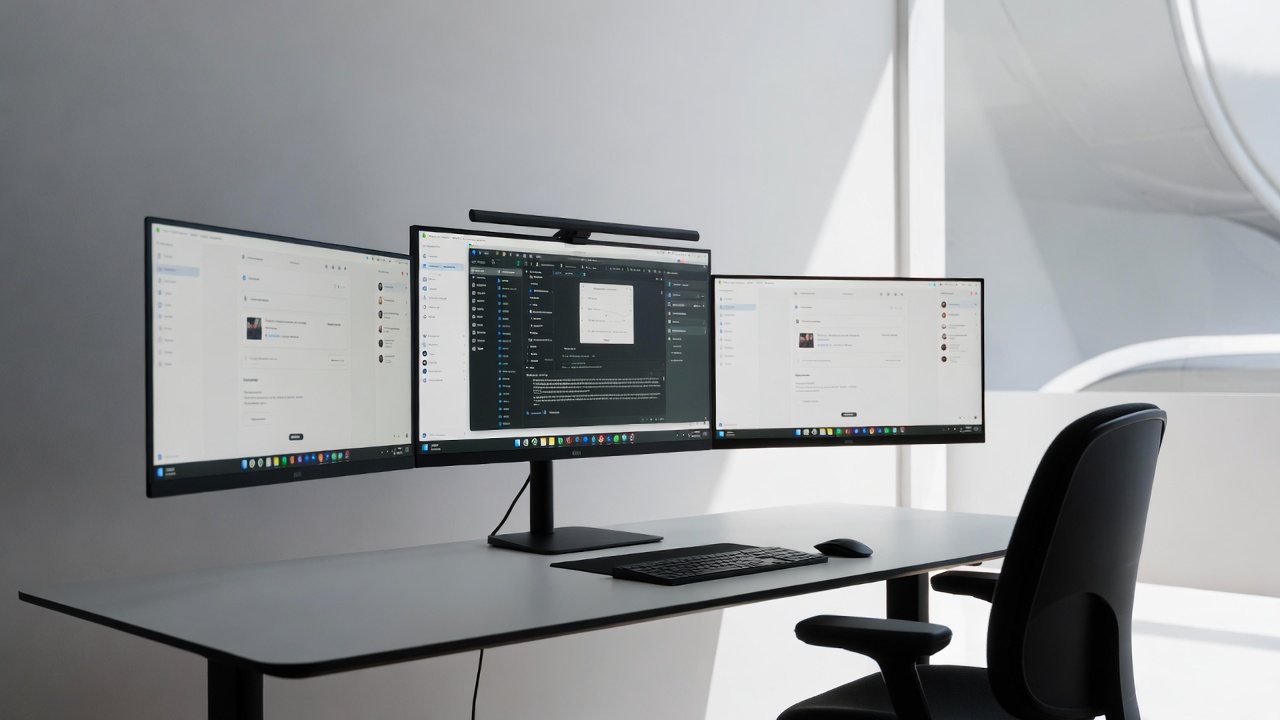
Tired of endlessly flipping through tabs and windows like some kind of digital acrobat? It’s time to upgrade your workspace and embrace the multi-monitor life. With more screens, you can say goodbye to the endless Alt+Tab dance and hello to a new world of productivity. Setting up a multi-monitor workspace doesn’t just make you look […]

Is your laptop taking “forever” to turn on? Do you have enough time to make coffee while waiting for Chrome to open? Before you head to the mall to buy a brand-new computer, there is a “secret” upgrade that can make your old machine feel faster than the day you bought it. At Qual-IT Solutions, […]
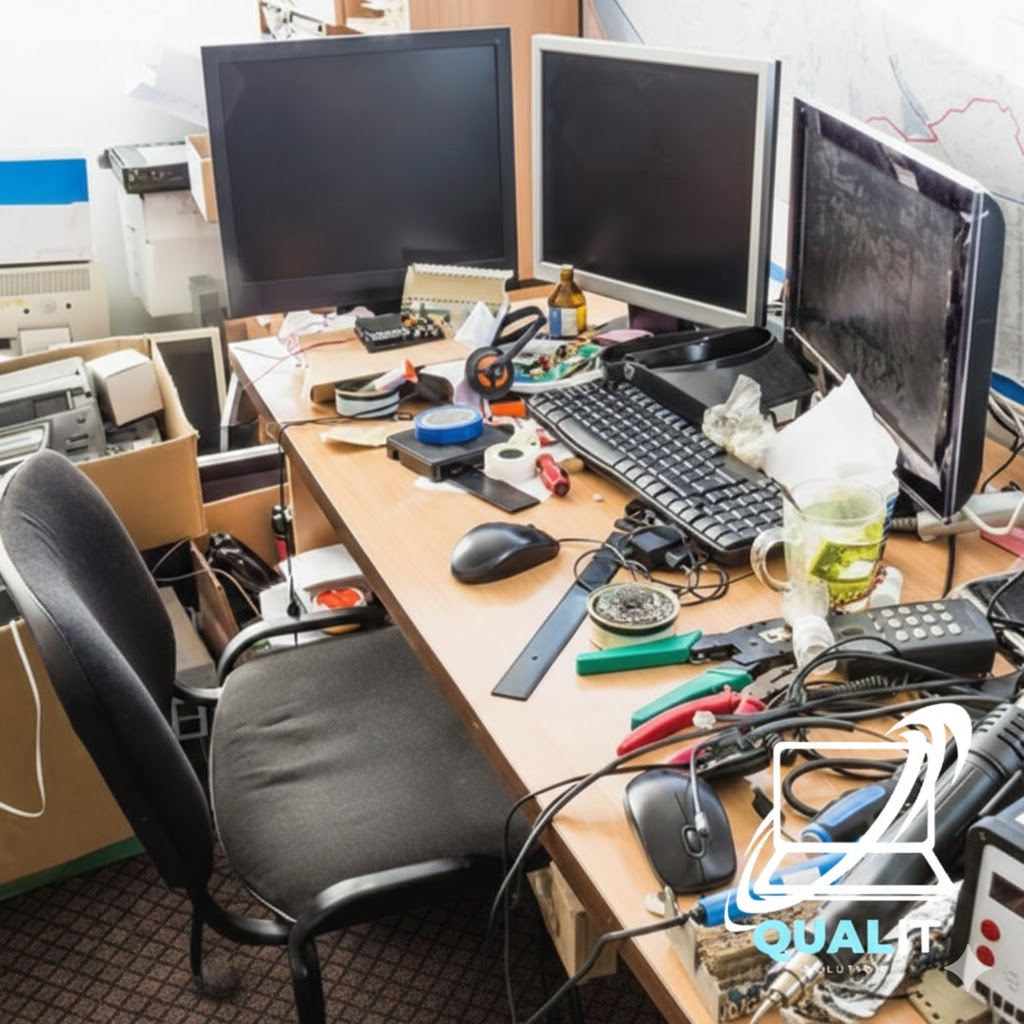
We’ve all seen those “perfect” desk setups on Instagram—clean, wireless, and organized. Then we look down at our own desk: a tangled web of chargers, extension cords, and dusty cables. A messy workspace doesn’t just look bad; it causes “visual clutter” that makes it harder to focus and can even cause your PC to overheat. […]

Most desktop computers need at least 2 case fans for basic airflow, 3 to 4 fans for balanced cooling, and 5 or more for high performance systems to prevent overheating and maintain stable performance. Cooling is a critical part of maintaining a healthy desktop computer because internal components such as the processor, graphics card, and […]
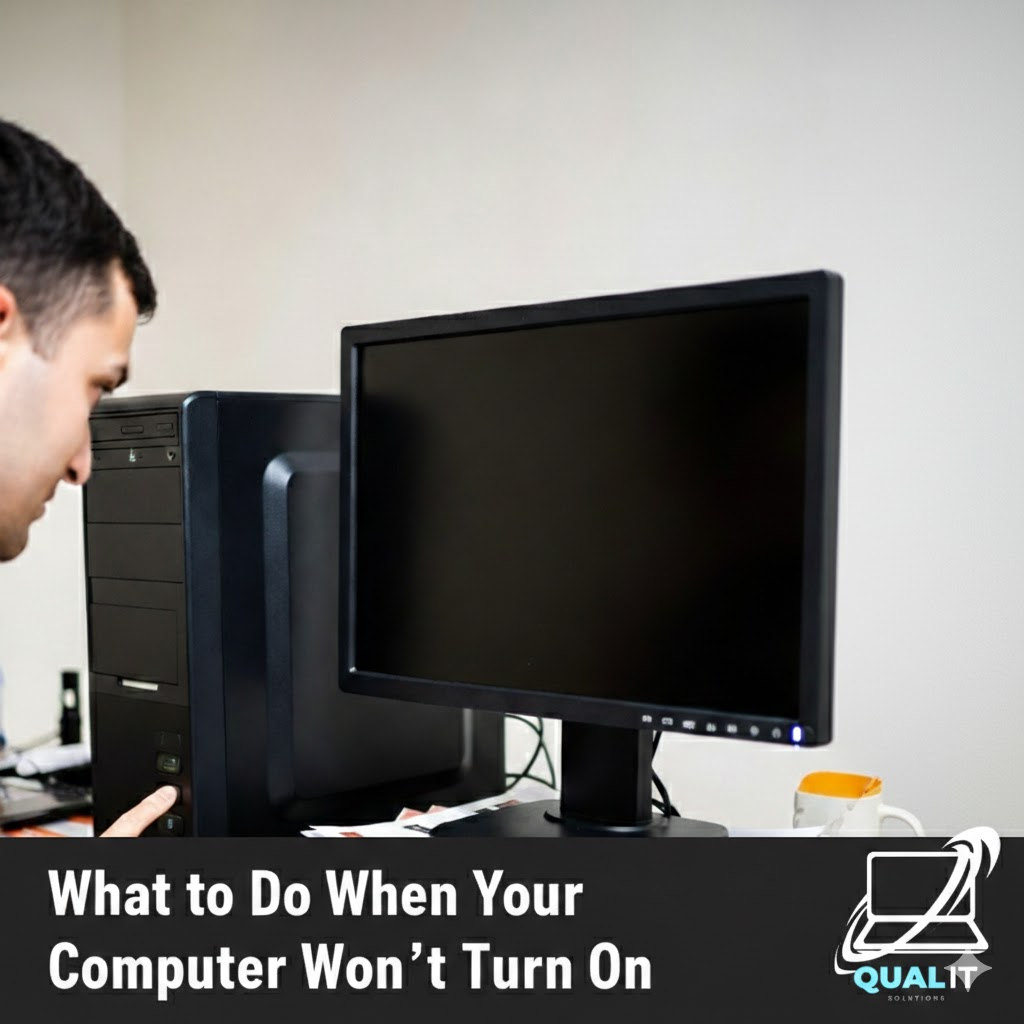
Check the power source, battery, display, external devices, and internal hardware step by step because most computers fail to start due to simple issues that can be fixed without professional repair. When your computer refuses to turn on, it can be alarming, especially if you rely on it daily for school, work, or communication, but […]

We use our computers for everything—banking, private messages, and work documents. But how do you know if a stranger has “backdoor” access to your digital life? Most hackers don’t leave a message; they stay hidden to steal as much data as possible. At Qual-IT Solutions, we believe your privacy is a priority. If you notice […]

No one is born knowing how to use a computer. At some point in life, everyone has stared at a screen thinking, “What did I just click?” The problem is not making mistakes that part is normal. The real problem is repeating the same computer mistakes over and over, then blaming the computer like it […]
There are two kinds of people in this world: those who shut down their computers properly, and those who proudly say, “I haven’t turned mine off in weeks.” If you belong to the second group, congratulations you’re not alone. Modern computers are powerful enough to stay on for a long time, which makes people think […]