







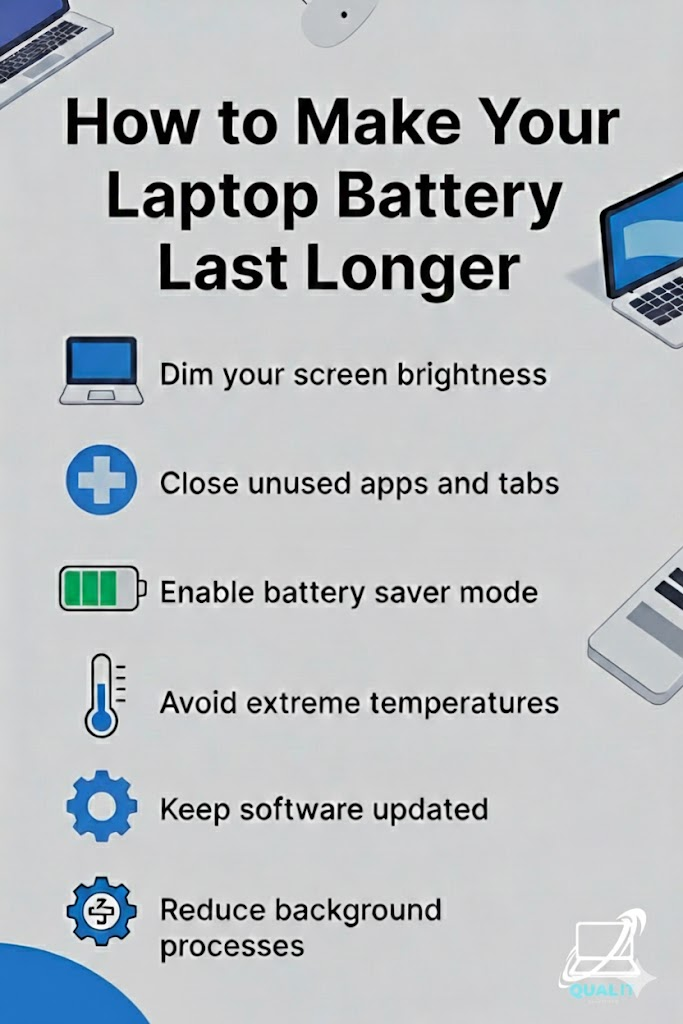
Lower brightness, close unused apps and tabs, enable battery saver mode, avoid extreme temperatures, keep software updated, and reduce background processes to maximize battery life and protect long-term performance. Laptop battery life is crucial for productivity, especially for students, remote workers, and travelers who depend on their devices throughout the day, and while batteries naturally […]

When your laptop fans start sounding like a jet engine, your first instinct is to grab a can of compressed air. But before you spray away, you need to know that your laptop’s cooling system is tied to its most sensitive electronics. One wrong move doesn’t just move the dust—it can kill the hardware. The […]

When it comes to gaming, achieving a smooth, visually stunning experience is crucial. However, this often requires a trade-off: performance vs. image quality. To bridge the gap, upscaling technologies like FSR (FidelityFX Super Resolution) and DLSS (Deep Learning Super Sampling) have emerged. Both aim to boost frame rates by rendering games at lower resolutions and […]
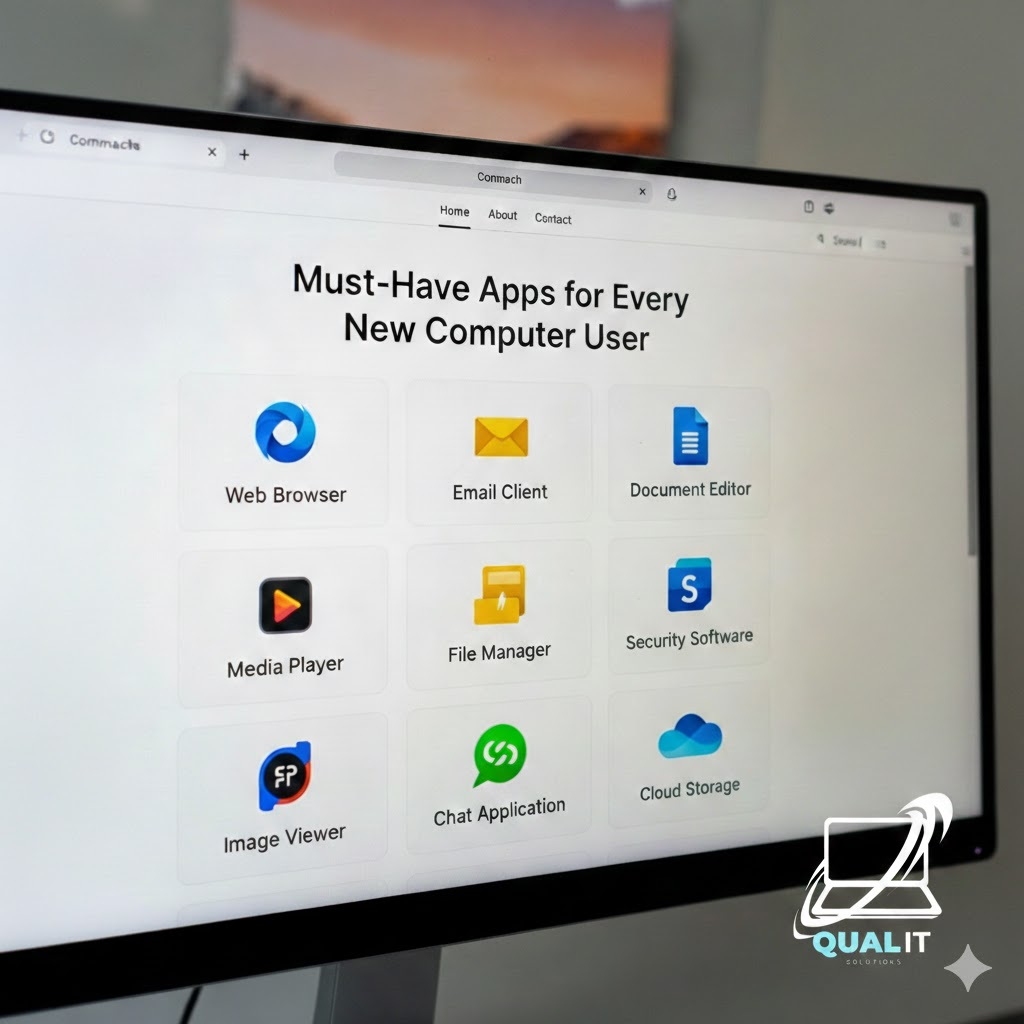
New computer? Install these essentials first a web browser, security software, productivity tools, media player, file compression tool, communication apps, and cloud storage. These apps cover everything you need for daily use, safety, and productivity. Getting a new computer or laptop is exciting, but without the right apps, you won’t unlock its full potential. Whether […]
- 1
- 2