







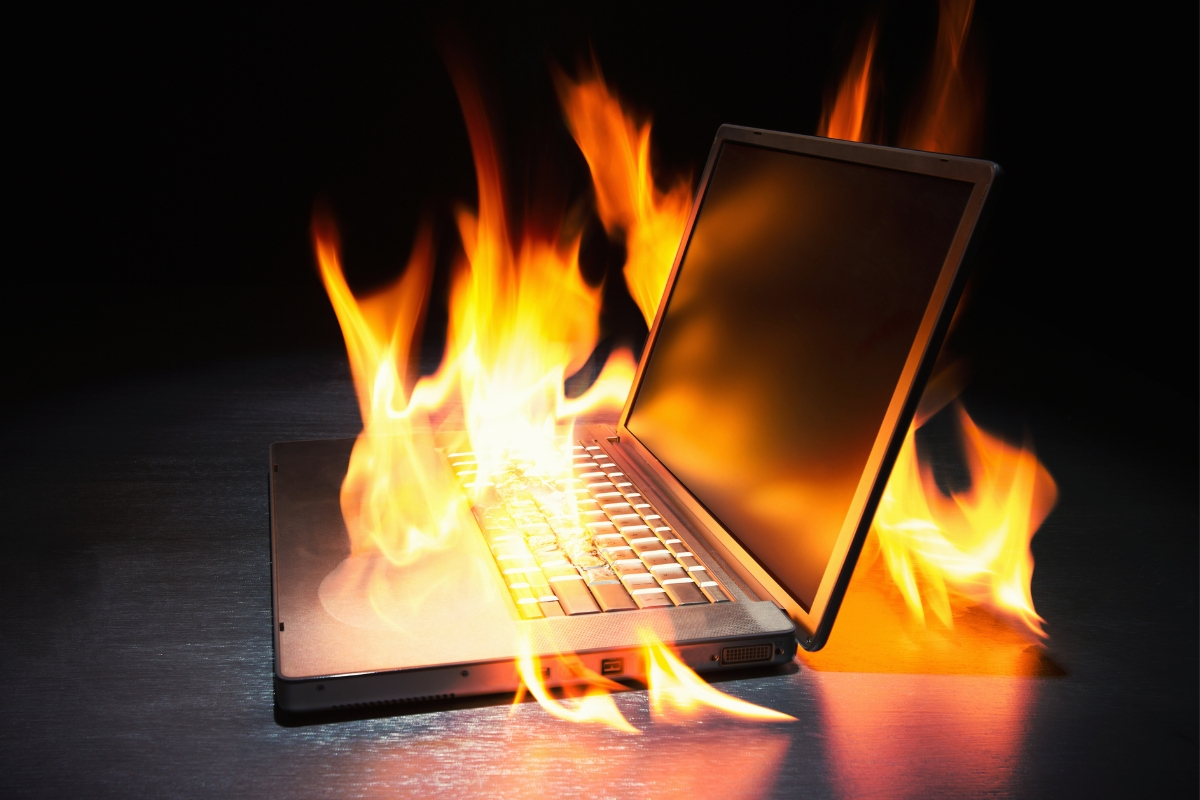
Have you noticed your laptop fan sounding like a jet engine? Or maybe the bottom of your computer feels hot enough to cook an egg? When a laptop overheats, it doesn’t just get uncomfortable to touch—it slows down to protect itself (thermal throttling). If left ignored, extreme heat can permanently damage your processor. At Qual-IT […]
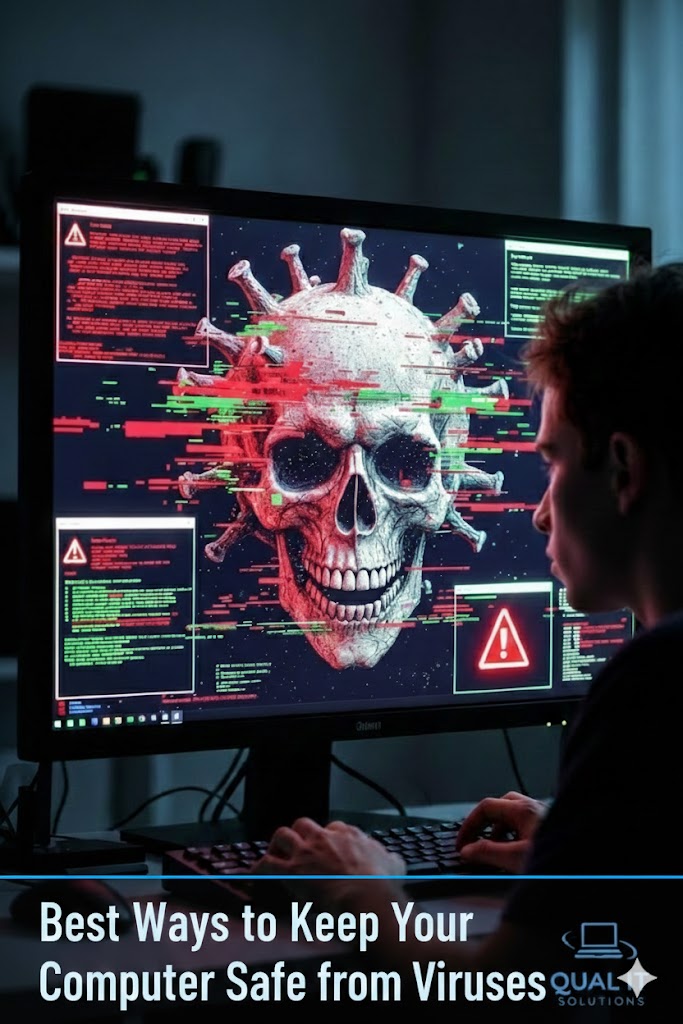
Use antivirus software, keep your system updated, be cautious with emails, and create strong passwords to protect your computer from viruses and cyber threats. Protecting your computer from viruses is more important than ever because cyber threats can steal personal information, damage files, slow down your system, and even give hackers control over your device, […]
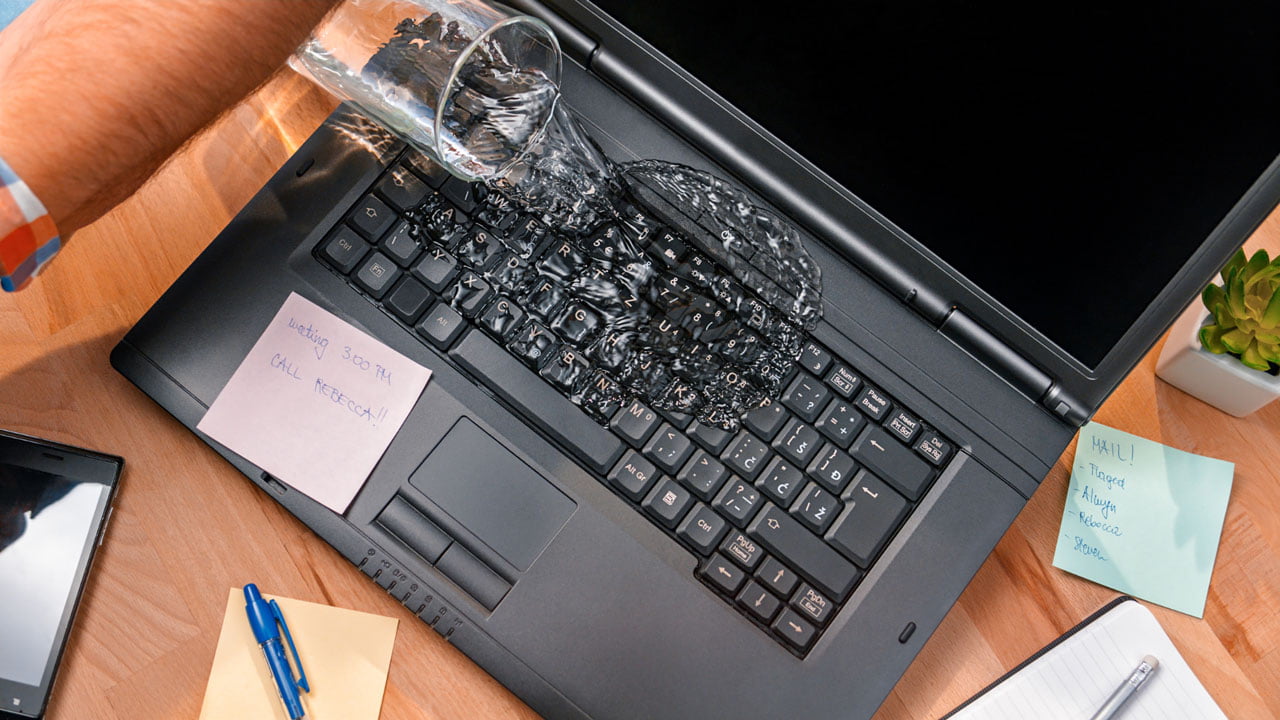
It’s the nightmare scenario: a slip of the hand, a tipped-over coffee, and suddenly your expensive laptop is soaking wet. Most people panic and reach for a bowl of rice, but that might actually be making things worse. At Qual-IT Solutions, we’ve seen hundreds of liquid-damaged devices. If you act fast and follow these steps, […]
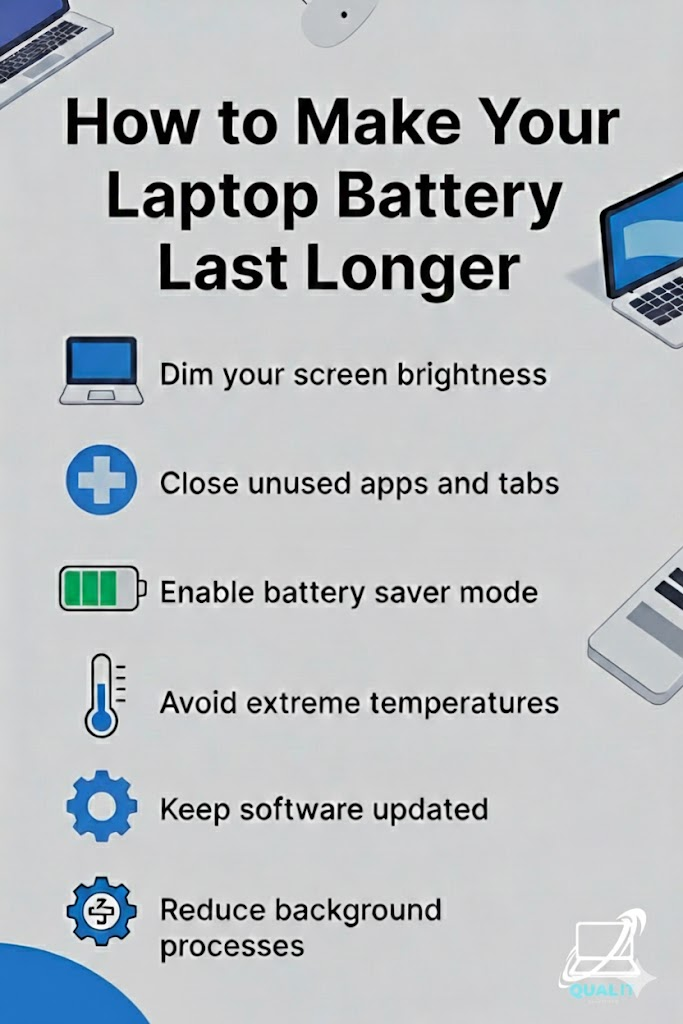
Lower brightness, close unused apps and tabs, enable battery saver mode, avoid extreme temperatures, keep software updated, and reduce background processes to maximize battery life and protect long-term performance. Laptop battery life is crucial for productivity, especially for students, remote workers, and travelers who depend on their devices throughout the day, and while batteries naturally […]