







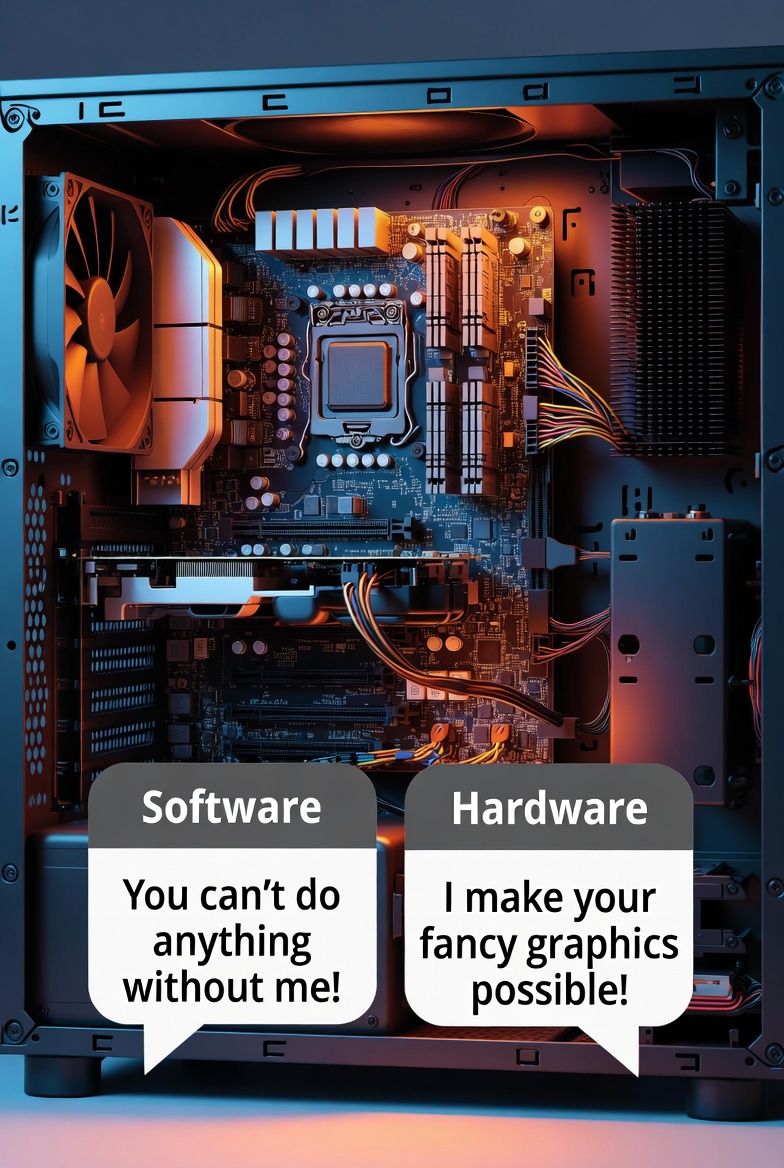
Every year, without fail, people say the same thing:“My computer is old.”“My laptop is outdated.”“It was fast before, now it’s trash.” But here’s the uncomfortable truth: your computer didn’t suddenly become slow you slowly abused it. Computers don’t age like humans. They don’t wake up one day and decide to stop working. What actually happens […]
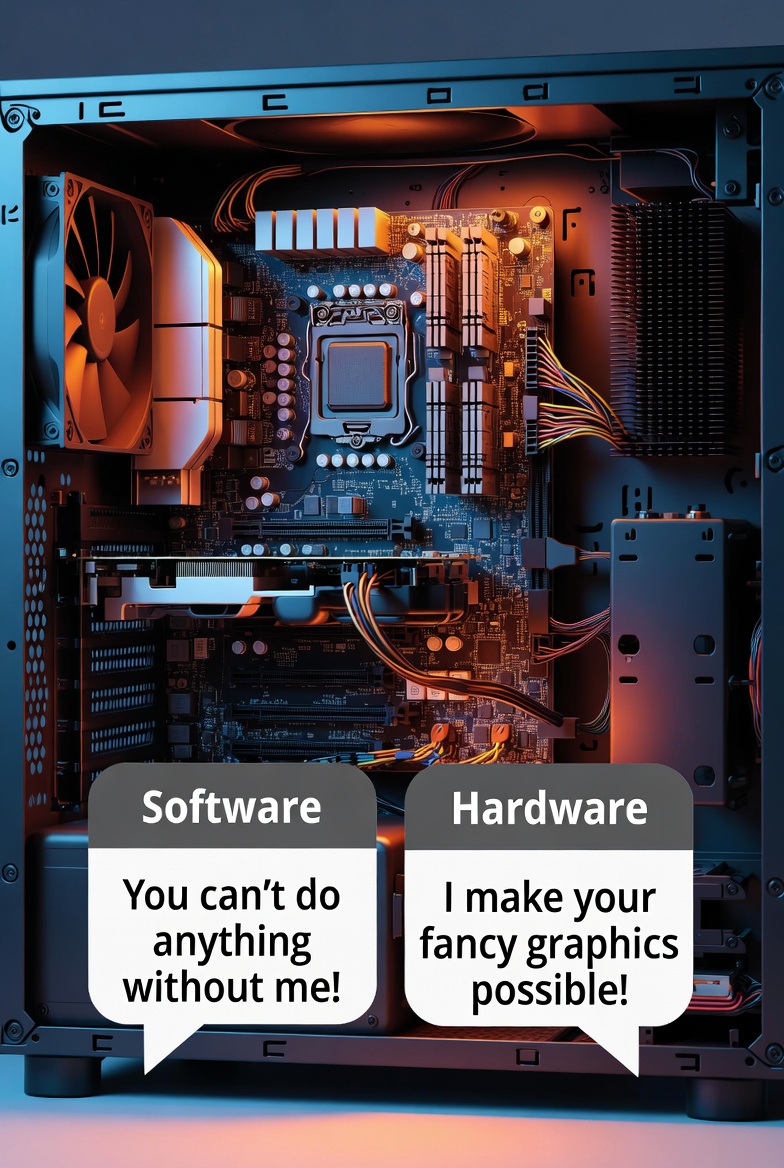
Inside every computer is a relationship so complicated that even reality TV would reject it. It’s the ongoing battle between hardware and software two things that absolutely need each other yet constantly cause problems for one another. When your computer crashes, freezes, or suddenly decides today is not the day, this relationship is usually the […]
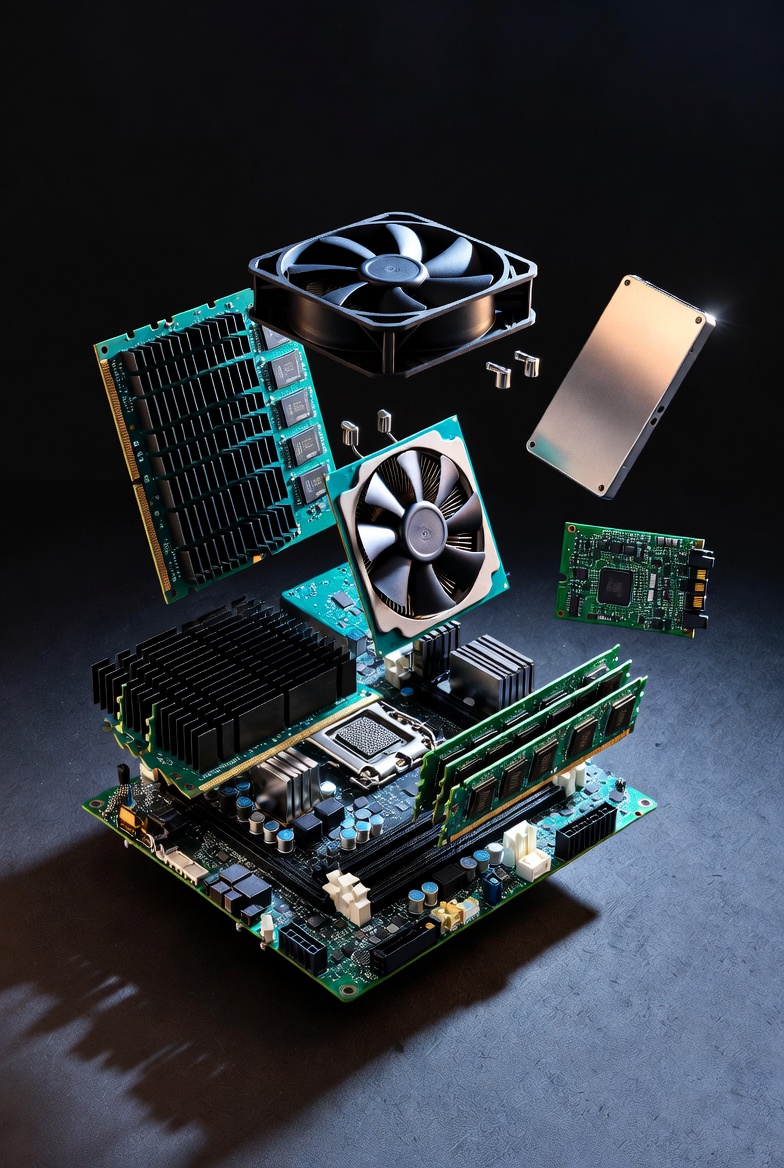
Every time your computer freezes, lags, or takes five business days to open a browser, the first instinct is to blame it. “This PC is trash.” “This laptop is ancient.” “Why is this so slow?”But here’s the truth no one wants to hear: your computer isn’t slow it’s exhausted. Behind that screen is a group […]
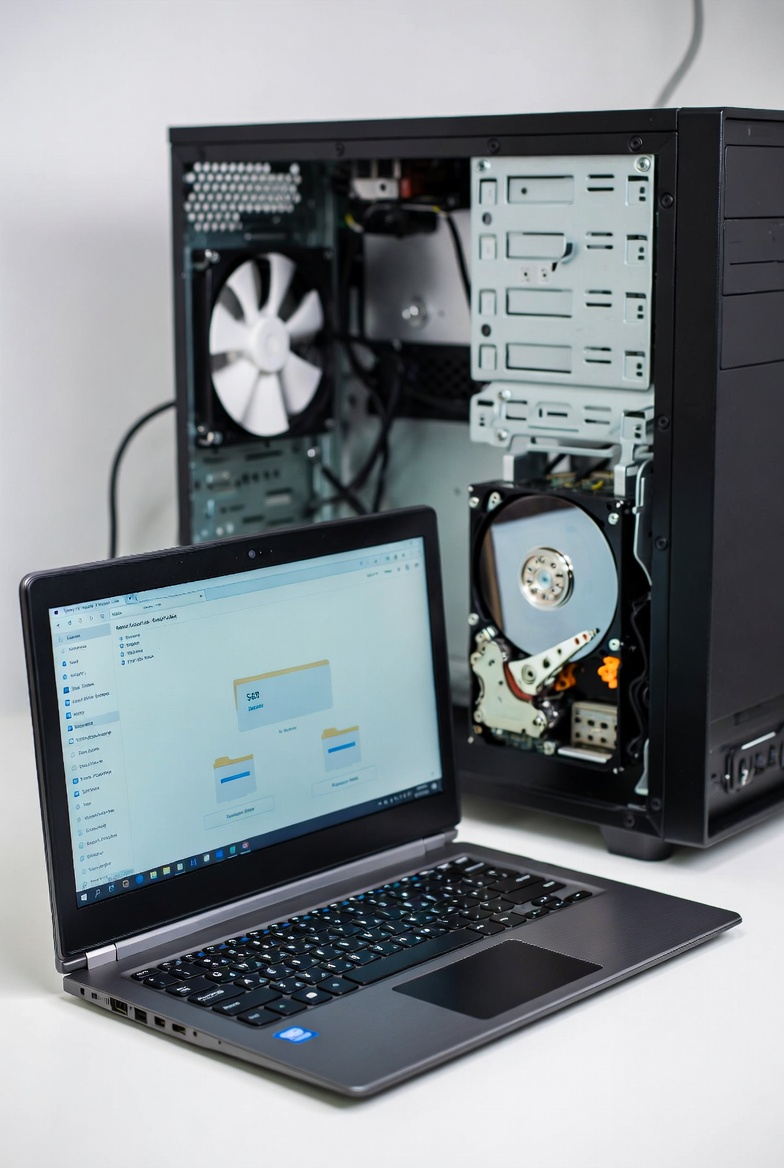
When it comes to storage for your computer, choosing the right drive is crucial for performance, reliability, and budget. Two of the most common types of storage devices are Solid State Drives (SSDs) and Hard Disk Drives (HDDs). While both have their advantages and disadvantages, understanding the differences between the two can help you make […]

In today’s connected world, your computer is constantly at risk from viruses and malware. One wrong click or downloading a suspicious file can put your personal data, finances, and privacy in jeopardy. But don’t panic with the right tools and practices, you can significantly reduce the chances of falling victim to malicious software. Here’s a […]
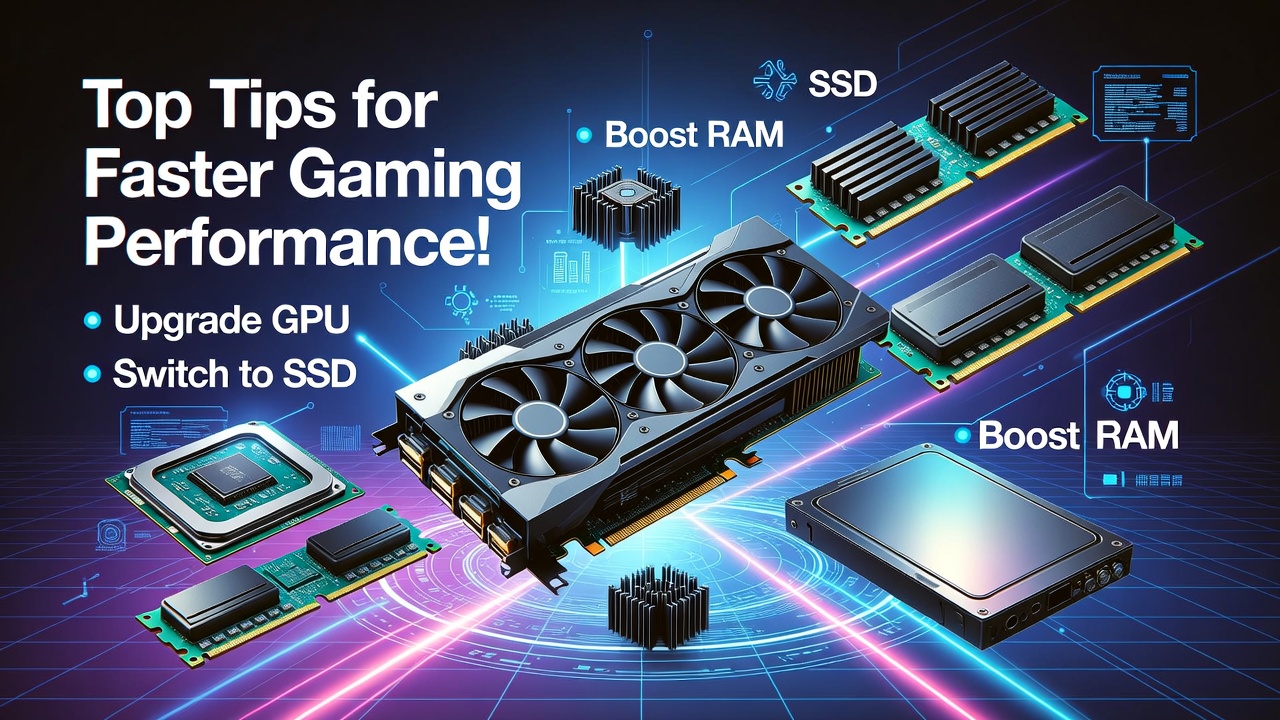
Every gamer dreams of seamless gameplay, smooth frame rates, and epic graphics. But if your computer is struggling to keep up with the latest titles, don’t worry – optimizing your system for gaming doesn’t have to be rocket science. With a few key adjustments, your PC can go from laggy and sluggish to fast and […]
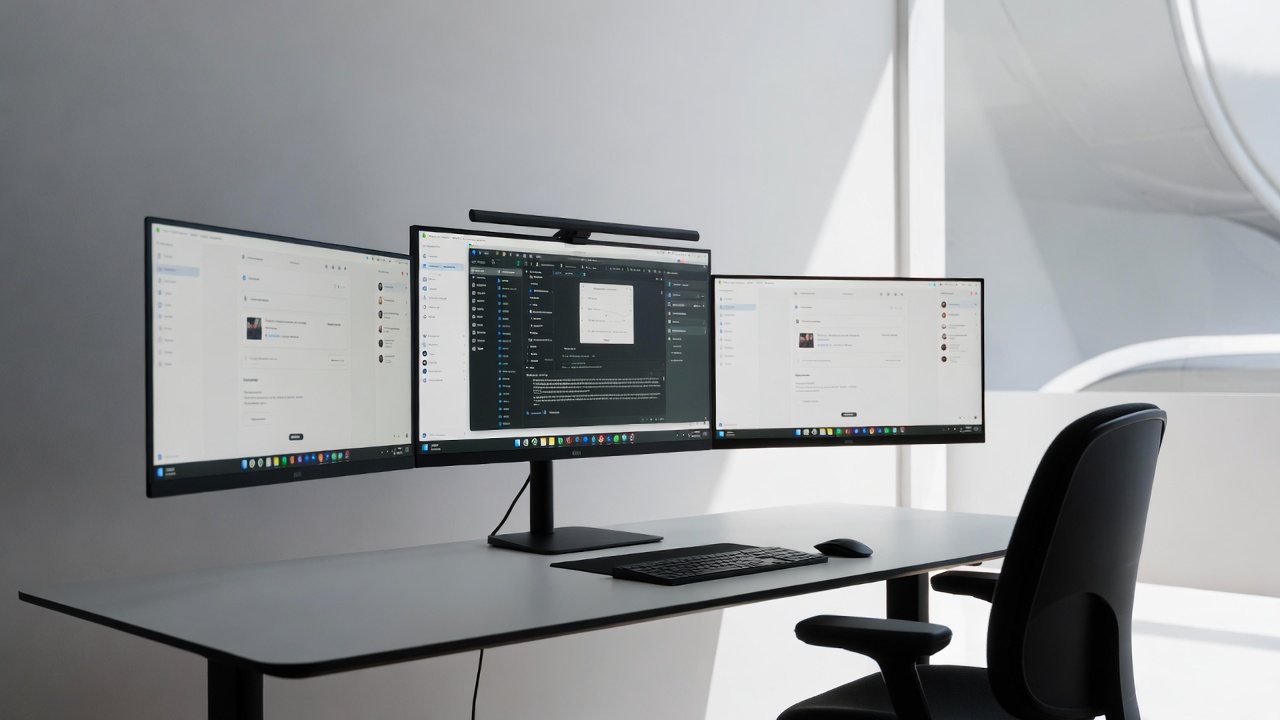
Tired of endlessly flipping through tabs and windows like some kind of digital acrobat? It’s time to upgrade your workspace and embrace the multi-monitor life. With more screens, you can say goodbye to the endless Alt+Tab dance and hello to a new world of productivity. Setting up a multi-monitor workspace doesn’t just make you look […]
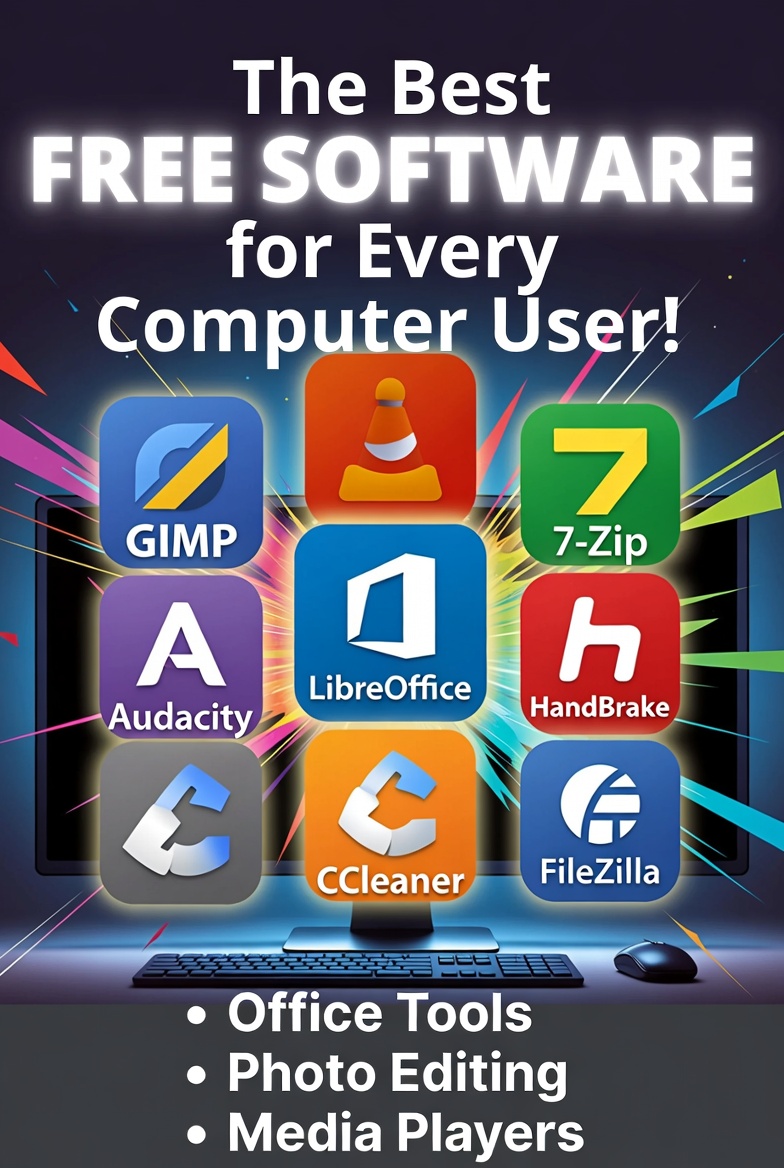
In today’s digital world, high-quality software doesn’t always have to come with a hefty price tag. Whether you’re a student, professional, or casual user, there are plenty of free alternatives to popular paid programs that can meet your needs. From photo editing to office work, and media playback, here are the top 10 free software […]

Laging may pagkakataon na ang ating computer ay nagkakaroon ng mga aberya. Hindi naman ito nangangahulugang kailangan mong bumili ng bago o maghanap ng mga mamahaling repair services. Kadalasan, ang mga problema sa computer ay may mga simpleng solusyon na maaari mong gawin nang mag-isa. Narito ang ilang mga tips kung paano mo ma-troubleshoot ang […]
Sa panahon ng mabilis na pagbabago ng teknolohiya, madalas nating nakakalimutan na ang ating mga computer ay nangangailangan din ng regular na pag-aalaga at maintenance. Minsan, iniisip natin na basta’t gumagana, ayos na. Ngunit ang regular na maintenance ng iyong computer ay hindi lamang para mapanatili itong mabilis at maayos, kundi upang mapahaba rin ang […]