








Is your laptop taking “forever” to turn on? Do you have enough time to make coffee while waiting for Chrome to open? Before you head to the mall to buy a brand-new computer, there is a “secret” upgrade that can make your old machine feel faster than the day you bought it. At Qual-IT Solutions, […]
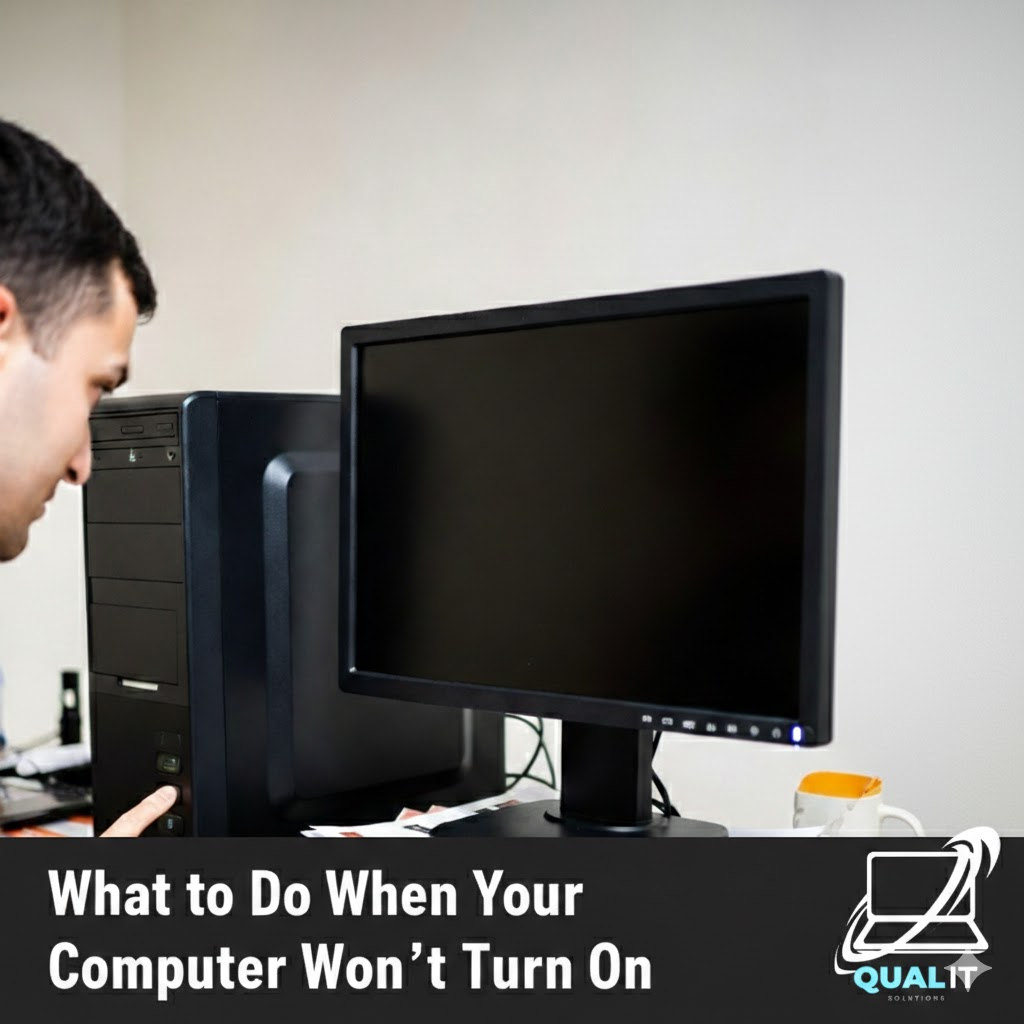
Check the power source, battery, display, external devices, and internal hardware step by step because most computers fail to start due to simple issues that can be fixed without professional repair. When your computer refuses to turn on, it can be alarming, especially if you rely on it daily for school, work, or communication, but […]

No one is born knowing how to use a computer. At some point in life, everyone has stared at a screen thinking, “What did I just click?” The problem is not making mistakes that part is normal. The real problem is repeating the same computer mistakes over and over, then blaming the computer like it […]
There are two kinds of people in this world: those who shut down their computers properly, and those who proudly say, “I haven’t turned mine off in weeks.” If you belong to the second group, congratulations you’re not alone. Modern computers are powerful enough to stay on for a long time, which makes people think […]
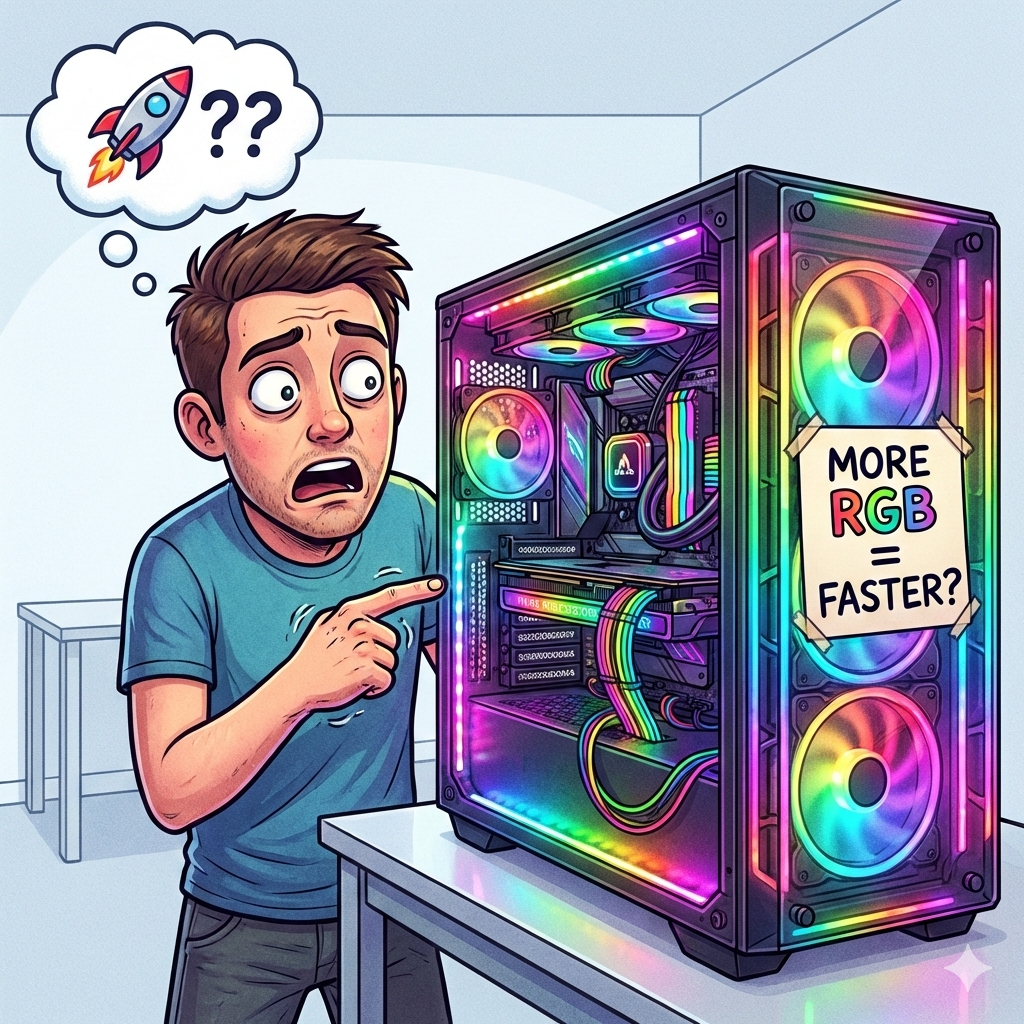
Computers are everywhere. We use them for work, school, gaming, shopping, and procrastinating. You’d think that after all these years, people would fully understand how computers work. Surprisingly, that is not the case at all. In fact, many users still believe funny computer myths, develop questionable habits, and make beginner mistakes they swear they “never […]
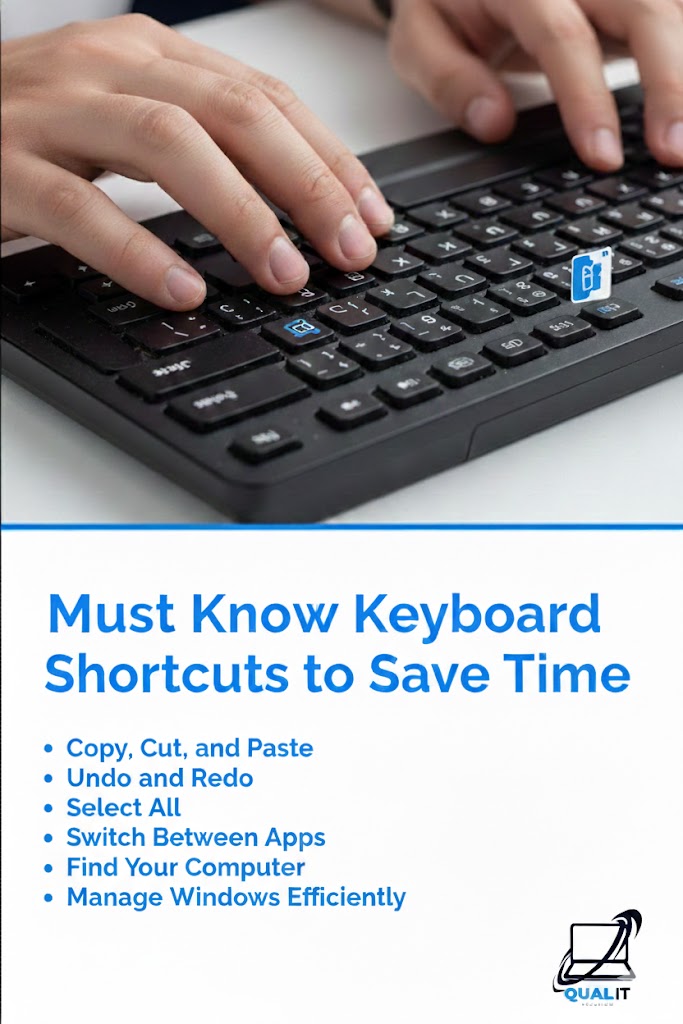
Keyboard shortcuts help you work faster by reducing the need to use a mouse, allowing you to copy, paste, switch apps, undo mistakes, and navigate instantly, which boosts productivity for school, work, and everyday computer use. Using keyboard shortcuts is one of the easiest ways to save time on a computer because they allow you […]
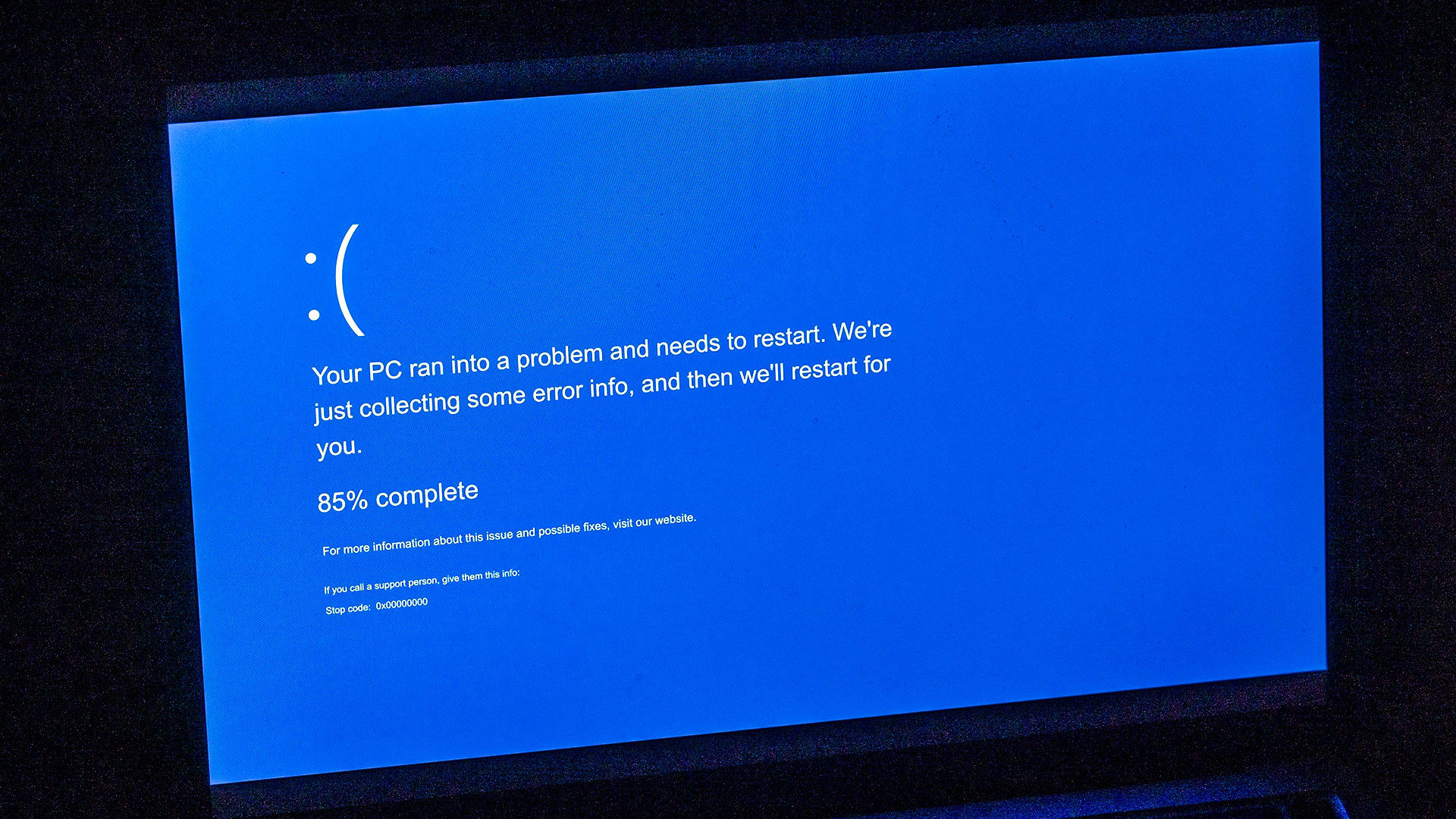
There’s nothing quite like the sudden, jarring sight of the “Blue Screen of Death” (BSOD). One minute you’re working, browsing, or gaming, and the next, your screen goes stark blue with a cryptic error message. It’s enough to make anyone panic and think their computer is gone forever. But don’t worry! While intimidating, a BSOD […]

Alam mo ba na ang iyong computer ay parang isang puno kung walang cooling system, magiging overheated siya at manghihina? Kahit anong computer, gaming laptop, o desktop, hindi siya matagal magtatagal kung wala ang mga cooling systems na nagtatrabaho sa likod ng mga kulay at buto nito. Kaya next time na maglaro ka ng League […]
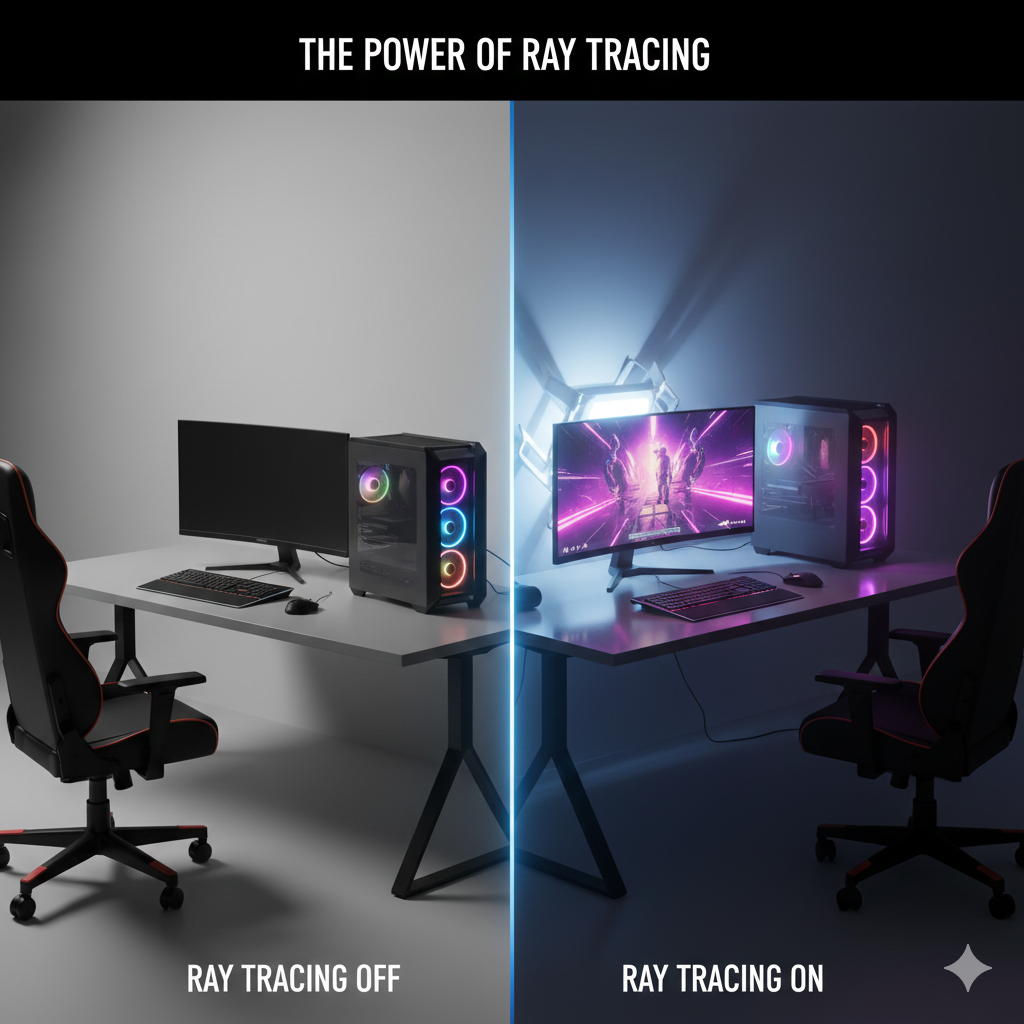
How Ray Tracing is Redefining Realism in Video Games and How It Affects Your Computer’s Performance.
While ray tracing offers breathtaking visuals, it also comes with a performance cost. Because it simulates real-world lighting and reflections in real-time, it requires significantly more computational power than traditional rendering methods. Let’s break down how ray tracing impacts gaming performance and your computer’s hardware: 1. Increased Demands on the GPU Ray tracing requires a […]

8GB is good for basic tasks, 16GB is ideal for most users, 32GB is best for heavy multitasking and gaming, and 64GB is for professional or extreme workloads. Choosing the right amount of RAM is important because it determines how smoothly your computer can run programs, switch between apps, and handle multitasking without slowing down, […]