







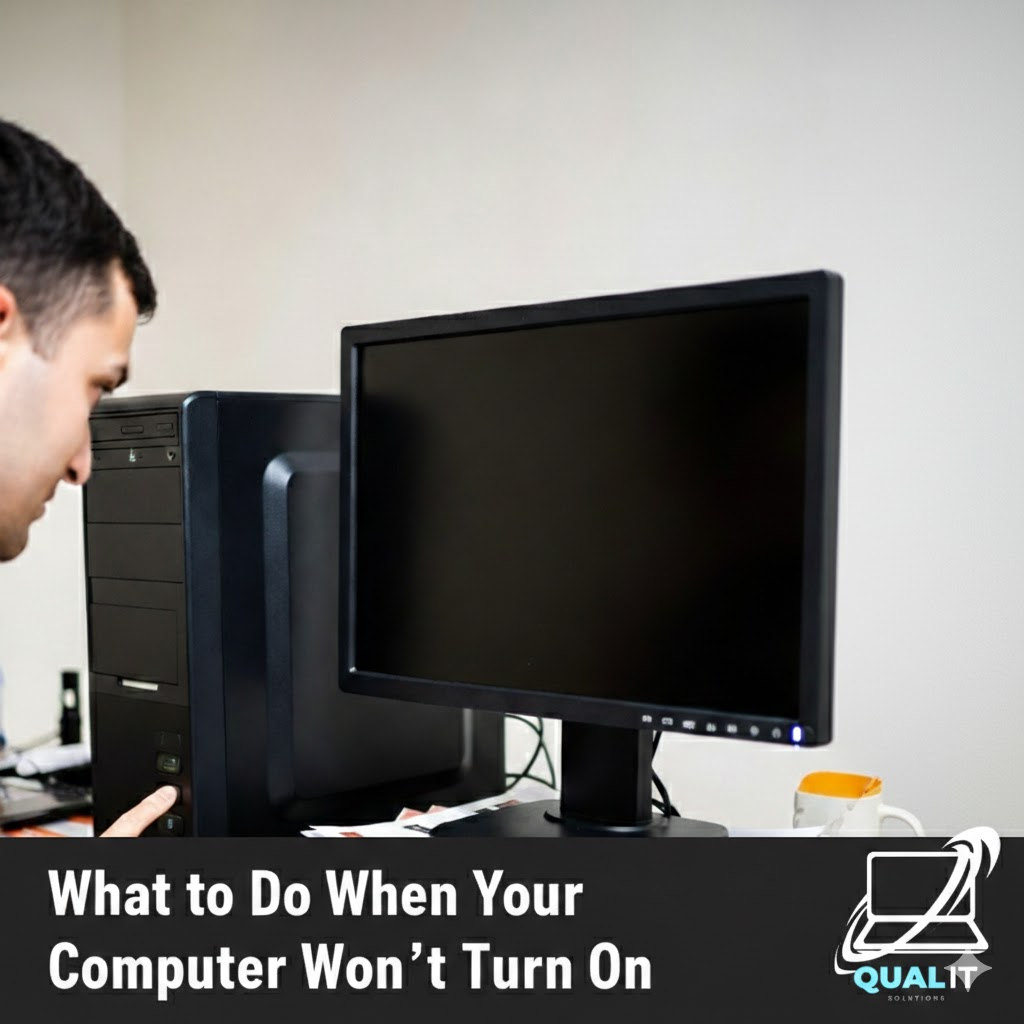
Check the power source, battery, display, external devices, and internal hardware step by step because most computers fail to start due to simple issues that can be fixed without professional repair. When your computer refuses to turn on, it can be alarming, especially if you rely on it daily for school, work, or communication, but […]

We use our computers for everything—banking, private messages, and work documents. But how do you know if a stranger has “backdoor” access to your digital life? Most hackers don’t leave a message; they stay hidden to steal as much data as possible. At Qual-IT Solutions, we believe your privacy is a priority. If you notice […]

No one is born knowing how to use a computer. At some point in life, everyone has stared at a screen thinking, “What did I just click?” The problem is not making mistakes that part is normal. The real problem is repeating the same computer mistakes over and over, then blaming the computer like it […]
There are two kinds of people in this world: those who shut down their computers properly, and those who proudly say, “I haven’t turned mine off in weeks.” If you belong to the second group, congratulations you’re not alone. Modern computers are powerful enough to stay on for a long time, which makes people think […]
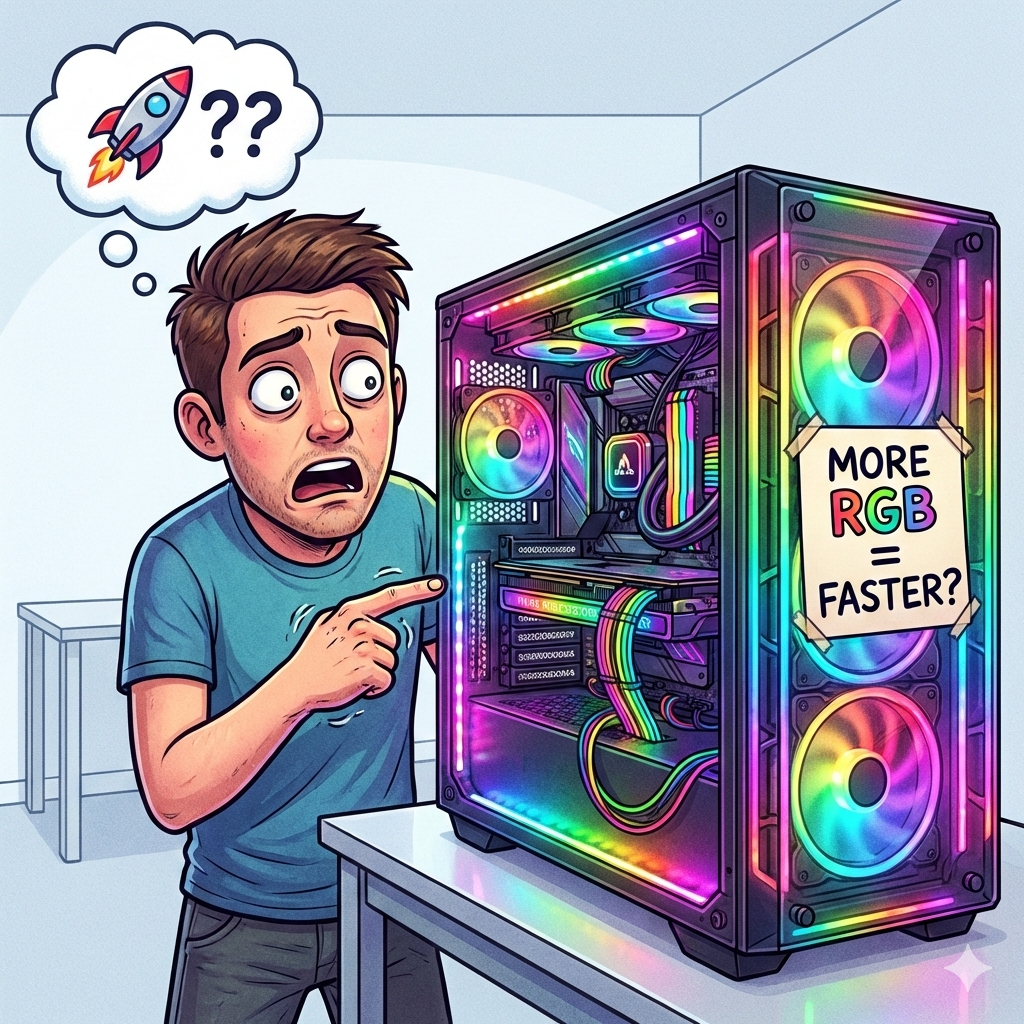
Computers are everywhere. We use them for work, school, gaming, shopping, and procrastinating. You’d think that after all these years, people would fully understand how computers work. Surprisingly, that is not the case at all. In fact, many users still believe funny computer myths, develop questionable habits, and make beginner mistakes they swear they “never […]
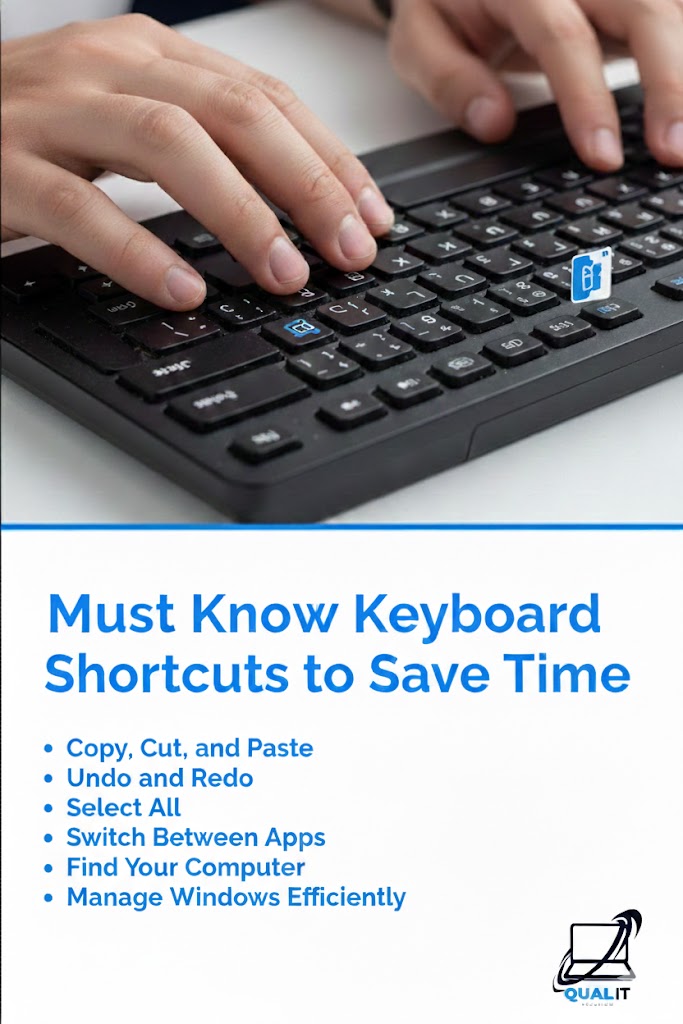
Keyboard shortcuts help you work faster by reducing the need to use a mouse, allowing you to copy, paste, switch apps, undo mistakes, and navigate instantly, which boosts productivity for school, work, and everyday computer use. Using keyboard shortcuts is one of the easiest ways to save time on a computer because they allow you […]

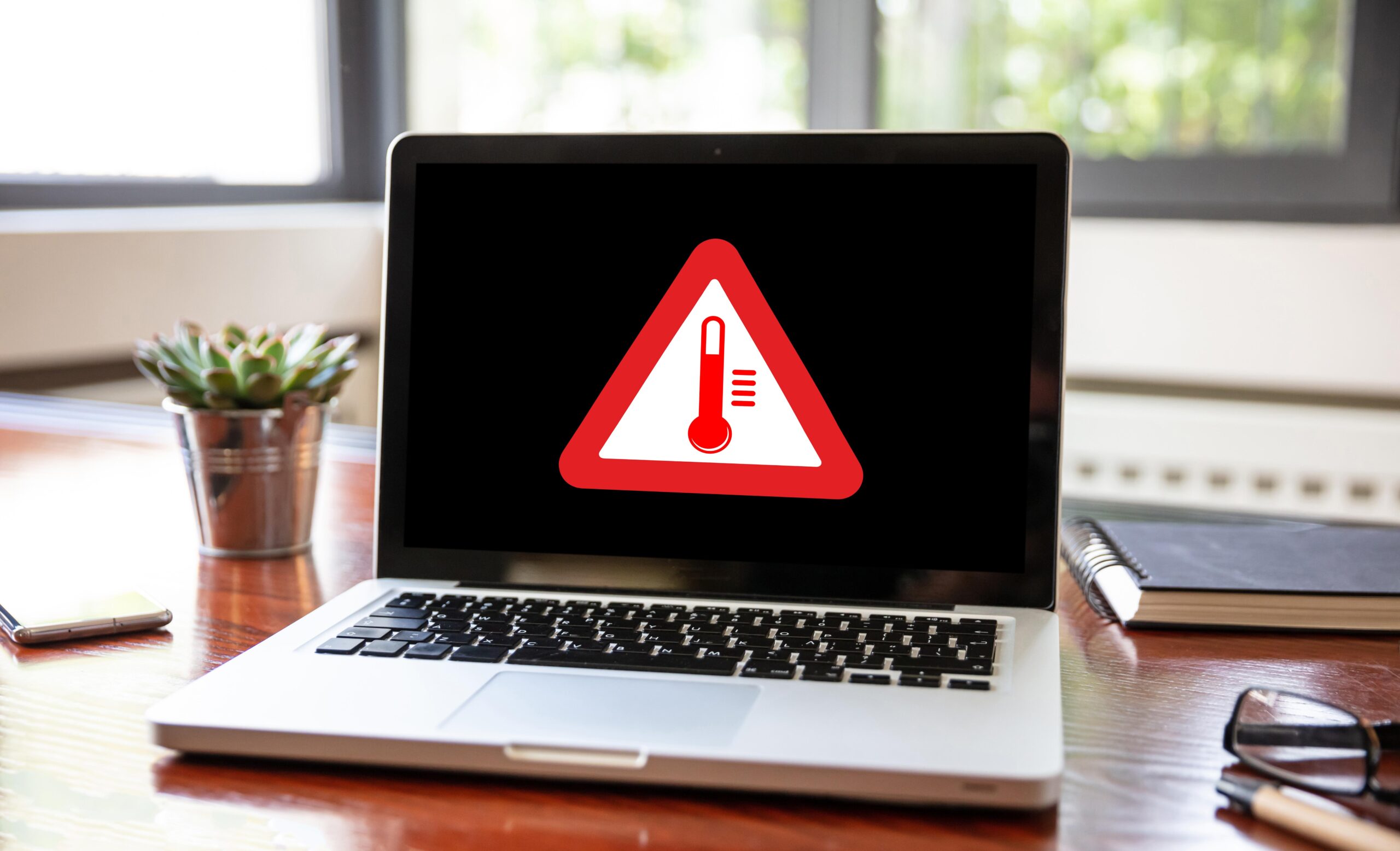
Have you noticed your laptop fan sounding like a jet engine? Or maybe the bottom of your computer feels hot enough to cook an egg? When a laptop overheats, it doesn’t just get uncomfortable to touch—it slows down to protect itself (thermal throttling). If left ignored, extreme heat can permanently damage your processor. At Qual-IT […]
Use antivirus software, keep your system updated, be cautious with emails, and create strong passwords to protect your computer from viruses and cyber threats. Protecting your computer from viruses is more important than ever because cyber threats can steal personal information, damage files, slow down your system, and even give hackers control over your device, […]
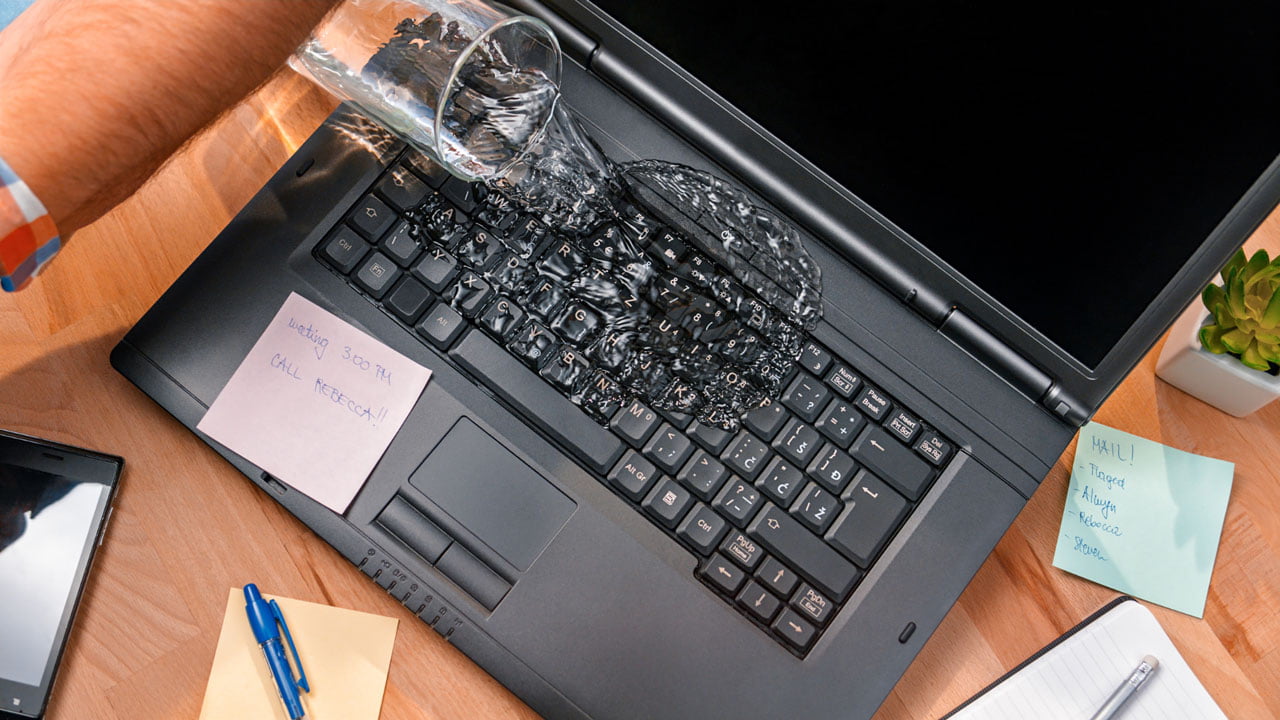
It’s the nightmare scenario: a slip of the hand, a tipped-over coffee, and suddenly your expensive laptop is soaking wet. Most people panic and reach for a bowl of rice, but that might actually be making things worse. At Qual-IT Solutions, we’ve seen hundreds of liquid-damaged devices. If you act fast and follow these steps, […]
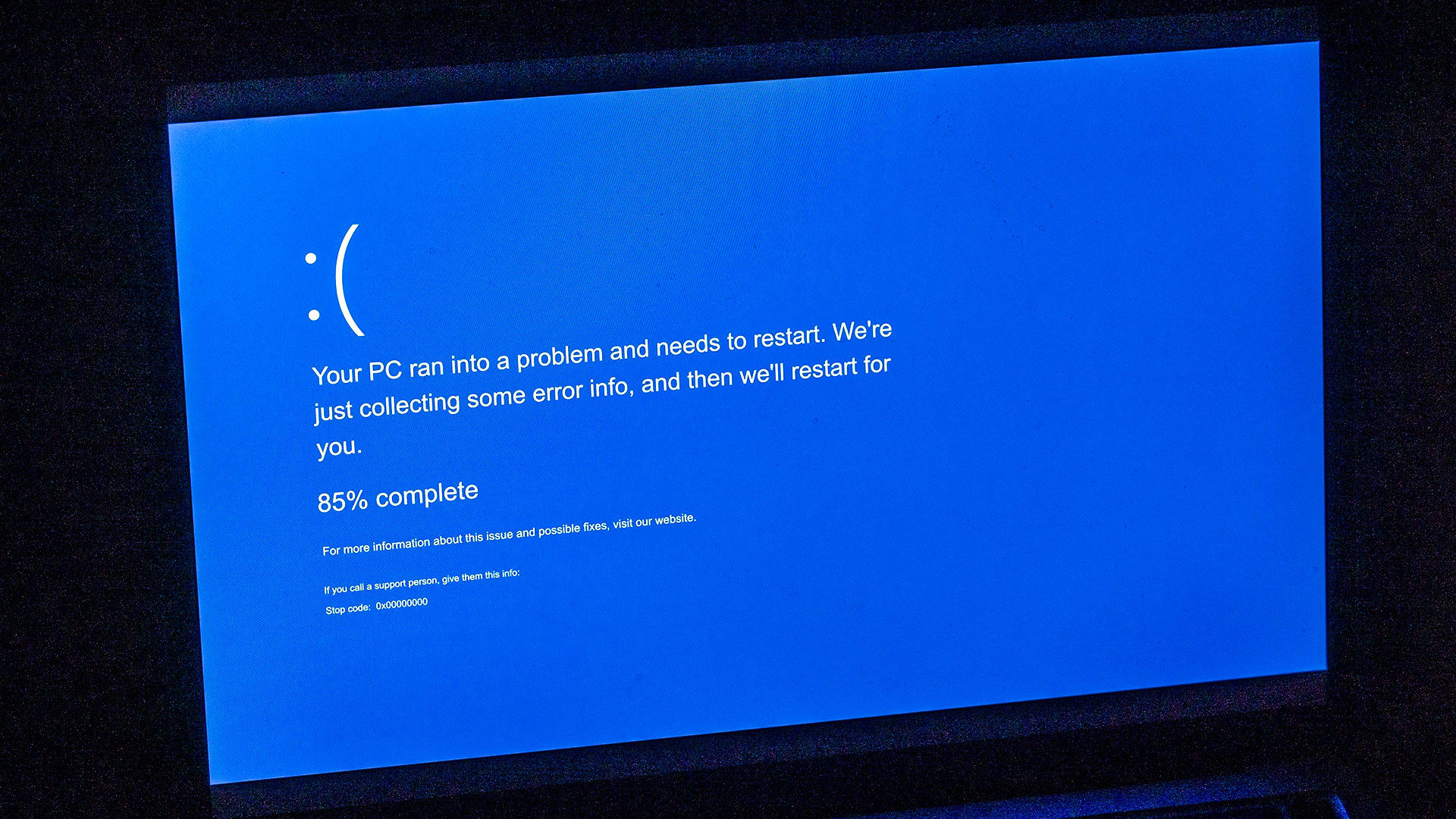
There’s nothing quite like the sudden, jarring sight of the “Blue Screen of Death” (BSOD). One minute you’re working, browsing, or gaming, and the next, your screen goes stark blue with a cryptic error message. It’s enough to make anyone panic and think their computer is gone forever. But don’t worry! While intimidating, a BSOD […]