







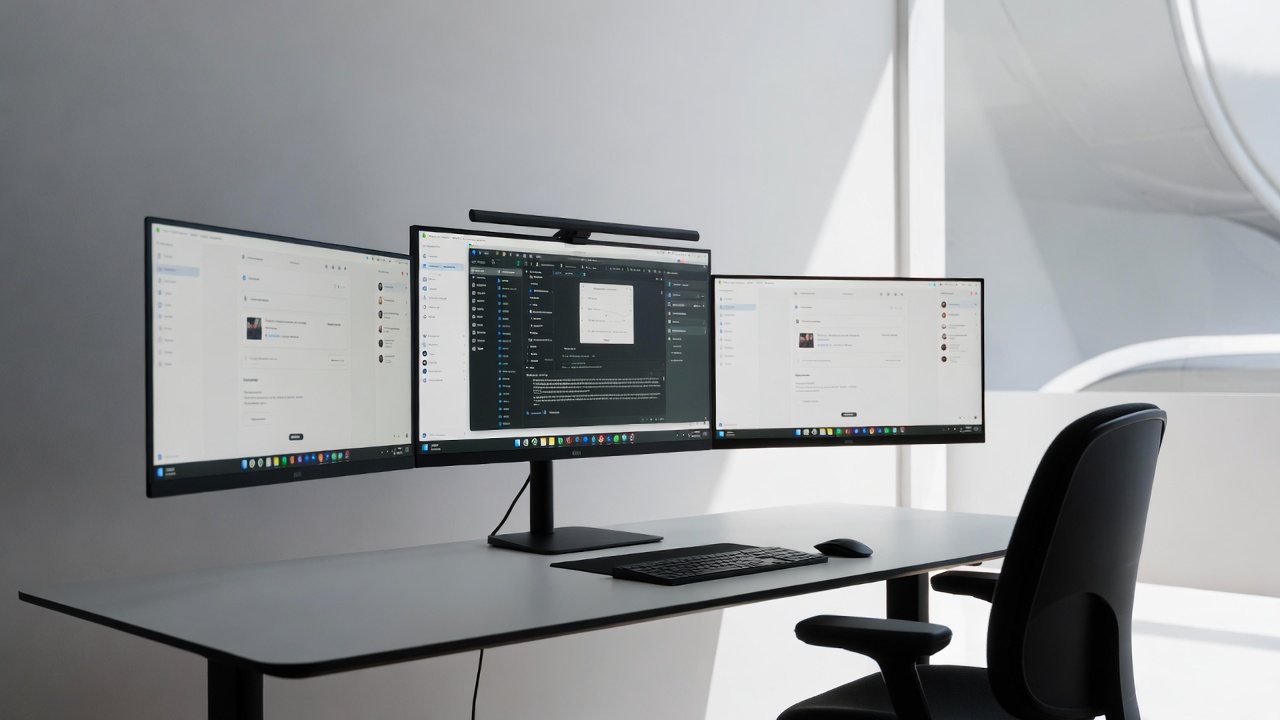
Tired of endlessly flipping through tabs and windows like some kind of digital acrobat? It’s time to upgrade your workspace and embrace the multi-monitor life. With more screens, you can say goodbye to the endless Alt+Tab dance and hello to a new world of productivity. Setting up a multi-monitor workspace doesn’t just make you look […]
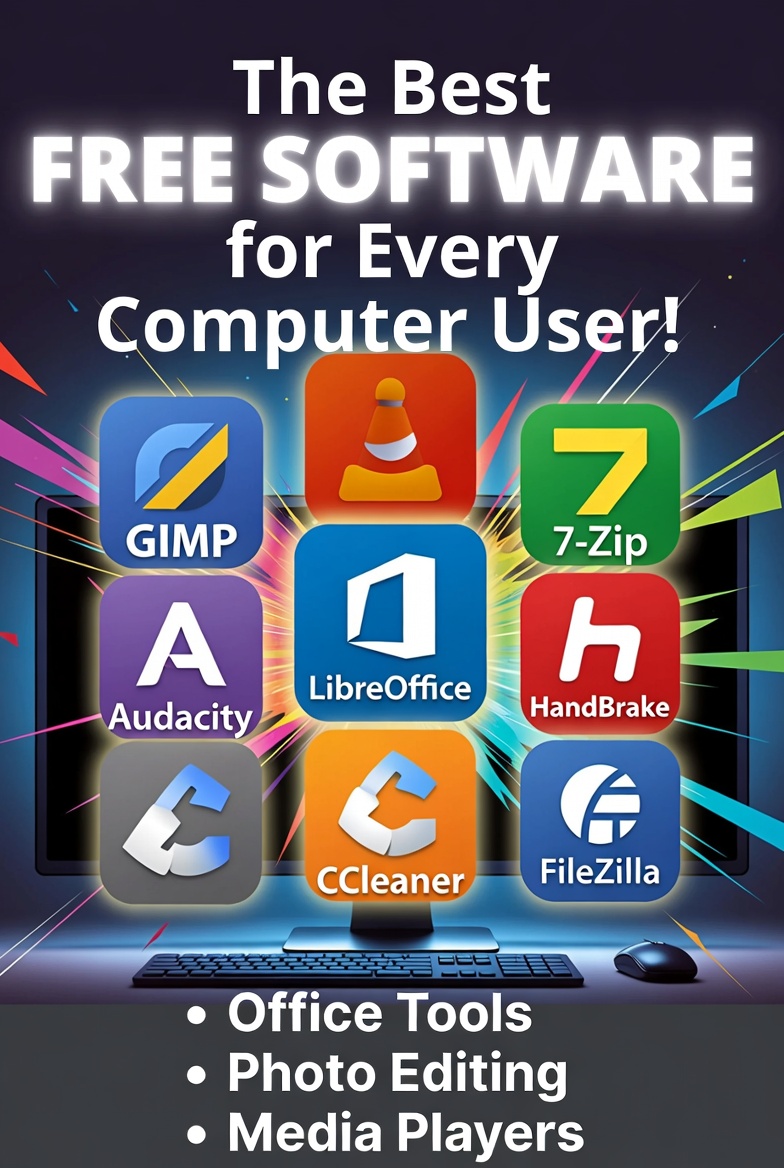
In today’s digital world, high-quality software doesn’t always have to come with a hefty price tag. Whether you’re a student, professional, or casual user, there are plenty of free alternatives to popular paid programs that can meet your needs. From photo editing to office work, and media playback, here are the top 10 free software […]

Choosing the right operating system (OS) can be a daunting task, especially with so many options out there. Whether you’re building a new PC, upgrading an old one, or deciding between buying a Mac or a Windows machine, your choice of OS will significantly affect your computer experience. Here’s a breakdown of the three most […]

Laging may pagkakataon na ang ating computer ay nagkakaroon ng mga aberya. Hindi naman ito nangangahulugang kailangan mong bumili ng bago o maghanap ng mga mamahaling repair services. Kadalasan, ang mga problema sa computer ay may mga simpleng solusyon na maaari mong gawin nang mag-isa. Narito ang ilang mga tips kung paano mo ma-troubleshoot ang […]
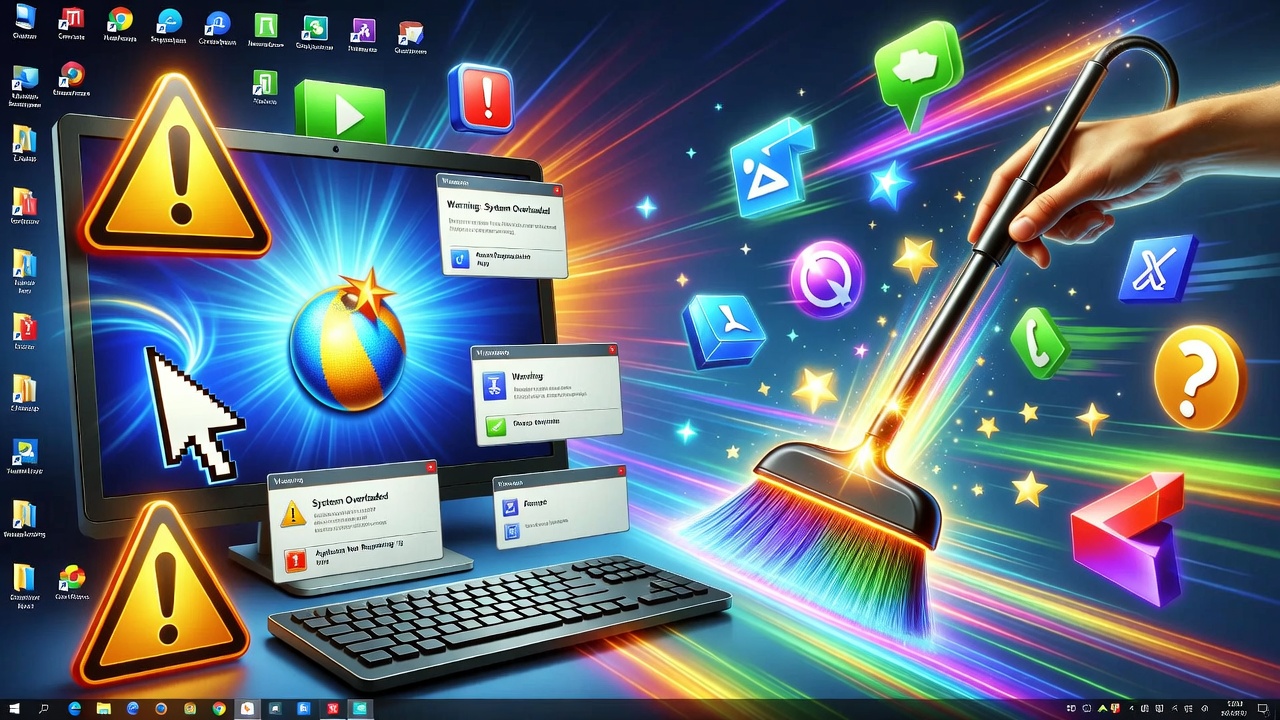
Sa panahon ng mabilis na pagbabago ng teknolohiya, madalas nating nakakalimutan na ang ating mga computer ay nangangailangan din ng regular na pag-aalaga at maintenance. Minsan, iniisip natin na basta’t gumagana, ayos na. Ngunit ang regular na maintenance ng iyong computer ay hindi lamang para mapanatili itong mabilis at maayos, kundi upang mapahaba rin ang […]
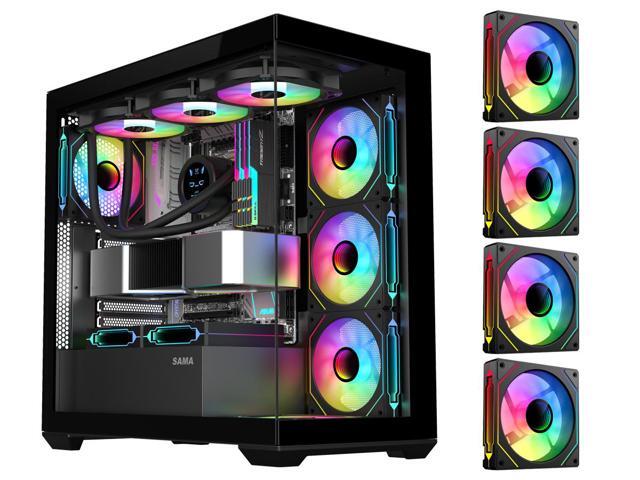
Kung isa kang gamer na nahihirapan sa paghahanap ng pera para makabili ng mamahaling gaming PC, ‘wag mag-alala! Hindi mo na kailangang magbenta ng kidney o magtago sa ilalim ng kama para lang makabili ng high-end na gaming rig. Sa guide na ito, ituturo ko sa’yo kung paano magtayo ng gaming PC na swak sa […]

Is your laptop taking “forever” to turn on? Do you have enough time to make coffee while waiting for Chrome to open? Before you head to the mall to buy a brand-new computer, there is a “secret” upgrade that can make your old machine feel faster than the day you bought it. At Qual-IT Solutions, […]
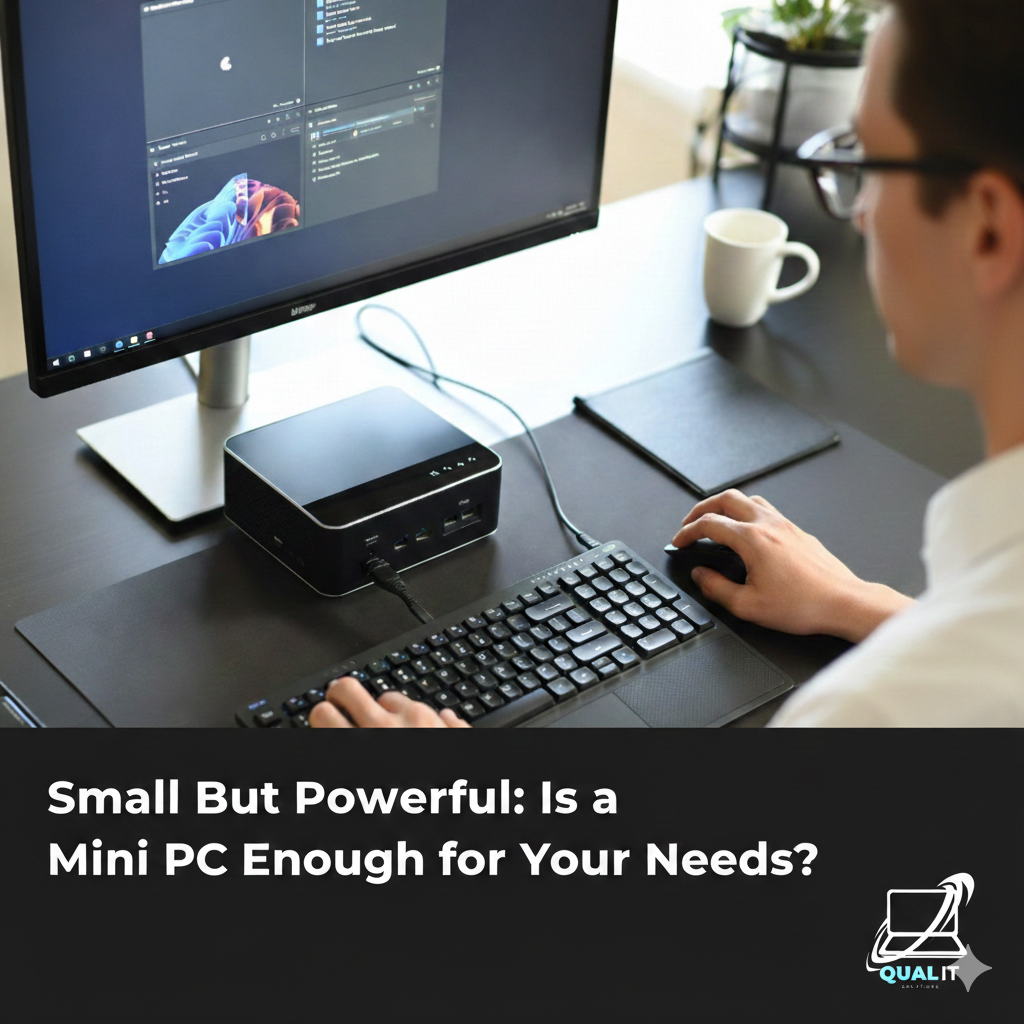
A mini PC is a compact desktop computer that is perfect for everyday tasks like work, school, browsing, and entertainment while saving space and electricity, but it has limits in gaming performance, upgrades, and heavy professional workloads, making it ideal for casual users but not for high end computing needs. What Is a Mini PC? […]
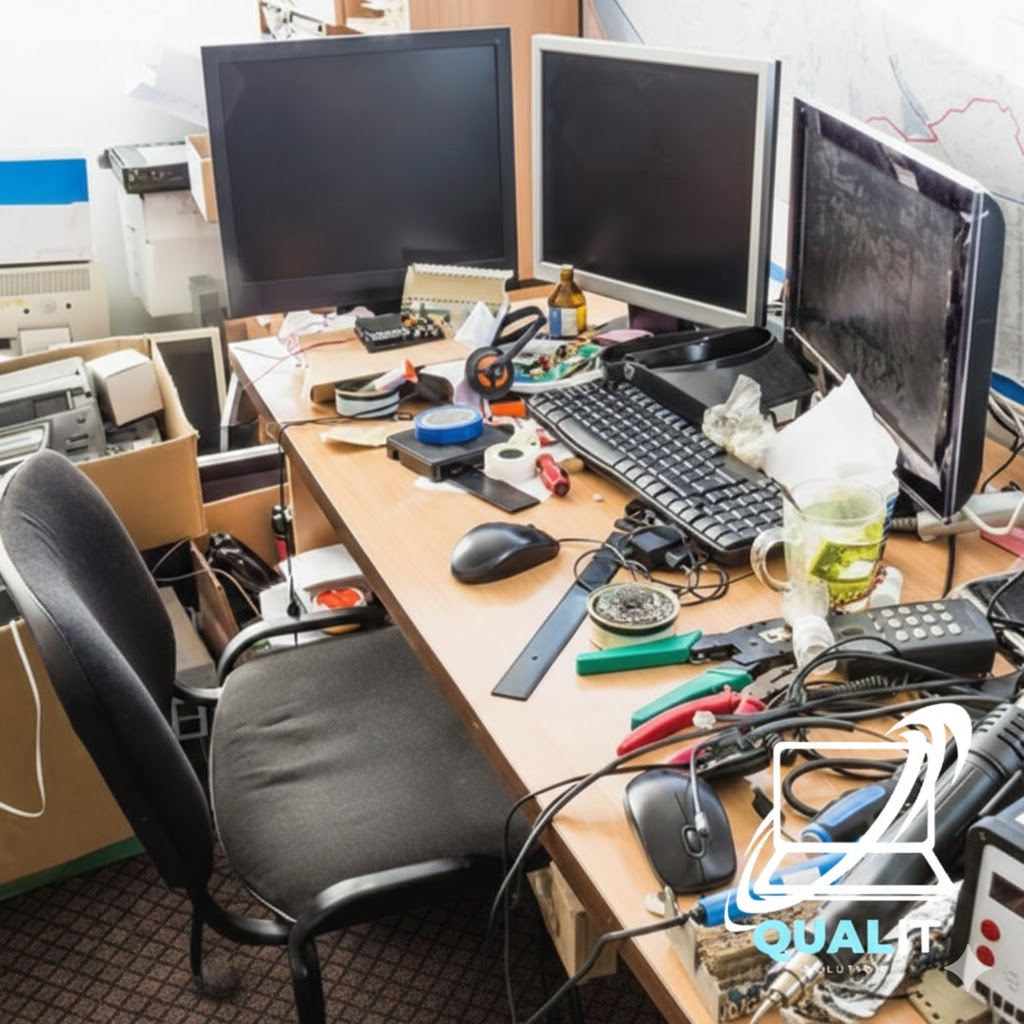
We’ve all seen those “perfect” desk setups on Instagram—clean, wireless, and organized. Then we look down at our own desk: a tangled web of chargers, extension cords, and dusty cables. A messy workspace doesn’t just look bad; it causes “visual clutter” that makes it harder to focus and can even cause your PC to overheat. […]
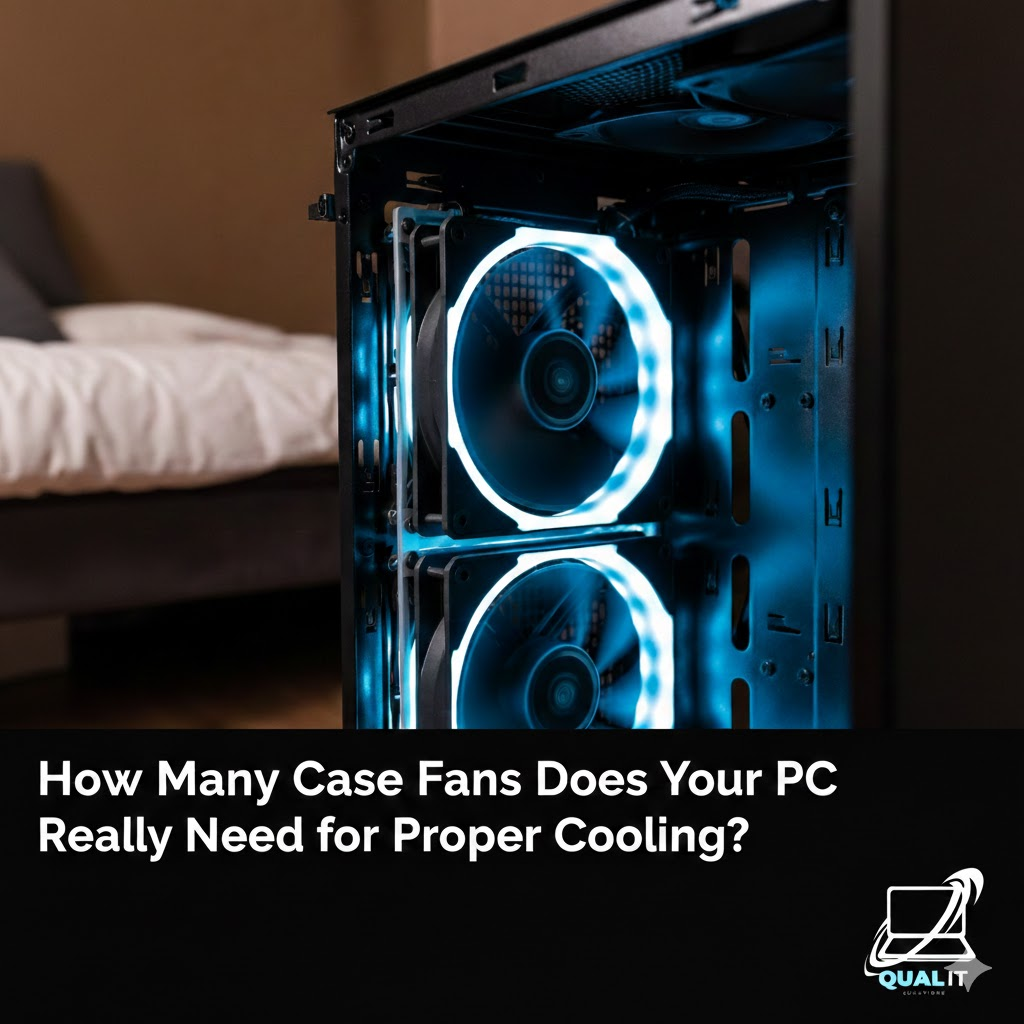
Most desktop computers need at least 2 case fans for basic airflow, 3 to 4 fans for balanced cooling, and 5 or more for high performance systems to prevent overheating and maintain stable performance. Cooling is a critical part of maintaining a healthy desktop computer because internal components such as the processor, graphics card, and […]