








Most desktop computers need at least 2 case fans for basic airflow, 3 to 4 fans for balanced cooling, and 5 or more for high performance systems to prevent overheating and maintain stable performance. Cooling is a critical part of maintaining a healthy desktop computer because internal components such as the processor, graphics card, and […]
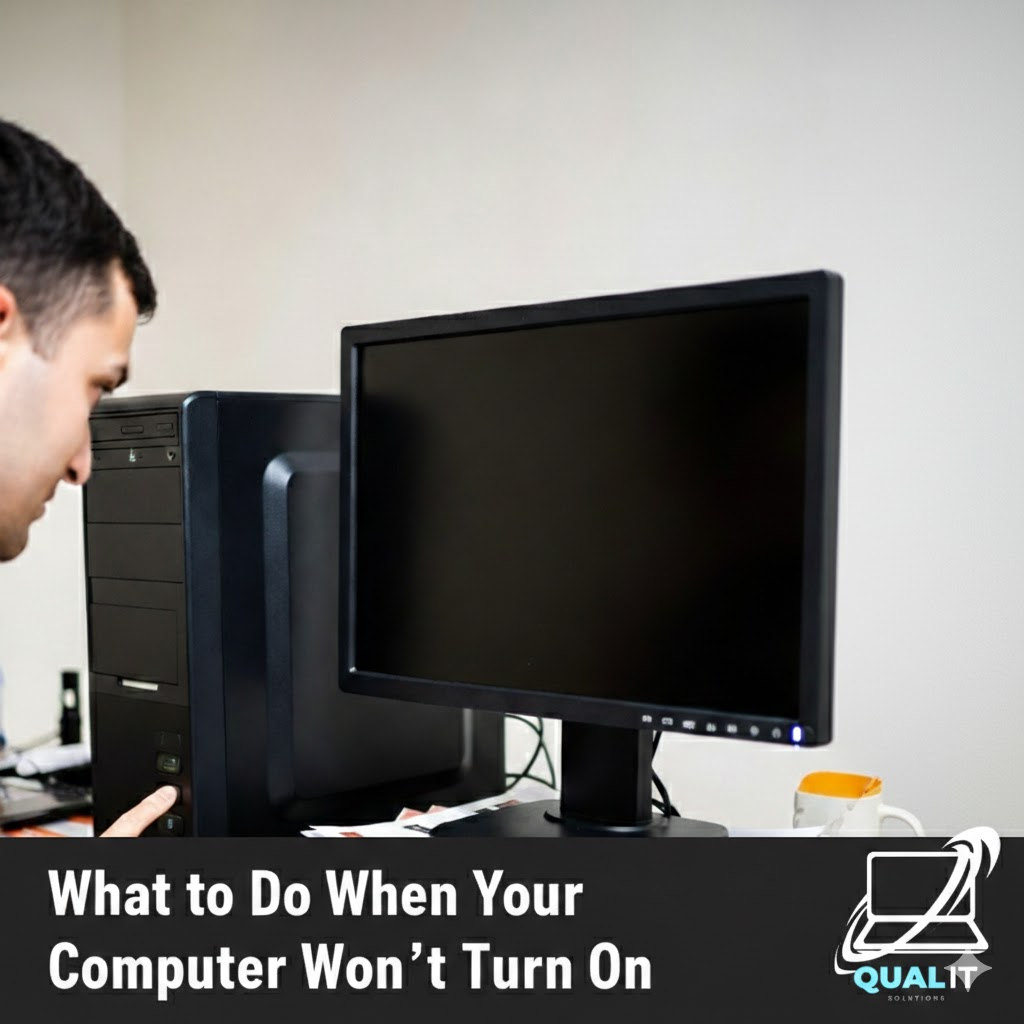
Check the power source, battery, display, external devices, and internal hardware step by step because most computers fail to start due to simple issues that can be fixed without professional repair. When your computer refuses to turn on, it can be alarming, especially if you rely on it daily for school, work, or communication, but […]
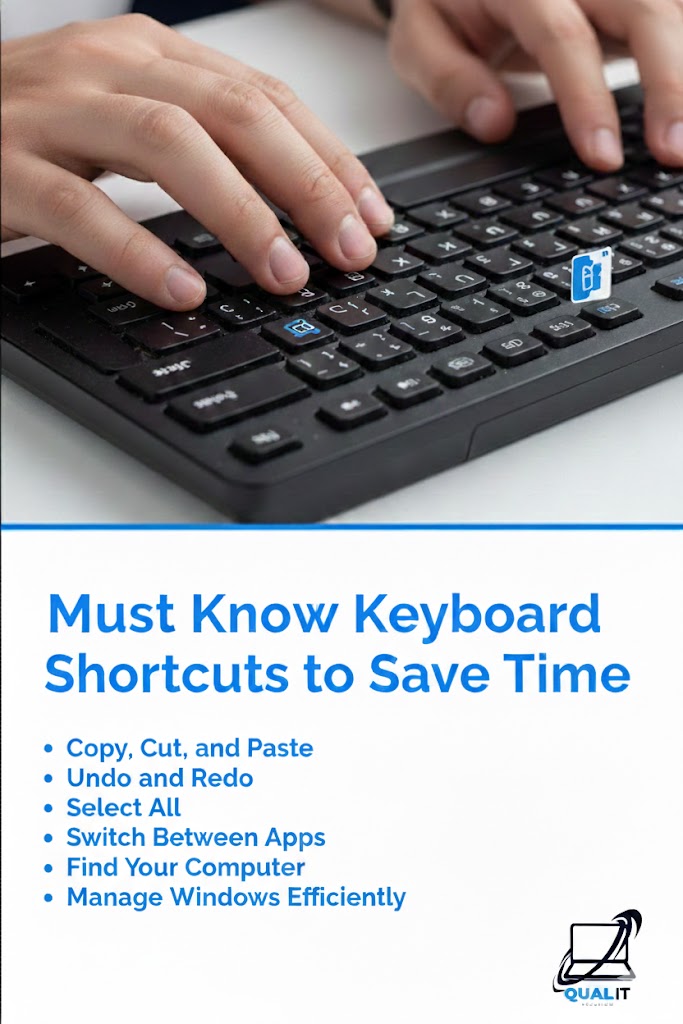
Keyboard shortcuts help you work faster by reducing the need to use a mouse, allowing you to copy, paste, switch apps, undo mistakes, and navigate instantly, which boosts productivity for school, work, and everyday computer use. Using keyboard shortcuts is one of the easiest ways to save time on a computer because they allow you […]
Use antivirus software, keep your system updated, be cautious with emails, and create strong passwords to protect your computer from viruses and cyber threats. Protecting your computer from viruses is more important than ever because cyber threats can steal personal information, damage files, slow down your system, and even give hackers control over your device, […]
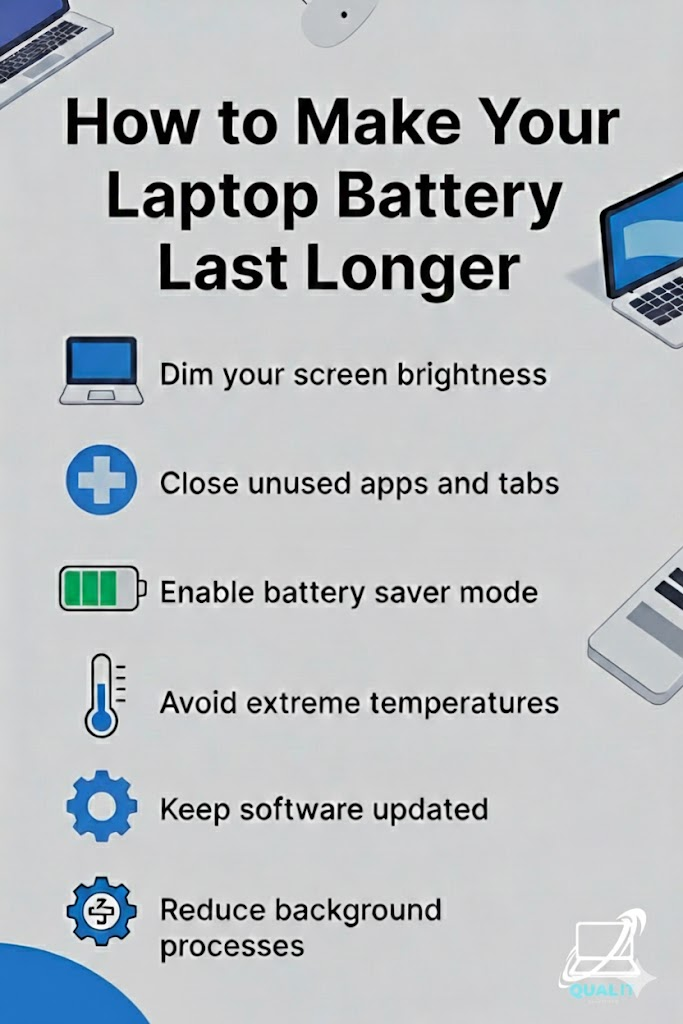
Lower brightness, close unused apps and tabs, enable battery saver mode, avoid extreme temperatures, keep software updated, and reduce background processes to maximize battery life and protect long-term performance. Laptop battery life is crucial for productivity, especially for students, remote workers, and travelers who depend on their devices throughout the day, and while batteries naturally […]

8GB is good for basic tasks, 16GB is ideal for most users, 32GB is best for heavy multitasking and gaming, and 64GB is for professional or extreme workloads. Choosing the right amount of RAM is important because it determines how smoothly your computer can run programs, switch between apps, and handle multitasking without slowing down, […]
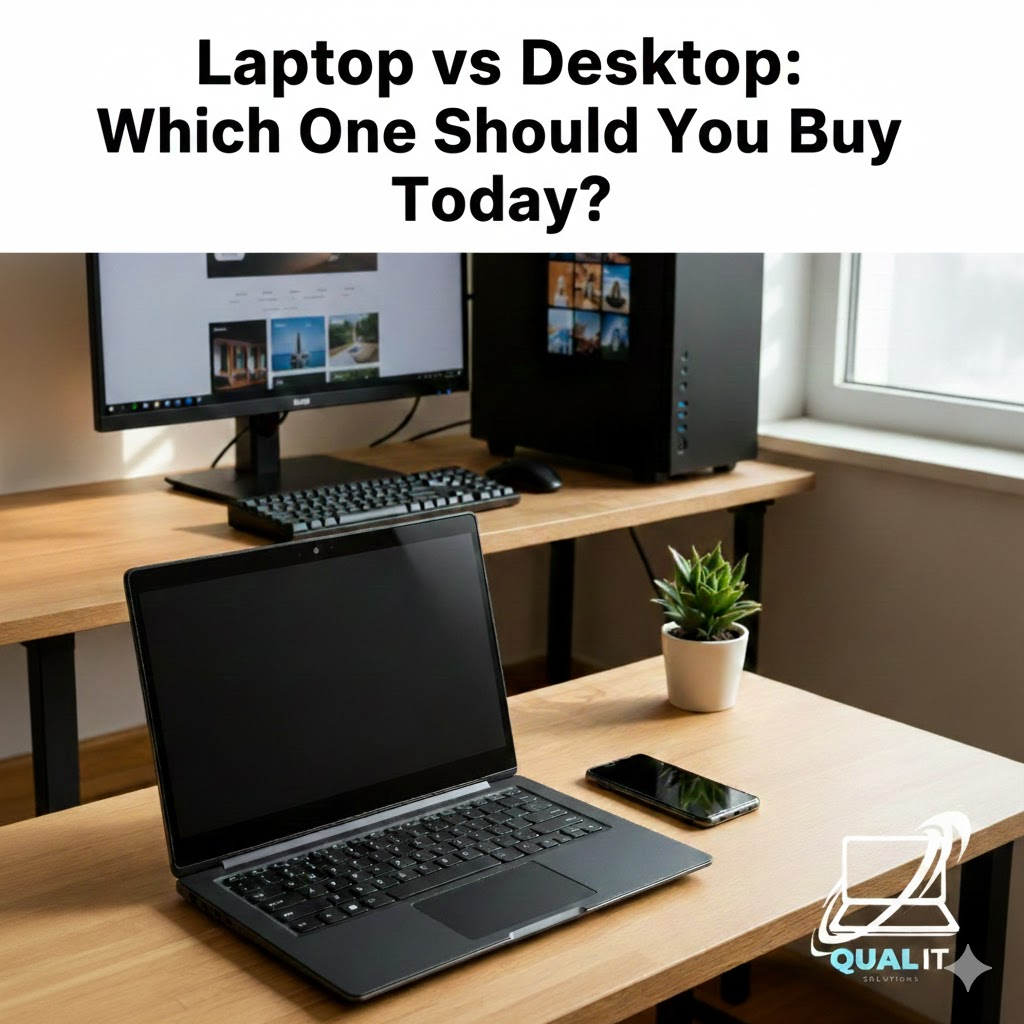
Laptops are designed for portability, convenience, and flexible everyday use, while desktops are designed for maximum performance, upgrade potential, and long term value, so choosing the right computer depends on whether you need mobility for school or work on the go or a powerful system for demanding tasks at home. Choosing between a laptop and […]
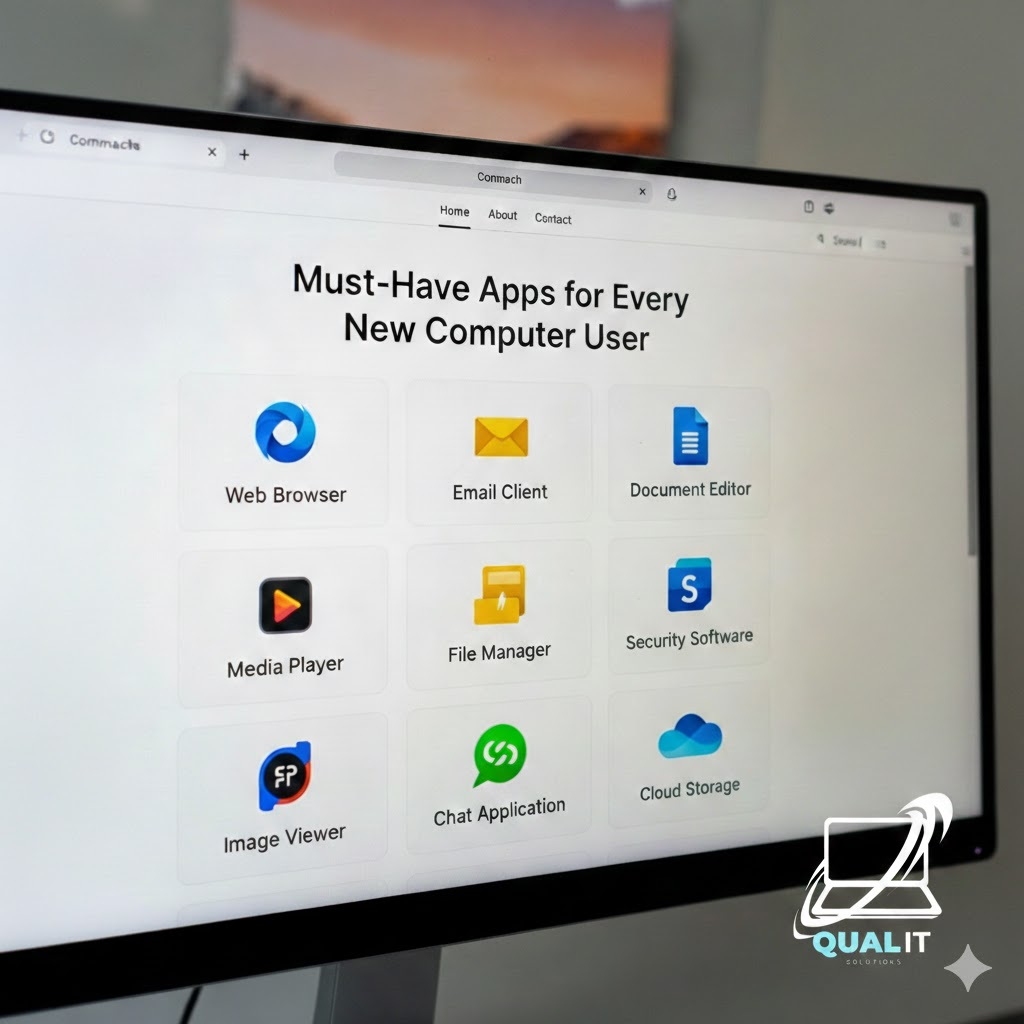
New computer? Install these essentials first a web browser, security software, productivity tools, media player, file compression tool, communication apps, and cloud storage. These apps cover everything you need for daily use, safety, and productivity. Getting a new computer or laptop is exciting, but without the right apps, you won’t unlock its full potential. Whether […]

Lower your game settings, update drivers, close background apps, enable game modes, and keep your PC cool. These simple tweaks can dramatically boost FPS and reduce lag without buying new hardware. How to Optimize Games for Better Performance Gaming on PC doesn’t always require expensive upgrades. With the right tweaks, you can significantly improve performance, […]
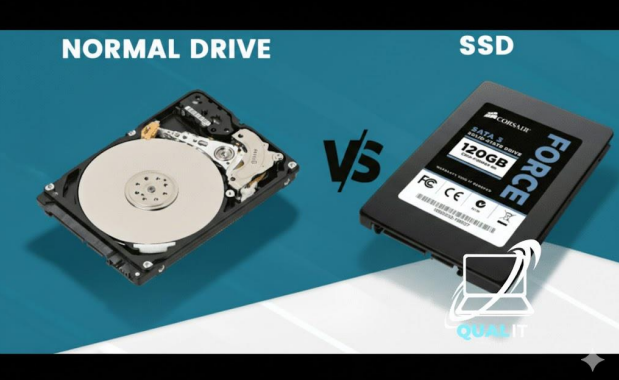
SSDs are much faster, quieter, and more durable, making them ideal for gaming, everyday computing, and laptops. HDDs are cheaper and offer larger storage capacities, making them better for backups and mass file storage. If you want speed, choose SSD. If you want maximum space for the lowest price, choose HDD. Many users benefit most […]