







The One USB Port Mistake That Can Damage Your Computer
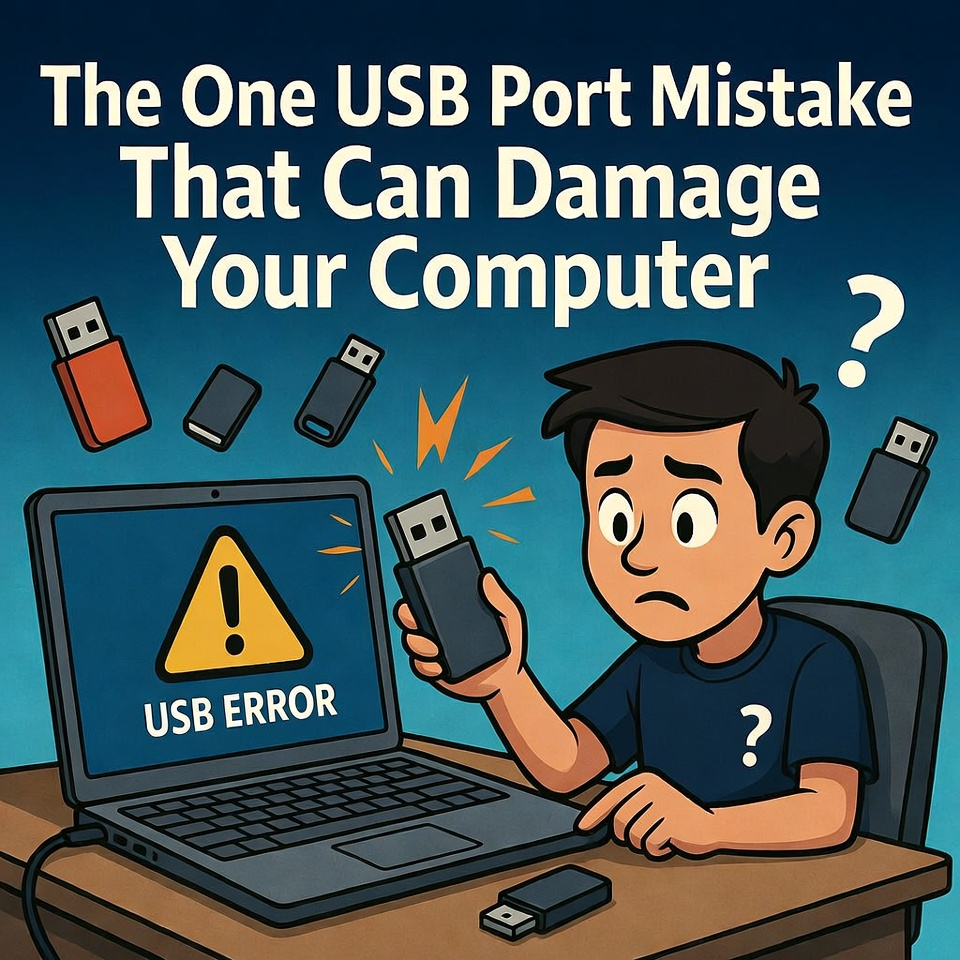
Forcing a USB device into the wrong orientation or repeatedly plugging and unplugging devices carelessly can damage the USB port, loosen internal connectors, and even cause motherboard issues. Handling USB devices properly helps extend the life of your computer.
USB ports are one of the most commonly used parts of any computer.
Every day people plug in flash drives, external hard drives, keyboards, mice, printers, charging cables, and many other devices.
Because USB ports are used so often, most people treat them as simple and indestructible.
Just plug the device in and use it.
However, technicians often see computers with damaged USB ports, and the cause is usually the same.
A small mistake that many users make without realizing it.
Forcing the USB connector.
The Frustrating USB Moment
Almost everyone has experienced this situation.
You pick up a USB flash drive and try to plug it into the port.
It doesn’t go in.
So you flip it over and try again.
Still no success.
You rotate it once more, push a little harder, and eventually it connects.
While this might seem harmless, repeatedly forcing a USB device into a port can slowly damage both the connector and the internal pins.
Over time, the port can become loose, bent, or completely unusable.
How USB Ports Actually Work
Inside every USB port are several small metal contact pins.
These pins must align perfectly with the contacts inside the USB device.
When inserted correctly, these contacts allow the computer and device to exchange power and data.
However, when a USB device is pushed in the wrong way with force, the pins inside the port can bend or misalign.
Once this happens, the connection may become unreliable.
You might notice symptoms like:
• Devices disconnecting randomly
• USB devices not being detected
• Ports feeling loose when inserting devices
• Data transfer interruptions
These issues can make the port difficult or impossible to use.
When the Damage Gets Worse
Sometimes the damage goes beyond the USB port itself.
In laptops and some compact desktops, USB ports are directly connected to the motherboard.
If a port becomes severely damaged, repairing it may require replacing internal components or performing delicate soldering work.
This type of repair can be complicated and sometimes costly.
Technicians often see this problem when users accidentally bump or pull a USB device sideways while it is still plugged in.
The pressure can weaken the internal structure of the port.
Simple Habits That Protect USB Ports
Fortunately, preventing USB port damage is easy.
A few simple habits can protect your computer.
Always check the orientation of the USB connector before inserting it.
Never force the connector into the port.
Insert and remove devices gently.
Avoid pulling cables sideways while they are still connected.
If a USB device feels stuck, remove it slowly instead of pulling aggressively.
These small habits help keep the internal connectors aligned and functional.
The Advantage of Modern USB-C
Many newer computers now use USB-C ports.
Unlike traditional USB connectors, USB-C can be inserted in either direction.
This design eliminates the frustration of flipping the connector repeatedly.
Because of its reversible design, USB-C also reduces the risk of forcing the connector incorrectly.
However, even with USB-C, careful handling is still important to prevent physical damage.
USB ports are durable but not indestructible. Forcing USB connectors, inserting them incorrectly, or applying pressure while they are plugged in can damage the internal pins and connections. By handling USB devices carefully and inserting them gently, users can protect their computers from unnecessary hardware damage.
