







Why Your Computer Internet Is Fast But Downloads Are Slow
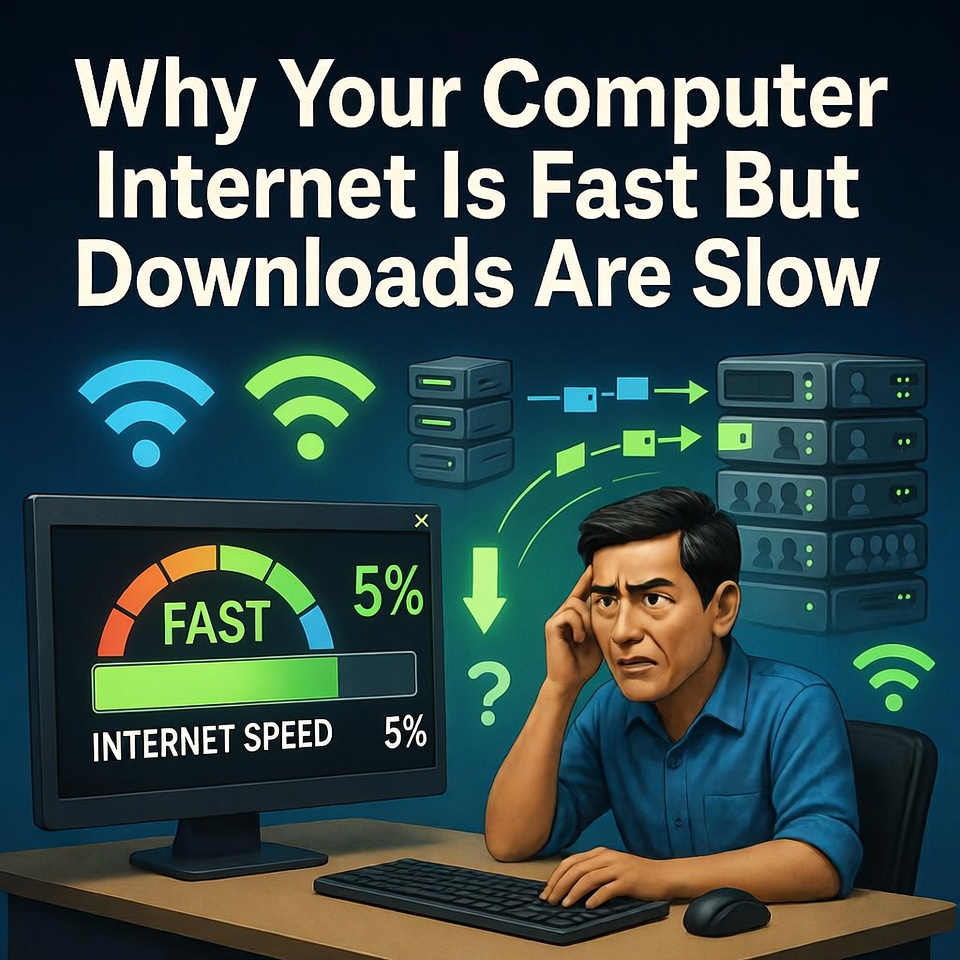
Your internet speed may appear fast when browsing, but downloads can still be slow due to server limitations, background network usage, Wi-Fi interference, or bandwidth restrictions from your internet provider.
Many computer users have experienced this confusing situation.
You run an internet speed test, and the results look great.
The numbers show fast download speeds and strong connectivity.
Websites open instantly.
Videos stream smoothly.
But when you try to download a file, something strange happens.
The download speed becomes incredibly slow.
Instead of downloading quickly, the progress bar moves slowly and sometimes even stops.
This situation often leaves people wondering if something is wrong with their computer or internet connection.
In reality, several different factors can cause this problem.
The Slow Download Surprise
Imagine downloading a large file for work, school, or gaming.
Your internet plan promises high-speed downloads.
You expect the file to finish quickly.
But after starting the download, the progress bar barely moves.
Minutes pass.
Then hours.
The file that should take only a few minutes suddenly takes much longer.
You might restart the download, reset your router, or even run another speed test.
But the problem continues.
This situation can be frustrating, especially when you are trying to finish something important.
Server Speed Limitations
One of the most common reasons for slow downloads is the server itself.
When you download a file, the speed depends not only on your internet connection but also on the server sending the file.
If the server is overloaded with many users downloading at the same time, it may limit how fast it can send data to each person.
This is especially common when downloading large files from popular websites or during major software releases.
Even if your internet is fast, the server might only deliver data slowly.
Background Network Activity
Another possible cause is background activity on your network.
Many devices and applications may be using the internet at the same time.
Examples include:
• Automatic software updates
• Cloud file syncing
• Video streaming on other devices
• Online gaming
• Security cameras uploading footage
When multiple devices share the same network, they divide the available bandwidth.
This can reduce the speed of large downloads.
Wi-Fi Signal Interference
Wireless connections can also affect download performance.
Wi-Fi signals can weaken due to obstacles such as walls, furniture, or distance from the router.
Other nearby Wi-Fi networks may also cause interference.
In these situations, your connection may appear stable for browsing but struggle with large file transfers.
Technicians often recommend using a wired Ethernet connection for faster and more stable downloads.
Internet Provider Restrictions
Some internet providers also manage network traffic during busy hours.
This process, sometimes called bandwidth throttling, can slow certain types of downloads to reduce congestion.
This often happens when many users are online at the same time.
Large downloads may be temporarily slowed to keep the network stable for everyone.
Improving Download Performance
Fortunately, there are several ways to improve download speeds.
Technicians often recommend the following steps:
• Restarting the router
• Limiting background downloads
• Using a wired internet connection
• Downloading during less busy hours
• Checking for network congestion
These simple steps can often help restore faster download speeds.
Fast internet speed does not always guarantee fast downloads. Download performance can depend on server capacity, network congestion, Wi-Fi interference, and background internet usage. Understanding these factors can help users identify the real cause of slow downloads and improve their overall internet experience.
