







Why Your Laptop Battery Dies Faster Than It Used To
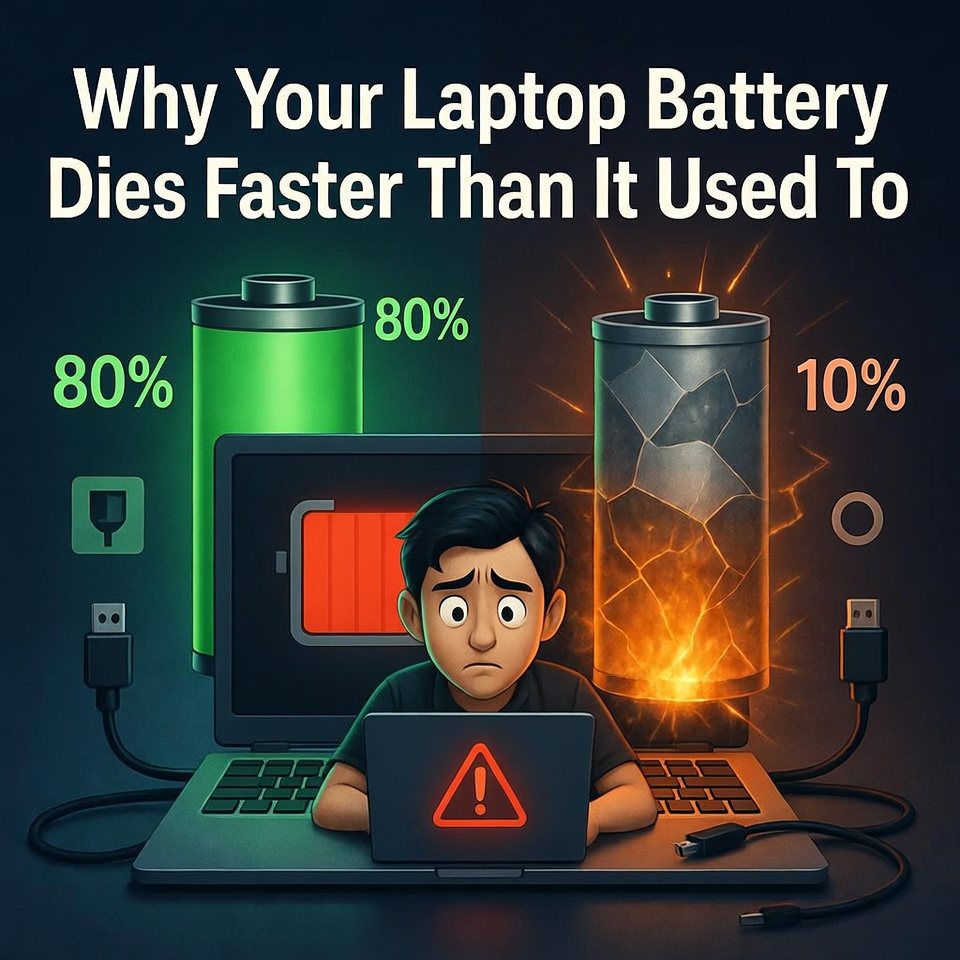
Laptop batteries naturally lose capacity over time because of charging cycles, heat, and heavy usage. While this is normal, adjusting charging habits and reducing power hungry applications can help extend battery life.
When you first buy a laptop, one of the best features is its long battery life.
You can work for hours without needing to plug it in.
Students can finish assignments during classes. Workers can complete tasks during meetings or while traveling. Gamers can enjoy light gaming sessions away from a power outlet.
But after a year or two, something starts to change.
The battery that once lasted several hours now drains much faster.
You unplug the charger, and the battery percentage begins dropping quickly.
Many people immediately think something is broken.
However, the truth is that laptop batteries naturally change over time.
The Sudden Battery Drop
Imagine opening your laptop to finish an important project.
The battery indicator shows 80%, so you assume you have plenty of time.
But after only thirty minutes, the battery suddenly drops to 40%.
Another twenty minutes later, it falls to 15%.
Soon your laptop begins warning you to plug in the charger.
This situation can feel frustrating, especially when it happens during important work.
But this behavior is often a normal part of how rechargeable batteries age.
How Laptop Batteries Work
Most modern laptops use lithium-ion batteries.
These batteries are designed to be lightweight, rechargeable, and capable of storing large amounts of energy.
However, lithium-ion batteries have a limited lifespan.
Each time you charge and discharge the battery, it uses one charge cycle.
Over hundreds of cycles, the battery gradually loses its ability to store the same amount of energy.
This means the laptop battery can no longer hold the same charge it once did.
Heat Is the Battery’s Biggest Enemy
Another major factor that affects battery life is heat.
Laptops generate heat during normal operation, especially when running heavy programs such as video editing software, games, or multiple applications.
High temperatures can accelerate battery wear.
Technicians often recommend keeping laptops well ventilated and avoiding placing them on soft surfaces like beds or pillows, which can block airflow.
Using a cooling pad can also help maintain safer temperatures.
Background Applications Drain Power
Sometimes the battery drains quickly not because of the battery itself, but because of what the laptop is doing.
Programs running in the background can consume significant power.
Web browsers with many tabs open, video streaming, gaming software, and cloud synchronization services all use system resources.
Reducing unnecessary background programs can help improve battery life.
When It’s Time to Replace the Battery
Eventually, every rechargeable battery reaches the end of its useful life.
When battery capacity drops significantly, the best solution is often replacing the battery with a new one.
Laptop technicians can test battery health using diagnostic tools and recommend whether replacement is necessary.
Replacing the battery can restore the laptop’s portability and performance.
Laptop batteries gradually lose capacity due to charge cycles, heat exposure, and heavy usage. While this process is normal, proper maintenance such as managing background applications and preventing overheating can help extend battery life. When the battery becomes too weak, replacing it can restore the laptop’s usability.
