







The Hidden Reason Your Computer Gets Slower Every Month
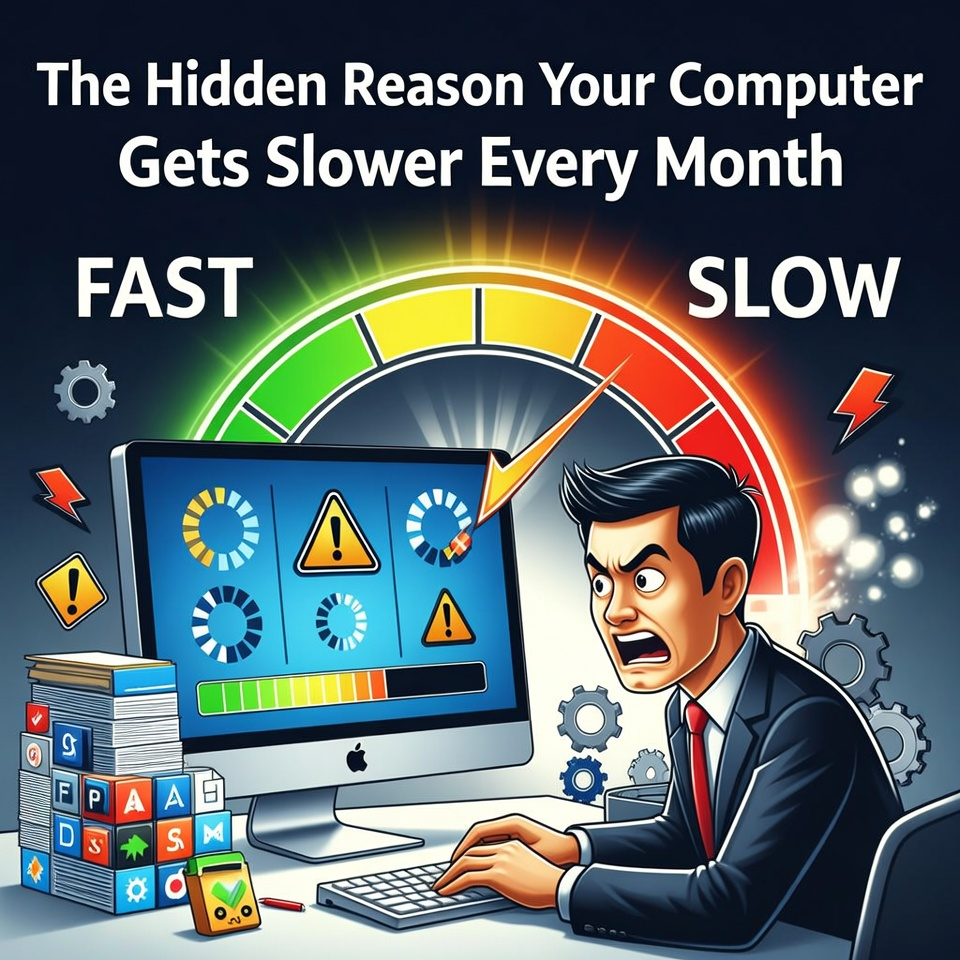
Computers don’t usually slow down overnight. Instead, small issues build up over time—unused programs, background processes, dust, outdated drivers, and storage clutter. With regular maintenance and a few simple habits, you can keep your computer running smoothly for years.
When a computer is brand new, everything feels incredibly fast.
Programs open instantly. Files load in seconds. The entire system feels smooth and responsive.
But after a few months—or sometimes a few years—something changes.
The same computer that once felt lightning-fast now struggles with simple tasks.
Applications take longer to open. The system freezes occasionally. Even browsing the internet feels slower than before.
Many people assume that their computer is simply getting old.
However, technicians know that in many cases, the real reason is something else entirely.
A gradual buildup of small problems.
The Slowdown That Happens Without Warning
Imagine turning on your computer one morning and noticing that something feels slightly different.
Your browser takes a little longer to open.
Your files load a bit slower than usual.
At first, the difference is barely noticeable.
But over time, the slowdown becomes impossible to ignore.
You begin restarting the computer more frequently.
Programs freeze occasionally.
And suddenly, tasks that once took seconds now take minutes.
What happened?
Your computer didn’t suddenly break.
Instead, several small issues slowly accumulated in the background.
Too Many Programs Running at Startup
One of the most common causes of slow computers is startup overload.
Many applications automatically add themselves to the startup list when installed.
This means that every time your computer boots up, those programs launch in the background.
Over time, dozens of programs may start running automatically.
Even if you never open them.
These hidden background processes consume memory and processing power, making your system feel slower.
Technicians often solve this problem simply by reducing startup programs.
Storage Clutter and Temporary Files
Another common cause of slow performance is storage clutter.
Every time you browse the internet, install software, or update applications, your computer creates temporary files.
These files help programs run more efficiently in the short term.
But when they accumulate over time, they can take up large amounts of storage space.
When your drive becomes nearly full, your system has less room to operate efficiently.
Cleaning unnecessary files can restore valuable storage space and improve performance.
Dust: The Silent Performance Killer
Many people never consider the physical condition of their computer.
But inside every desktop or laptop is a cooling system designed to keep temperatures safe.
Over time, dust builds up inside cooling fans and vents.
When airflow becomes restricted, the computer begins to overheat.
To protect itself from damage, the processor automatically slows down.
This process is called thermal throttling.
As a result, your computer may feel dramatically slower even though the hardware itself is still capable.
Regular cleaning can help prevent this issue.
Outdated Software and Drivers
Another hidden factor that affects performance is outdated software.
Operating systems and drivers are regularly updated to improve compatibility and efficiency.
If these updates are ignored, programs may not run as smoothly as they should.
Updating your system ensures that your computer operates with the latest optimizations and security improvements.
Technicians often check for outdated drivers during routine maintenance.
Simple Habits That Keep Computers Fast
Fortunately, preventing slowdowns is not difficult.
A few simple habits can make a big difference.
These include:
• Removing unnecessary programs
• Limiting startup applications
• Cleaning temporary files
• Updating drivers and software
• Keeping the cooling system dust-free
These small maintenance steps help ensure your computer continues running smoothly.
Computers rarely become slow because of a single major problem. Instead, performance issues usually result from small factors that accumulate over time, such as startup overload, storage clutter, dust buildup, and outdated software. With proper maintenance and regular cleaning, many computers can maintain strong performance for years.
