







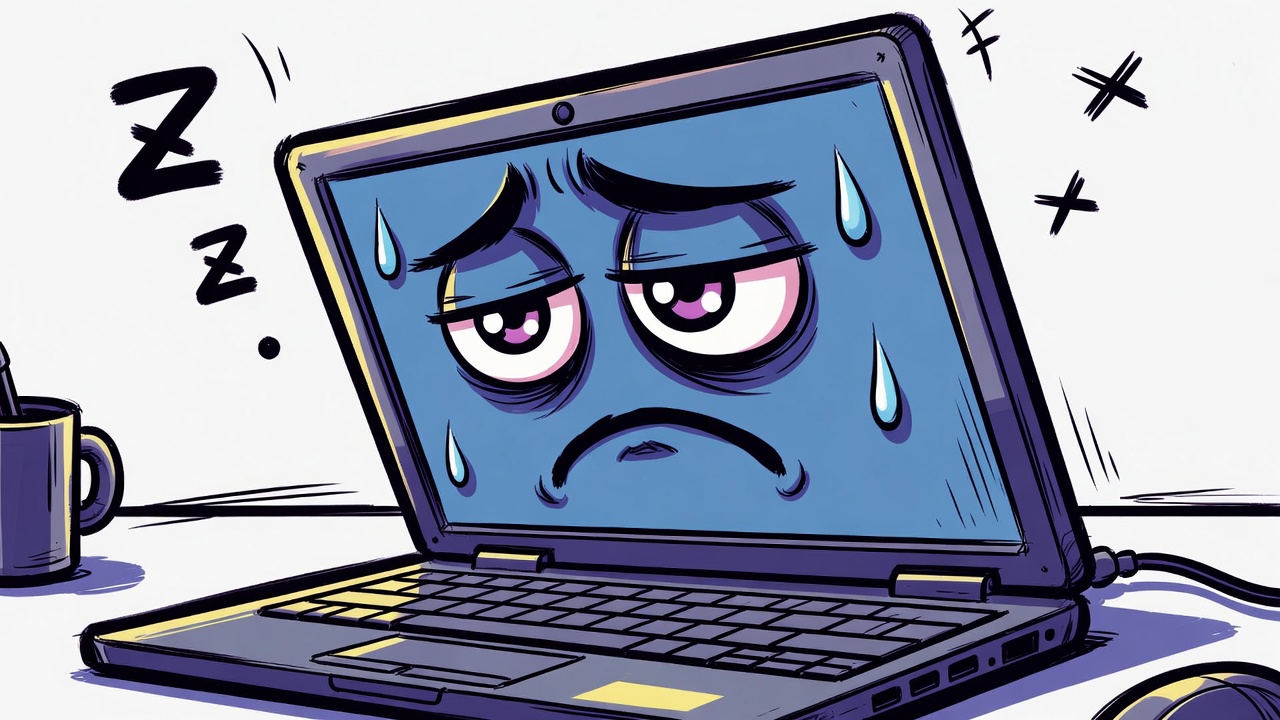
Is Your Laptop Judging You? Signs Your Computer Is Tired of You 😂
Have you ever felt like your laptop has a personality? One moment it works perfectly fine, and the next moment it suddenly freezes, slows down, or refuses to cooperate. It almost feels like your computer is silently judging your life choices.
Of course, computers do not actually have emotions. They are machines designed to follow instructions. But sometimes their behavior can feel suspiciously personal, especially when problems appear at the worst possible moments.
Let’s take a humorous look at the signs that your laptop might be secretly tired of you.
The Sudden Slowdown
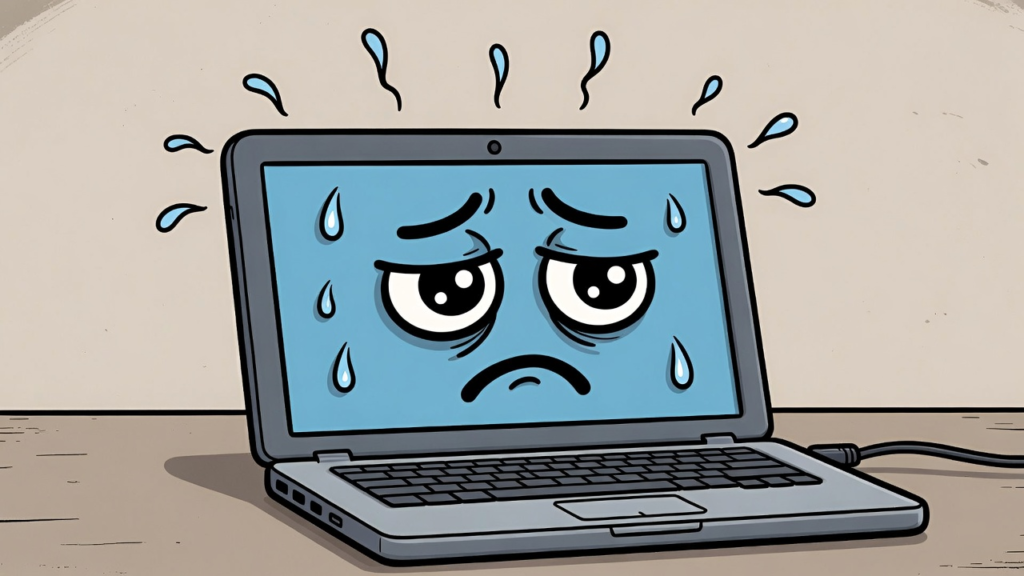
Everything was running smoothly. Your laptop was fast, responsive, and cooperative. Then one day it suddenly starts moving slower than a snail climbing a mountain.
Opening a simple program takes forever. Even moving the mouse feels delayed. The loading circle spins endlessly as if your laptop is thinking very deeply about whether it wants to cooperate today.
This usually happens when too many programs are running at the same time. But it feels like your laptop is sighing and saying, “Do you really need all those tabs open?”
The Mysterious Fan Noise
Another classic sign is the laptop fan suddenly sounding like a small airplane preparing for takeoff.
You might be doing something simple like browsing the internet, yet your laptop starts making loud noises as if it is working on a top secret government project.
Sometimes this happens because the processor is working harder than usual. Other times it may be caused by dust buildup or background programs using system resources.
But in a humorous way, it feels like your laptop is breathing heavily and saying, “Why are you making me do this?”
The Battery That Gives Up Too Soon
Laptop batteries have a reputation for slowly losing their strength over time. At first your laptop might last eight hours without charging.
A few years later, it might struggle to survive two hours.
Eventually you reach the point where unplugging your laptop feels like a risky adventure. The battery icon drops from 50 percent to 10 percent faster than you can blink.
It almost feels like the laptop is saying, “I am tired. Please plug me in.”
The Freezing During Important Moments
Perhaps the most suspicious laptop behavior happens during important situations.
You might be presenting in front of a class. You might be finishing an important assignment. You might be joining an important meeting.
And suddenly your laptop freezes.
The screen stops responding. The cursor refuses to move. The system completely locks up at the exact moment when everything matters most.
It almost feels like your laptop waited for the most dramatic moment to stop working.
The Update at the Worst Possible Time
Another common situation is when your laptop suddenly decides it needs to update.
You are in a hurry. You just need to finish one quick task. Then a message appears on the screen.
“Updating system. Do not turn off your computer.”
And suddenly your laptop becomes completely unavailable for the next twenty minutes.
It feels like the machine chose the worst possible time to take a break.
The Real Reason Behind These Problems
Even though these situations feel personal, they are usually caused by normal technical issues.
Too many running programs
Outdated software
Low system memory
Background processes
Hardware wear over time
Computers work hard to perform many tasks at once, and sometimes they simply reach their limits.
Treat Your Laptop Well
If you want your laptop to behave better, there are a few simple habits that can help.
Restart your computer regularly
Close unnecessary programs
Keep software updated
Clean dust from vents
Avoid opening too many browser tabs
These small actions can help your laptop run faster and last longer.
And who knows. If computers could talk, they might appreciate the effort.
Final Thoughts
Your laptop may not actually judge you, but its strange behavior can definitely feel personal sometimes.
The next time your computer freezes or slows down, remember that it might simply need a little rest.
After all, even machines deserve a break once in a while.
