







“From DOS to Windows 11: The Hilarious Evolution of Operating Systems!”
We’ve all been there. Sitting in front of a computer screen, watching that spinning wheel or waiting for the operating system (OS) to “just work.” The thing is, operating systems have come a long way since the days of DOS. Imagine trying to convince someone today to use a system where you had to type commands like “C:> run program” just to open a program! But, hey, that was the 1980s and ’90s – a simpler, more command-line-oriented time.
Let’s take a hilarious journey back in time and look at the evolution of operating systems from DOS to modern-day wonders like Windows 11.
1. DOS: The Digital Stone Age
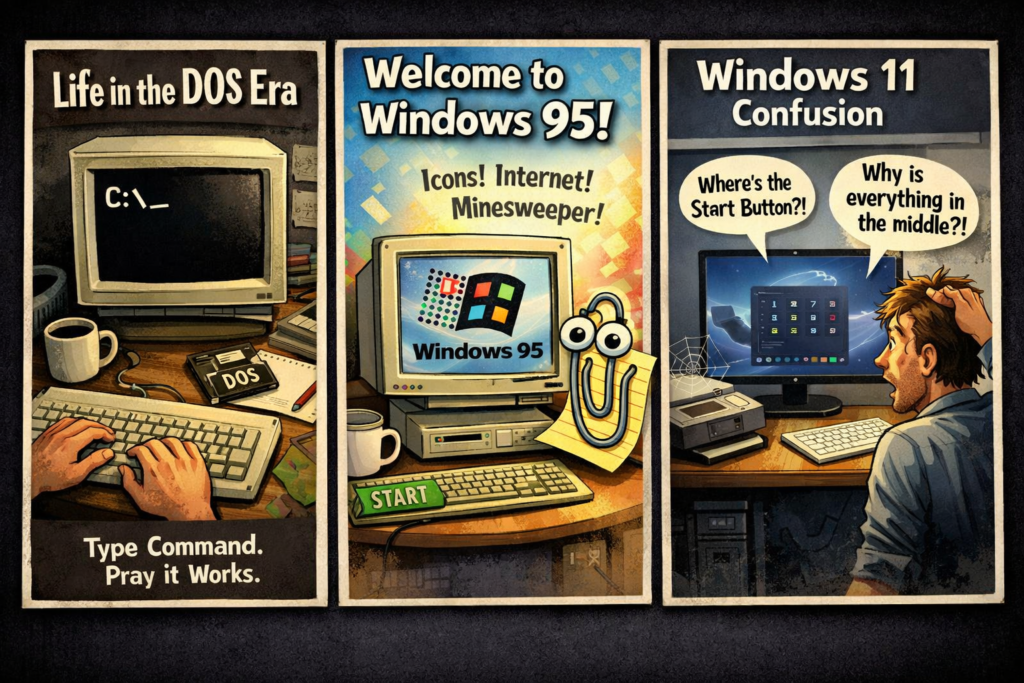
If you’re not familiar with DOS (Disk Operating System), congratulations, you’re not in your 40s yet. DOS was like the caveman of operating systems – it was basic, functional, and mostly about survival. Imagine being a computer user back then – there were no flashy icons to click, no windows to juggle. Instead, you had a screen that looked like it came straight out of a 1980s hacker movie.
To run a program? You had to type commands into a black screen that felt like you were entering a secret code to unlock the Matrix. It was an era when knowing how to type “C:>format c:” was a skill you didn’t want to mess up. (By the way, that’s how you wipe all your files off your computer whoops!)
2. Windows 95: The Revolution
Fast forward to Windows 95, and suddenly, we were introduced to a world of shiny icons, a Start menu, and an actual user interface that didn’t require a PhD to navigate. Windows 95 was the Beyoncé of operating systems – the kind that made you feel like you were living in the future.
Remember the Windows 95 startup sound? It was like a digital symphony. And the taskbar? It was revolutionary, like having a personal assistant for your computer. You could open multiple applications at once! This was the era where you could have Microsoft Word, Internet Explorer, and Minesweeper running at the same time multitasking like a pro!
Sure, it had its glitches. But we didn’t care. We were too busy finally using a mouse to click on icons instead of typing in commands. It was like the computer world’s version of a rock concert.
3. Windows XP: The Age of Stability and Blue Screens
Then came Windows XP, which is fondly remembered as the operating system that didn’t crash every five minutes. It was like that reliable friend who always showed up to the party on time, ready to go.
XP introduced the infamous “Start” button, which became a beacon of hope in the chaotic world of computing. Everyone loved XP until the dreaded Blue Screen of Death appeared. That blue screen wasn’t just a glitch, though. It was a sign that your computer was about to shut down faster than you could say, “Why is this happening to me?!”
But despite the occasional crashes, XP held its place in history as one of the most beloved operating systems.
4. Windows 7: The Unsung Hero
Next up, we have Windows 7—the unsung hero that everyone praised for its stability and sleek interface. It was like the cool kid who never tried too hard but always had their act together. Windows 7 brought us a start menu that worked (and didn’t disappear for no reason, cough Windows 8), and better overall performance.
But it wasn’t all sunshine and rainbows. Let’s not forget the hours of frustration spent trying to figure out which update was the one that actually broke your printer. And don’t even get me started on the endless notifications about updates… “Are you sure you want to restart?”
5. Windows 10: The Era of Windows-as-a-Service
Enter Windows 10, the first operating system that made you question if you’d ever actually own it. It felt like a “service” rather than a product. With the promise of “One OS to rule them all,” Windows 10 gave us continuous updates (some of which were surprisingly not terrible).
It had a fresh new look, improved Cortana (who still didn’t understand half of what you said), and the return of the Start menu. It was like Windows 7 and Windows 8 had a baby, and that baby was cooler than both of them.
But Windows 10 also took the “we’re always watching you” approach with privacy settings. It was the OS equivalent of a “Big Brother” watching you while you tried to figure out why your apps were all mysteriously updating at 3 a.m.
6. Windows 11: The Age of… Confusion?
Now we arrive at Windows 11, which looks like Windows 10 had a makeover and then decided it didn’t like the way it looked and changed it again. The taskbar is centered, the Start menu is all snazzy, and widgets are suddenly a thing. Plus, there’s no more Live Tiles! It’s like saying goodbye to an old friend who you thought you’d never have to part with.
While Windows 11 certainly brings a more modern look, it’s not without its quirks. Some people are still trying to figure out how to deal with those new snap layouts, and the compatibility with older apps? Let’s just say that Windows 11 doesn’t always play nice with grandma’s old printer.
Conclusion: The Evolution Is Real (and Hilarious)
From typing commands in DOS to trying to figure out the latest Windows 11 quirks, the evolution of operating systems has been a wild ride. We’ve seen a shift from command lines to graphic interfaces, from blue screens to virtual desktops. And while the road has been filled with frustrations and updates that always seem to arrive at the worst possible time, we wouldn’t have it any other way.
So, the next time you’re waiting for your computer to restart (again), remember that it could have been a lot worse. You could still be using DOS. But hey, at least we had Minesweeper to pass the time!
