Organize Files Like a Pro No More Digital Chaos!
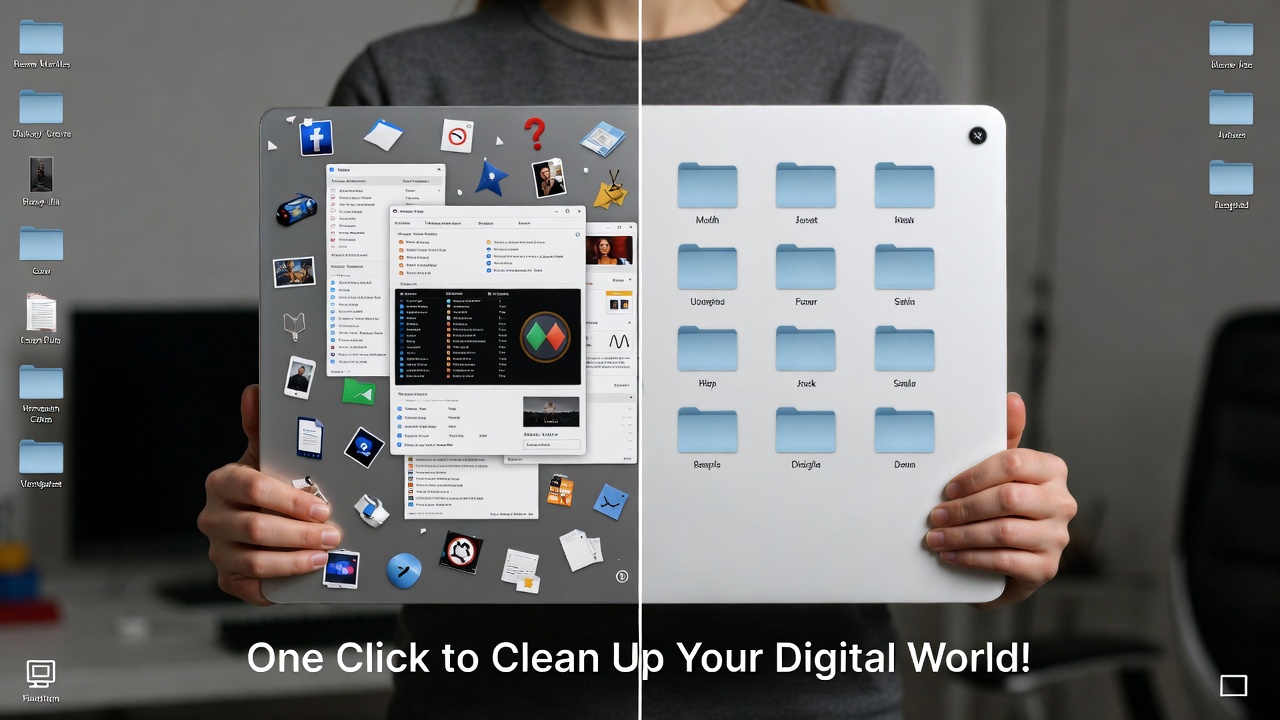
We’ve all been there your desktop is a hot mess. Files scattered everywhere, folders filled with random documents you’re never going to look at again, and the never-ending search for that one file that’s somewhere deep in your computer, but you just can’t find it. It’s a nightmare, right?
Well, here’s the good news: organizing your files is easier than you think and it’ll take your digital productivity to the next level. If you’ve been living in digital chaos, it’s time to reclaim your space and start working like a pro. Ready to turn your digital clutter into an organized masterpiece? Here’s how to do it in a flash.
Why You Need to Organize Your Files (And What Happens If You Don’t)
Let’s face it: disorganization leads to wasted time. The longer you let your desktop or documents folder get cluttered, the harder it will be to find what you need. And don’t even get me started on the stress of trying to find a file at the last minute. It’s like searching for a needle in a haystack but worse, because the needle is buried under 500 other haystacks.
But guess what? It doesn’t have to be that way. Organizing your files isn’t just about tidying up your computer; it’s about setting yourself up for efficiency. A clean workspace leads to a clear mind, and that means you’ll be more productive than ever before.
How to Organize Your Files in 3 Simple Steps
1. Create Folders Like a Boss
The key to an organized computer is folder organization. It’s simple: Create categories for your most important files. For example:
- Work
- Personal
- Photos
- Finances
Each of these main folders can then have subfolders for more specific categories:
- Work: Subfolders for different projects
- Personal: Subfolders for documents, bills, and receipts
- Photos: Subfolders by event, year, or theme
Pro Tip: Color-code your folders! You don’t need to be Marie Kondo to know that a well-organized colorful desktop makes your life easier (and it looks amazing).
2. Clean Up Your Desktop Less Is More
Your desktop is prime real estate. But if it’s covered in hundreds of icons for random files, you’re doing it all wrong. A cluttered desktop is like a cluttered desk how can you focus on the task at hand when you’re constantly surrounded by distractions?
Keep only essential shortcuts on your desktop. Anything else? It belongs in a folder. Trust me, your productivity will skyrocket once your desktop looks like a clean, minimalist workspace. You’ll also enjoy the stress relief from seeing less clutter!
3. Use Cloud Storage for Easy Access (And to Save Space)
Tired of running out of storage space? Cloud storage is your friend. With services like Google Drive, Dropbox, or OneDrive, you can store your files off your computer and access them anywhere.
Pro Tip: Keep your most frequently used files on your local drive for easy access, but archive the rest in the cloud. This will help you free up space and keep your files organized in the cloud for easier access when you need them.
Bonus Tip: Keep File Names Simple and Clear
We’ve all been guilty of saving files with vague names like “doc1” or “file12345”. But when it’s time to find that important document, you’ll be lost in a sea of similarly named files. Instead, give each file a clear, descriptive name that will help you find it fast. Something like:
- 2025-Client-Meeting-Notes
- Personal-Budget-2024
It may seem like a small change, but it makes a huge difference in finding exactly what you need when you need it.
The Results?
After organizing your files, you’ll feel like a new person. No more sifting through hundreds of random files to find what you need. Your desktop will look clean, your folders will be neat, and you’ll be able to locate any document in seconds. Plus, when you need to access files on the go, cloud storage will be there to save the day.
Get Ready to Rule Your Digital World!
The secret to staying organized is just three steps away: Create folders, clean up your desktop, and take advantage of cloud storage. By doing this, you’ll not only save time but reduce stress and boost your productivity. You’ll feel like you have a whole new computer.
So what are you waiting for? Stop digging through digital clutter and start working like a pro today!