








This Simple Trick Will Make Your Computer Boot Up in Seconds No More Waiting!
You know that feeling the one where you sit down to get started on your work, and then your computer decides it’s going to take forever to boot up? You grab a coffee, scroll through your phone, and by the time it finally loads, you’ve already lost precious minutes you’ll never get back. Sound familiar?
What if I told you there’s a way to make your computer boot up in seconds without buying a new system or selling your soul to tech experts? Yes, really. It’s as simple as tweaking a few settings, and you’ll never have to wait for your computer again.
Why Is Your Computer So Slow to Start?
Here’s the deal every time you turn your computer on, it’s like hosting a party in your system. Dozens of programs try to join the fun, whether you want them there or not. Spotify, OneDrive, Skype, and other apps start up automatically and slow down the whole process. If you don’t need them on startup, they’re just taking up space space that’s better used for things that actually matter.
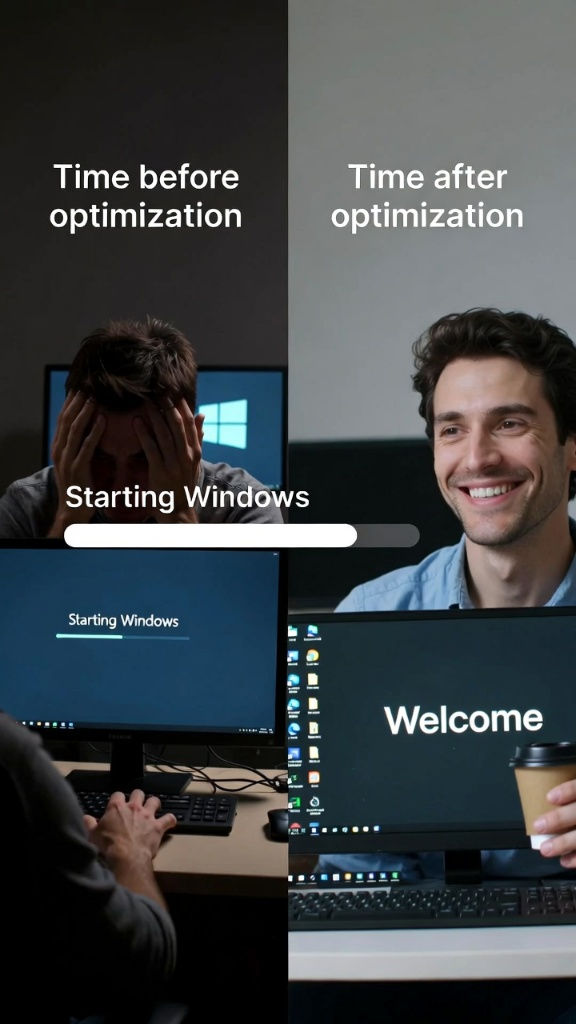
How to Make Your Computer Boot Faster (No Tech Skills Required)
1. Say Goodbye to Unwanted Startup Programs
You might be surprised by how many apps automatically start up when you turn your computer on. Here’s how you can quickly stop that madness:
- Windows: Press Ctrl + Shift + Esc to open Task Manager, click on the Startup tab, and disable any programs that you don’t need the second your computer turns on.
- Mac: Go to System Preferences, click Users & Groups, select your account, and remove unnecessary login items.
2. Clean Up Your Startup Folder
You know that Startup folder where all those apps sneak in? Let’s kick them out. On Windows, press Windows + R, type shell:startup, and hit Enter. You can now remove any apps that you don’t need running as soon as you boot up.
3. Stop Background Processes from Eating Your Time
When you start your computer, background processes are like invisible energy vampires. Open Task Manager and check out the Processes tab to see what’s running in the background. Disable anything unnecessary, and you’ll free up resources for the stuff that actually matters.
Pro Tip: Keep Your Desktop Clean for Faster Booting
Cluttered desktops are a productivity killer. Those little icons add up, and every time you boot your system, your computer has to load them. Organize your desktop into folders and save time right off the bat.
Bonus Tip: Upgrade to an SSD and Feel the Speed Difference
Still using a traditional hard drive? That’s probably the biggest reason your computer is crawling. Switch to a Solid State Drive (SSD), and you’ll be amazed at how fast your computer boots. The difference is night and day.
The Magic Results?
After these tweaks, you’ll experience instant gratification. Say goodbye to the days of waiting around while your computer takes its sweet time. With a faster startup, you’ll be productive and ready to go within seconds no more wasted time. It’s like hitting the fast-forward button on your day!
Conclusion: Get Your Computer Up and Running in No Time!
Why waste minutes every day waiting for your computer to boot up? With these simple tweaks, you can speed up your startup and spend that time doing what you love. Don’t let slow boot times ruin your mornings. Upgrade, optimize, and start working faster than ever before.
So, are you ready to make your computer boot like lightning? Start now and never look back!
