







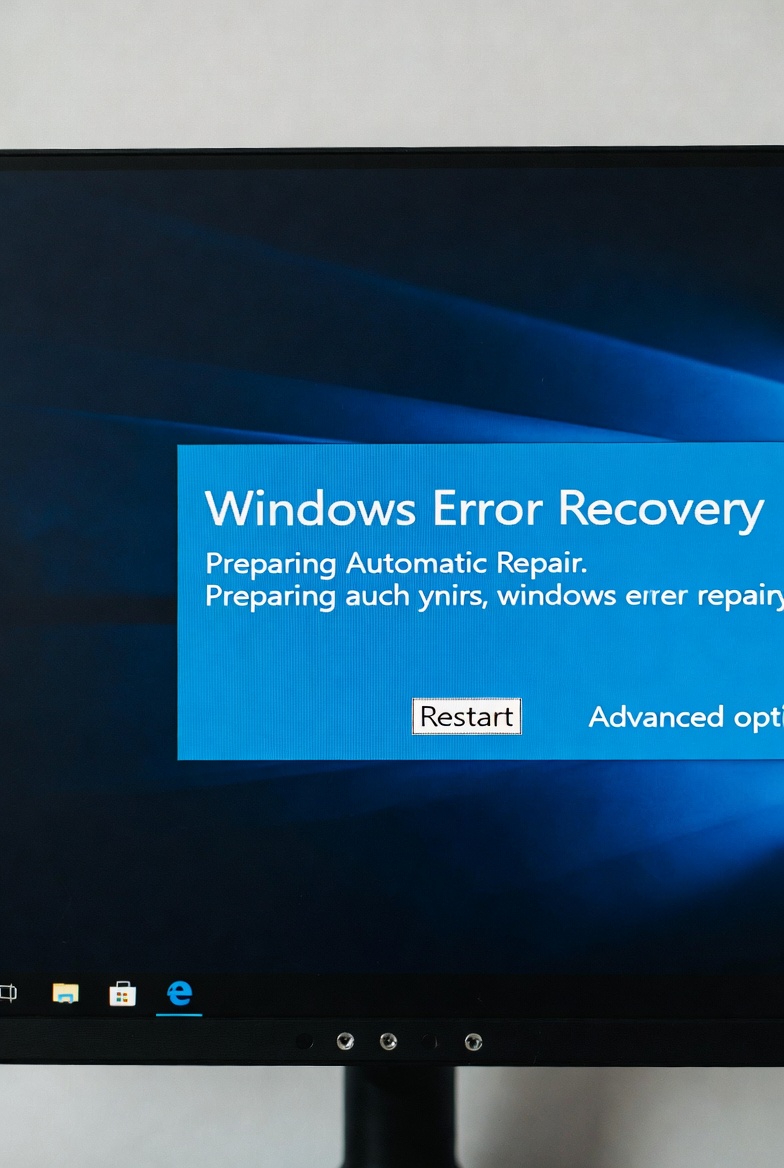
The Restart Button Is Not Magic Here’s Why It Actually Works
Admit it when something goes wrong with a computer, the first advice you hear is always the same:
“Have you tried restarting it?”
It sounds lazy. It sounds like a joke. It sounds like something IT people say when they don’t want to explain anything. Yet somehow… it works. Again. And again. And again.
So what’s really happening? Is restarting actually magic?
No. But it feels like it because it fixes more problems than people realize and there’s real science behind it.
Let’s start with memory, specifically RAM.
When your computer is running, programs constantly use RAM to store temporary data. Over time, some applications don’t clean up after themselves properly. They leave behind unused memory, known as memory leaks. As more programs do this, available RAM slowly disappears. The result? Sluggish performance, freezing, and apps refusing to respond. Restarting clears RAM completely, giving your system a fresh start like wiping a messy desk clean.
Next, we have background processes.
Many programs keep running even after you close them. Update services, sync tools, browser helpers, and system tasks pile up silently. Individually, they seem harmless. Together, they quietly consume CPU power and memory. Restarting stops all of them at once, forcing only essential services to reload. This alone can dramatically improve performance.
Now let’s talk about temporary files.
Operating systems constantly create temporary files for updates, installations, and processes. Over time, these files accumulate. While some are deleted automatically, many remain until the system reboots. Restarting clears or resets many temporary processes, preventing conflicts and corruption.
Another major reason restarting works is driver and system refresh.
Hardware drivers sometimes enter unstable states. Your Wi-Fi may stop working. Audio may disappear. USB devices may fail to respond. The hardware itself isn’t broken the driver controlling it is confused. Restarting reloads drivers, reinitializes hardware communication, and restores normal behavior.
This is also why printers suddenly work again after a restart despite doing nothing else.
There’s also thermal relief, which most people overlook.
When your computer runs for long periods, heat builds up. If components get too hot, they throttle performance to protect themselves. Restarting gives fans time to cool things down and resets throttling conditions. It won’t fix bad cooling permanently, but it helps temporarily.
Then there’s software updates waiting in limbo.
Many updates don’t fully apply until a restart. Files are queued, services are paused, and changes are incomplete. This creates instability. Restarting finishes these updates properly, preventing errors and weird behavior.
But here’s where people misunderstand restarting.
Restarting is not a solution it’s a reset.
If your computer constantly needs restarting, it means there’s an underlying issue:
- Too many startup programs
- Insufficient RAM
- Poor software optimization
- Malware or bloatware
- Overheating or dust buildup
Restarting hides symptoms temporarily, but it doesn’t fix the root cause.
Think of restarting like sleep for your computer. Sleep helps you function better, but it doesn’t fix a bad lifestyle. The same is true for PCs. A restart helps, but long-term health requires maintenance.
This is why IT professionals love restarting not because it’s lazy, but because it’s efficient. It eliminates dozens of variables instantly. If a problem disappears after a restart, it was likely temporary. If it comes back, deeper troubleshooting is needed.
So no the restart button isn’t magic.
It’s just the fastest way to reset a system that’s overwhelmed, cluttered, and confused.
And honestly?
Your computer deserves that reset more often than you think.
