Hardware vs Software: The Most Toxic Relationship Inside Your Computer
Inside every computer is a relationship so complicated that even reality TV would reject it. It’s the ongoing battle between hardware and software two things that absolutely need each other yet constantly cause problems for one another. When your computer crashes, freezes, or suddenly decides today is not the day, this relationship is usually the reason.
Let’s define them first, in human terms.
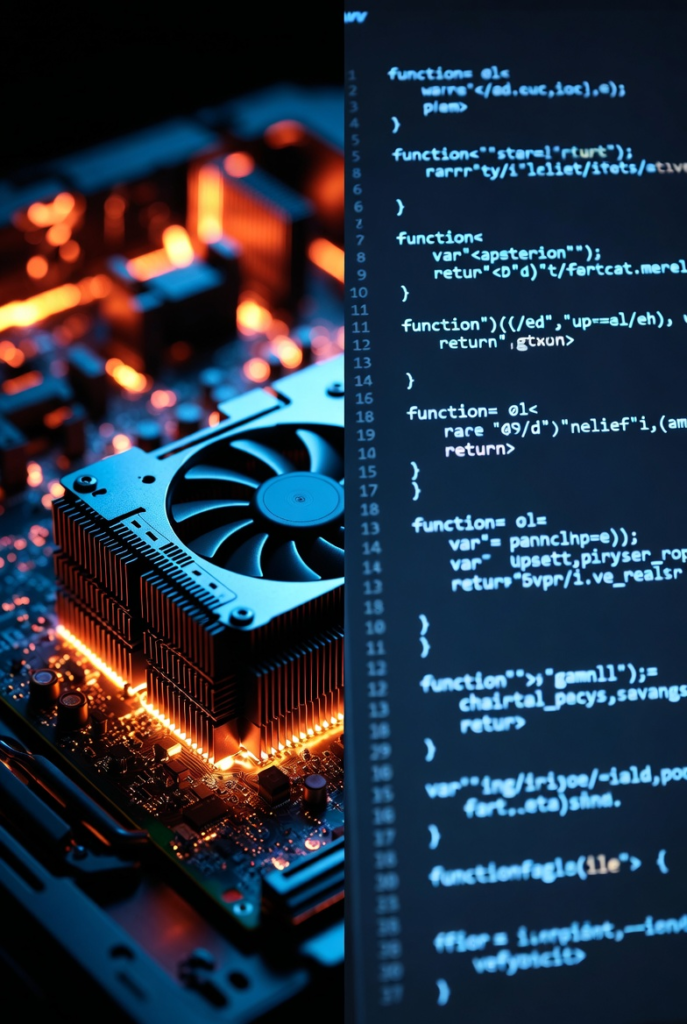
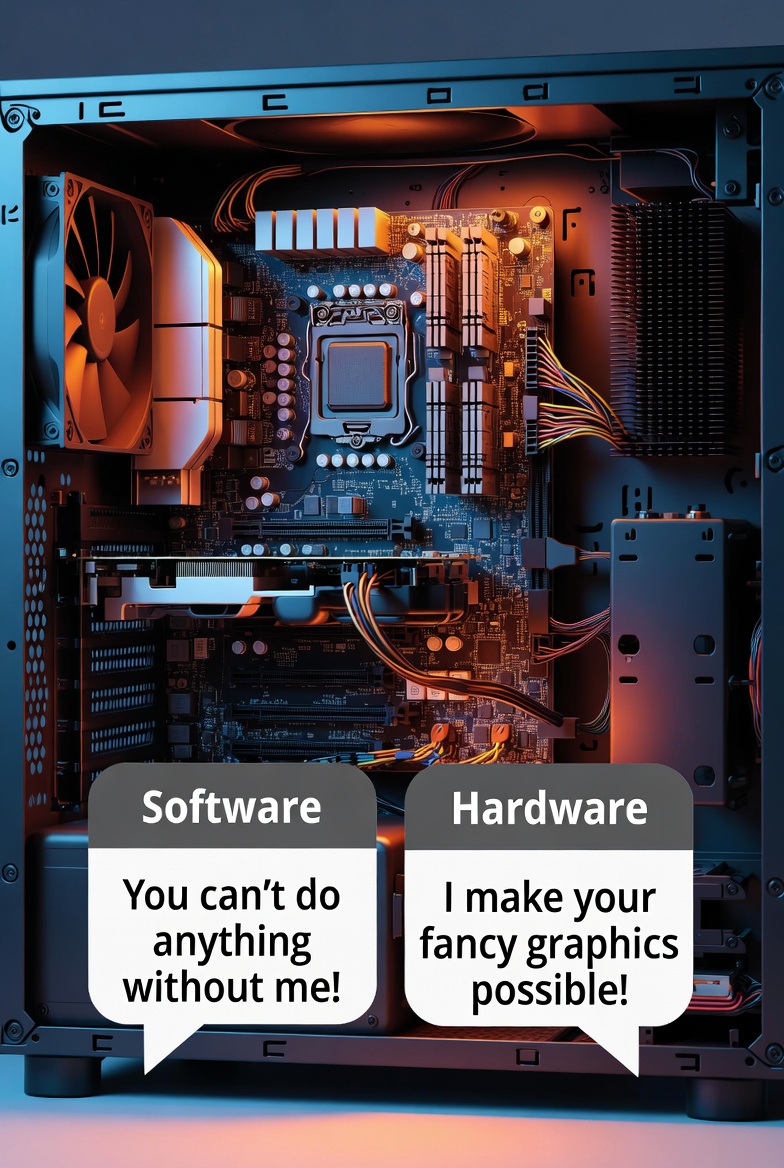
Hardware is the physical body of the computer. These are the parts you can touch: CPU, RAM, storage, keyboard, mouse, motherboard, and everything inside the case. Hardware provides power, speed, memory, and structure. Without hardware, nothing exists.
Software, on the other hand, is the brain’s instructions. It includes the operating system, applications, drivers, and background processes. Software tells hardware what to do, how to do it, and when to do it. Without software, hardware is just an expensive paperweight.
The problem begins when software starts asking for more than hardware can give.
Ever noticed how a brand-new computer feels lightning fast, but after a year or two it suddenly feels “old”? That’s not aging — that’s software bloat. Applications update, operating systems become heavier, and background services multiply quietly. Your hardware stays the same, but software expectations increase. It’s like asking someone to lift heavier weights every year without ever letting them get stronger.
Now let’s flip the situation.
Sometimes hardware is the problem. Old processors, slow hard drives, and limited RAM can’t keep up with modern software. This leads to lag, stuttering, crashes, and that dreaded “Not Responding” message. Software isn’t broken it’s just running on hardware that has reached its limits.
One of the biggest troublemakers in this relationship is drivers. Drivers are tiny pieces of software that allow hardware to communicate with the operating system. When drivers are outdated, missing, or incompatible, hardware starts misbehaving. Printers refuse to print. Audio disappears. Wi-Fi vanishes like it was never there. Hardware gets blamed, but the real issue is poor communication.
The operating system acts as the middleman. It translates software requests into hardware actions. When the OS is overloaded, poorly optimized, or corrupted, even powerful hardware performs badly. This is why reinstalling an operating system often makes a computer feel new again not because the hardware changed, but because the software environment was cleaned.
This toxic relationship gets worse when users don’t help.
Installing unnecessary programs, ignoring updates, running cracked software, and allowing dozens of apps to launch at startup slowly destroys balance. Hardware struggles to keep up, software becomes unstable, and the user wonders why everything feels broken. In reality, the system is just overwhelmed.
There’s also the myth that “more software equals more power.” In truth, lighter software on balanced hardware performs better than bloated software on powerful machines. This is why low-end systems running optimized software can feel smoother than high-end systems running cluttered setups.
The solution isn’t choosing sides it’s understanding balance.
Good performance comes from matching software needs with hardware capability. Gaming software needs strong GPUs and CPUs. Office software needs enough RAM and fast storage. Creative software needs power and stability. When hardware and software are properly paired, your computer feels smooth, responsive, and reliable.
When they’re not? You get chaos.
So the next time your PC acts up, don’t just blame “the computer.” Ask instead:
Is the software demanding too much?
Is the hardware outdated?
Is the operating system overloaded?
Because inside your PC, hardware and software aren’t enemies they’re just terrible at communicating when neglected.