Your Computer Isn’t Slow It’s Just Tired: Meet the Parts Doing All the Work
Every time your computer freezes, lags, or takes five business days to open a browser, the first instinct is to blame it. “This PC is trash.” “This laptop is ancient.” “Why is this so slow?”
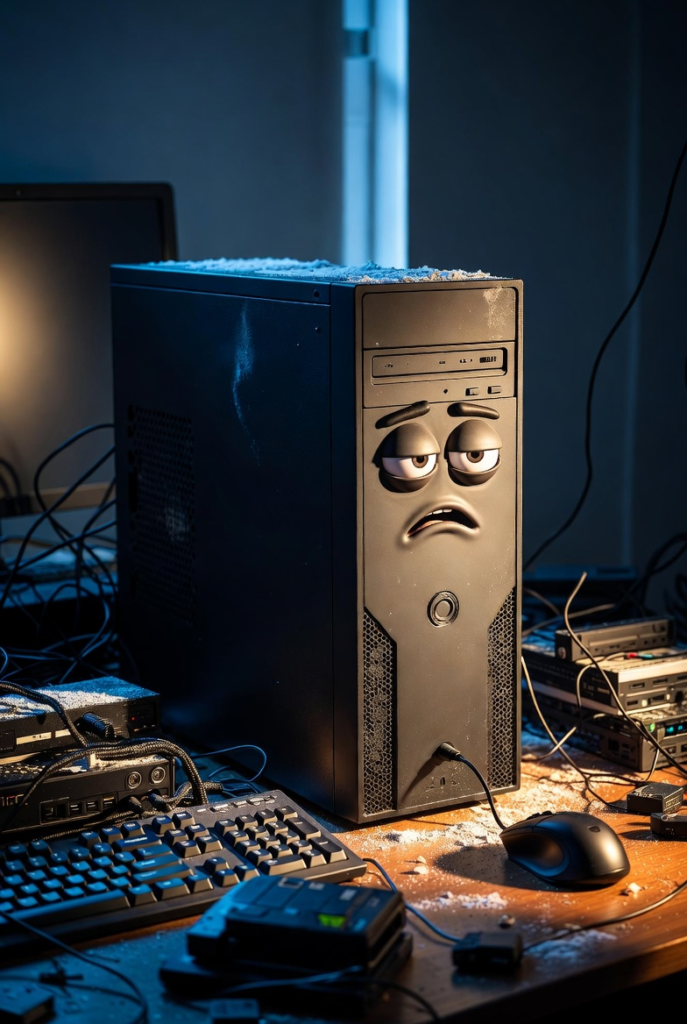
But here’s the truth no one wants to hear: your computer isn’t slow it’s exhausted.
Behind that screen is a group of hardware components working nonstop, often without upgrades, cleaning, or mercy. Understanding these parts not only saves money but also saves you from unnecessary rage.
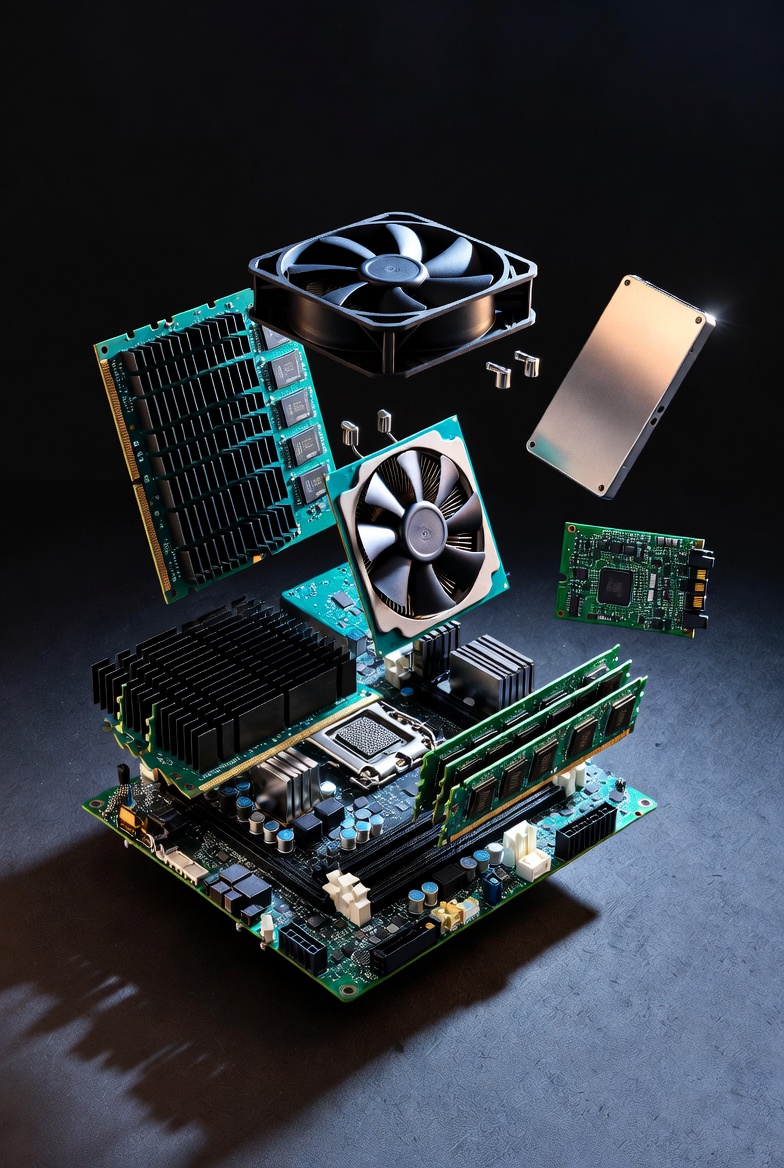
Let’s start with the CPU (Central Processing Unit) the brain of the computer. Every click, calculation, download, and command passes through the CPU. If your CPU is old, weak, or overheating, your entire system slows down. Multitasking becomes painful, apps take longer to respond, and even simple actions feel delayed. This is why laptops with low-end processors struggle when asked to do modern tasks like video calls, editing, or gaming. The CPU doesn’t get “lazy” it simply reaches its limit.
Next is RAM (Random Access Memory), the most misunderstood part of a computer. RAM is your computer’s short-term memory. It holds data that your system needs right now. The more RAM you have, the more tasks your computer can juggle at once. When RAM runs out, your system starts panicking. Apps freeze, tabs reload, and everything slows down. If you’ve ever opened multiple Chrome tabs and wondered why your PC gave up on life, RAM is usually the reason.
Then there’s storage, where your files, programs, and operating system live. Traditional HDDs (Hard Disk Drives) are slow because they use spinning disks. They take time to read and write data, which causes slow boot times and laggy performance. SSDs (Solid State Drives), on the other hand, are fast because they have no moving parts. Upgrading from HDD to SSD is often the single biggest performance upgrade you can make. Many people think they need a new computer when all they really need is an SSD.
The motherboard is the unsung hero. It connects all hardware components together, allowing them to communicate. If the motherboard is low-quality or damaged, even powerful parts won’t perform well. Think of it like a road system if the roads are bad, traffic slows down no matter how fast the cars are.
Now let’s talk about cooling and power, two things people completely ignore until it’s too late. Computers generate heat a lot of it. Fans and heat sinks are designed to keep temperatures safe. When dust builds up, airflow is blocked. The CPU overheats, slows itself down to avoid damage, and suddenly your computer feels sluggish. This is called thermal throttling, and it’s a silent performance killer.
The power supply is just as important. Inconsistent or low-quality power causes random shutdowns, crashes, and long-term hardware damage. Your computer needs stable electricity to function properly.
Finally, there’s maintenance, or the lack of it. Years without cleaning, outdated drivers, bloated startup programs, and unused files slowly suffocate your system. Computers don’t suddenly become slow they decline over time due to neglect.
So before saying your computer is “bad,” ask yourself this:
- Is the hardware outdated?
- Is the storage slow?
- Is there enough RAM?
- Has it ever been cleaned?
Most computers aren’t broken. They’re just tired, overheated, and underappreciated.