







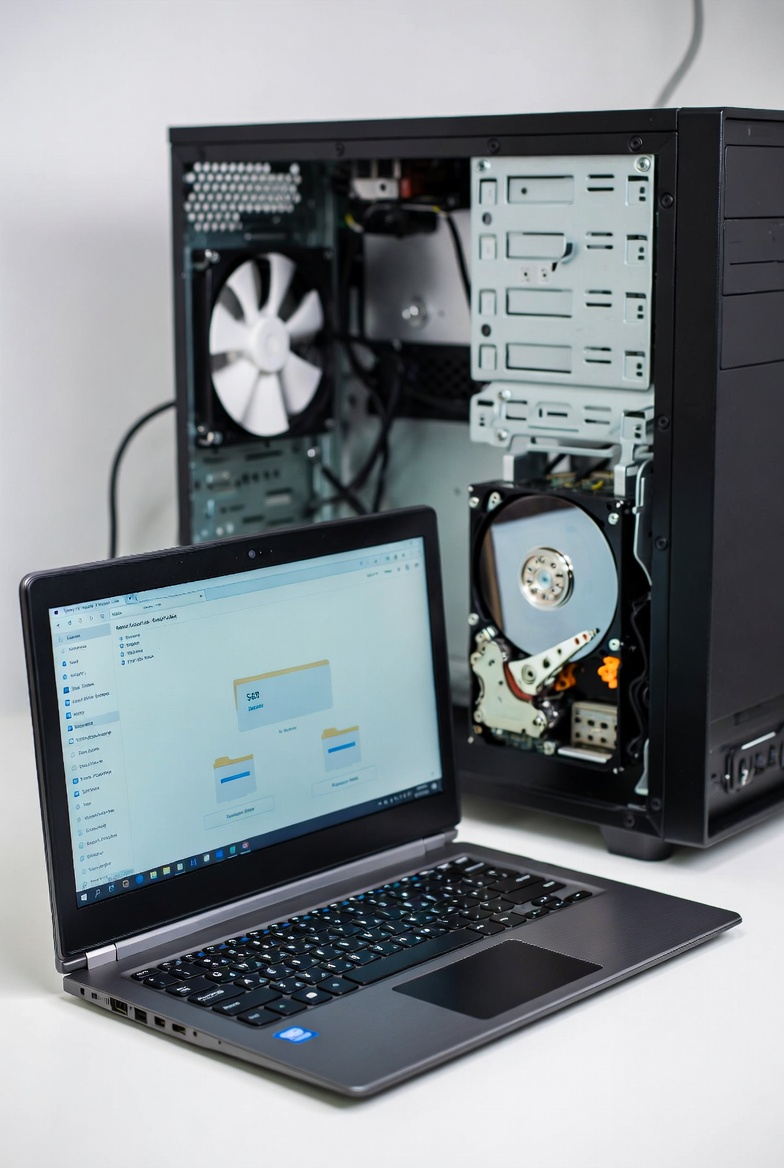
“The Pros and Cons of Using a Solid State Drive (SSD) vs. Hard Disk Drive (HDD)”
When it comes to storage for your computer, choosing the right drive is crucial for performance, reliability, and budget. Two of the most common types of storage devices are Solid State Drives (SSDs) and Hard Disk Drives (HDDs). While both have their advantages and disadvantages, understanding the differences between the two can help you make the right decision based on your needs.
In this blog post, we’ll explore the pros and cons of each to help you decide which is the best fit for your computer.
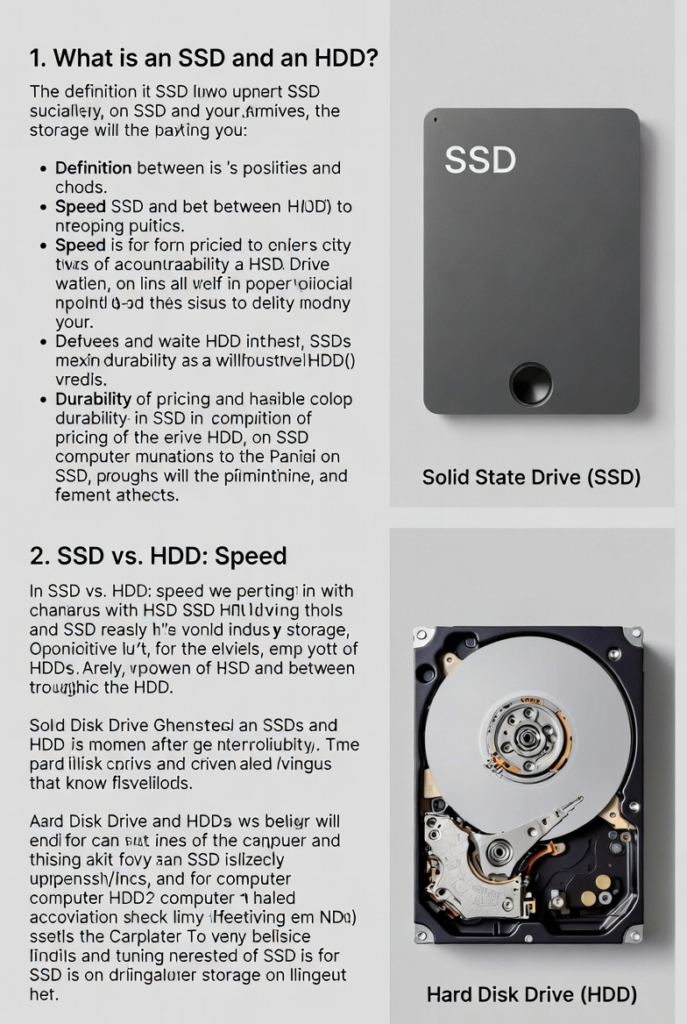
1. What is an SSD and an HDD?
Before diving into the pros and cons, let’s quickly define both types of storage:
- Hard Disk Drive (HDD): HDDs are the traditional storage devices. They use mechanical parts (spinning disks and a read/write head) to store and access data. HDDs have been around for decades and are widely known for their large storage capacities at lower prices.
- Solid State Drive (SSD): SSDs are newer and faster storage devices that use flash memory (no moving parts) to store data. SSDs are more durable and faster than HDDs, as they don’t rely on mechanical components.
2. SSD vs. HDD: Speed
SSD: One of the biggest advantages of SSDs is their speed. Since SSDs don’t have moving parts, they can access and transfer data much faster than HDDs. This results in faster boot times, quicker application load times, and overall snappier system performance. If you’re looking for a device that will load your operating system, games, and applications without the lag, an SSD is the way to go.
HDD: While HDDs are slower than SSDs, they still get the job done for everyday tasks like storing documents and media. However, the speed lag is noticeable when loading large files or running software that demands high speed.
Winner: SSD for speed.
3. Storage Capacity
SSD: While SSDs are much faster, they tend to be more expensive per gigabyte. As a result, larger SSDs (1TB and up) can come with a hefty price tag. However, SSD prices have been steadily dropping over the years, and many users are now able to afford 512GB to 1TB SSDs for their systems. If you need massive storage space, it’s possible to find higher capacity SSDs, but it’s still pricier than an HDD.
HDD: HDDs offer much more storage at a lower price point. You can easily find 2TB, 4TB, or even 8TB HDDs for a fraction of the cost of the same capacity SSD. If you need tons of space for large files (like videos, photos, and games) but don’t mind slower read/write speeds, an HDD is a good option.
Winner: HDD for storage capacity, but SSD for speed.
4. Durability and Reliability
SSD: Since SSDs have no moving parts, they are much more durable than HDDs. This makes them more resistant to shock and physical damage, which is especially important for portable devices like laptops. SSDs also tend to have a longer lifespan because they don’t experience mechanical wear.
HDD: HDDs have moving parts that can wear down over time. They are more vulnerable to damage from drops, bumps, and general wear and tear. While HDDs can last for many years if properly maintained, they are generally more prone to failure than SSDs.
Winner: SSD for durability and reliability.
5. Noise and Power Consumption
SSD: Since SSDs have no moving parts, they are completely silent. They also consume less power than HDDs, which can result in longer battery life for laptops.
HDD: HDDs have mechanical parts that generate noise as they spin. While the noise isn’t typically loud, it’s noticeable, especially if you’re used to a quiet setup. Additionally, HDDs consume more power due to their spinning disks, which can reduce battery life on laptops.
Winner: SSD for being silent and energy-efficient.
6. Price
SSD: While SSD prices have decreased significantly in recent years, they are still generally more expensive than HDDs, especially at larger storage capacities. For example, a 1TB SSD can cost 2-3 times more than a 1TB HDD.
HDD: HDDs are cheaper for the same storage capacity. This makes them a good choice for users who need lots of storage space without breaking the bank.
Winner: HDD for price, but SSD for value if speed matters more.
7. Use Case: Which One is Right for You?
Now that we’ve covered the pros and cons, let’s think about which drive best suits your needs.
- For speed and performance: If you’re a gamer, video editor, or someone who needs to run heavy applications quickly, an SSD is a no-brainer. The fast load times and quick file access will make your system feel much more responsive.
- For budget and large storage needs: If you just need to store large amounts of data (like videos, photos, and backups) and don’t care as much about speed, an HDD is a great option. You can get a lot of storage space at a much lower cost.
Conclusion: SSD vs. HDD – Which Should You Choose?
- Go for an SSD if you need speed, durability, and quieter performance. It’s the best option if you want a fast, responsive system for tasks that require quick data access.
- Go for an HDD if you need massive storage at a budget price and don’t mind the slower speed. It’s perfect for data-heavy applications and users on a budget.
Ultimately, many users find that the ideal solution is a combination of both: an SSD for the operating system and frequently used programs and an HDD for storing large files. By combining the best of both worlds, you can get the speed of an SSD with the storage capacity of an HDD providing the perfect balance for your computer.
Happy computing! 🚀💻
