








How to Choose the Right Operating System: Windows vs. Mac vs. Linux
Choosing the right operating system (OS) can be a daunting task, especially with so many options out there. Whether you’re building a new PC, upgrading an old one, or deciding between buying a Mac or a Windows machine, your choice of OS will significantly affect your computer experience. Here’s a breakdown of the three most popular operating systems: Windows, Mac, and Linux.
1. Windows: The Versatile Workhorse
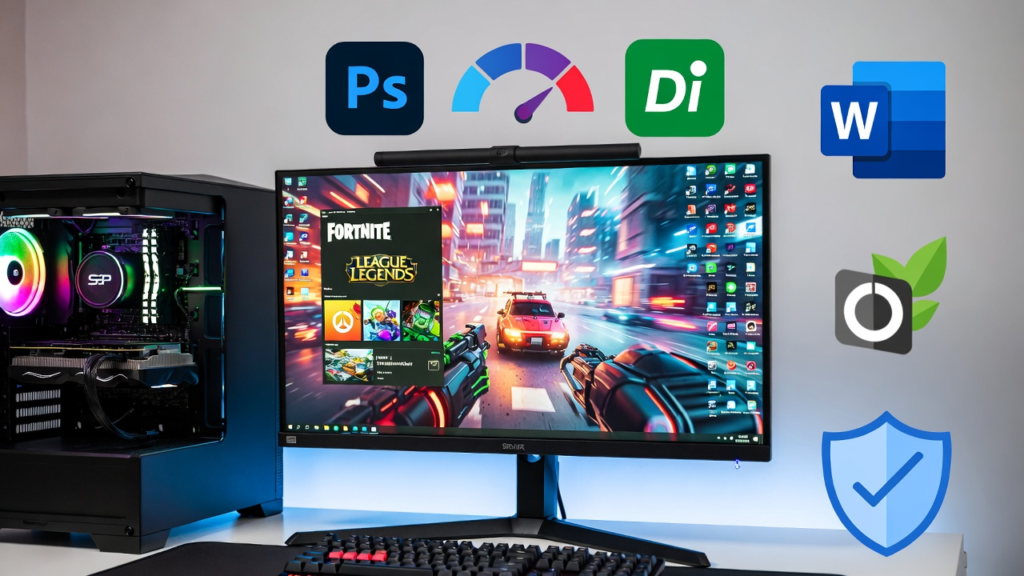
Windows is the most widely used operating system in the world, especially for personal and business computers. It’s known for its versatility, supporting a vast range of hardware and software. If you’re into gaming, productivity, or general home use, Windows has you covered.
Pros:
- Compatibility: Windows supports almost all software, games, and hardware.
- Gaming: It’s the go-to OS for gamers, with the largest selection of compatible games.
- Software Variety: Most software companies design their products for Windows, from office tools to professional software.
Cons:
- Security: It’s more prone to viruses and malware compared to other OSs, although regular updates and antivirus software can help mitigate this.
- Bloatware: Windows can come pre-installed with unnecessary programs that can slow down your computer.
Best For: Gamers, business users, and those who need a broad selection of software.
2. Mac: The Premium, User-Friendly Experience
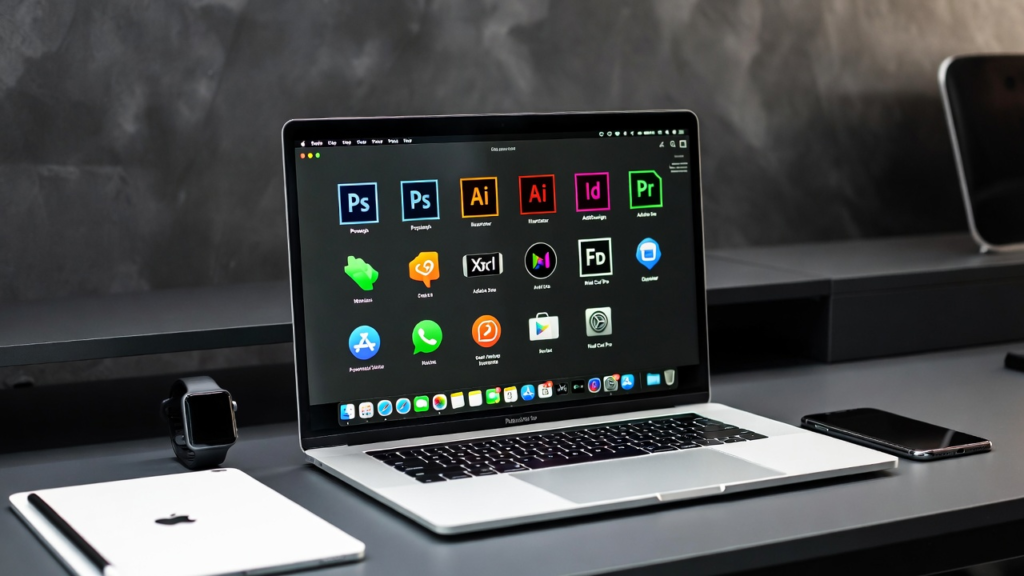
Macs run macOS, known for its clean design and intuitive interface. Apple’s ecosystem offers a seamless experience across its devices, making it ideal for users who already own iPhones, iPads, or Apple Watches. Macs are often preferred by creative professionals, like graphic designers, video editors, and musicians, due to the powerful tools available.
Pros:
- Design & Usability: macOS offers a sleek and user-friendly interface.
- Stability & Security: Macs are less susceptible to viruses and tend to be more stable.
- Great for Creative Work: macOS is optimized for creative tools such as Adobe Creative Suite, Final Cut Pro, and more.
Cons:
- Price: Macs are generally more expensive than Windows-based PCs with similar specs.
- Limited Customization: Unlike Windows, you have limited options to upgrade or modify the hardware in Mac computers.
- Software Availability: While macOS has many high-end applications, it still lacks compatibility with some specialized software and games available on Windows.
Best For: Creative professionals, those already in the Apple ecosystem, and users who prefer a simple, polished experience.
3. Linux: The Customizable, Open-Source Champion
Linux is a free, open-source operating system that offers immense customization. Unlike Windows and Mac, Linux has numerous distributions (distros), each tailored for different user needs. It’s highly favored by tech enthusiasts and developers who love its versatility and control.

Pros:
- Customization: You can modify almost everything, from the appearance to the core functionality of your system.
- Security: Linux is generally more secure than Windows and is less targeted by malware.
- Free: Most Linux distributions are completely free, which is a huge draw for budget-conscious users.
Cons:
- Software Compatibility: While there’s a growing selection of software for Linux, some programs, especially high-end professional tools, are not available.
- Learning Curve: Linux can be difficult for beginners, especially if you’re used to the simplicity of macOS or Windows.
- Gaming Support: While Linux gaming is improving, it still lacks the broad support that Windows offers.
Best For: Developers, tech enthusiasts, and anyone who loves to tinker with their system. It’s also a great choice for those who want to run an OS with higher security and more control.
Which One is Right for You?
- Go with Windows if you need a versatile, user-friendly OS with compatibility across software, gaming, and business tools.
- Choose Mac if you prioritize a premium user experience, security, and you work in creative fields like design and video editing.
- Try Linux if you’re a tech-savvy user who loves customization, open-source software, and higher security at a lower cost.
Ultimately, the best operating system depends on your personal preferences, what you’ll use your computer for, and how much you’re willing to spend. Each OS has its own strengths and weaknesses, so weigh your options carefully before making a decision!
