







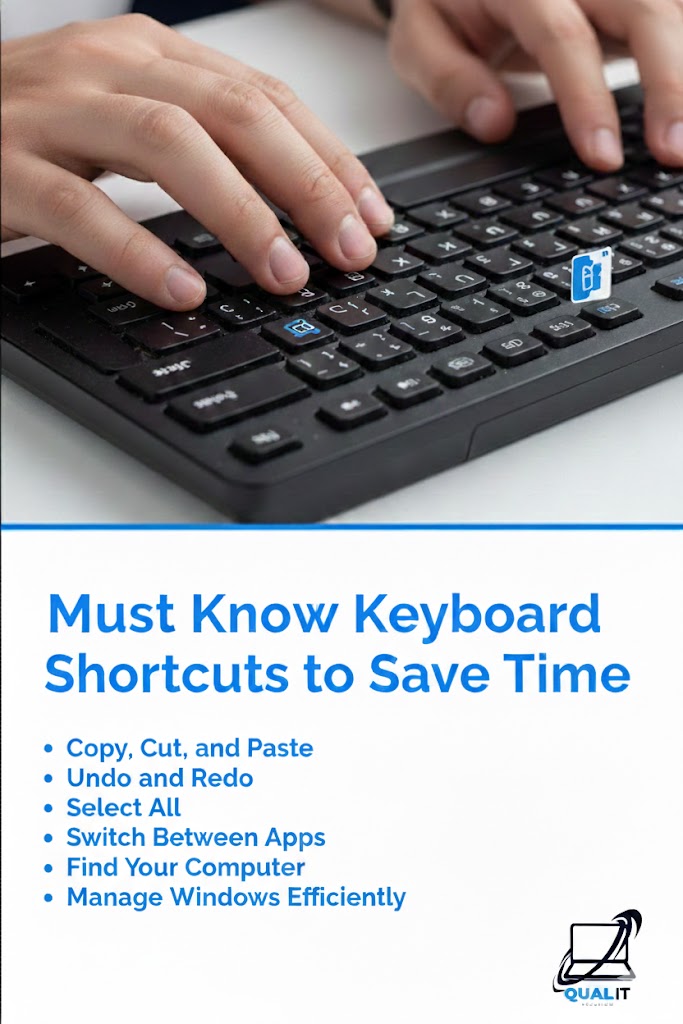
Must Know Keyboard Shortcuts to Save Time
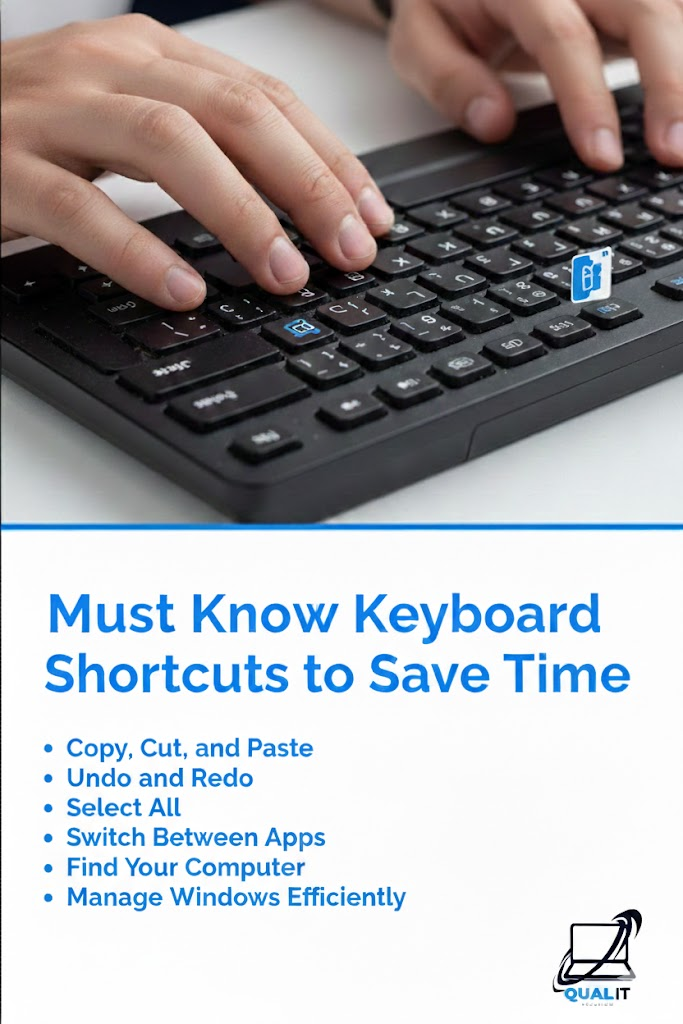
Keyboard shortcuts help you work faster by reducing the need to use a mouse, allowing you to copy, paste, switch apps, undo mistakes, and navigate instantly, which boosts productivity for school, work, and everyday computer use.
Using keyboard shortcuts is one of the easiest ways to save time on a computer because they allow you to perform common actions instantly without searching through menus or moving your hands away from the keyboard, and once you memorize the most important ones, you can complete tasks more efficiently whether you are writing documents, browsing the web, editing files, or multitasking between programs.
Copy, Cut, and Paste
These shortcuts are essential for moving text, files, and images quickly because instead of right-clicking repeatedly, you can press Ctrl + C to copy, Ctrl + X to cut, and Ctrl + V to paste, which speeds up editing, note-taking, and file organization.
Undo and Redo
Mistakes happen while typing or editing, and pressing Ctrl + Z instantly reverses the last action while Ctrl + Y restores it again, saving time and preventing frustration when correcting errors.
Select All
Pressing Ctrl + A highlights everything in a document or folder, making it easier to format text, delete files, or copy large amounts of content at once without dragging the mouse.
Switch Between Apps
Multitasking becomes faster with Alt + Tab, which lets you switch between open programs instantly, helping you move between a browser, document, and other apps without interrupting your workflow.
Lock Your Computer
Pressing Windows Key + L locks your computer immediately, which is important for protecting your privacy and data when stepping away from your device in public or shared environments.
Find Text Quickly
Pressing Ctrl + F opens the search tool in most programs and browsers, allowing you to locate specific words or information instantly instead of scrolling through long pages.
Learning these shortcuts may take a little practice, but once they become habits, they significantly improve productivity and reduce repetitive movements, making computer use smoother and more efficient for beginners and experienced users.
Manage Windows Efficiently
Windows Key + Arrow Keys allows you to snap windows to different sides of the screen, making multitasking easier by organizing multiple applications neatly without dragging them manually.
Learning these shortcuts may seem challenging at first, but practicing them regularly turns them into habits that significantly boost productivity, reduce strain from repetitive mouse use, and help you complete tasks faster whether you are a student, professional, or casual computer user.
Summary
Keyboard shortcuts are powerful tools that speed up everyday computer tasks such as copying, editing, searching, saving, and switching between apps, and mastering them can dramatically improve productivity, reduce effort, and help you work smarter instead of harder.
