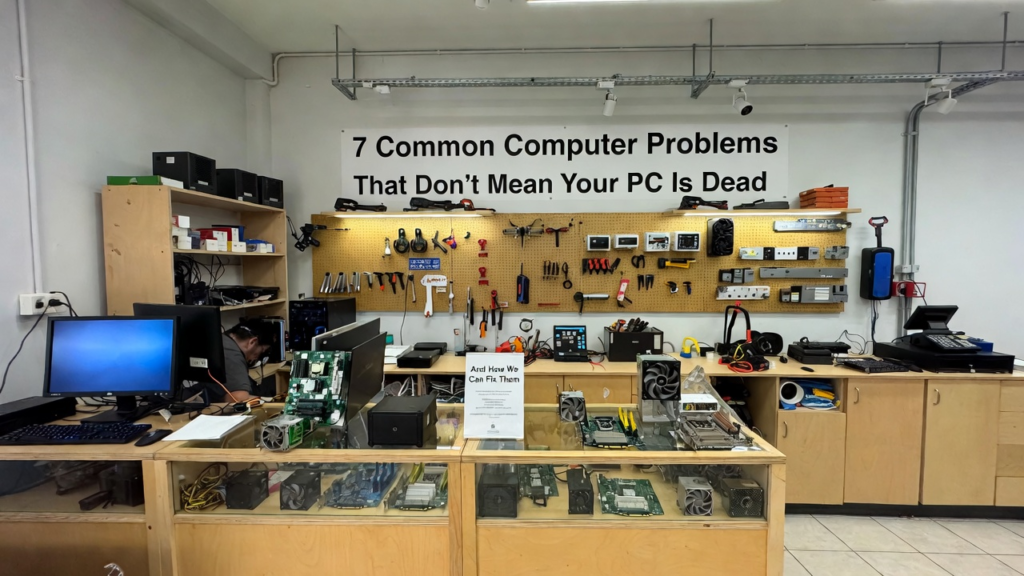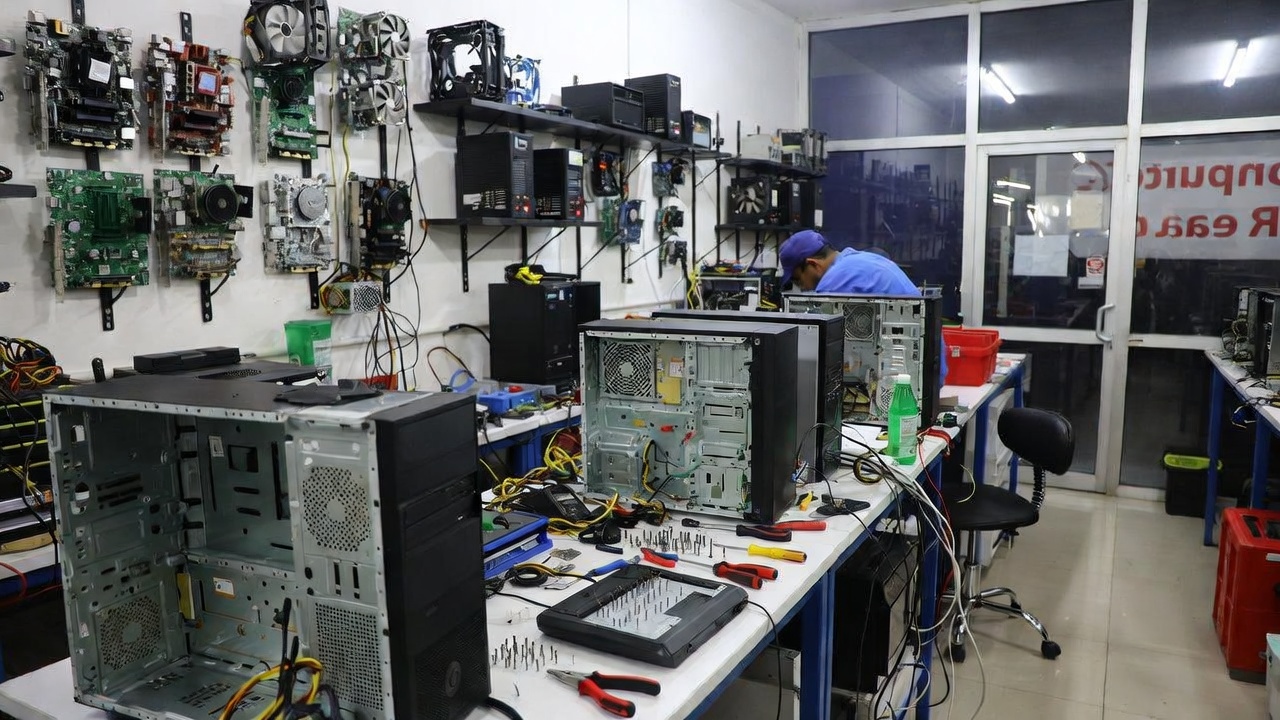
7 Common Computer Problems That Don’t Mean Your PC Is Dead
When a computer starts acting strange, many people immediately assume the worst. A slow system, random crashes, or strange noises can make users believe their computer is already broken beyond repair. Because of this, some people quickly decide to buy a brand-new computer. However, the truth is that many common computer problems do not mean your PC is dead. In fact, most issues can be repaired with simple troubleshooting, maintenance, or minor hardware fixes.
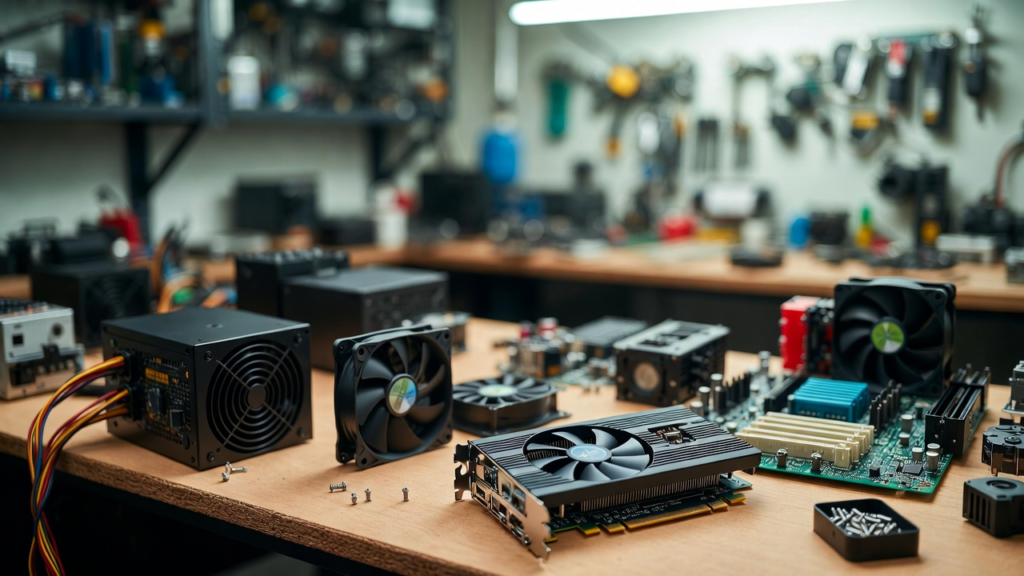
Understanding these common problems can help users save money and avoid unnecessary replacements. Here are seven common computer problems that may look serious but are usually fixable.
The first common problem is a slow computer. Over time, computers naturally slow down due to software clutter. Programs installed over the years may run in the background and consume system resources. Temporary files, unnecessary startup applications, and outdated software can also affect performance. In many cases, cleaning up unused programs, updating the operating system, and optimizing startup processes can significantly improve speed.
The second problem is overheating. Computers generate heat while running, and if the cooling system is not working properly, the temperature may rise. When this happens, the system may become slow, freeze, or shut down unexpectedly. Many people think this means their computer is dying, but the real problem is often dust buildup inside the system. Cleaning the internal fans and improving airflow can usually solve overheating issues.
The third problem is random system crashes or freezing. When a computer suddenly freezes or restarts, it can be alarming. However, these issues are often caused by software conflicts, outdated drivers, or corrupted system files. Updating drivers, scanning for malware, and performing system repairs can often resolve these problems without replacing the computer.
The fourth issue is strange noises coming from the computer. If you hear clicking, grinding, or buzzing sounds, it may seem like the computer is about to fail. In many cases, these noises come from cooling fans or old hard drives that need maintenance or replacement. Replacing a fan or upgrading a storage drive can fix the problem quickly.
The fifth common problem is a computer that takes too long to start. Long boot times can frustrate users, especially when they need to work quickly. This problem is often caused by too many startup programs or slow storage drives. Adjusting startup settings or upgrading the storage device can greatly reduce boot time.
The sixth issue is internet connectivity problems. Many users think their computer is broken when they cannot connect to the internet. However, the issue is often related to network settings, drivers, or the router itself. Restarting network devices, updating drivers, or resetting network settings can usually solve this problem.
The seventh common problem is unexpected pop-ups or unusual system behavior. These symptoms may indicate malware or unwanted software installed on the computer. Running antivirus scans and removing suspicious programs can restore the system to normal operation.
These examples show that many computer problems that seem serious are actually simple to diagnose and repair. With proper troubleshooting and maintenance, computers can continue functioning well for many years.
Another important benefit of repairing instead of replacing is saving money. Purchasing a new computer can be expensive, especially if the existing system only needs a small fix. Repairing or upgrading certain parts can restore performance at a much lower cost.
In addition, repairing computers helps reduce electronic waste. Throwing away devices that still work contributes to environmental problems. By maintaining and repairing computers, users can extend the life of their technology and reduce unnecessary waste.
In conclusion, not every computer problem means your PC has reached the end of its life. Many issues such as slow performance, overheating, crashes, and connectivity problems can be fixed with simple repairs or maintenance. Before deciding to replace your computer, it is always wise to investigate the problem first. A small repair might be all your computer needs to work properly again.